


 Установить приложение
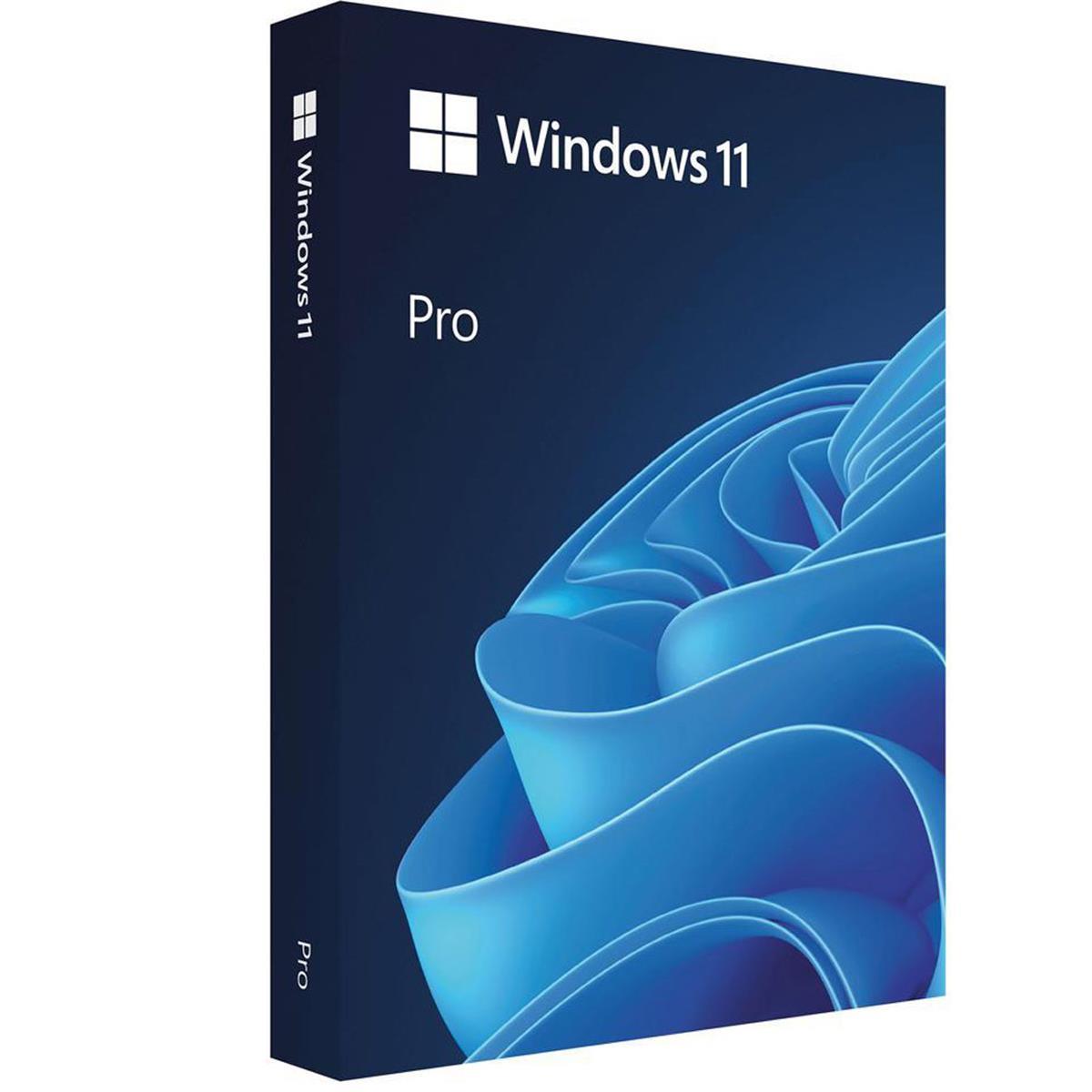
Microsoft Windows 11 Pro 64 Bit, English, USB Retail
- — Гарантия: Без гарантии
- — Возврат и обмен до 31 дня
- — Лучшая цена
Основные характеристики
- ПроизводительMicrosoft
- ГарантияБез гарантии
Improve productivity and focus
Help your team stay productive with a more intuitive and personalized user experience.
Optimize productivity and screen space in a snap
Organize open apps with pre-configured snap layouts that intelligently adapt to your screen size.
Get organized with personalized desktops
Create a custom desktop for each project and switch instantly between them from your taskbar.
Type with your voice
Turn ideas into text instantly by using your voice to type in any text box.
Snap groups remembers your layout
Snap the apps you need into a group and seamlessly return to it even when you open another app or dock and undock your monitor.
Productive from the start
Improve your focus with a simpler, more intuitive experience and effortless navigation. Get things done with fewer steps using the refreshed Start, Taskbar, and Navigation Center.
Smarter collaboration with Teams
Have effective online meetings by sharing files and muting/unmuting right from your taskbar. Intelligent noise cancelling and blur keep the background in the background.
Mute/unmute from taskbar
Mute and unmute your mic directly from your taskbar without having to find and click on your meetings app.
Share from taskbar
Instantly share any app or window directly from your taskbar in online meetings.
Consistent for IT
App compatibility and cloud management make adoption easy. Built on the consistent and compatible Windows 10 foundation, Windows 11 can be managed with your familiar tools and processes.
Cloud managed updates
Approve, schedule, and monitor Windows Update content via the cloud, including security updates, drivers, and firmware.
Seamless local and virtual apps
Virtual apps will behave like local apps with Windows 11 and Azure Virtual Desktop (AVD).
Enhanced Windows Autopilot
Support your hybrid workforce with zero-touch deployment using Windows Autopilot.
Advanced security out-of-the-box
Modern threats require modern security with a strong alignment between hardware and software to help keep data safe and devices protected. Secure from the start, Windows 11 offers protection right out of the box with powerful, built-in hardware-based security.
Security by default
New Windows 11 devices come with build-in security including hardware isolation, encryption, and malware protection.
Secure remote deployment
Deploy, secure, and manage remote PCs through the cloud, in compliance with your company's policies.
Making the world a better place
Businesses around the globe are using Windows 11 to make their workday-and the world we live in-better. Watch these videos to find out more.
Security by default
New Windows 11 devices come with build-in security including hardware isolation, encryption, and malware protection.
Secure remote deployment
Deploy, secure, and manage remote PCs through the cloud, in compliance with your company's policies.
Making the world a better place
Businesses around the globe are using Windows 11 to make their workday-and the world we live in-better. Watch these videos to find out more.
Improved security
Alan Armstrong, Sr. Cloud Security Consultant, ITC Secure UK, is improving security for his clients with Windows 11.
Modern IT
Matt Fernandes, Head of Cloud Security at ITC Secure UK enjoys the seamless management of Windows 11.
Remote collaboration
Windows 11 is helping global teams stay connected, according to Sarah Parsons, Business and Strategy Manager, PSC.
Increased productivity
Kevin Cheung, Managing Director at PSC North America, talks about making a difference using Windows 11.
Freedom of choice
Matt Fernandes, Head of Cloud Security, ITC Secure UK enjoys making people happy with the right Windows 11 devices.
Seamlessly transition to Windows 11
The next evolution of Windows is here. We have great tools for business of all sizes to help with the migration to Windows 11.
Start your plan
Learn about your existing deployment tools that will help define and assess your readiness to make Windows 11 deployment easy.
Prepare for deployment
Windows 10 apps will be compatible, backed by App Assure6. Test critical apps and policies using a preview with Microsoft Insider Program.
Deploy to your organization
Use your existing tools to implement pilot and broad deployments, accelerate velocity and simplify the process.
Check for compatibility
Small business owners can download the PC Health Check app to see if their PCs can run Windows 11 (Requires Microsoft Account).
If your company's IT manages updates please contact them about getting Windows 11. If you are the IT administrator, you can use endpoint analytics to understand your organization's compatibility at scale.
PC Health Check
Most PCs on the market should be compatible with Windows 11. To check if your device can run Windows 11 download and run the PC Health Check application.
Minimum system requirements
Windows 11 is designed to for powerful security and a great user experience across a wide range of devices and configurations.
Microsoft Windows 11 Professional Specifications
- Processor: 1GHz or faster with 2 or more cores on a compatible 64-bit processor or System on a Chip (SoC).
- RAM: 4GB
- Storage: 64GB or larger storage device
- System firmware: UEFI, Secure Boot capable.
- TPM: Trusted Platform Module (TPM) version 2.0.
- Graphics card: Compatible with DirectX 12 or later with WDDM 2.0 driver.
- Display: High definition (720p) display that is greater than 9" diagonally, 8 bits per color channel.
- Internet connection & Microsoft account: Windows 11 Home edition requires internet connectivity and a Microsoft account. Switching a device out of Windows 11 Home in S mode also requires internet connectivity. For all Windows 11 editions, internet access is required to perform updates and to download and take advantage of some features. A Microsoft account is required for some features
Все характеристики 3
Общие3
- Гарантия
- Без гарантии
- Производитель
- Microsoft
- Код продукта
- HAV-00164
Автоматический поиск видео по названию товара (результат может не соответствовать товару на нашем сайте).

