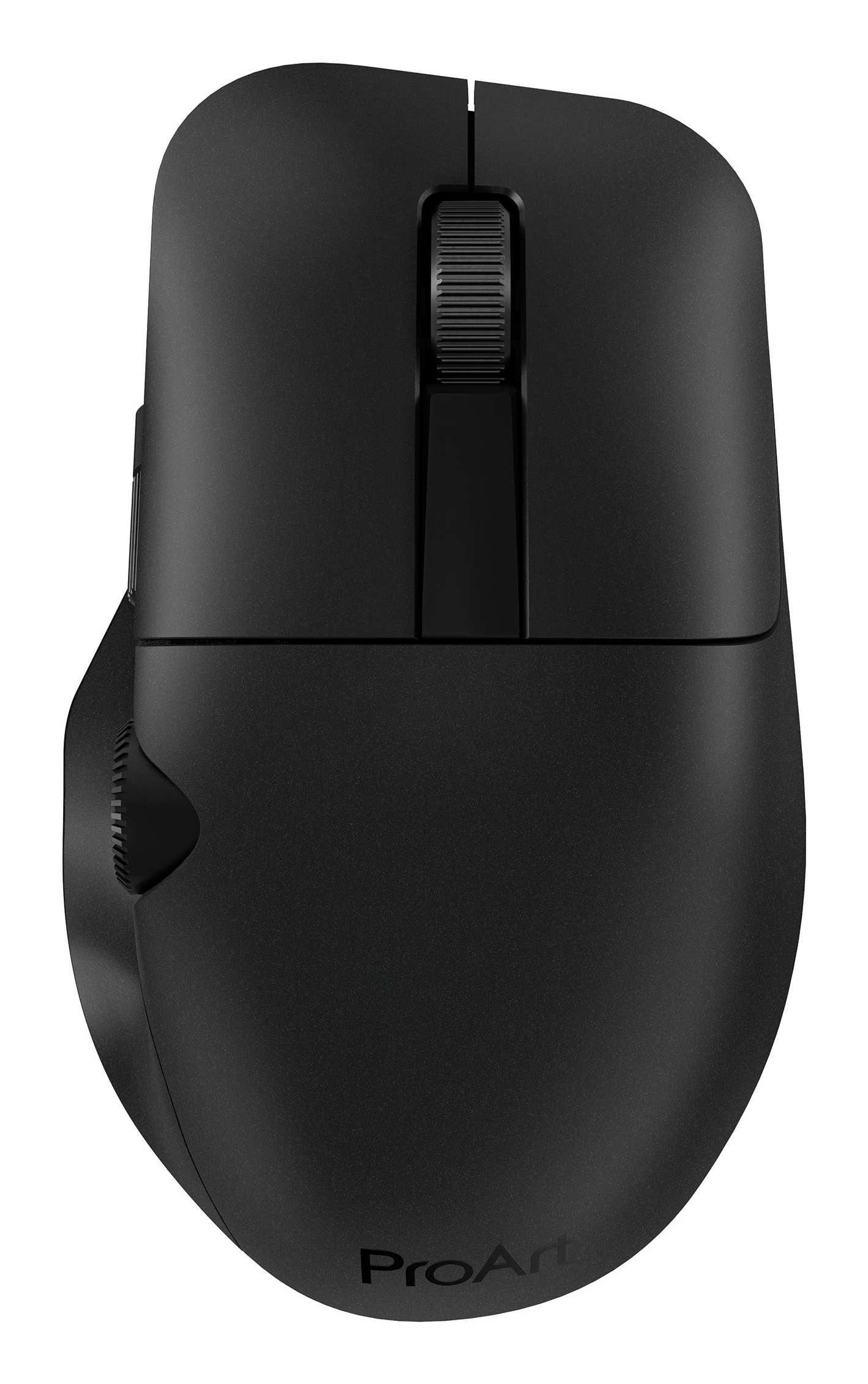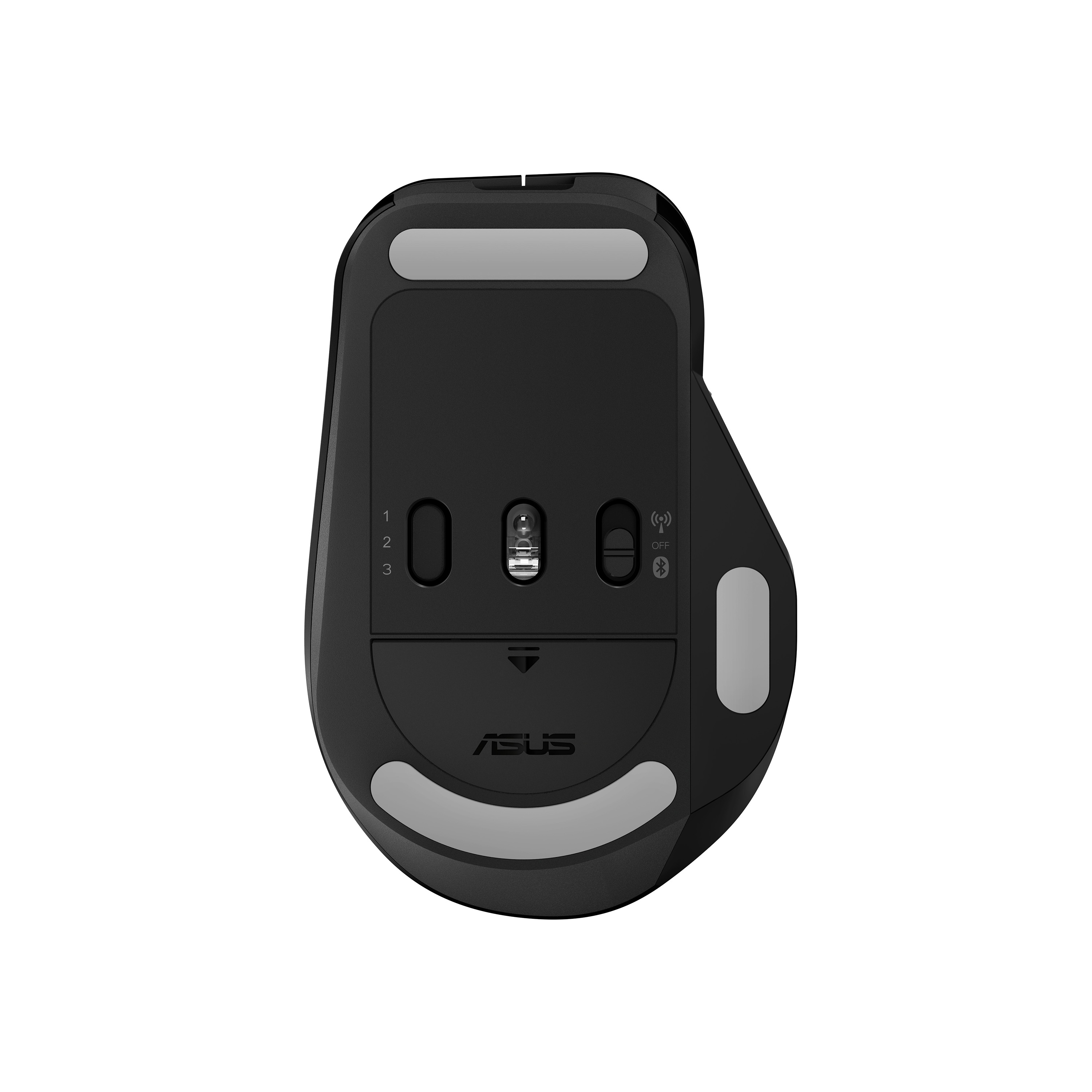
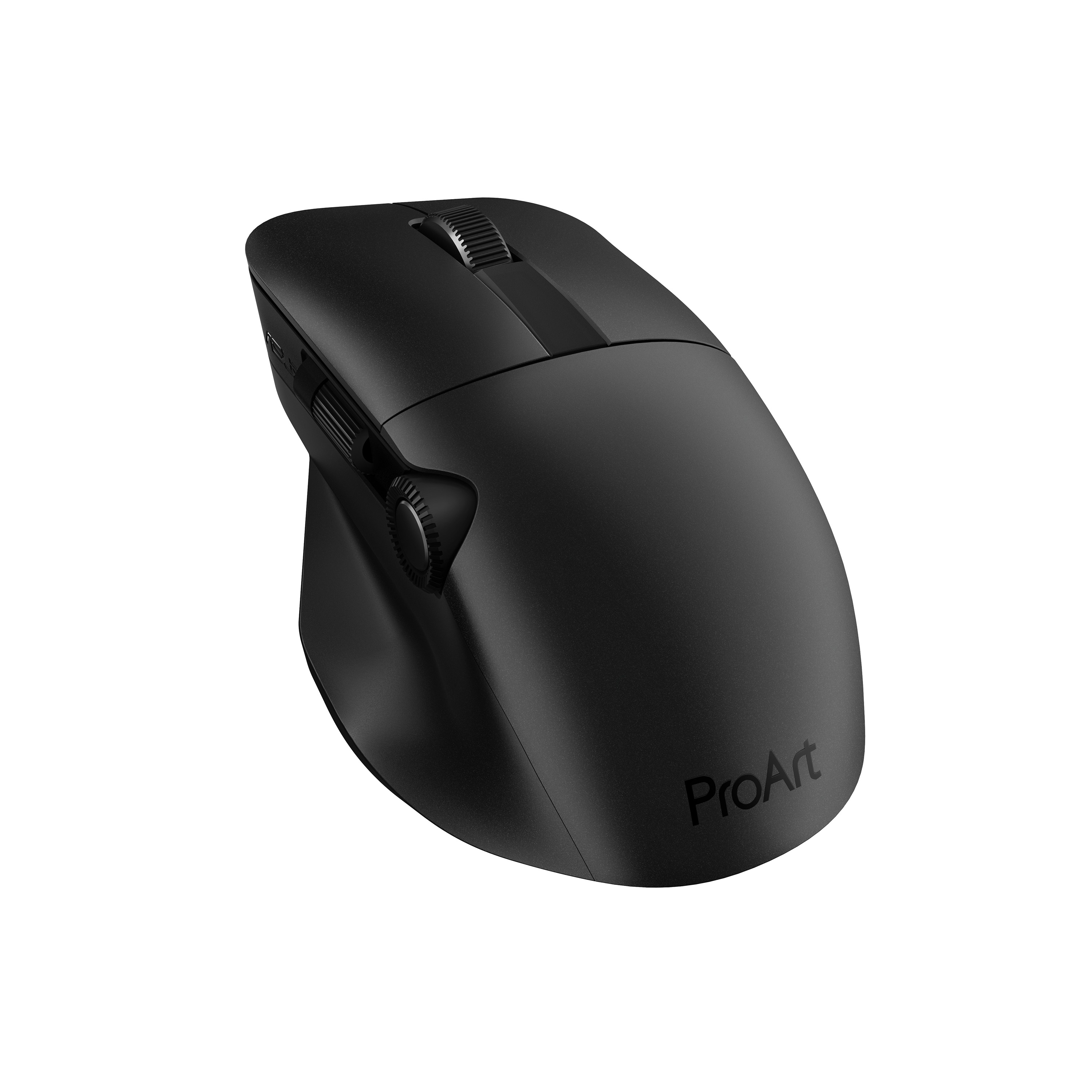
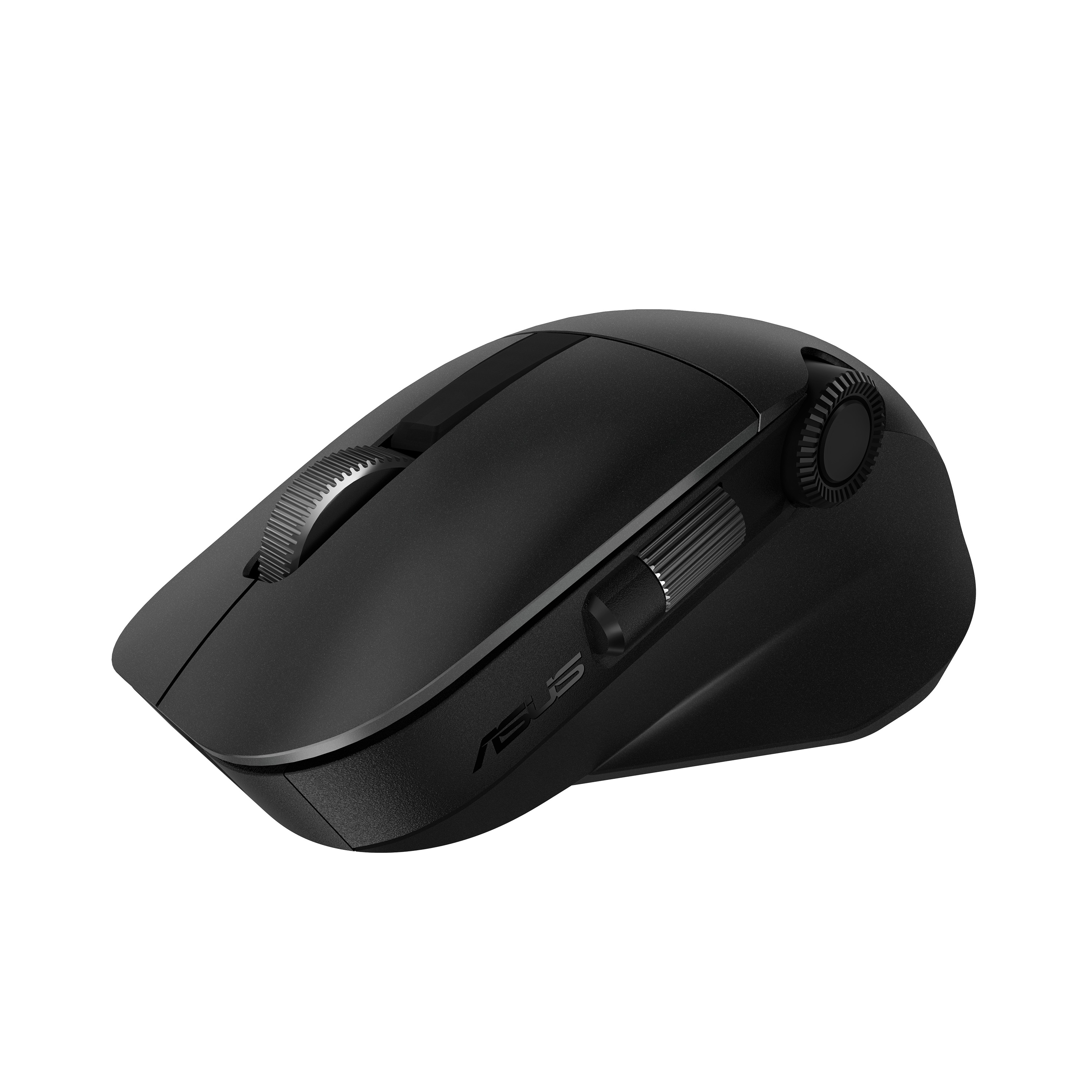
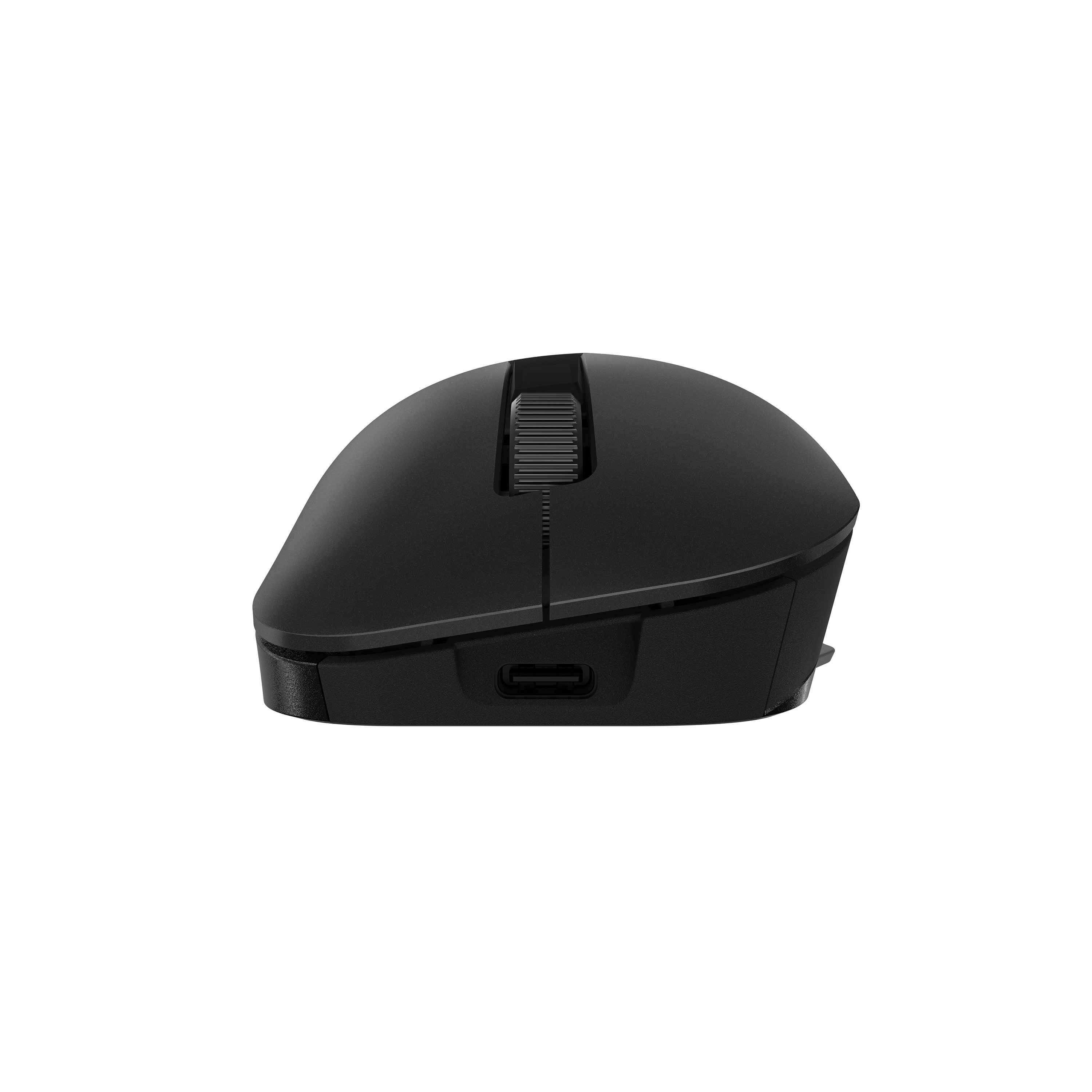
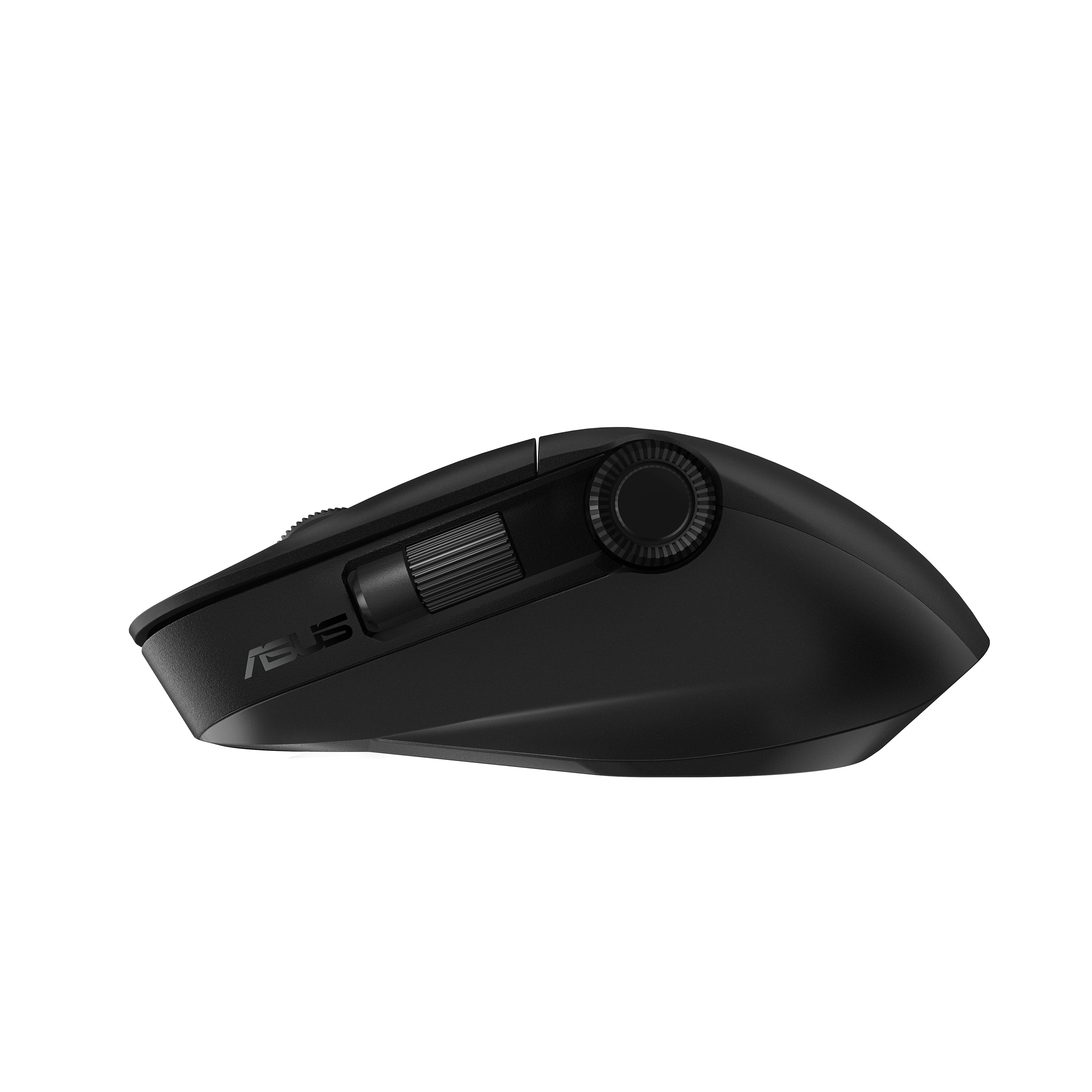
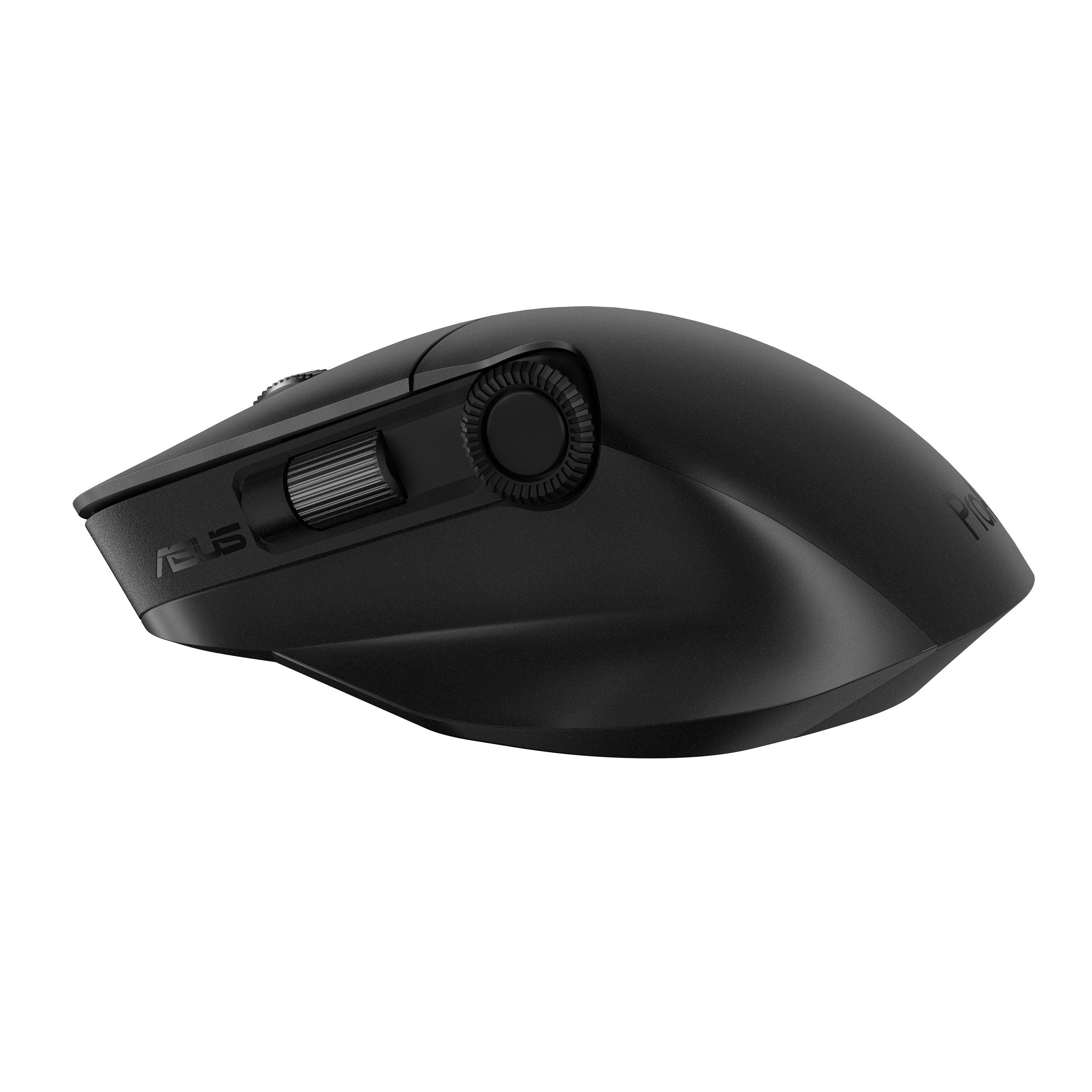
ASUS ProArt MD300 - Mouse, Office, Right-hand, RF Wireless + Bluetooth, Optical, 4200DPI, Black

Write a review
Delivery
Payment options
Our advantages
  • — Warranty: 1 Year Warranty
  • — Return and exchange up to 30 days
  • — Best price
Find similar

ProArt Mouse
Creativity, dialed up

ASUS ProArt Mouse MD300 is the first mouse that works with ASUS Dial, allowing creators to make quick and precise settings adjustments. This premium mouse also features a side scroll wheel and three buttons with professional-grade switches that provide tactile mouse clicks. ProArt Mouse MD300 has a high-performance laser sensor that tracks at up to 4200 dpi for unmatched precision, even when used on a glass surface.

Main
Brand
ASUS
Product code
90XB04F0-BMU000/DG
EAN/UPC code
4711081274469, 0195553274463, 195553274463
Product type
  • Bluetooth
Design
Form factor
Right-hand
Surface coloration
Monochromatic
Product colour
Black
Ergonomics
Wireless range
10 m
Mouse
Buttons quantity
6
Buttons type
Pressed buttons
Connectivity technology
Wireless
Customizable movement resolution
Yes
Device interface
RF Wireless + Bluetooth
Movement detection technology
Optical
Movement resolution
4200 DPI
Number of programmable buttons
6
Polling rate
1000 Hz
Programmable mouse buttons
Yes
Purpose
Office
Scroll type
Wheel
Packaging content
Batteries included
Yes
Receiver included
Yes
User guide
Yes
Warranty card
Yes
Packaging data
Quantity per pack
1 pc(s)
Power
Battery capacity
800 mAh
Battery technology
Lithium-Ion (Li-Ion)
Battery type
Built-in battery
Power source
Batteries
Rechargeable
Yes
USB Type-C charging port
Yes
System requirements
Windows operating systems supported
Windows 10, Windows 11
Weight & dimensions
Depth
72 mm
Height
42 mm
Weight
109 g
Width
118 mm

Automated video search by product name (the results maybe not the some as product in our store).
4.3
Reviews: 9
5 stars
33%
4 stars
67%
3 stars
0%
2 stars
0%
1 star
0%
Rami Hakim
4
A solid performer! The ASUS ProArt MD300 is reliable and has a nice ergonomic shape. One draw is that the scroll wheel feels a bit flimsy. Still, it's an excellent all-around mouse.
Advantages
Ergonomic shape, Reliable performance
Disadvantages
Flimsy scroll wheel
Irina Petrova
4
This mouse was a nice addition to my workstation. I love the Bluetooth feature which connects seamlessly with my laptop, but I wish the design had a more textured grip.
Advantages
Seamless Bluetooth connectivity
Disadvantages
Lacks textured grip
Moshe Barak
5
The ProArt MD300 is everything I needed in a mouse. The adjustable DPI is particularly useful for graphic work. It has a great battery life as well. Totally worth the price!
Advantages
Adjustable DPI, Great battery life
Elena Sokolov
4
The ASUS ProArt MD300 excels with its optical sensitivity and dual connectivity features. However, I found it quite slippery on certain finishes. Otherwise, it’s a great product for professionals.
Advantages
High sensitivity, Versatile connectivity
Disadvantages
Poor grip on certain surfaces
Avraham Weiss
5
I've tried many mice for my office use, but the ASUS ProArt MD300 is among the best. Perfect for right-handed individuals. The only downside is that it’s a bit on the pricey side.
Advantages
Best for right-handed users, Excellent functionality
Disadvantages
Pricey
Yossi Levi
4
Good performance and nice aesthetics, the ASUS ProArt MD300 fits well in my hand. It handles most tasks well, but it can feel a bit heavy during extended use.
Advantages
Performance, Aesthetics
Disadvantages
Can feel heavy over time
Anna Kim
4
I appreciate the sleek design of the ASUS ProArt MD300. The wireless connection is stable. However, the lack of customizable buttons was a bit disappointing. Overall, good for everyday tasks.
Advantages
Sleek design, Stable wireless connection
Disadvantages
No customizable buttons
Nina Schwartz
4
I was impressed with the precision of the ASUS ProArt MD300. It makes graphic design tasks much easier. The battery life is commendable too, but the initial setup took longer than expected.
Advantages
Precision for graphic design, Long battery life
Disadvantages
Lengthy setup process
David Cohen
5
The ASUS ProArt MD300 mouse is a fantastic tool for office work. It’s comfortable in the hand and the optical sensor with 4200DPI precision works flawlessly on various surfaces. Connects easily via RF and Bluetooth. Highly recommended.
Advantages
Comfortable design, High DPI, Dual connectivity options
You may be interested
  • Similar
  • On Sale
  • Recently Viewed
 
Fast and high quality delivery

We provide fast and reliable delivery across the country and worldwide

Quality assurance and service

We offer only those goods, in which quality we are sure

Returns within 14 days

You have 14 days to test your purchase

accessibility