

Building a Budget Gaming Setup Without Overspending on Specs
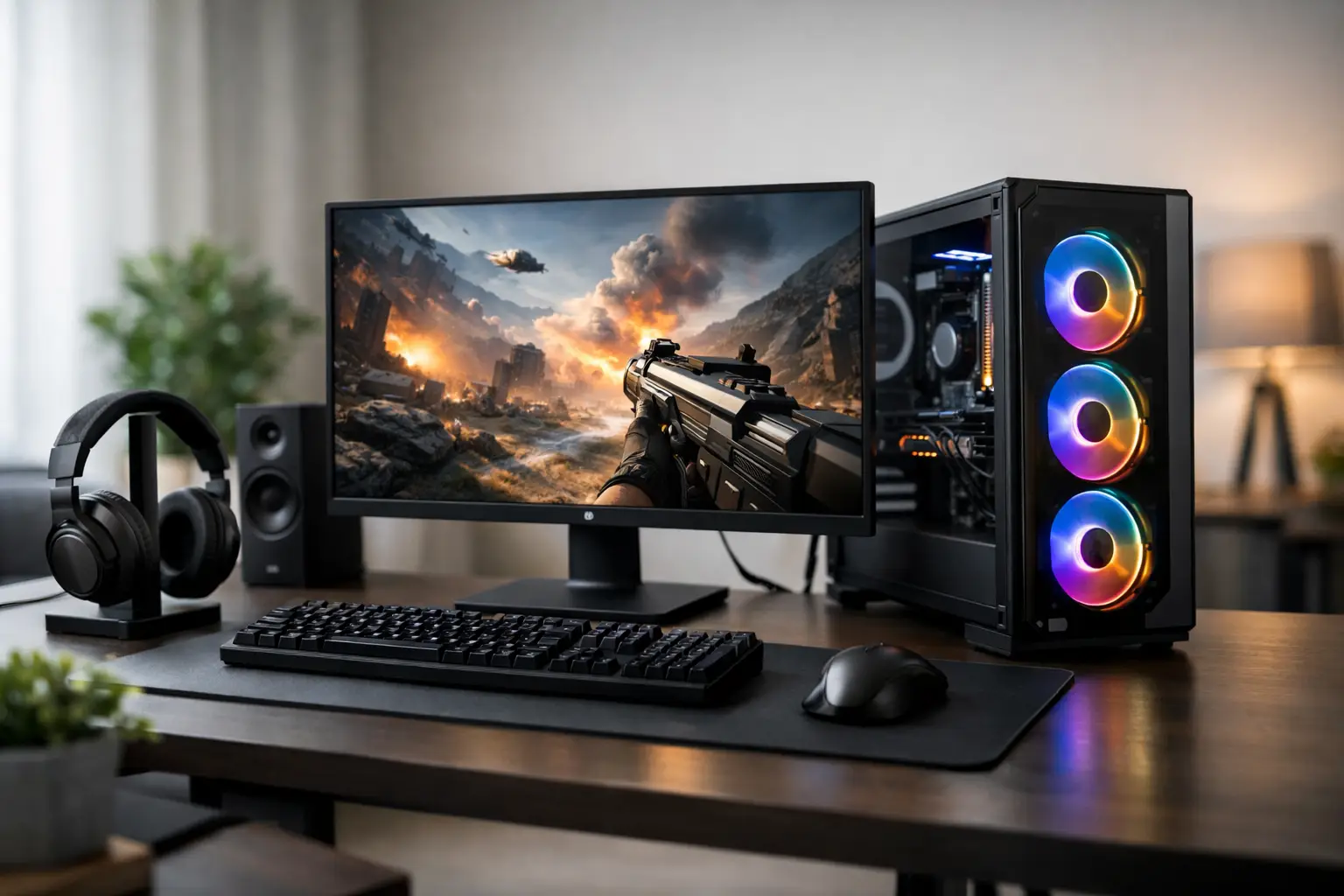
The most costly mistake when building an affordable gaming setup is purchasing components simply for their impressive specs, only to find that the computer, monitor, and peripherals don't perform well together. A good setup on a budget isn't just a collection of cheap products; it's a balanced system where every dollar is spent on enhancing the gaming experience.
The first question isn't which graphics card to buy, but rather which games you want to run, at what resolution, and with what refresh rate. Competitive eSports games like Valorant, Fortnite, or Rocket League primarily require high frame rates and quick responsiveness. New AAA games, on the other hand, place greater demands on the graphics card, memory capacity, and storage speed. Those who set a clear goal from the outset can avoid paying for performance that won't be utilized.
Start with the Monitor, Not the Case
The monitor establishes the target for the entire setup. A computer generating 160 frames per second won't feel notably different on a 60Hz screen, and a QHD 1440p monitor requires a more robust graphics card compared to a Full HD display. For a tight budget, a Full HD monitor with a refresh rate of 144Hz or 165Hz is often an effective starting point for competitive gaming and popular titles.
It's also worth checking the type of panel. An IPS panel generally offers better colors and viewing angles, making it suitable for study, work, and content consumption. A VA panel may provide better contrast, but some models may have slower motion response, which isn't ideal for fast-paced games. While response time is important, it's best not to make a choice based solely on promotional numbers. There are differences between lab measurements and real-world gaming performance.
A 240Hz monitor can be an excellent deal for a competitive player, but only if the computer can maintain a high frame rate in relevant games. Otherwise, it's wiser to redirect that extra budget towards a more balanced computer, a larger SSD, or higher-quality peripherals.
Properly Allocating the Gaming Computer Budget
In a setup where the computer is the main purchase, the graphics card often receives the largest chunk of the budget. This is especially true for those playing new action titles, using a 1440p resolution, or seeking high graphical quality. However, there's no point in choosing a very powerful graphics card if it's paired with a weak processor, limited RAM, or a subpar power supply.
A frugal and balanced gaming setup follows a few clear principles:
- A current mid-range processor with at least 6 cores is a safe choice for most Full HD games and everyday use.
- A mid-range or entry-level graphics card is more suitable for a defined purpose than an expensive model bought just to "future-proof" your setup.
- 16GB of RAM is a practical starting point for most users. Those running demanding games, a browser with many tabs, Discord, and additional software simultaneously will benefit from 32GB.
- A 1TB NVMe SSD is typically the most convenient choice. Large games quickly fill up a smaller drive, and reinstalling and deleting doesn't save much time.
The connection between components is as critical as the brand. Ensure compatibility between the CPU socket and motherboard, the type of supported RAM, the length of the graphics card relative to available space in the case, and the required number of power connections. The power supply is not an area for aggressive cutting; a branded power supply that matches the spec and has basic protections helps maintain system stability and allows for future upgrades.
Where to Save Without Compromising Gaming
A premium case, RGB lighting, decorative fans, and water cooling may look great, but they don’t increase FPS by themselves. A simple case with good airflow, two or three quality fans, and organized cable placement will offer better results on a limited budget.
When selecting a motherboard, also choose based on needs rather than a laundry list of features that won’t be used. There’s no need to pay for built-in Wi-Fi if you're connecting via Ethernet, or for multiple expansion slots if the computer is intended for home gaming. However, avoid overly basic motherboards that restrict RAM slots, storage options, or upgrade capabilities.
CPU cooling is another area where the product should match the load. For a processor that isn’t meant for overclocking, basic, quality air cooling is usually sufficient. In a more powerful computer or a smaller case, investing in better cooling is wise to maintain reasonable temperatures and noise levels over time.
Building an Affordable Gaming Setup Includes Peripherals
An excellent computer paired with an uncomfortable mouse, constricting headphones, and an unsuitable keyboard will diminish the experience every day. There's no need to buy the most expensive models, but it’s essential to select products based on usage rather than just aesthetics.
For a mouse, key factors include an ergonomic shape, a reliable sensor, and a comfortable weight. Many shooter players prefer a relatively light mouse, while additional buttons may be useful for strategy games or office work. For a keyboard, a mechanical keyboard isn't mandatory; a quality membrane keyboard can be quiet and comfortable, especially in shared spaces or workstations used for both gaming and study.
For headphones, clear microphone quality and long-term comfort are often more important than promises of deep bass. If you already own good headphones, considering a separate microphone in the future could be worthwhile. However, for a first setup, there's no reason to split the budget if you're primarily gaming with friends on Discord. Speakers can wait if headphones are used for most gaming hours.
A desk and chair aren’t classic gaming essentials, but they directly affect usability. Before buying a "gaming" chair, check height compatibility, back support, and adjustable armrests. An ergonomic office chair at a reasonable price may be a better choice. Table depth is also important: a screen too close to the eyes and a mouse without enough space creates an awkward and uncomfortable position.
Don't Buy Solely Based on Promotions
Sales are only advantageous when the product suits your specs and needs. A discounted graphics card from the previous generation can be a smart deal, but remember to compare performance, warranty, power consumption, and connections. The same applies to monitors and peripherals: a low price doesn’t compensate for a panel unsuitable for gaming, an uncomfortable mouse, or an unreliable power supply.
When comparing products, it’s helpful to work with a short list of requirements. For the computer: gaming resolution, types of games, storage capacity, upgrade potential, and total budget. For the monitor: size, resolution, refresh rate, and types of connections. For peripherals: comfort, warranty, and compatibility with the workstation. This makes it easier to filter out many models and focus on products that offer real value.
A centralized purchase of a computer, monitor, and accessories also allows for orderly compatibility checks and taking advantage of availability, promotions, and warranty policies all in one place. At TopMarket, you can create a cart by categories, compare specs, and combine components, monitors, and peripherals according to a predefined budget.
Planning Upgrades is Better Than Overbuying
An affordable setup doesn’t have to remain basic. In fact, a well-built computer can be upgraded gradually. Sometimes, it’s better to start with a good Full HD monitor, 16GB RAM, and a balanced graphics card, then add more memory, an additional drive, or upgrade the graphics card later. To leave that option open, choose an appropriate power supply, a spacious case, and a motherboard that doesn’t limit unnecessarily.
Not every component has to be "future-proof" for five years. The hardware market changes, and the price paid today for theoretical future capability can be higher than the benefit. It’s preferable for the system to deliver good performance in the games you're playing now, with a reasonable upgrade path when the need truly arises.
The right setup is one that feels fast, comfortable, and balanced the moment you turn it on. Choose a clear performance target, allocate your budget based on its impact on gameplay, and save the lighting and extras for later, once the foundation is already functioning as it should.

