

Guide to Choosing a Graphics Card Based on Usage and Budge
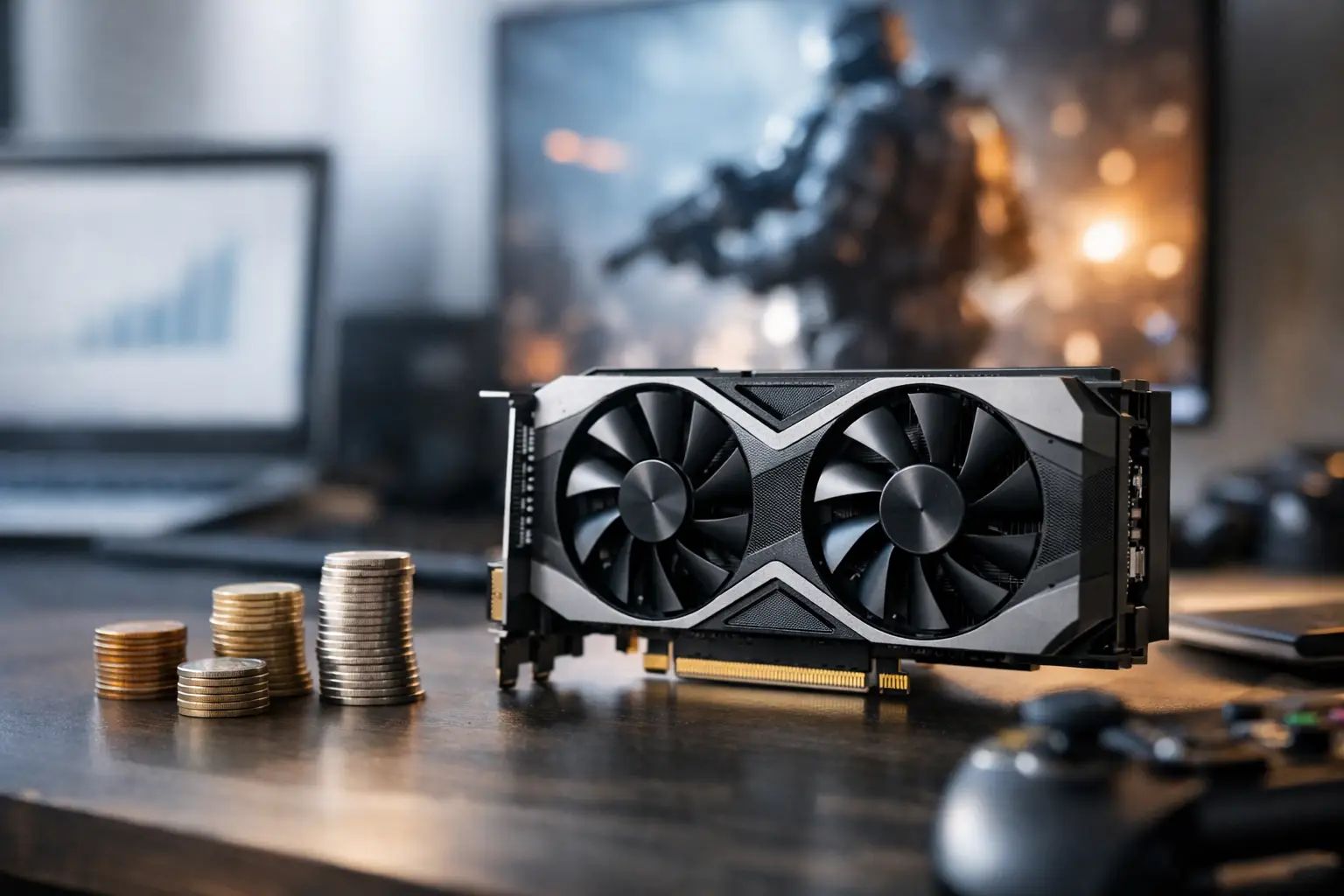
Purchasing a graphics card is not just a matter of a single specification or price. A card that seems great on paper might be limited by the CPU, may not be compatible with the power supply, could be too large for the case, or simply be unnecessary for the screen being used. A guide to selecting a graphics card should begin with a simple question: what is the computer supposed to do, and at what resolution?
A gamer aiming for Full HD has different needs than a user working with 3D models, editing video in 4K, or operating multiple screens in an office. Therefore, before comparing models, it's essential to define the usage, budget, and existing system components. This way, one can choose the right performance rather than pay for power that won't be utilized.
Start with Usage, Not with Model
The most effective way to narrow down the selection is to categorize the need by performance level. For office tasks, browsing, video calls, and media watching, the integrated graphics in many CPUs already provide a good solution. A dedicated card is mainly relevant when numerous screen connections, dedicated graphic work, or significant gaming performance enhancement is required.
For competitive gaming at Full HD resolution, the goal is typically a high and stable refresh rate. Here, it’s important to check performance in the specific games you play rather than just an overall score. eSports games like Counter-Strike, Fortnite, or Valorant tend to perform well even with mid-range cards, while new AAA games with Ray Tracing demand much more power and memory.
For gaming at 1440p, a significant jump in card level is usually required. At 4K resolution, especially on a screen with a high refresh rate, the choice should focus on stronger cards, generous memory, and image-enhancing technologies. Professional work adds an additional layer: editing software, rendering, CAD, visualization, and machine learning may favor particular acceleration engines, drivers, or architectures.
A Guide to Choosing a Graphics Card Based on Real Performance
The series name is important, but it isn't enough. Even within the same product family, there can be significant differences between a basic model and an advanced one. It's advisable to compare based on performance data at the desired resolution, memory capacity, power consumption, and relevant features, rather than assume that a higher number offers better value.
Resolution and Refresh Rate Define the Target
A 1080p screen at 60Hz does not require the same card demanded for a 1440p screen at 165Hz. If the screen can only display 60 frames per second, investing in a card that provides 200 frames in many games may not always be felt. Conversely, on a fast gaming screen, a weak card might prevent you from taking advantage of the refresh rate.
It's also essential to consider the types of games. In a cinematic story game, higher image quality and stable performance might be preferred. In competitive gaming, sometimes moderate graphic settings are prioritized in return for quick response and higher frame rates. There isn't a one-size-fits-all choice.
Graphic Memory: How Much Do You Really Need?
Graphic memory, or VRAM, affects the ability to hold textures, models, display data, and professional files in fast memory. At Full HD resolution and in relatively light games, moderate capacity might suffice. At 1440p, in new games with high-quality textures or while working with large video and 3D files, prioritizing a larger memory capacity is advisable.
However, VRAM isn't the only measure. A card with plenty of memory but a weak graphic core won't necessarily deliver good performance. One should look at the complete package: processing power, memory bandwidth, supported technologies, and actual performance in your software or games.
Ray Tracing, Image Upscaling, and Frame Generation
Ray Tracing technologies improve reflections, lighting, and shadows in supported games but require a lot of processing power. If light quality is a central consideration, checking performance when Ray Tracing is active—not just under regular settings—is crucial.
Image upscaling and frame generation technologies can enhance frame rates through clever processing. They are especially useful at high resolutions or in heavy games, but they aren't a substitute for a card that fits the necessary performance foundation. The outcome depends on the game, settings, and the image quality acceptable to you.
Compatibility with the Existing Computer: Where Mistakes Cost Money
Before ordering, ensure that the card is physically and electrically compatible with the computer. The specifications of the card do not stand alone. The case, power supply, motherboard, and CPU all influence the user experience.
Power Supply and Power Connections
Check the recommended power by the card manufacturer, but don't settle for just the overall wattage. It's crucial to ensure that the power supply has the appropriate PCIe connections, is of high quality, and has reasonable headroom for the CPU, storage, fans, and future upgrades. A weak or old power supply can cause instability, shutdowns under load, or limitations in card selection.
More powerful cards may require advanced connectors or multiple power connections. Avoid using adapters randomly without checking the manufacturer's instructions and the power supply's capabilities. Here, it's better to choose a proper long-term solution than to save on a component that protects the whole system.
Dimensions, Cooling, and Airflow
The length, height, and thickness of the card are particularly important in compact cases. Some cards occupy three slots or more and may conflict with fans, storage cables, or cooling radiators. Measure the available space in the case and check the dimensions of the exact model, not just the name of the graphic chip.
A larger cooling system can keep temperatures low and noise levels down, but it also increases the size of the card and its price. In a living room PC or a quiet workstation, fan noise is a significant consideration. In a well-ventilated case, a model with basic cooling may be sufficient and provide better value.
CPU, RAM, and PCIe Interface
A high-end graphics card can encounter a bottleneck if the CPU is old or weak, mainly at Full HD resolution and in competitive games. At higher resolutions, the load shifts more towards the graphics card, but it's still essential to maintain a balanced system. A low RAM capacity or slow storage can also harm the gaming and working experience.
In most modern computers, PCIe compatibility isn't a practical issue, as the interface maintains backward compatibility. Still, in older systems, it's worth checking the motherboard version, installation space, and whether there are physical limitations or necessary BIOS updates.
Choosing a Manufacturer and Model: Not Just the Logo on the Box
The same graphic chip is sold in models from different manufacturers. Differences can include cooling, clock speeds, noise levels, build quality, RGB lighting, connections, dimensions, and warranty conditions. An expensive model with factory overclocking isn't always the right choice, as the performance gap compared to a basic model may be small.
If the budget is tight, it's often better to choose a stronger graphic chip with adequate cooling and clear warranty, rather than paying a high premium for design or lighting. If silence is important to you, if the case is small, or if the computer will run for long hours under load, a model with quality cooling has real value.
Also check the number of display outputs and their types. A user with two or three screens, a 4K display, a high refresh rate screen, or professional equipment must ensure that the card includes the appropriate connections. An adapter can solve some cases, but it may not always support all resolutions or refresh rates.
Appropriate Budget Includes the Entire System
The card's price is just part of the upgrade. Sometimes you need a new power supply, a suitable case, additional memory, or a monitor that allows you to see the improvement. Therefore, it's wise to set a comprehensive budget rather than concentrating it all on the graphics card.
In terms of value, look for the performance point that fits your screen and current usage, with reasonable headroom for the coming years. There's no need to purchase the strongest model if it won't be utilized, but it's also unwise to choose a borderline card that will require a quick replacement with the next game or software.
When comparing models, consider warranty, availability, complete specifications, and final price. Promotions can affect the perceived value between categories, so comparing several close alternatives is preferable to sticking to a single model from the outset.
A good graphics card is one that fits your system, your screen, and the tasks you perform daily. With a quick compatibility check and comparison based on real usage, you can choose a solution that provides the right performance, stable operation, and good value over time.

