

Home Theater Projector: How to Choose the Right One for Your Budge
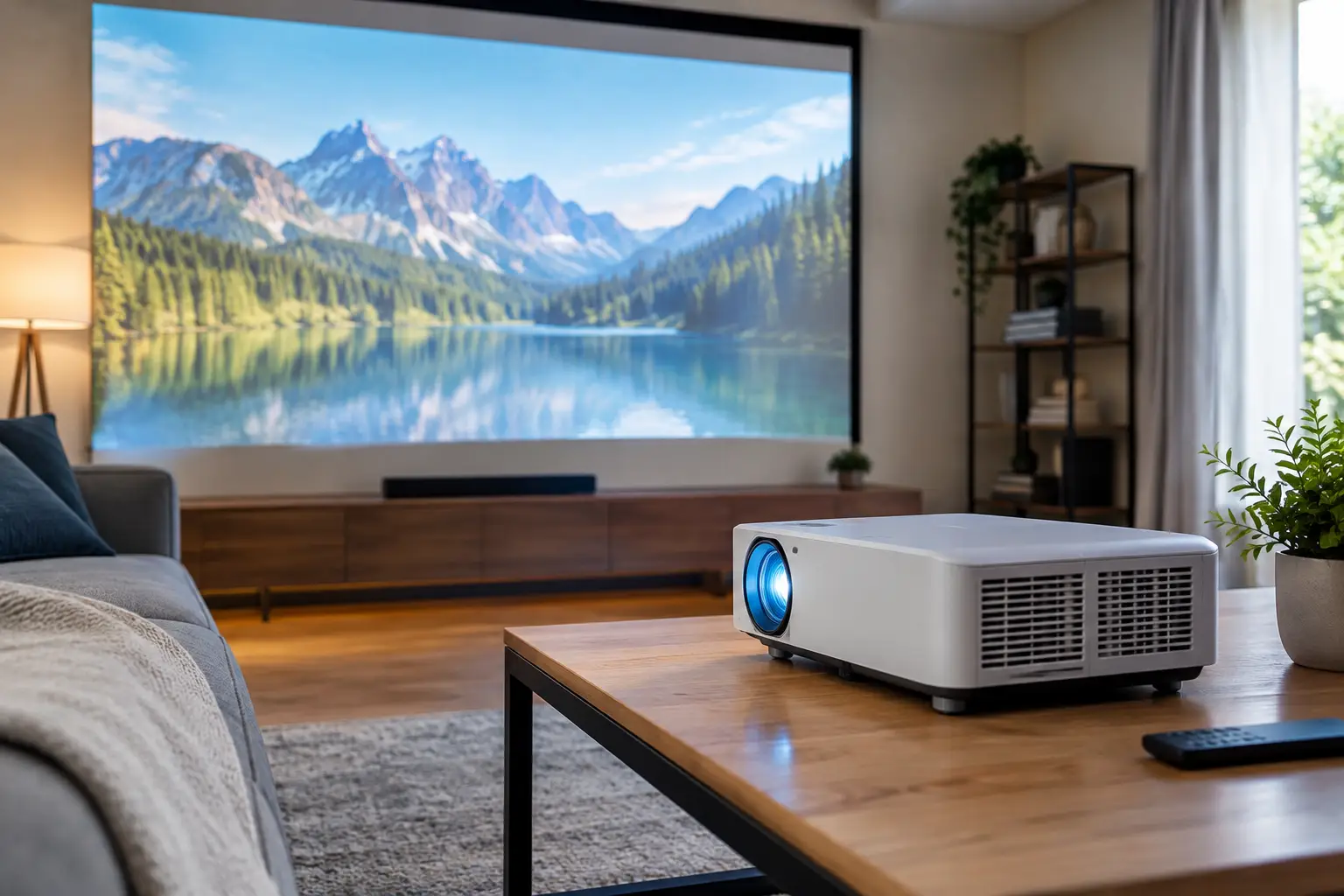
A screen size of 75 inches or more no longer means you need to bring a giant TV into your living room. A TV projector can deliver a cinematic picture on an empty wall or a dedicated screen, free up space when it’s switched off, and work well for watching sports, TV shows, console games, and office presentations. Choosing the right model, however, starts not with the price or the advertised screen size, but with the room where you plan to use it.
A projector can be an especially cost-effective way to enjoy a large picture. But a model that doesn’t suit your lighting, available projection distance, or existing connections may produce a washed-out image, noticeable fan noise, or a frustrating user experience. It’s best to compare specifications based on how you’ll actually use the projector rather than relying on a single advertised figure.
First, consider the room where you’ll use your TV projector
In a bright living room with large windows, brightness is often the most important specification. In a dark room or bedroom, a model with moderate brightness may be more than sufficient, especially when projecting onto a smooth, light-colored wall. A meeting room, on the other hand, calls for higher brightness so that text and presentations remain easy to read even when the blinds are partly open.
Measure the distance from the projector’s planned position to the wall or screen before you buy. Projectors vary in their throw ratio: some need several meters of distance to create a wide picture, while short-throw models can produce a large image from relatively close range. An ultra-short-throw projector can sit very close to the wall, making it a good choice if you’d rather not run cables across the ceiling or place the projector in the middle of the room.
It’s also important to check the installation height. A projector placed on a low TV stand may not direct the image where you want it, so you might need a ceiling mount or a dedicated shelf. Digital keystone correction can straighten the image, but using it heavily may slightly reduce sharpness. Whenever possible, choose a position that lets you project as straight onto the screen as you can.
Resolution: When is 1080p enough, and when should you choose 4K?
For everyday streaming, TV broadcasts, and sports, Full HD 1080p still delivers a sharp, enjoyable picture at most screen sizes. It’s a sensible choice if you want a large image while keeping costs under control, or if you’ll be sitting relatively far from the screen.
4K resolution is more worthwhile with a very large screen, a closer viewing distance, high-quality movie content, or gaming on a powerful console or PC. Be sure to distinguish native resolution from technologies that simulate 4K by shifting pixels. Both approaches can have their advantages, but check the specifications to see the panel’s native resolution and how the projector processes the image.
Don’t choose 4K based on the headline alone. In a very bright room, the difference in sharpness may matter less than the difference in brightness. In a dark room with a quality screen, a suitable content source, and a fast connection, however, the benefits of 4K may be easy to see.
Brightness is measured in lumens, but the room matters
Brightness is usually measured in lumens and may be listed as ANSI lumens. This figure is more useful than vague claims such as “exceptionally bright picture.” A moderately bright projector may be sufficient for a dark room. For daytime viewing in a living room or use in a room with the lights on, look for higher brightness and use curtains or blinds to reduce ambient light when possible.
There’s no single brightness level that suits everyone. The projected image size makes a direct difference: the same light output that works well for a 90-inch picture will look dimmer when stretched to 130 inches. Wall color, screen type, and room lighting also affect the result. A dedicated projection screen—particularly one designed to handle ambient light—can improve contrast and picture uniformity, but it adds to the overall cost.
Contrast, color, and light-source technology
Good contrast affects the depth of blacks, detail in dark scenes, and the overall feel of the picture. On-paper contrast figures don’t always allow for a direct comparison between brands, so it’s worth checking professional reviews, available picture modes, and whether the projector is intended mainly for dark rooms or general-purpose use.
Traditional lamp-based projectors can offer good value, but you’ll need to account for replacing the lamp after a certain number of operating hours. LED and laser projectors generally offer longer light-source lifespans, faster startup, and less maintenance. Their initial purchase price, however, may be higher.
The right technology depends on how often you’ll use the projector. If you plan to run it for several hours every evening, a long-lasting light source may be a worthwhile investment. If you’ll use it once or twice a week for a movie night or gaming session, a lamp-based model may meet your needs and budget perfectly well.
Connections and operating system: What do you really need?
Before buying, consider which devices you’ll connect to the projector: a TV receiver, streaming device, laptop, gaming console, or sound system. HDMI is essential, but the number of ports, 4K support, and supported refresh rates can also make a difference. If you plan to connect several sources at once, choosing a model with more than one HDMI input can save you from repeatedly swapping cables.
A smart projector with a built-in operating system can be very convenient, but it won’t always replace a dedicated streaming device. Check which apps are available, whether the interface receives updates, and how reliable the wireless connection is. In many cases, a quality external streaming device offers a faster, more flexible experience—even if the projector itself has smart features.
If you’re connecting a computer or gaming console, pay attention to input lag as well. In competitive gaming, low input lag can improve responsiveness. A projector that looks excellent with movies may not be equally suited to fast-paced games. Some models offer a dedicated Game Mode, which may limit certain image-processing features to reduce response time.
Don’t overlook sound
Most projectors have a built-in speaker, which can be useful for temporary setups, small rooms, or presentations. For regular living-room viewing, however, the built-in speaker usually won’t replace a soundbar, speaker system, or wireless headphones. A 120-inch picture paired with weak audio simply doesn’t deliver the full experience.
Check how the projector outputs sound: HDMI with audio return support, an optical connection, an analog output, or Bluetooth. If you’re planning a home theater system, make sure the connections will work with your equipment before installation to avoid extra purchases or improvised solutions later.
How to compare TV projector models
When comparing models, look at the whole picture rather than focusing on one specification. Check the native resolution, brightness, throw ratio, recommended image size, light-source type, noise level, number of connections, gaming support, and warranty terms. These are the details that determine whether a projector will suit you long after the initial excitement wears off.
Remember to include accessories in your total budget. You may need a projection screen, ceiling mount, long, high-quality HDMI cable, streaming device, or audio solution. Sometimes, a less expensive projector plus the necessary accessories ends up costing more than an advanced model that meets most of your needs right out of the box.
At TopMarket, you can compare categories, brands, and specifications to find a projector that suits your intended use and budget. Check the warranty terms, stock availability, and the exact specifications of the model you choose—especially when different versions of the same product are available.
A good projector isn’t measured only by the image size it promises, but also by how easily it fits into your home and viewing routine. Measuring your room, matching brightness to the lighting, and choosing connections that work with your existing equipment will help you enjoy a truly big picture without unnecessary compromises after purchase.

