

 Install the app
How to Choose a Wireless Network for a Retail Store?
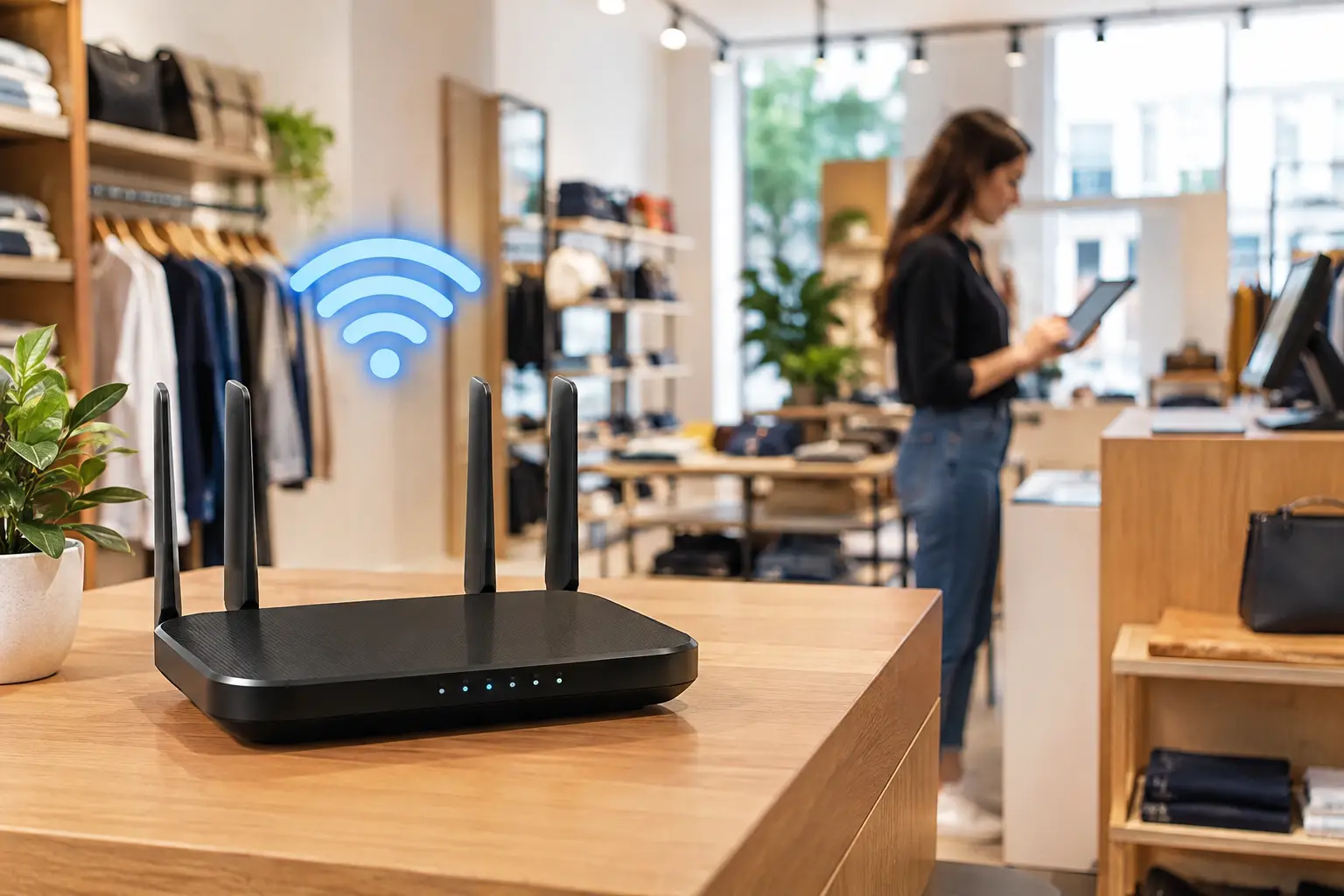
A customer is waiting at the checkout. An employee tries to scan an item, but the payment terminal loses its connection right during the rush. In moments like this, a wireless network for a retail store is more than a convenient extra—it is essential infrastructure that directly affects sales, customer service, inventory management, and the overall shopping experience. Effective planning starts not with the number of access points to buy, but with understanding which systems rely on the network, how many users connect, and where they use it throughout the store.
A small shop with one checkout, an office computer, and a few handheld terminals needs a very different solution from a busy clothing store, supermarket, logistics warehouse, or multi-branch retail chain. Choosing equipment based only on price or promises of “wide coverage” can lead to dead zones, dropped connections, and security issues. The goal is a stable, manageable, and secure connection that can scale as the business grows.
What Does the Network Need to Support?
Before choosing a router, switch, or access point, map out how the network will actually be used in the store. Checkout systems, payment terminals, handheld barcode scanners, sales staff tablets, receipt printers, security cameras, inventory systems, office computers, and a guest network may all connect to the same infrastructure—but they do not all need to be on the same network.
This distinction is critical. Checkout systems need high priority and consistent availability. Cameras may use bandwidth continuously. Guests may connect only briefly, but their numbers can surge during peak hours. If everything runs on one network without separation, a customer downloading a file or a surge in personal devices could affect the systems that keep the business running.
Consider which devices may be added in the future, too. If you plan to add more mobile checkout terminals, warehouse inventory scanners, digital displays, or smart sensors, it is best to build in room to grow from the start. Replacing equipment after a few months is usually more expensive and disruptive than choosing the right setup initially.
Wireless Coverage Is the Starting Point for a Retail Store Network
A common mistake is assuming that one powerful access point will cover an entire store. In practice, concrete walls, product-filled shelves, refrigerators, glass partitions, metal doors, and even large crowds can affect signal strength. A store with a back room, mezzanine, or separate checkout area may need several access points positioned strategically.
Coverage is about more than whether your phone can see the network name. A weak signal may still allow a device to connect, but it can cause lag, dropped connections, and slow roaming between areas. For mobile terminals and scanners, a stable connection is just as important as peak speed. That is why you should assess the routes employees actually take: from the stockroom to the shelves, from the sales floor to the checkout, and between service areas.
In a small, open store, one high-quality access point installed near the center may be enough. A large, elongated, or divided store will usually need a system of multiple access points. It is generally better to use several units at moderate power with carefully planned overlapping coverage than to rely on one high-powered unit to push a signal through every obstacle.
Why Placement Matters More Than the Packaging
An access point placed in a communications cabinet, behind a checkout counter, inside a metal stockroom, or too close to a source of interference will not perform at its best. Installing it on a ceiling or wall at a suitable height, in as open an area as possible, helps distribute the signal. Cable requirements matter, too: an access point powered over an Ethernet cable can eliminate the need for a nearby power outlet and simplify installation.
Some businesses can benefit from a site survey before deployment. This is especially worthwhile in large spaces, warehouses with tall shelves, or stores where wireless connectivity is critical to daily operations. Real-world measurements reduce guesswork and help you position equipment based on actual signal readings.
Home Router, Mesh System, or Business-Grade Equipment?
Home networking solutions may work for a very small business with few devices and no mission-critical systems. They are easy to set up and relatively inexpensive. However, once the number of users grows, network separation becomes necessary, or several access points need to be managed, business-grade equipment offers clear advantages.
A home mesh system can improve coverage in a home or small store, particularly when running Ethernet cables is not an option. However, the wireless connection between mesh units uses some of the available capacity and is more susceptible to interference. In a busy store, it is generally better to connect each access point to a switch with an Ethernet cable. This delivers more consistent performance and makes it easier to manage network traffic.
Business-grade equipment provides centralized access point management, regular security updates, access controls, fault monitoring, and consistent settings across the network. For a business owner or IT manager, being able to see which devices are connected, identify an overloaded access point, and provide guest Wi-Fi without exposing internal systems is a significant operational advantage.
Wi-Fi 6 is a suitable choice for most new installations, especially in stores with many connected devices. It handles network traffic more efficiently and performs well in busy environments. Wi-Fi 6E may be useful in certain situations, but it is not essential for every business. Check that your devices are compatible and consider whether the added cost is justified by your needs.
Separate Networks and Security Without Complicating Operations
Using one network for every device may seem convenient, but it is not the right approach for a business that handles payments, employee data, or inventory systems. It is best to separate the operational network for checkout systems and business computers from the network for cameras or dedicated equipment, and from the guest network for customers. This can be done using virtual networks and appropriate access controls.
The guest network should be isolated from internal systems, with a regularly changed password or a clear sign-in process. You can also set a speed limit for guest users. Customer browsing should not use the bandwidth needed for checkout systems or inventory updates.
Good security includes strong passwords, up-to-date encryption, changing default passwords, and regularly updating the firmware on routers and access points. It is just as important to decide who is allowed to change network settings. Unrestricted access to the management interface can turn a minor issue into a much larger problem.
Don’t Overlook Your Wired Network and Internet Connection
Even the best access point cannot compensate for a slow internet connection or an outdated switch. If several access points, cameras, and computers connect to the same switch, make sure it has enough ports, sufficient speed, and Power over Ethernet (PoE) support where needed. A managed switch can also separate traffic between networks and prioritize critical systems.
For a store that relies on cloud-based checkout or inventory management, check upload speed, connection stability, and response time—not just download speed. A backup cellular or wired connection may be a worthwhile investment for businesses with critical operations. It does not need to be as fast as the primary connection, but it can prevent a complete shutdown if your internet service provider has an outage.
How to Match Your Budget to the Size of Your Business
You do not need the most expensive equipment to get a reliable network. On the other hand, choosing entry-level equipment that is not up to the task can cost more in lost working time, checkout queues, and service calls. Set your budget based on the number of active users, store size, layout complexity, number of critical devices, and need for centralized management.
A small business may be well served by a quality router and one or two access points. A midsize business with a stockroom, several checkouts, and mobile staff should consider a business-grade router, a managed switch, and dedicated access points. For a retail chain or a high-traffic business, cloud management, documented configurations, and a backup plan become essential requirements rather than optional extras.
When comparing products, check the wireless standard, the number of simultaneous connections supported, Ethernet ports, Power over Ethernet support, security features, warranty, and expandability. At TopMarket, you can put together a setup to match your performance needs, from routers and switches to access points, Ethernet cables, and UPS units to protect your networking equipment.
A good network is not measured only on installation day. It proves its value on a busy day, when staff are working quickly, customers are connected, inventory is updating, and checkout systems need to keep running. Choosing a solution based on a clear understanding of your business helps keep service uninterrupted and leaves technology where it belongs: behind the scenes, doing its job.
- How to Choose a Wireless Network for a Retail Store?
- Smart Homes That Truly Fit Your Home and Budge
- <h1>Case Study: An Office Computer Upgrade That Saved Time and Money</h1>
- Recommended Gaming Mice for Large Hands: How to Choose the Right One
- When to Repair or Replace Your Computer Monitor: A Repair Shop’s Guide

