

 Install the app
Smart Homes That Truly Fit Your Home and Budge
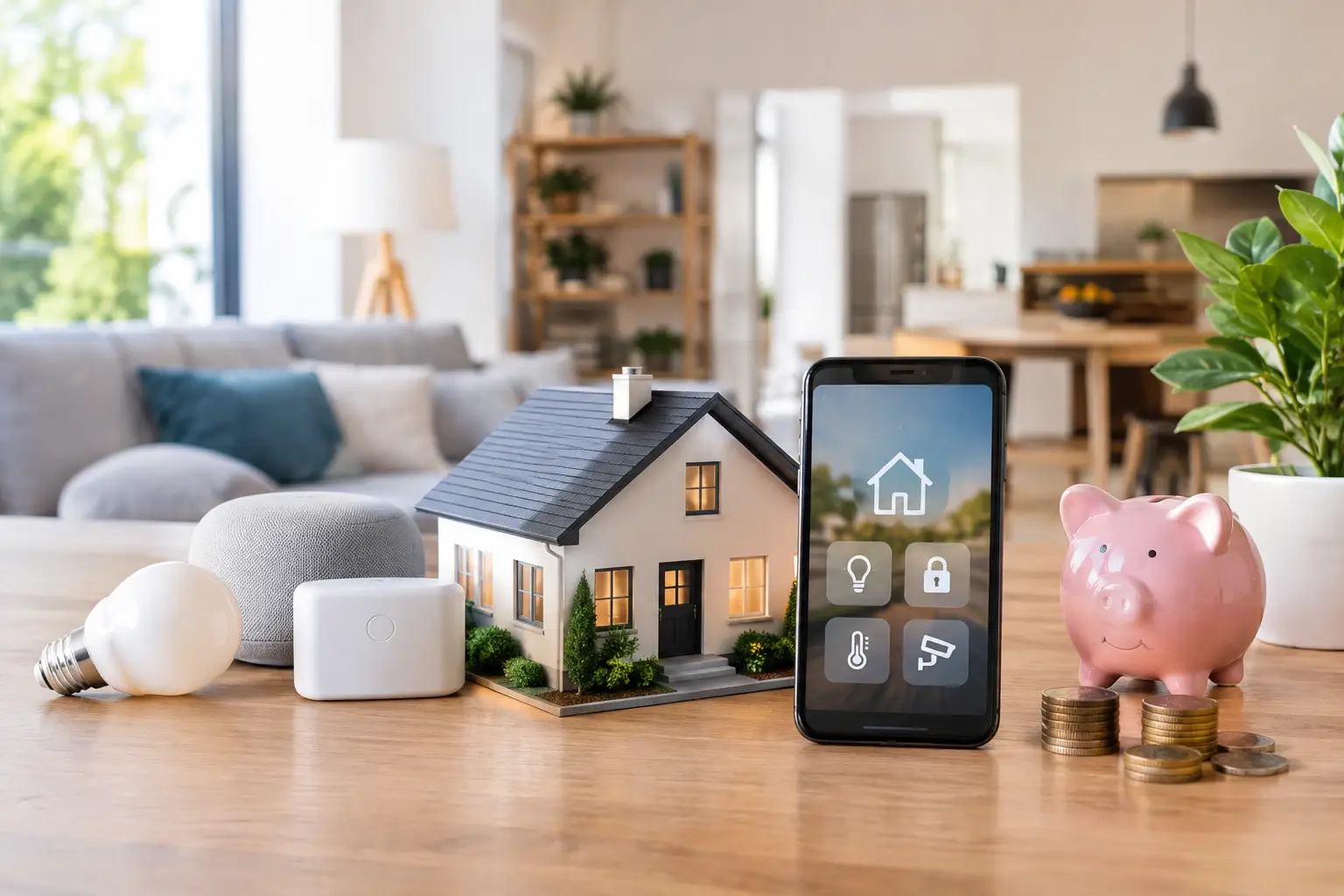
A smart switch that keeps dropping off the network or a camera that sends alerts too late won’t make your home smarter—they’ll just add another technical problem. A smart home works well when products are chosen to meet real needs, suit the existing infrastructure, and work together—not simply because their packaging lists a long set of features.
The goal isn’t to fill your home with gadgets. It’s to make everyday tasks easier: turning off lights, adjusting the air conditioning, checking cameras, switching on the water heater, receiving alerts, and monitoring energy use. A good system saves time, provides clear information, and remains easy to use—even for household members who don’t want to open an app for every task.
What Really Makes a Home Smart?
A standalone smart device can work perfectly well, but a smart home takes shape when devices communicate with one another or can be controlled from a central hub. For example, a motion sensor can switch on hallway lights, a door sensor can activate a camera, and an “away” routine can turn off outlets, lights, and air conditioning with a single tap.
There’s an important difference between remote control and automation. Remote control lets you operate a device from your phone. Automation determines what happens based on the time, occupancy, temperature, or another event. In most cases, automation is what delivers lasting value from a smart home system.
The way you control your devices also affects the overall experience. An app is useful for detailed controls and settings; a physical switch is convenient in any home; and voice control can be especially helpful in the kitchen or living room, or for family members who need accessible controls. You don’t have to choose just one method—a well-designed system can combine them.
Start with Your Needs, Not a Brand
Before comparing specifications, decide what you want to improve. In a rental apartment, easy-to-install options such as smart bulbs, plugs, and wireless sensors can be a convenient choice. In a private home or an apartment being renovated, you can plan ahead for smart switches, blinds, outdoor cameras, water-leak sensors, and a more robust network infrastructure.
Smart lighting is particularly useful in spaces with regular usage patterns or a need for preset scenes, such as evening lighting in the living room, a dim light in a child’s bedroom, or lighting at the entrance. Smart plugs work well with devices that are safe to switch on and off at the outlet, and can measure energy use with compatible appliances. They aren’t a universal solution for every electrical device—especially high-power appliances, which require you to check the plug’s rated capacity and the manufacturer’s instructions.
For home security, the greatest benefit comes from combining cameras, door and window sensors, motion detectors, and reliable alerts. A high-resolution camera isn’t necessarily the best choice if Wi-Fi coverage is weak in that area, there’s no suitable storage option, or notifications arrive late. In many cases, a simpler device that works consistently is the better choice.
For air conditioning and water heaters, first check the type of system you have and whether it’s compatible with the controller or switch. Not all air conditioners use the same control method, and not every water heater can be operated remotely without professional installation. In these cases, electrical safety, warranty coverage, and proper installation should take priority over a low price.
Connectivity and Compatibility: Check Before You Buy
One of the costliest mistakes is buying smart devices that don’t work together. Before making a purchase, check which communication technology each product uses: Wi-Fi, Zigbee, Thread, Bluetooth, or the Matter standard. Each has different benefits, and no single option is right for everyone.
Wi-Fi devices usually connect directly to your home network, making initial setup straightforward. However, a large number of Wi-Fi devices can put a strain on your router, especially if it’s a basic model supplied by your internet provider. Zigbee and Thread are generally designed for smart-device networks and may require a compatible hub, but they can offer faster response times and a more reliable network when you have many devices at home.
Matter is a standard designed to improve compatibility between different smart home systems, but it doesn’t eliminate the need to check product details. Make sure you know which features are actually supported, whether a hub is required, and which control system you already use at home. Compatibility with one system doesn’t guarantee that every feature or routine will work the same way in another.
If you plan to expand your system over time, choose a clear ecosystem and keep the number of apps to a minimum. A system in which every device is managed through a different app may work on installation day, but it will be harder to maintain, share with family members, and troubleshoot.
A Strong Home Network Is Part of the System
Smart homes rely on the network just as much as they rely on sensors and switches. Before adding cameras, displays, smart speakers, and dozens of connected devices, check network coverage in every room, on the balcony, at the entrance, and near the parking area. Dead zones can cause devices to disconnect, video to stutter, and commands to fail.
In a large home or one with reinforced-concrete safe-room walls, a mesh network or additional access points may be a better investment than another smart device. For fixed cameras, a wired connection can offer greater reliability than Wi-Fi. Small businesses, home offices, and users with advanced networking equipment may also want to separate guest, computer, and smart-device networks.
Electrical requirements also need attention. Some smart switches require a neutral wire in the switch box, while others are designed to work without one. Don’t assume that every switch will suit your existing wiring. For electrical work, hiring a qualified professional is a safety measure—not an unnecessary extra cost.
Security and Privacy: Don’t Rely on Default Settings
Cameras, smart locks, and presence sensors collect sensitive information about your home. Choose a reputable manufacturer, install firmware updates when available, use a strong, unique password, and enable two-factor authentication if the service supports it. Reusing the same password for your smart home app, email, and shopping account creates unnecessary risk.
Check where camera footage is stored, how long it’s kept, whether a cloud subscription is required, and what happens if your internet connection goes down. Local storage may suit those who want greater control over their data, while cloud services can make remote access and backups more convenient. The right choice depends on your needs, budget, and the provider’s privacy policy.
It’s also important to set access permissions. Household members may need different access from guests, cleaners, or caregivers. There’s no need to share the entire administrator account when you can grant limited access to a specific lock, light, or camera.
How to Build Your System in Stages Without Overspending
An effective approach is to start with one area of your home, see how it works in everyday use for a few weeks, and then decide whether to expand. These steps help keep your budget on track and reduce surprises:
- Choose one specific problem to solve, such as an entrance light that’s often left on, a forgotten water heater, or the need for an alert when a door opens.
- Check your setup: network coverage, electrical connections, switch type, and device location.
- Choose a product or system that’s compatible with your existing devices, including a hub if one is required.
- Set up a simple automation and test it under normal conditions—not just on installation day.
- Record account details, passwords, warranty information, and access settings before adding more devices.
This approach helps you find out whether household members actually use the routines you’ve set up. Sometimes, one motion sensor and well-planned lighting deliver more value than ten color-changing bulbs. In other homes, a front-door camera, video doorbell, and reliable network are the right place to start.
Specifications to Compare Before You Buy
In the smart home category, price alone doesn’t tell the whole story. For cameras, compare resolution, field of view, night vision, local or cloud storage, outdoor weather-resistance rating, and support for smart alerts. For bulbs and switches, check the fitting type, brightness, dimming compatibility, light color, and installation requirements.
For plugs and switches, compare maximum load, energy monitoring, safety features, and scheduling support. For sensors, battery life, communication range, and installation method matter more than the casing design. For smart locks, check compatibility with your door, manual access options, user management, and power source.
Warranty coverage, service availability, and the range of compatible accessories are practical considerations too. An inexpensive product without replacement parts, support, or an easy way to expand may cost more in the long run. Buying network equipment, cameras, lighting, and related products together also makes it easier to compare specifications and fit your system to your budget.
The best smart home isn’t the one with the most automations—it’s the one that handles useful tasks without demanding your attention. Start with one everyday need, choose compatible products and the right infrastructure, and expand only after the system becomes part of your routine.
- Smart Homes That Truly Fit Your Home and Budge
- <h1>Case Study: An Office Computer Upgrade That Saved Time and Money</h1>
- Recommended Gaming Mice for Large Hands: How to Choose the Right One
- When to Repair or Replace Your Computer Monitor: A Repair Shop’s Guide
- Video Editing Computer Buying Guide by Budge

