

How to Choose an Uninterruptible Power Supply for Computers, Businesses, Networks, and Homes
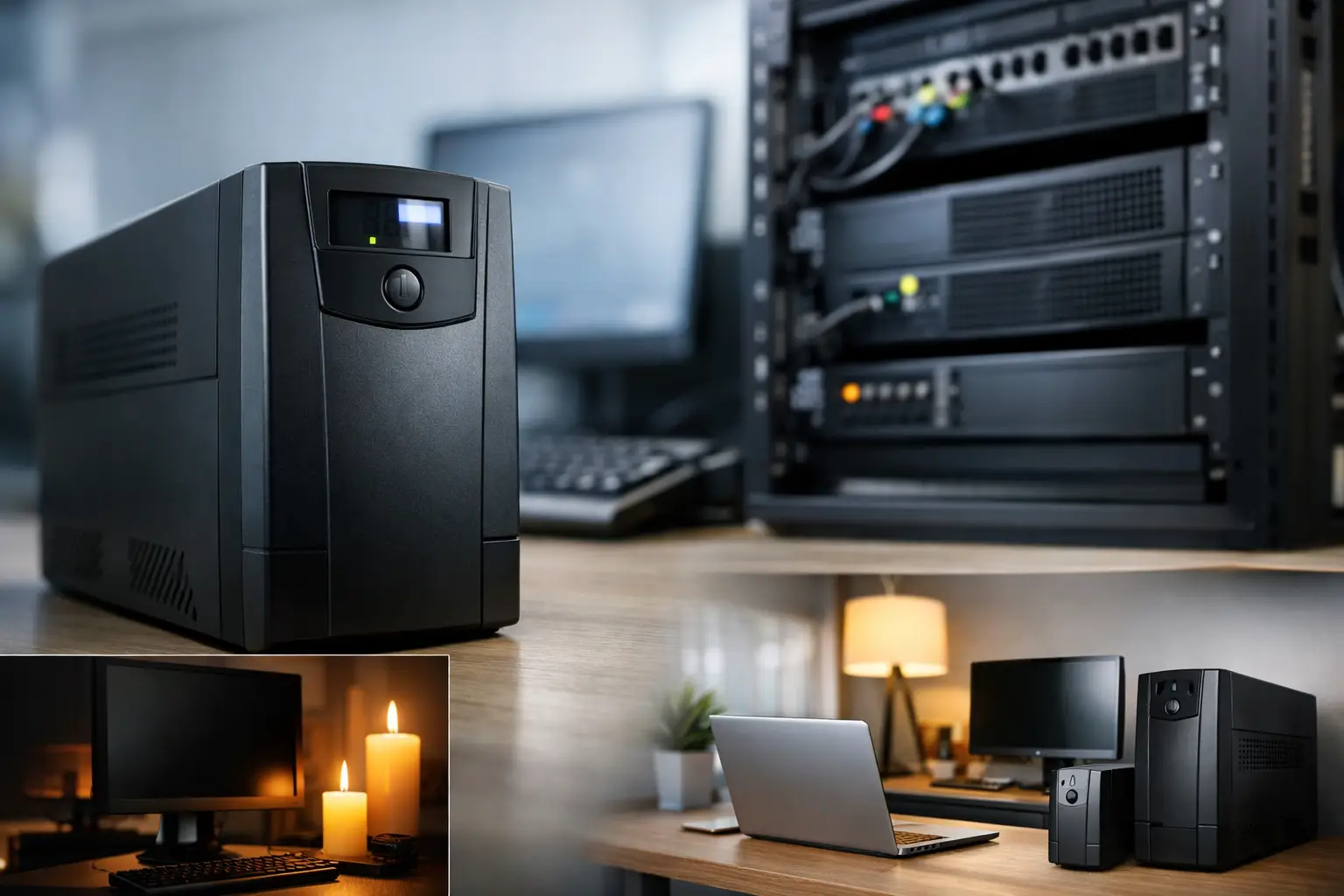
A power outage lasting just a few seconds can close a game without saving, interrupt a work call, drop an internet connection or, in the case of a server and workstation, result in file loss and system damage. The question of how to choose an uninterruptible power supply (UPS) doesn’t start with the brand or the price. It begins with a list of the equipment that needs to remain powered on and the amount of time you truly need for orderly shutdown or power restoration.
A UPS supplies battery power during an outage and often protects against power surges and drops. However, not every model suits every use case: a small UPS for a router and office computer is very different from a solution for a server, a high-powered gaming system, or a cash register in a business. The right match saves money at purchase and prevents disappointment when backup is critical.
How to Choose a UPS Based on Connected Equipment
The first step is deciding what absolutely needs to stay connected. In a home or office setup, you typically connect the computer itself, one monitor, and a router or modem. In a gaming station, you might also want to back up a large monitor, speakers, or a console, but each additional device reduces the time the UPS can operate on battery power. In a business context, the priority may be for network equipment, a point-of-sale system, NAS, servers, or cameras.
Not every component needs to be on battery backup. Laser printers, heaters, kettles, air conditioners, or any devices with heating elements are not designed for connection to a standard UPS. Even inkjet printers can draw high power at certain times, so it's wise to check the manufacturer's instructions before connecting. The goal is to provide continuity for critical equipment, not to power the entire home during an outage.
After making your list, check the actual power consumption or the specifications of the power supply for each item. For a desktop computer, the number on the power supply, such as 750W, does not necessarily represent its ongoing consumption. A system with such a power supply might consume much less during office tasks, and significantly more under gaming or graphic load. The most accurate way to measure is with a power meter. If you don't have one, you can conservatively estimate based on the specifications and anticipated usage.
VA vs. W: The Metric to Prevent Incorrect Choices
Most UPS models show two metrics: VA and W. VA represents apparent power, while W indicates the active power that the UPS can deliver to the equipment. For practical selection, the W value is particularly important because it defines the actual load the UPS can bear.
For example, a UPS rated at 1000VA does not necessarily provide 1000W. In different models, it might offer 600W, 700W, or another value. Therefore, don't choose based solely on a high VA number listed on the packaging. Always compare the total equipment consumption with the UPS’s W capacity.
It’s wise to maintain a margin of at least 20% to 30% above the calculated load. This margin helps manage power spikes, reduces continuous stress on the unit, and allows flexibility for future upgrades, such as adding another monitor or storage drive. If the equipment load reaches around 450W, a model providing 600W could work, but a 900W model will generally offer a more comfortable margin and better backup time.
Backup Time: What You Should Really Expect From a UPS
A common mistake is to expect a UPS to provide hours of operation. In most cases, its role is to offer minutes—enough time to save work, properly shut down the computer, or continue to operate a router and network system until power returns. Backup time depends on the battery capacity and actual load, meaning the same UPS might last 20 minutes with a small router and only 4-6 minutes with a gaming computer under heavy load.
For a home computer, sufficient backup time usually allows for proper shutdown. For working from home, where short outages disrupt video calls and remote access, it may be preferable to choose a model with a larger battery. For a router, modem, and small switch, even a compact UPS might provide significantly longer runtime due to the lower load.
In a server, NAS, or workstation running lengthy tasks, time is only part of the equation. More importantly, the UPS should be able to communicate with the computer or server through USB or network connection and enable automatic shutdown. This way, if no one is on site, the system will receive an instruction to shut down before the battery depletes.
Offline, Line-Interactive, or Online UPS
The type of UPS affects the level of protection, price, and compatibility with the equipment.
Offline models are typically the basic, cost-effective choice for light loads. They switch to battery power upon detecting a power failure or significant voltage spike. Often, they are suitable for routers, simple office computers, or non-critical home use.
Line-Interactive models usually include AVR (automatic voltage regulation), which can correct minor drops or spikes without immediately switching to battery. This is a popular balanced choice for computers, office stations, network equipment, and gaming systems, especially in areas where power quality isn't stable.
Online models continuously convert electricity and offer higher isolation from grid disturbances. They are particularly suitable for servers, specialized medical equipment, critical storage systems, and business infrastructures where even a brief interruption is unacceptable. The price, noise, and power consumption may be higher, which is why there’s no reason to pay for them for an ordinary home computer.
Sine Wave: Critical for Modern Power Supplies
High-quality power supplies in gaming computers, workstations, and servers often use Active PFC. For them, a UPS with pure sine wave output is usually the safer choice. It closely mimics the electricity received from the outlet and can help ensure normal operation when switching to battery.
Models with stepped or simulated sine waves may work well with certain equipment, especially under lighter loads. However, when connecting a powerful computer with a modern power supply, compatibility should not be assumed based solely on the VA rating. Check the specifications of both the UPS and the power supply for recommendations regarding pure sine wave output. In an expensive system, the small savings from a basic model may prove to be less worthwhile than a full match.
Outlets, Connectors, and User-Friendly Features
Before purchase, count the number of outlets needed and check which ones are backed up by the battery and which ones just offer surge protection. In some models, not all outlets work on battery, which is acceptable as long as you plan in advance what to connect where.
A USB management connection is a useful addition for a computer or server. It allows you to monitor battery status, receive alerts, and set up automatic shutdown. For businesses and communication cabinets, network and remote management connections can provide even greater value. A digital display showing load, voltage, battery status, and estimated backup time makes regular checks easier, though it’s not necessary for every installation.
Pay attention to size, weight, and noise. A UPS with an active fan may be noticeable in a bedroom or near a quiet workstation. In a communications room or office, this is generally less significant, but at home, it’s a point to consider beforehand.
Battery, Warranty, and Maintenance
An internal battery is a consumable component. Even if the UPS rarely activates, the battery loses capacity over time. Lifespan varies with temperature, power quality, discharge frequency, and installation conditions, but you should typically expect to replace the battery after a few years.
Check if the battery is replaceable, the availability of compatible batteries, and what the warranty covers for the unit and the battery itself. In some models, the battery can be easily replaced, while in others, professional service is required. For a business relying on network equipment or servers, the availability of an alternative battery is an operational consideration, not just a technical detail.
Install the UPS in a ventilated and dry place, without covering ventilation openings. After installation, conduct a controlled test: save work, temporarily disconnect the power from the wall, and ensure the equipment switches to battery as expected. This is also an opportunity to see the actual backup time, not just a theoretical estimate.
Quick Matching Based on Usage Scenario
For a router, modem, and small switch, choose a compact model with long backup time at low load. For an office computer and monitor, look for Line-Interactive with a high W capacity compared to system consumption and an AVR mechanism. For a gaming computer or workstation, pay special attention to the W metric, power margin, and the need for pure sine wave output. For a server, NAS, or critical business equipment, opt for management and automatic shutdown capabilities, and evaluate if an Online solution is justified based on criticality.
When selecting a UPS from a wide array, like the categories available at TopMarket, first compare the W, wave type, number of outlets, and backup time under relevant load. Only then should you compare price, display, and additional features.
Don’t purchase a UPS based on the false sense of security that a high VA number provides. A brief equipment list, calculated load, and proper margin will lead you to a model that’s exactly right for your needs—one that keeps your connection, files, and equipment safe while the power takes a break.

