

Laptop vs. Desktop: Which is the Better Buy?
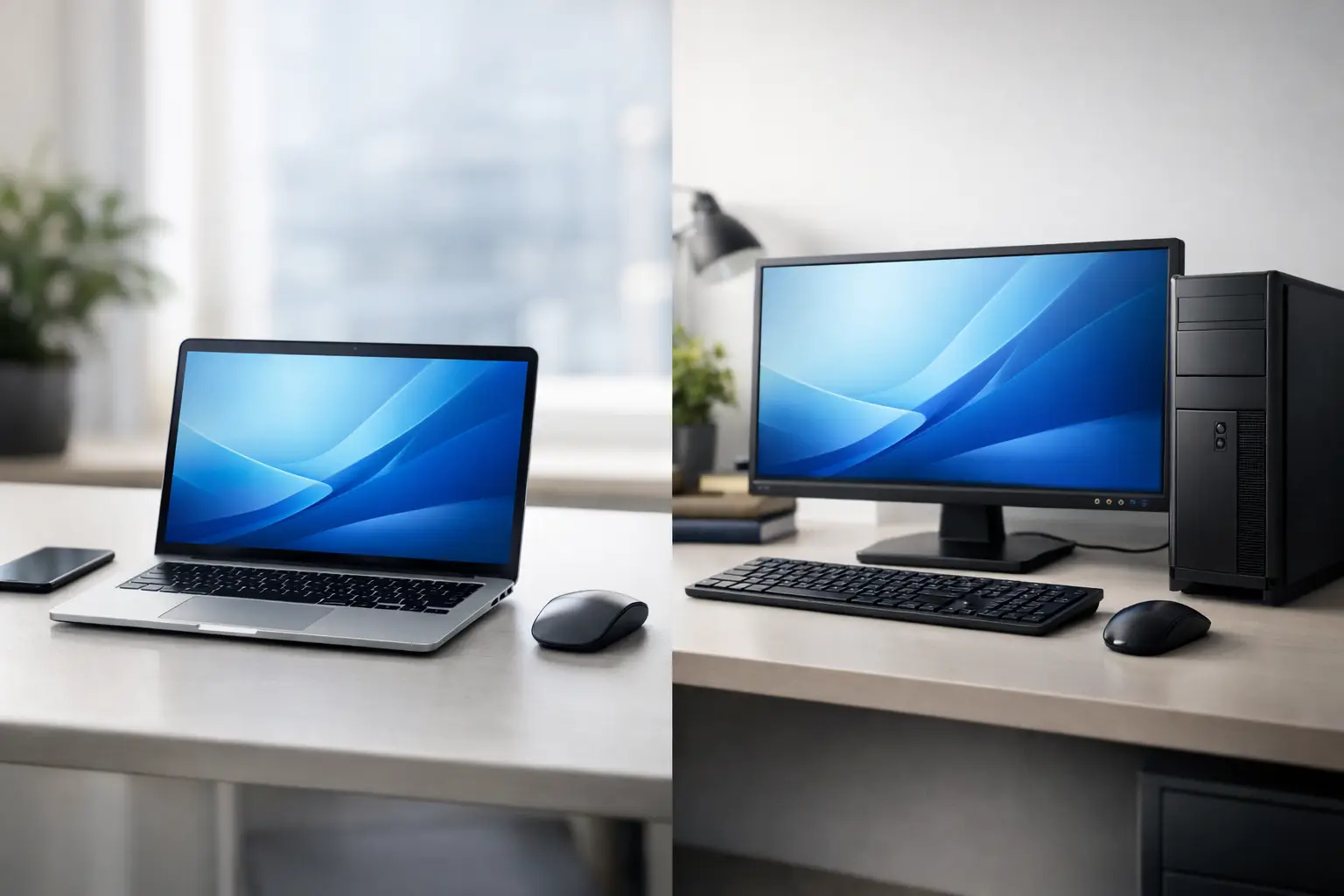
Your current computer is starting to lag, the new game isn't running smoothly, or the small screen isn't suitable for a full workday. At this moment, the important question arises: Laptop vs. Desktop - what is truly the right choice to buy? The answer isn't solely dependent on the price tag; it depends on where you work, the software you run, the amount of equipment you already have at home or in the office, and how long you want the computer to serve you.
A good laptop can be a full workstation in a bag. In contrast, a desktop still provides a clear advantage in performance, cooling, upgradability, and a prolonged user experience on a larger screen. To make the right choice, it’s crucial to consider the bigger picture and not just the processor or storage capacity.
Laptop vs. Desktop: The Decisive Differences
| Consideration | Laptop | Desktop | |---|---|---| | Portability | Designed for work from anywhere | Remains in a fixed workstation | | Performance per Price | Good for everyday tasks and professional work depending on the model | Generally stronger for the same budget | | Upgradability and Repair | More limited, often only RAM or SSD can be replaced | Easier to replace and add components | | Screen and Ergonomics | Built-in screen and compact keyboard | Freedom of choice for screen, keyboard, and mouse | | Cooling and Noise | Depends on the slim design and cooling system | Generally more efficient cooling under load | | Total Cost | Comes as a ready-to-use product | Must also account for a monitor and peripheral equipment if not already available |
The table provides guidance, but the actual choice starts with a simple question: Does the computer need to move with you? Those who travel for classes, meetings, office work, and work from home in the same week will find real value in a laptop. Conversely, someone who mainly works from the same station may benefit more from power, a better screen, and greater comfort with a desktop.
When is a Laptop the Right Choice?
A laptop is suitable when portability is a requirement rather than a bonus. A student writing papers on campus, a sales representative presenting to clients, a manager working between home and the office, or a user needing a single computer for the whole family - all need a solution that opens and is ready for work within seconds.
Even for regular home use, there’s no obligation to buy a desktop. A laptop with a recent Intel Core or AMD Ryzen processor, 16GB of RAM, and a 512GB SSD is typically sufficient for browsing, Office tasks, video calls, content consumption, photo management, and multitasking with several windows. For such tasks, it’s best not to pay extra for a dedicated graphics card or gaming specifications that aren’t truly necessary.
The advantage of a laptop also lies in simplicity. The screen, keyboard, camera, speakers, Wi-Fi connectivity, and battery are already included. You can connect an external monitor, mouse, and keyboard for a fixed workstation, and at the end of the day, simply take the laptop with you. For hybrid workers, this is an especially efficient solution.
However, it’s essential to check the screen and not settle for just the processor specifications. For prolonged work, it’s advisable to choose a screen of at least 15.6 inches or a high-quality 14-inch screen with a high resolution for those prioritizing mobility. Graphic designers, video editors, and photographers should also consider color coverage, brightness, and color accuracy. Gamers should look into refresh rates, dedicated graphics cards, and cooling systems that can handle prolonged loads.
When Does a Desktop Offer Better Value?
A desktop is suitable for those whose main work is performed in a fixed location. Within the same budget, a desktop typically allows for a more powerful processor, a more advanced graphics card, larger storage, and better cooling. The difference is especially noticeable in gaming, video editing, 3D modeling, simulations, CAD software, development, and any task that places a heavy load on the computer for extended periods.
For example, a desktop gaming computer can integrate a state-of-the-art graphics card, a suitable power supply, a well-ventilated case, and a powerful processor, without the space and heat restrictions of a laptop. It also allows you to adjust the specifications based on the resolution of the screen. Games in Full HD require different setups from those in 2K or 4K, and there’s no reason to pay for components that don’t match the existing screen or gaming style.
In a small business, a desktop can be the economical choice for reception desks, accounting, service centers, or fixed offices. It’s easy to connect two monitors, a printer, a scanner, backup storage, a webcam, and networking equipment. If a component malfunctions or if the work requirements change, there’s no need to replace the entire computer. You can expand the memory, add an SSD, upgrade the graphics card, or replace the power supply as needed.
The ergonomic advantage is equally significant. A large screen at eye level, a full keyboard, and a comfortable mouse contribute to comfortable work throughout the day. A laptop can be converted into such a station using an external monitor and docking station, but if it rarely leaves the house or office, it's worth asking whether a desktop might not be a more precise investment from the start.
Don’t Just Compare Processors
A common mistake is choosing a computer based solely on the processor brand. Two computers with Intel Core i7, for instance, can offer very different performances based on the processor generation, number of cores, power envelope, cooling, and the graphics card. This is also true for the AMD Ryzen family. The brand name is a starting point, not the whole answer.
RAM is particularly important for multitasking. 8GB may suffice for basic use, but 16GB is a balanced choice for most users today. Video editors, users of professional software, programmers running development environments, or those working with large files may benefit from 32GB or more.
Storage also affects everyday experience. An SSD is the preferred standard in almost every new computer because it impacts the speed of booting the operating system, opening applications, and transferring files. A capacity of 512GB is suitable for many users, but game libraries, video materials, and backups can fill this up quickly. In a desktop, it’s easier to add an extra drive, whereas in a laptop, you must first check the number of expansion slots and upgrade options.
The Real Cost Includes Your Entire Workspace
A laptop may sometimes appear more expensive, but it includes components that a desktop does not: screen, camera, battery, keyboard, touchpad, and speakers. Conversely, the price of a basic desktop can be misleading if you still need to purchase a monitor, operating system, keyboard, mouse, webcam, and speakers.
Therefore, the proper comparison is between two complete systems. If you already have a quality monitor and good peripheral equipment, a desktop can be an excellent deal. If you need to build everything from scratch and require mobility, a laptop may be worth it, even if its initial price is slightly higher.
It’s important to check warranty, availability of parts, and service conditions. For a computer intended for business work, downtime of a day could cost more than the difference between two specifications. For home use, a solid warranty and balanced specifications usually matter more than a flashy component that doesn't suit usage habits.
The Choice Based on Usage Type
For studies, browsing, and office work, a 14 or 15.6-inch laptop with 16GB RAM and SSD will provide a convenient solution for years. For home work involving files, spreadsheets, and numerous video calls, you can choose either a laptop with an external monitor or a desktop with two screens, depending on the need for mobility.
For competitive gaming, heavy video editing, engineering design, or 3D work, a desktop typically delivers more performance for your money and greater upgrade options. A gaming laptop is suitable for those who must take performance with them, but it’s important to understand that it’s usually heavier, runs hotter, and operates at maximum power primarily when plugged into electricity.
For a family looking for a shared computer, the decision depends on the routine: a laptop is suitable if children and parents use it in different rooms, while a desktop is appropriate if you want a fixed station for studying, printing, and controlled use. For a business with multiple users, it's better to define upfront who needs mobility and who works from a fixed station rather than buying the same type of computer for everyone.
Before placing an order, jot down the three software applications or tasks that the computer must perform, the screens and accessories you already have, and your budget for a complete system. With this information, it is much easier to compare specifications and choose at TopMarket a computer that fits your actual work needs rather than just a deal that appears on the screen.

