

 Install the app
Recommended Compact Printers for Home and Small Office
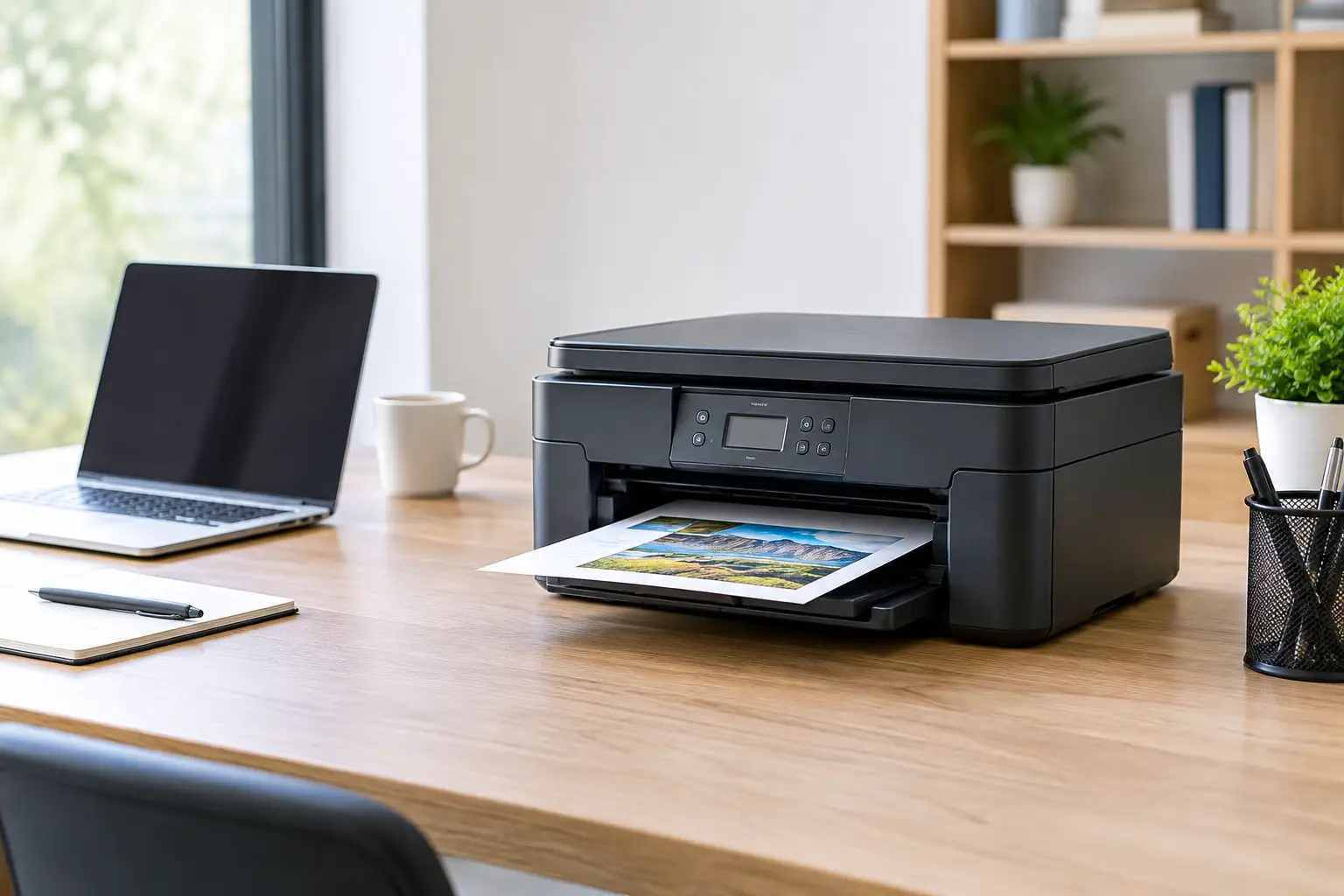
A printer that takes up half your desk, needs cables running in every direction, and warns you that it’s low on ink right before an important deadline isn’t an efficient solution. So when looking for recommended compact printers, don’t focus only on the printer’s dimensions or sale price. The right choice depends on what you print, how often you print, whether you need scanning, and the long-term cost of supplies.
A good compact printer can serve students, families, remote workers, and small offices without taking up too much space. But compact doesn’t have to mean basic. Today, you can find small printers with wireless printing, a scanner, an automatic document feeder, automatic duplex printing, and even an economical ink tank system. The key is to determine which features you actually need.
Choose a compact printer that suits the way you work
Size matters, especially in a small apartment, a child’s room, a home office, or a small office where every inch of desk space counts. However, a relatively narrow printer may take up considerably more room when its trays are extended. Check its dimensions when fully set up, not just its packaged or closed dimensions.
Before comparing models, think about what you’ll actually print. Someone who prints a few worksheets, forms, and bills each month needs a different solution from someone who produces quotes, reports, shipping labels, or training materials every day. Photo printing also affects your choice: an inkjet printer is generally better suited to photos and home graphics, while a laser printer typically excels at crisp text and fast printing.
Scanning is another important consideration. An all-in-one printer saves space by combining printing, copying, and scanning in a single device. For most home users, this is the most practical option. In a small office, an automatic document feeder can save considerable time when scanning contracts, receipts, or multipage documents. If you rarely scan, you may prefer a smaller, less expensive model without one.
Inkjet or laser: the choice that affects your budget
Compact printers generally fall into two categories: inkjet and laser. Neither type is right for everyone, so base your decision on your printing habits—not just the initial price.
Inkjet printers are usually a good fit for homes, students, and occasional color printing. They can produce documents, schoolwork, charts, and photos in good quality, and their purchase price is often affordable. The downside is the cost of ink cartridges, especially if you choose a model with low-capacity cartridges and print frequently. Also, if an inkjet printer sits unused for a long time, its print heads may need cleaning.
Ink tank printers are worth considering if you print in color regularly. They may cost more upfront, but the included ink and low cost per page can make them a worthwhile investment over time. They’re a good choice for families with children, teachers, small businesses, and anyone who prints color documents on a regular basis.
Laser printers are especially well suited to text documents, invoices, contracts, and reports. They’re fast, produce sharp text, and their toner doesn’t dry out like ink. A compact monochrome laser printer is an efficient choice for a home office or business that prints mostly documents. The cost per page can be attractive at higher volumes, but color laser printers—and their supplies—are generally more expensive. If you only need color once every few weeks, paying extra for a color laser printer may not be worthwhile.
Monthly print volume is a useful specification, not just a number on the page
Manufacturers sometimes list a recommended or maximum monthly duty cycle. This figure helps indicate how much use a printer is designed to handle. Printing dozens of pages a month is very different from printing hundreds. Choosing a model that’s too small for regular business use can lead to faster wear, longer wait times, and unnecessary maintenance costs.
You don’t need a large office printer if you print a few documents each week. On the other hand, if you print every day, don’t settle for a basic model just because it fits on a shelf. Matching the printer to your workload can help you avoid replacing it too soon and make everyday use more convenient.
What to check before buying
Wireless connectivity is now close to a must-have. A Wi-Fi connection lets you print from a laptop, phone, or tablet without plugging in a cable each time. Some models also support direct printing from a mobile device, which is especially useful at home or in a shared workspace where visitors may need to print quickly.
Automatic duplex printing is worth prioritizing if you regularly print multipage documents. It reduces paper use, keeps documents organized, and eliminates the need to turn pages over manually. It’s less essential for occasional single-page printing, but can be a significant upgrade for a small office.
Print speed matters most when several people share a printer or when deadlines are tight. Don’t rely only on the highest speed listed in the specifications: it may be measured under ideal conditions using simple documents. Treat it as a general guide and compare models in the same category.
Also check the paper tray capacity and supported media types. A small tray may be fine at home but require frequent refilling in a business setting. If you print envelopes, labels, photo paper, or lightweight cardstock, make sure the printer supports the required paper weights and sizes. Not every home printer can handle every type of media.
Choose a printer based on how you’ll use it
For students or families who print assignments, forms, and occasional color documents, an all-in-one inkjet printer with Wi-Fi is a well-rounded choice. It doesn’t need to be especially fast, but a scanner and mobile printing support are useful features.
For a home office that mainly handles contracts, invoices, and text documents, a monochrome all-in-one laser printer is usually the more efficient option. Look for high-yield toner, automatic duplex printing, and an automatic document feeder if you scan paperwork frequently.
For a small business that regularly prints color documents, training materials, or forms, an ink tank printer may offer better value. Check the cost of replacement ink, tank capacity, paper tray capacity, and realistic print speeds. A very inexpensive model can become costly if it requires frequent cartridge replacements.
If space is especially limited, consider an ultra-compact or portable printer. These models are convenient for travel, field work, or occasional printing, but they’re usually not designed for high-volume use. They’re a specialized solution, not a replacement for a permanent office printer.
How to compare the true long-term cost
The printer’s purchase price is only part of the total cost. To make a fair comparison, check the type of cartridge or toner it uses, the stated page yield, the availability of supplies, and whether high-yield cartridges are available. For an ink tank model, compare the price of refill bottles and the estimated page yield for a full set.
It’s also worth considering the warranty, service options, and supply availability. A printer will typically last for several years, so a model from a well-known brand with readily available supplies may be a safer choice than a cheaper printer that’s difficult to maintain. At TopMarket, you can compare specifications, printer types, and supplies to find an option that fits your budget and how you plan to use it.
Before adding a printer to your cart, run through these five quick checks:
- Measure the available space, including room for open trays and the scanner lid.
- Decide whether you’ll mainly print in black and white, in color, or on photo paper.
- Check the cost of ink or toner and the stated page yield.
- Make sure the printer has Wi-Fi and any features you need, such as scanning or duplex printing.
- Choose a model that can handle your workload, not just one with an attractive sale price.
The right compact printer isn’t simply the one that saves space on day one. It’s the one that lets you print quickly when you need to, makes scanning easy, and keeps running costs manageable months after your purchase.
- Recommended Compact Printers for Home and Small Office
- How to Calibrate Your Monitor for Professional Graphics Work with Precisio
- How to Choose a Wireless Network for a Retail Store?
- Smart Homes That Truly Fit Your Home and Budge
- <h1>Case Study: An Office Computer Upgrade That Saved Time and Money</h1>

