

 Install the app
Recommended Projectors for the Living Room - How to Choose Wisely
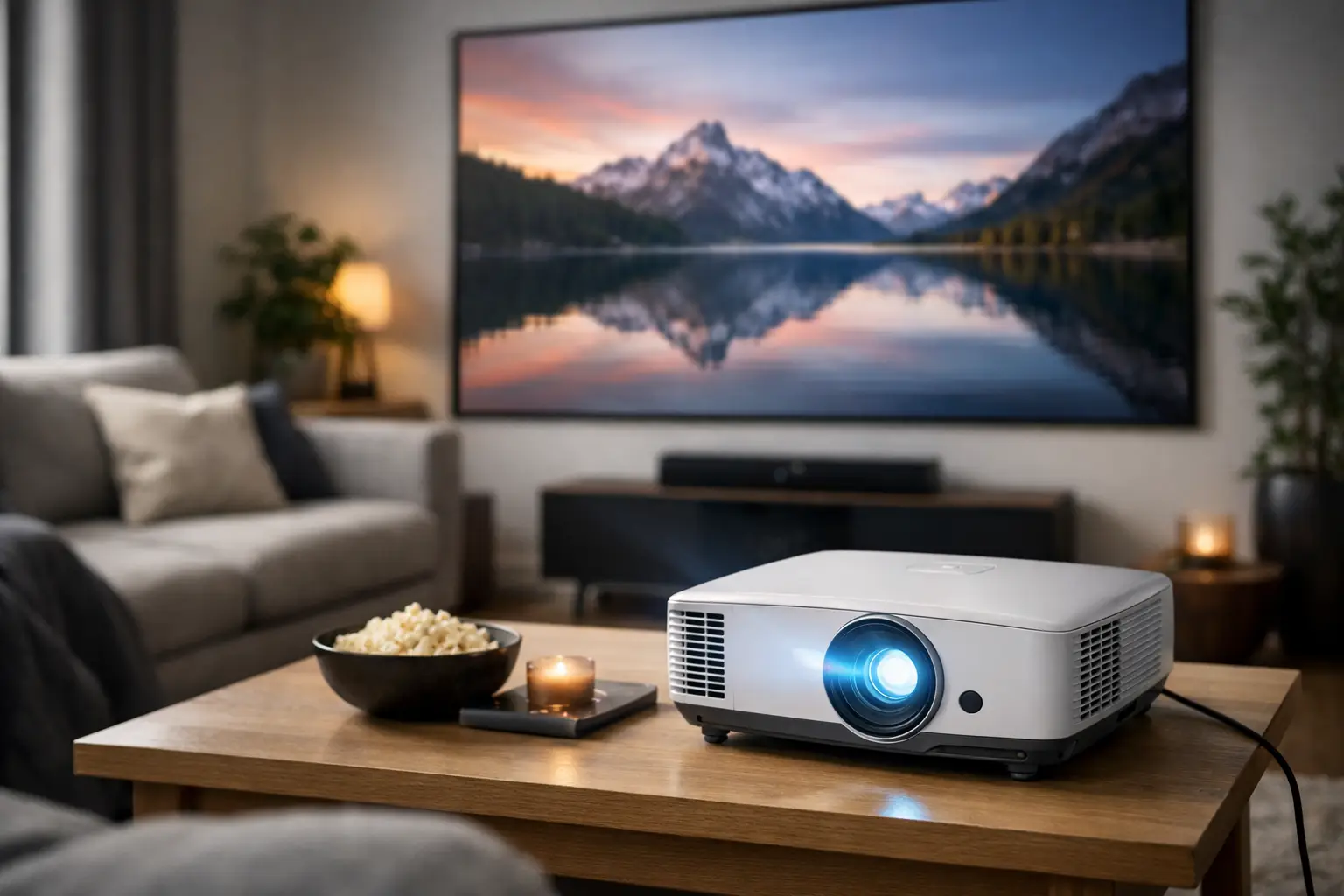
Your living room screen may already be large, but it's not always large enough. When the goal is to watch a football match with friends, a family movie, or gaming with a picture of 100 inches or more, recommended projectors for the living room can transform your experience. However, making the right choice doesn’t start with the price or the size of the image promised on the box; it begins with the room's lighting conditions, the distance between the projector and the wall, and how the living room is used on a daily basis.
A home projector should function well even when the blinds are not completely closed, easily connect to a decoder, console, and streaming device, and fit realistically on a shelf, table, or ceiling. Therefore, it’s wise to compare specifications based on usage rather than just choosing based on brand or a single feature.
Before Choosing a Projector for the Living Room: Measure the Room
The first thing to check is the projection distance—the distance between the projector's lens and the screen or wall. Each model has a different throw ratio, which determines what image size you'll get at a given distance. A standard projector may require about 2.5 to 3.5 meters to display a large image, while a short-throw or ultra-short-throw projector can work from just centimeters away from the wall.
In a small living room, an ultra-short-throw projector is a convenient solution when there's no option to mount the device behind or run cables throughout the room. It is placed close to the wall, reducing the likelihood of people walking in front of the light beam, and it is suitable for low furniture. However, the price is generally higher, and precise alignment of the projector with the projection surface is especially important.
In a deeper living room, a projector with a standard throw ratio often offers more options at a better price. Also check for optical zoom and lens shift capabilities if available. These features allow you to adjust the size and position of the image without moving the projector and without overly relying on digital correction.
Keystone correction is useful when the projector isn't positioned directly in front of the screen, but it isn’t a substitute for proper installation. Aggressive correction may reduce sharpness and limit the active image area. If you plan to install a ceiling-mounted projector, measure the height, distance, power point, and HDMI cable routing before placing your order.
Brightness: The Decisive Factor in a Well-Lit Living Room
In a dedicated home theater room, it’s possible to darken almost completely. However, in the average Israeli living room, there are windows, ceiling lights, and sometimes daylight even during viewing hours. In such a case, brightness has a more significant impact on the actual result.
For evening viewing in a room that can be darkened, a projector with about 2,000 to 2,500 ANSI Lumens can suffice for a good medium-sized image. In a living room with surrounding lighting or usage during the day, it’s better to aim for around 3,000 ANSI Lumens and up. The larger the image, the more the light is spread over a broader area, so that same brightness will appear weaker at 120 inches than at 90 inches.
It's important to distinguish between ANSI Lumens, which is a recognized and relatively standardized measure, and marketing phrases like LED Lumens or general Lumens. When comparing models, it’s best to compare data from the same standard and check the brightness in the setting you will actually be using. An especially bright picture mode may be suitable for watching sports in the afternoon, but sometimes the colors may be less accurate and it can be noisier due to a fan running at high speed.
The projection surface also matters. A white, smooth wall may work well at first, but a dedicated screen provides a clearer frame, better uniformity, and sometimes a significant improvement in contrast. In an especially bright room, an ambient light-rejecting screen may help, especially with an ultra-short-throw projector. This is an upgrade that should be budgeted as part of the system, not as a minor addition.
Resolution, HDR, and Refresh Rate
For most buyers, a 4K resolution is a solid starting point for a new living room projector. It delivers convincing detail in movies, sports broadcasts, and games, especially with a large image where the difference compared to Full HD is easily noticeable. Full HD models can still be a worthwhile purchase for a small room, occasional viewing, or a limited budget, but it’s worth considering that 4K content is becoming increasingly common on streaming services, consoles, and players.
Check if it’s true 4K or pixel-shifting technology. Both options can deliver excellent images for a living room, and the decision doesn’t have to rely solely on the projection method. The quality of the lens, image processing, brightness, and contrast are equally important. A balanced projector with a clean image is preferable to an impressive 4K specification on paper that doesn't work well with your room conditions.
HDR can enhance colors and details in bright and dark areas, but it highly depends on the projector's light capacity and contrast. In a well-lit living room, don’t expect the same effect achieved by an OLED TV in a dark room. Look for support for standard HDR formats, picture adjustment options, and reviews on HDR performance, but prioritize proper brightness and a good basic calibration.
Gamers should also check for input lag. For competitive gaming, low latency is preferred, ideally with a dedicated game mode. Support for 120Hz can be beneficial for consoles and compatible PCs, but only if the projector can actually receive and display the signal at the relevant resolution. Don’t assume that every HDMI port supports the same capabilities—always check the full specifications of the connections.
Connections, Smart System, and Sound
A living room projector should connect to your content sources without unnecessary adapters. Two HDMI inputs are a practical choice: one for a streaming device or decoder, and the other for a console, computer, or player. If using an external sound system, check for an HDMI output with ARC or eARC, an optical output, or high-quality Bluetooth. The correct connection will depend on the receiver, soundbar, or speakers already available in your home.
A built-in smart operating system is convenient, especially for streaming without an additional device. However, it shouldn’t be the sole reason for choosing a specific model. A quality external streaming device can extend the system's lifespan, receive updates over time, and provide a more familiar interface. Those already using a console or decoder might prefer a projector with a simple and fast interface instead of paying extra for a smart system that may not be utilized.
Don’t rely on the built-in speaker as a home theater system. It may suffice for the news, a short video, or occasional viewing, but movies, performances, and games sound better with a soundbar, active speaker pair, or home theater system. If you can’t run a cable, check the quality and support of Bluetooth in advance, as well as the possibility of latency between the picture and sound.
Light Source Technology and Cost Over Time
LED and laser projectors generally offer longer light source life, quick startups, and sometimes lower maintenance. They are particularly suitable for those using the projector as a central display in the living room, not just for movie night once a week. Traditional lamp projectors can still offer good value in certain models, but you have to consider lamp replacement, gradual brightness decline, and future costs.
There’s no one-size-fits-all answer. A bright laser projector can justify its price with regular use in a lit room, while a compact LED projector may suit someone looking for portability and casual use. It's important to check the light source life under the conditions you expect to use it, not just in power-saving mode that reduces brightness.
Fan noise is another detail not to overlook. In quiet scenes, a noisy projector can be more distracting than it seems in a store or on a specification sheet. If the projector will be placed close to the seating area, prefer a model known for quiet operation and check how the noise level changes in bright mode.
How to Align the Budget with Actual Use
With an entry-level budget, focus on quality Full HD or basic 4K with sufficient brightness, reliable HDMI connections, and convenient geometric correction. Don’t be lured by promises of a giant image if there isn’t enough light for the room. In a mid-range budget, you can expect a better combination of 4K, high brightness, convenient HDR support, and more advanced connections.
At the premium level, value typically comes from a laser light source, better optics, improved contrast, installation flexibility, and advanced gaming or cinema features. Here, it's worth comparing not just the price of the projector but the total cost of the system: screen, ceiling mount, appropriately long HDMI cables, and sound system.
At TopMarket, you can compare specifications of models, brands, and price levels, but before adding a product to your cart, it’s important to revisit the measurements of your living room. Take a photo of the intended wall, measure the distance from the planned spot to the screen, and note what devices need to connect. These three minutes can prevent you from choosing an excellent projector that simply isn't suitable for your room.
The right projector isn't necessarily the brightest or the most expensive. It’s the one that displays the desired image size under your lighting conditions, connects to existing equipment in your home, and leaves room in your budget for sound and an adequate projection surface. When this fit is right, the living room has a genuinely large screen without making the installation a complicated project.
- How to Calibrate Your Monitor for Professional Graphics Work with Precisio
- How to Choose a Wireless Network for a Retail Store?
- Smart Homes That Truly Fit Your Home and Budge
- <h1>Case Study: An Office Computer Upgrade That Saved Time and Money</h1>
- Recommended Gaming Mice for Large Hands: How to Choose the Right One

