

The Best Desktop Computers for Home Use Based on Purpose and Budge
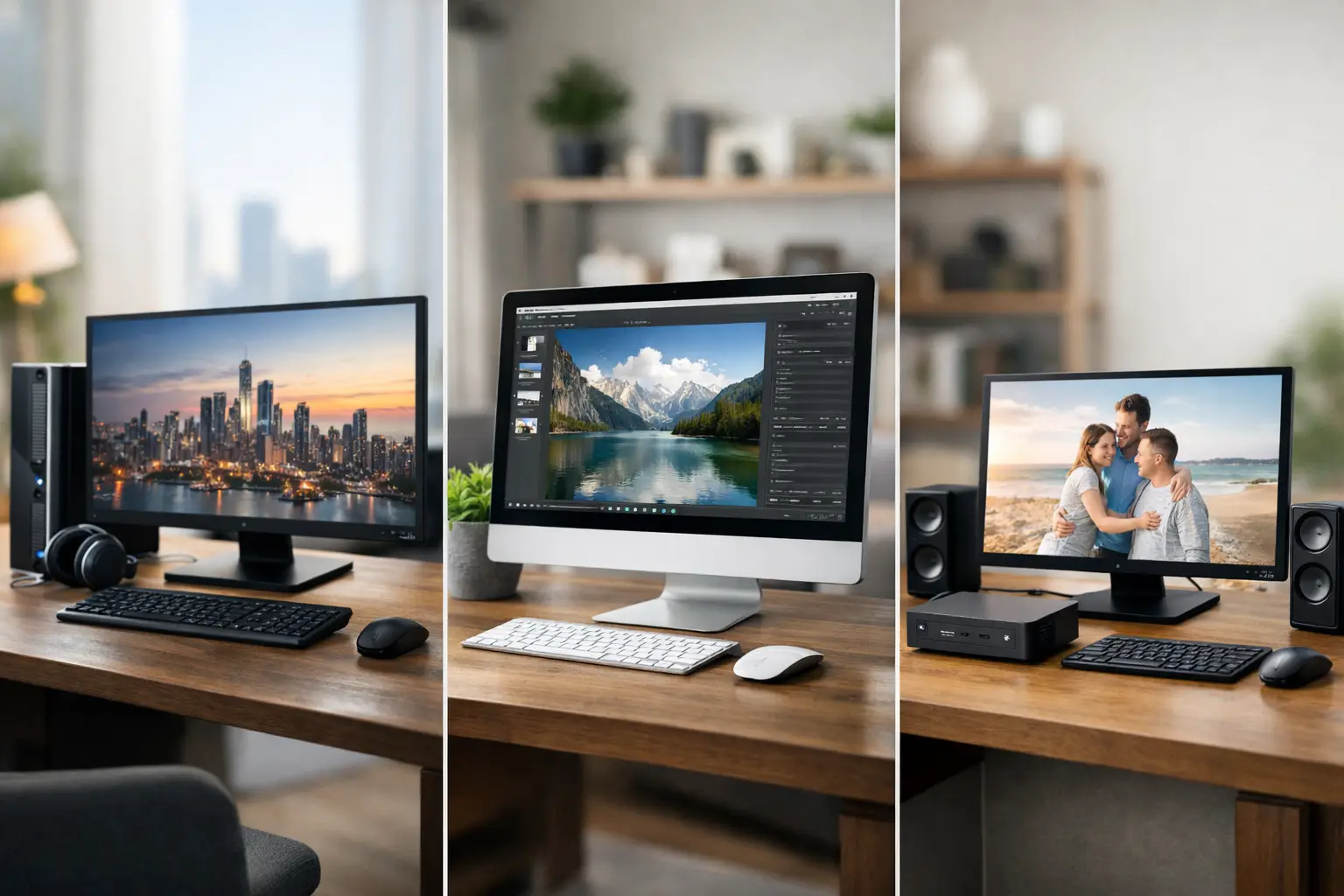
A desktop computer for home should solve a clear problem: replacing a slow computer, enabling studies and work without delays, providing a dedicated station for children, or running demanding games and applications without compromise. Therefore, when searching for the best desktop computers for home, the first question is not which brand is the most recognized, but what the computer needs to do on a daily basis and which components will serve that need for years to come.
Desktops still offer a significant advantage at home: they provide higher performance relative to their price, a large and comfortable screen, a wide range of connections, and the possibility to upgrade memory, storage, and sometimes even the graphics card. On the other hand, they require a dedicated space, a separate screen, and additional accessories. The right choice starts with a balanced specification, not just one flashy component at the expense of others.
The best desktop computers for home begin by defining usage
A family where the computer is mainly used for browsing, documents, Zoom classes, and watching content doesn't need to invest in a large gaming computer. Conversely, a computer that needs to run new games, video editing, or design software requires a different level of processing power, memory, and cooling. Purchasing a specification that's too powerful wastes budget, while buying a specification that's too weak creates a need for early replacement.
For basic use, a modern Intel Core i3 or i5 processor, or AMD Ryzen 3 or 5, will usually provide a fast experience. It’s advisable to choose at least 16GB of RAM and a 512GB SSD. This combination allows you to open multiple tabs, work with documents, use video calls, and store files without the computer feeling limited after a short period.
For a home office, advanced studies, or multitasking, it’s wise to prefer a Core i5 or Ryzen 5 processor from recent generations, with at least 16GB of RAM. Those who work with large Excel files, business systems, programming, or multiple screens will benefit from 32GB of RAM. Here, it’s also important to check connectivity: HDMI or DisplayPort for monitors, fast USB for external drives, and a wired network connection if the computer is next to a router.
Gaming is a different category altogether. Performance is particularly influenced by the graphics card, but it makes no sense to match a powerful card with a weak processor, limited memory, or a screen incapable of displaying the desired refresh rate. For popular esports and gaming, you can choose a mid-range computer with a dedicated graphics card. For new games at 1440p resolution, high graphical settings, or a screen with a high refresh rate, it’s wise to plan a more advanced specification, including a quality power supply and a well-ventilated case.
The processor, memory, and storage: the three components that determine the experience
The processor is the work center of the computer, but the generation and series numbers are just as important as the Core or Ryzen name. A modern processor offers better efficiency, better support for new components, and sometimes even lower power consumption. There’s no need to chase after a flagship model. For home use, a mid-range modern processor is often the best balance between price, speed, and longevity.
RAM affects the ability to multitask. 8GB is only suitable for very basic computers today and may limit use with a busy browser, online classes, or office software. 16GB is a proper starting point for most home users. 32GB suits professional users, gamers, content creators, and homes where the computer shifts between heavy tasks throughout the day.
When it comes to storage, an SSD is no longer an addition but a requirement. It directly affects the boot time of the operating system, opening software, and copying files. A 512GB capacity is suitable for most homes; however, a family storing photos, videos, games, and work files will benefit from 1TB. You can also choose a combination of a fast SSD for the system and applications alongside an additional drive for larger archives. Before purchasing, it’s advisable to check if there’s space in the case for future upgrades.
When is a dedicated graphics card needed?
For browsing, movies, Office documents, and distance learning, the integrated graphics in many processors is certainly sufficient. It saves costs, reduces power consumption, and sometimes allows for a smaller and quieter case.
A dedicated graphics card is required when working with games, video editing, 3D simulations, CAD software, or applications based on graphic processing. In this case, you need to match the card to the monitor. A computer with a strong card and a basic Full HD monitor may be less balanced than a somewhat moderate system with a high-quality monitor, high resolution, and appropriate refresh rate.
Case, cooling, and noise are not trivial details
A home computer may often be placed in the living room, children's room, or in a quiet workspace. A large case with lighting may suit a gaming room, but it’s not the only option. A compact computer can be an excellent solution when space is limited, as long as it allows for proper ventilation and comfortable connections.
Quality cooling is not just for extreme specifications. It maintains stable performance and reduces noise, especially under load. In a gaming computer or workstation, make sure there are suitable fans in the case, good airflow, and a processor that doesn’t run too close to its high temperatures. In a computer for everyday use, the preference for a quiet system may be more important than RGB lighting or an oversized case.
The power supply also deserves attention. This is a component that sometimes doesn’t appear at the top of the specifications list, but it affects system reliability and upgrade options. For a computer with a dedicated graphics card, choose a power supply with adequate wattage, proven quality, and electrical protections. A power supply that’s too cheap can turn a seemingly good deal into an unnecessary expense later on.
Don’t forget the monitor and surrounding equipment
A desktop computer is measured as a complete work experience, not just as a box sitting under the table. A 24-inch monitor with Full HD resolution is suitable for many home uses. For work involving text, data sheets, and multiple windows, a 27-inch monitor with QHD resolution provides a more comfortable workspace. For gaming, also check the refresh rate and response time, not just the screen size.
A basic keyboard and mouse are sufficient for a family station, but for those working long hours at the computer, investing in comfort and ergonomics is worthwhile. A webcam, headphones with a microphone, an uninterruptible power supply, or speakers may be more important than a minor processor upgrade, depending on usage. This is the advantage of buying a complete system in one place: you can match the monitor, peripheral devices, and external storage without guessing if the components will work together.
How to buy right without paying for unnecessary specifications
Always compare computers based on full specifications: processor model, RAM capacity, type and capacity of SSD, graphics card, operating system, connections, power supply, and warranty. Descriptions like "powerful computer" are not enough. Two computers with the same processor name can be significantly different due to memory amount, storage quality, or graphics card.
Check if the operating system is included, whether there’s built-in Wi-Fi and Bluetooth, and what the warranty terms are. A pre-assembled computer saves time and ensures basic compatibility between components, while a customizable system allows for greater control over budget and part selection. The choice depends on the level of knowledge and the need for future upgrades.
At TopMarket, you can compare office computers, gaming computers, workstations, and complementary components based on specifications, brand, and price. Before ordering, set a budget ceiling and save part of it for the monitor and peripheral equipment. An excellent computer without a comfortable work environment won’t provide full value.
The right choice is one that leaves you room to grow: enough power for next year's tasks, storage that won’t fill up immediately, and connections that will suit what you already have at home. This way, the computer will not only start up quickly on the first day, but will remain a useful and pleasant tool even after needs change.

