

The Best Tablets for Kids by Age and Budge
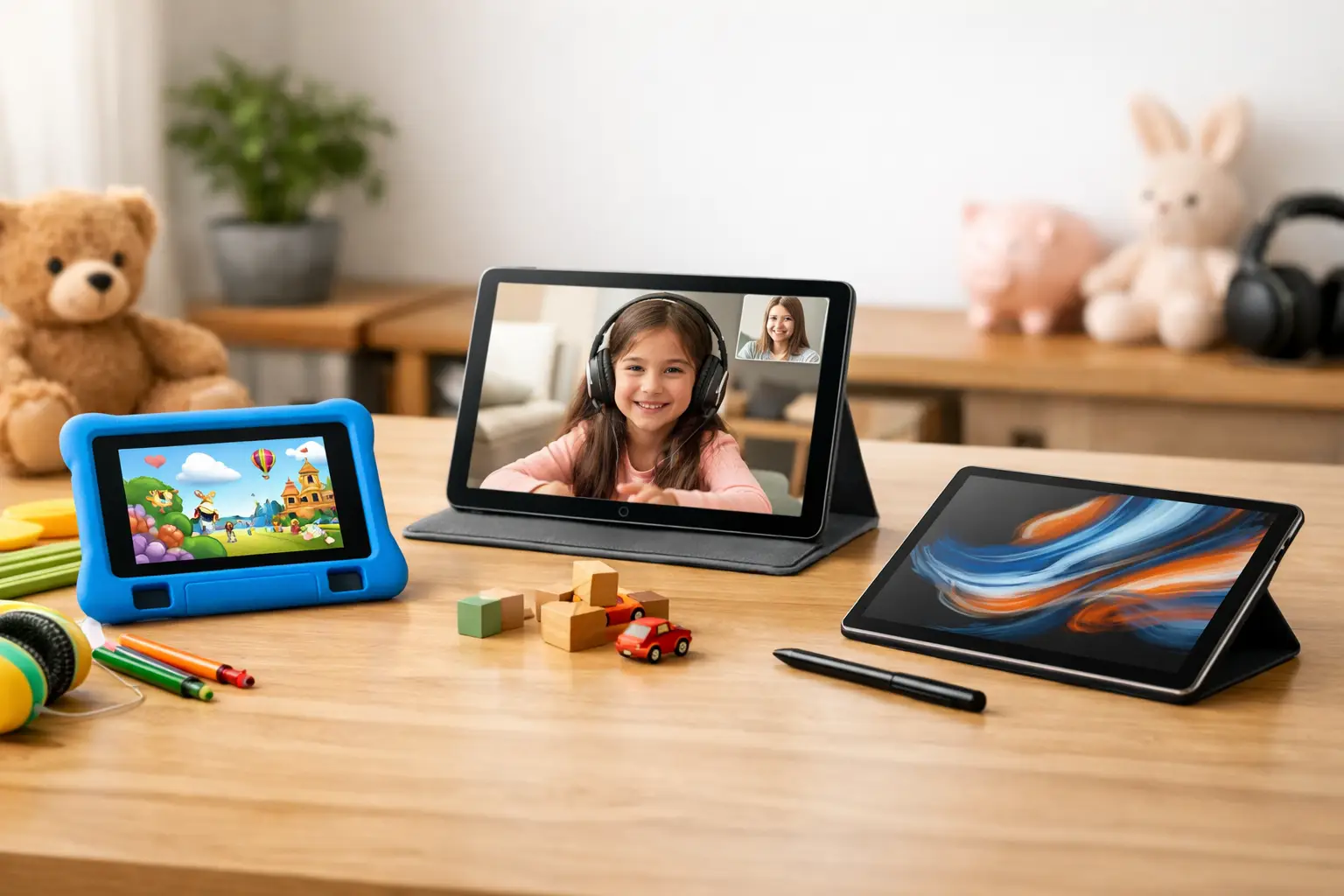
A child requesting a tablet does not necessarily need the most powerful or expensive device on the market. To choose the best tablets for children, you need to consider the child's age, the intended use, the durability of the device, and the budget you are willing to invest. A tablet for watching videos and simple games is very different from a tablet for a student preparing assignments, participating in online classes, and drawing with a digital pen.
The right choice starts with a simple question: what should the tablet do on a daily basis? Once the answer is clear, it becomes easier to filter between a small or large screen, Android or iPadOS, basic or expanded storage, and a simple model versus a device that can serve the child for several years.
The best tablets for kids start with age-appropriate choices
For children aged 3 to 6, the main goal is a simple, safe, and durable user experience. Educational apps, videos, matching games, and video calls with family do not require a particularly advanced processor. Here, a tablet with an 8 to 10-inch screen, a clear interface, good battery life, and a thick protective cover is usually preferable. A screen that is too large can be uncomfortable to hold, while one that is too small may limit viewing and creative activities.
For children aged 7 to 10, usage expands. The tablet may also be used for reading, school assignments, research, viewing content, and slightly more complex games. It's wise to look for a model with at least 4GB of RAM, 64GB of storage or more, and support for storage expansion via a memory card if it's an Android device. This specification provides ample space for apps, photos, files, and downloads.
For older kids and teens, a tablet can become a true educational tool. A 10 to 12-inch screen, the ability to connect a keyboard, support for a digital pen, and a high-quality front camera provide advantages for online lessons, note-taking, document annotation, and content creation. In such cases, a very cheap model may not be a good deal if it is slow, limited in storage, or does not receive long-term system updates.
Android or iPad: A choice that impacts usability
The operating system has a direct impact on price, app variety, and how the device is managed at home. Android tablets generally offer a wider range of models and price points. They are suitable for families looking for good specs at competitive prices, opportunities for storage expansion, and a large selection of reputable manufacturers. It's important to check that the tablet has full access to the relevant app store and that it comes with an updated version of the operating system.
An iPad suits those who prefer a consistent interface, a large selection of educational and creative apps, and software updates over the years. It may be a higher investment upfront, but it has the advantage of being able to be passed down among siblings or used over a long period. Children who enjoy drawing, basic video editing, or learning with a digital pen may particularly benefit from the system and compatible accessories.
There is no single correct answer. In a household that already has an iPhone, Mac computers, or Apple services, an iPad can easily fit in. In a family that prefers budget flexibility, diverse devices, and memory expansion, a quality Android tablet may often be the more economical choice.
Technical specifications to check before purchasing
The screen is a central component since the child will spend a lot of time in front of it. A Full HD resolution, or close to it, provides a pleasant display for reading and viewing, especially on screens of 10 inches and larger. It's also worth checking for adequate brightness, especially if the tablet will be used for travel or outdoors, and whether it has blue light filters or eye comfort modes for evening use.
The processor and RAM determine how fast the device will feel after a few months of usage. A basic tablet with 3GB of RAM might suffice for light tasks, but 4GB is a better starting point for most kids. For gaming, multiple open apps, and learning, 6GB or more will provide a more comfortable experience. There's no need to pay for professional tablet performance if the child primarily watches content, but it’s advisable to avoid weak models that may lag even with a few simple apps open.
The storage capacity is equally important. 32GB can fill up quickly with games, videos, and photos. 64GB is a practical minimum for most users, and 128GB is especially suitable for those downloading content for offline viewing or using large apps. If choosing an Android device with a microSD slot, it’s relatively inexpensive to add storage, though not all apps allow all data to be transferred to the card.
Battery life also affects the user experience. Look for a realistic usage time of at least 7 to 10 hours for viewing, browsing, and learning. The manufacturer's official data is a starting point, but it varies based on screen brightness, gaming, Wi-Fi connections, and video calls. USB-C charging is clearly an advantage, as it is more common and convenient both at home and on the go.
Physical protection and parental controls are essential
Children drop tablets. This is not a theoretical possibility but part of regular use. A quality protective case with reinforced corners and a built-in stand can save you from costly repairs, and possibly even a screen replacement. It’s best to purchase the case along with the tablet rather than waiting for the first drop. A quality screen protector adds an extra layer of defense against scratches and small cracks.
Parental control is part of the device choice, not just a one-time setting. Ensure that it allows for creating a separate child account, setting screen time limits, approving downloads, filtering content, and blocking in-app purchases. It's important to also set a lock code that the child does not know and to ensure that app store purchases require approval.
Technical settings alone cannot replace discussions at home. It’s advisable to set usage hours, establish no-screen zones like the dining table, and create clear rules regarding interactions with strangers, links, and app downloads. A safe tablet is a combination of a good system, the right accessories, and clear usage habits.
When to consider adding a keyboard, pen, and headphones
Accessories can transform a simple tablet from an entertainment device into a portable study station. A Bluetooth keyboard is especially suitable for kids who write assignments or long messages, though it’s less necessary for younger ages. Before purchase, check that the keyboard is compatible with the model size and required typing language.
A digital pen is helpful for drawing, solving exercises, taking notes, and annotating PDF files. However, not all pens work equally well with every tablet model. Some models support an active pen with pressure sensitivity, while others only work with basic touch pens. For a child who rarely draws, there may not be a need for an advanced solution, but for regular creativity and learning, it is a valuable upgrade.
Headphones should be chosen carefully. Volume-limited headphones are better suited for children, and for wireless models, it’s worth checking battery life, ear comfort, and whether they can also be used with a cable if needed. For online classes, clear microphone quality is just as important as sound quality.
How to decide based on budget without compromising on the wrong aspects
For a basic budget, prefer a tablet from a reputable brand with proper warranty, a decent screen, 4GB of RAM, and protective coverage. Don’t rely on excellent cameras or high gaming performance, but demand an updated system and a stable user experience. A very cheap device without good support for updates may quickly become a limitation.
With a medium budget, you can expect a higher quality screen, 64GB or 128GB of storage, good battery life, and performance suitable for gaming and learning. This is usually the right balance for families wanting a device that will serve their child for two to three years, not just a temporary solution.
With a higher budget, the value typically comes from screen quality, performance, a digital pen, compatible keyboard, better cameras, and long-term support. This choice is suitable when the tablet replaces part of the use of a laptop or for an older child with clear educational and creative requirements.
When comparing models on TopMarket, don’t settle for price alone. Compare storage, memory, screen size, connection type, importer warranty, and included accessories. Sometimes a model that costs a bit more includes double the storage or a case and keyboard, thus offering better overall value.
The right tablet is one that the child can easily operate, the parent can confidently manage, and the family won't need to replace shortly after purchase. Choose a model that fits what the child is doing now, while leaving a little room for what they might want to learn, create, and discover in the future.

