

Wireless Security Cameras for Home and Business - How to Choose
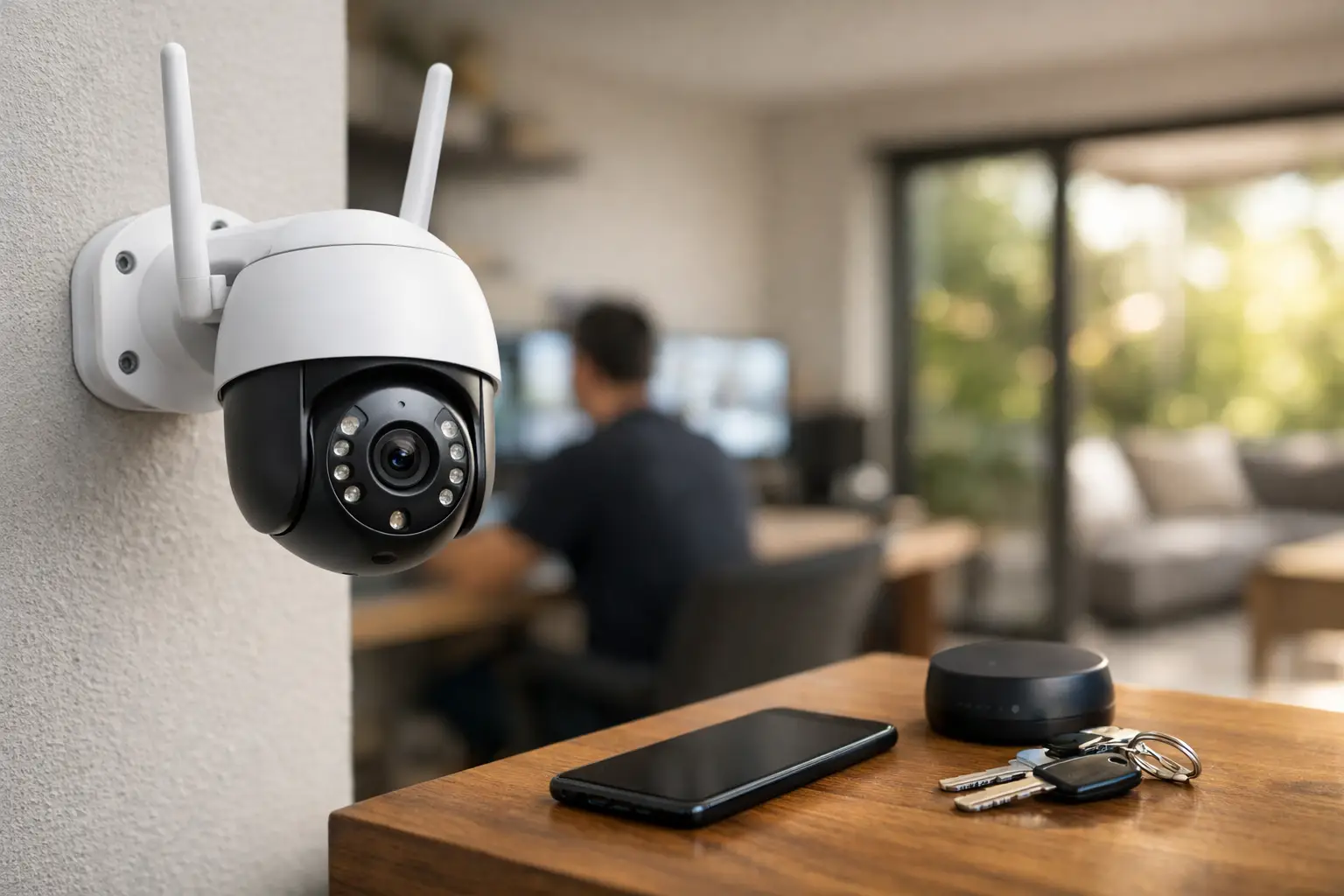
Entrance door, parking lot, storage, cashier, or children's room - each area has different security requirements. Therefore, a wireless security camera is not a product to choose based solely on price or the megapixels listed on the packaging. The right choice begins with understanding what you want to see, how long you need to keep recordings, the Wi-Fi reception at the installation point, and whether continuous recording or instant notifications to your phone are required.
A wireless camera can significantly shorten installation time, especially in existing apartments, small offices, and areas where running an Ethernet cable is complicated. However, "wireless" doesn’t always mean completely free of wiring: most models still require a power cable. Battery-operated models are suitable for locations without nearby outlets but necessitate attention to battery life, activation frequency, and accessibility for charging.
Before Buying: Define Your Coverage Point
The first question is not which brand to choose, but what the camera is supposed to document. A camera at the entrance of a house should typically recognize faces and provide quick alerts. A camera for parking needs to cope with distance, headlights, varying lighting, and broader motion. In a business setting, the goal may be monitoring the cash register, inventory, employee entry, or service areas - each task requires different viewing angles, storage, and user permissions.
It’s advisable to estimate the distance between the camera and the key point. A camera that provides a sharp image of an entire room may not necessarily be able to identify faces at its far end. Even a very wide angle isn't always an advantage: it covers a large area but makes distant objects appear smaller. In a narrow entrance or hallway, a lens with a moderate angle can yield more practical results.
Indoor, Outdoor, or Areas Without Electrical Infrastructure
For indoor use, you can choose a compact camera, including a motorized model with tilt and pan capabilities. Such a model is suitable for a living room, office, small server room, or store where you want to adjust the viewing direction through an app. Remember that a rotating camera does not simultaneously track all directions. While it pans to one side, another area may not be recorded.
For outdoor use, check the water and dust resistance rating, such as IP65 or IP66, along with an appropriate temperature range. Protection from rain does not solve issues of direct sunlight, glare, or dirt buildup on the lens. Installing the camera under a roof ledge, at a height that makes access difficult but still allows for cleaning, usually yields better results.
When there is no electrical outlet in the area, a battery camera becomes a practical solution. It's particularly suitable for a door, shed, gate, or remote parking lot but is best used for motion detection rather than continuous recording. High traffic, prolonged live viewing, cold nights, or weak Wi-Fi reception can shorten the operational duration between charges. A solar panel can reduce the need for manual recharging, provided there is sufficient sunlight exposure.
Wireless Security Camera: Specifications that Really Matter
Resolution is a crucial factor, but it does not stand alone. Full HD is suitable for basic monitoring inside rooms and general viewing. A 2K or 4MP resolution provides more detail for identification, cropping images, and checking broader areas. 4K can offer exceptionally high detail but requires more storage capacity and bandwidth. If the wireless connection is weak or the recording volume is limited, 2K may be the more efficient choice.
Night vision is just as important as daytime shooting quality. Infrared illumination typically presents a black-and-white image and allows for documentation even in darkness. Cameras with built-in white light or more sensitive sensors can provide color photography at night, but the light may be conspicuous to neighbors or passersby. In a parking lot or dark access path, this can be a deterrent advantage. In indoor spaces, silent IR photography may be preferable.
Smart motion detection reduces unnecessary alerts. Look for the option to distinguish between a person, vehicle, pet, or general movement, as well as the ability to define activity zones. Without such settings, a moving tree, shadow, passing car, or cat can overload your phone with alerts, causing you to overlook an actual event. For a camera that faces the street, it's advisable to define a detection area that covers just the gate or entrance.
Two-way audio enables conversation with a delivery person, guest, or employee through the app. This is a convenient feature at the entrance of a home or reception desk, but it’s wise to check if the microphone and speaker are truly necessary. In a business setting, it's also advisable to review privacy policies and relevant obligations regarding audio recording of employees.
Wi-Fi, Power, and Storage: The Three Fundamental Conditions
A camera can be very high-quality on paper but still function poorly if the installation point is at the edge of Wi-Fi range. Concrete walls, bomb shelters, metal doors, communication cabinets, and distance from the router weaken the signal. Before purchasing, it’s advisable to check Wi-Fi strength at the exact intended location via your phone. If the reception is borderline, a solution like a Mesh system, additional access point, or quality range extender may be a more crucial investment than upgrading resolution.
Most wireless security cameras operate on the 2.4GHz frequency, which typically provides better range through walls. Models that also support 5GHz may offer higher speeds in closer, less congested environments. Supporting both frequencies adds flexibility but does not eliminate the need for proper network planning. If installing multiple cameras, consider the cumulative load on the router and internet connection.
Storage for recordings requires pre-decision as well. A microSD card provides local storage, independent of a subscription, and is suitable for most home users. Choose a quality card designed for continuous writing and verify the maximum storage capacity supported by the camera. Cloud recording enables convenient access even if the camera is stolen or damaged, but it may involve a monthly fee and restrictions on retention duration or the number of events.
An NVR system with dedicated local recording is more suitable for businesses, large homes, or users requiring multiple cameras and long history retention. In such cases, it might be better to consider wired network cameras or an integrated solution. A wireless camera excels in installation flexibility, while a wired connection typically offers greater stability for continuous recording.
Matching the Model to the Use Scenario
| Scenario | What to Look For | What to Check Before Purchase | | --- | --- | --- | | Entrance Door | Person recognition, two-way audio, quick alerts | Angle that covers the door and hallway | | Parking Lot or Yard | Outdoor durability, night vision, vehicle recognition | Wi-Fi, lighting, distance from the gate | | Rented Apartment | Simple installation, memory card, battery as needed | Option for easy removal without complex drilling | | Store or Office | Extended recording, user permissions, multiple cameras | Storage volume, network stability, privacy policy | | Indoor Room | Tilt and pan, privacy, custom alerts | Location that does not infringe on residents' privacy |
Common Mistakes that Create a False Sense of Security
A common mistake is installing the camera too high. The height protects it from tampering, but if it primarily captures people's heads, facial recognition suffers. It's usually better to find an intermediate height and adjust the lens to cover the walking path, not just a general area.
Another mistake is relying solely on alerts. An alert can arrive late due to weak reception, battery-saving settings on your phone, or temporary network congestion. Alerts are an important convenience layer, but local or cloud recording is what enables you to revisit an event afterward.
Some people also choose a camera based solely on price and overlook checking the app, firmware updates, memory card support, and warranty length. These details influence everyday usage far more than any single function on the specification list. When purchasing from a store with a wide selection, like TopMarket, it’s easier to compare resolution, connection type, storage, durability, and security features according to your budget and specific scenario.
The right camera is not necessarily the most expensive model, but the one that provides useful footage at the right point, stays connected to the network, and stores information in a way that suits you. Before ordering, double-check the installation location, power source, and signal strength - three quick checks that can save you from replacements, unnecessary drilling, and missing documentation when it’s needed.

