

 Install the app
5 Lightweight Laptops Worth Buying in 2026
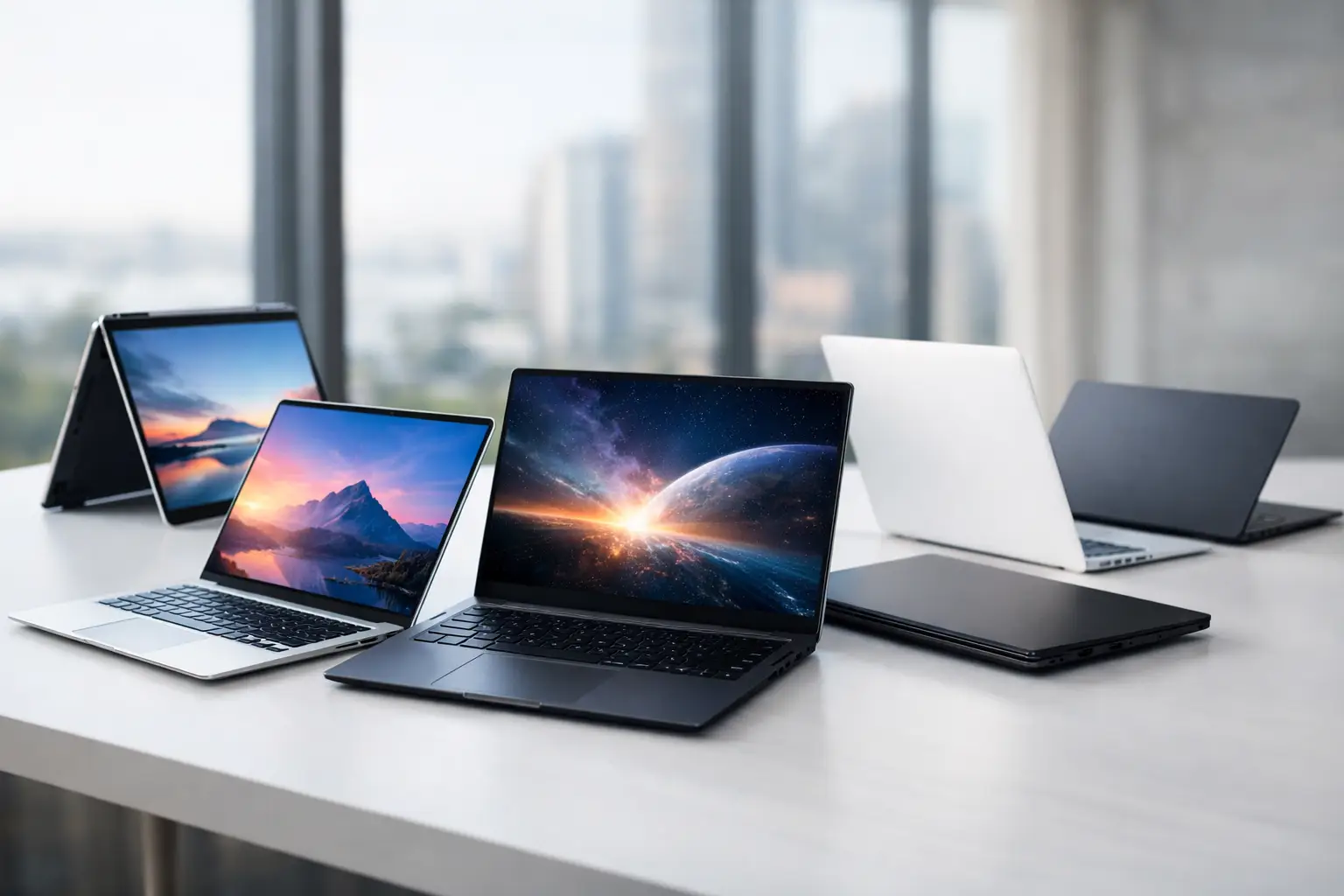
A laptop weighing less than 1.3 kg can significantly change your work routine more than just a few extra points in performance benchmarks. It fits easily into your bag, is convenient to carry onto a plane, and is comfortable to open during a meeting, in the library, or between classes. In the list of 5 lightweight laptops, it’s not just about finding the lowest weight; it’s about finding the right combination of portability, screen quality, battery life, keyboard, and performance suitable for real-world use.
This category is no longer exclusive to business travelers. Students, office workers, managers, salespeople, content creators, and home users all seek a slim laptop that can accompany them throughout the day. However, a very lightweight laptop may come with fewer ports, a smaller screen, or limitations on upgrading components. Therefore, it’s advisable to compare the full specifications and not just choose based on the chassis thickness.
How We Selected 5 Lightweight Laptops
The models listed here are intended for those who need a true laptop for work and study, rather than a tablet with a keyboard. They typically weigh between 1.0 kg and 1.3 kg, offer quality screens sized between 13 and 14 inches, and are built on the latest platforms capable of handling multitasking, video calls, Office applications, browsing with dozens of tabs, and light to moderate creative software.
Availability, RAM configuration, storage capacity, and Hebrew keyboard options may vary between versions. Even the same model can be sold with a different screen, processor, or warranty, so it’s important to check the full model name when ordering and not settle for just the series name.
1. ASUS Zenbook A14 - Ultra-lightweight for Windows Users
The ASUS Zenbook A14 is one of the interesting solutions for those whose primary concern is weight. In certain versions, it weighs around 980 grams, a difference you feel immediately when carrying a laptop day after day. Despite this, it offers a comfortable 14-inch display, a unique chassis, and a professional look that doesn’t feel like a basic laptop.
Models based on the Snapdragon X focus on energy efficiency and long battery life. This is especially suitable for work in a browser, documents, Teams, or Zoom, email, and using cloud systems. The Windows on ARM experience has improved significantly, but before purchasing, make sure that all professional software, drivers, or older peripherals you must use are compatible with the platform.
This is an excellent laptop for those who are frequently on the go and prefer extreme portability over processing power for heavy graphics. However, for complex video editing, CAD, virtual machines, or legacy enterprise software, it's good to also consider lightweight Intel or AMD models.
2. Apple MacBook Air 13 with M4 - A Strong Choice for Apple Users
The MacBook Air 13 with the M4 chip maintains a successful formula: a lightweight and slim design, high build quality, a sharp screen, an excellent touchpad, and a battery that typically lasts a full workday. It weighs around 1.24 kg, making it a natural solution for users of iPhones, iPads, and Apple services seeking continuity among their devices.
The major advantage is not just the processor. The stable macOS, silent operation due to fanless designs in these models, and the screen’s suitability for extended reading, documents, presentations, and photos. Users working with photo editing, light video editing, music, or development can also achieve high performance in a compact package.
The compromise lies in the ports and upgrade options. There are a limited number of ports, and the memory and storage are selected at purchase and are not intended for independent upgrades. Those needing to connect an external monitor, external drive, card reader, or wired network may require an adapter or docking station. Therefore, it's advisable not to compromise on storage capacity if working with large media files over time.
3. Lenovo Yoga Slim 7i Aura Edition - Excellent Display and Advanced Office Work
The Lenovo Yoga Slim 7i Aura Edition is a good example of a lightweight laptop that doesn’t sacrifice a premium feel or work capabilities. It typically weighs between 1.2 and 1.3 kg, features a quality 14-inch screen, a comfortable keyboard, and a variety of configurations based on Intel Core Ultra processors. For business Windows users, it’s a successful balance of portability, security, performance, and daily usability.
The display is a key reason to consider this series, especially in OLED versions. It showcases deep blacks, high contrast, and rich colors, beneficial for presentations, content viewing, and graphic work. On the downside, a glossy OLED display may reflect light in bright environments, and those who work long hours with spreadsheets or static text should adjust brightness and settings for comfort.
Pay attention to the RAM configuration. In many thin laptops, the memory is soldered to the motherboard, making 16GB a good starting point for most users, while 32GB is preferable for those running many applications, working with large files, or planning to keep the laptop for several years.
4. HP OmniBook Ultra Flip 14 - The Flexibility of a 2-in-1 Laptop
The HP OmniBook Ultra Flip 14 is suitable for those who want more than just a standard clamshell laptop. The rotating hinge allows it to be used as a laptop, tablet, in tent mode for displaying content, and in stand mode for video calls. This is especially useful for meetings, annotating documents, presenting catalogs to clients, and handwritten note-taking, especially if you choose a configuration with a compatible stylus.
Despite its convertible design, it remains relatively lightweight, usually around 1.3 kg. Models with Intel Core Ultra provide good performance for office tasks, local AI tools, and basic media processing. The quality touchscreen adds real value only if actively used; otherwise, it might be more economical to opt for a regular lightweight laptop.
Before purchasing, it is essential to check the screen coating type, the number of ports, and the included charger. In a 2-in-1 laptop, the feel of the hinge is also important: those planning to open and close the laptop dozens of times a day will prefer a sturdy chassis and a keyboard that doesn’t flex.
5. LG gram 14 - A 14-Inch Display without the Weight of a 14-Inch Laptop
The LG gram 14 is known for its clear approach: to provide a comfortable display for work in an exceptionally light package. Depending on the configuration, it may weigh just over 1 kg, appealing to users who want a full 14-inch screen without the burden of a heavy bag. It typically also offers a better selection of ports compared to ultra-thin laptops, beneficial for those frequently connecting to external screens, portable drives, or office equipment.
The lightweight chassis may feel less dense and solid than a heavy aluminum frame, but that’s part of the trade-off for the reduced weight. For office work, studying, business management, web browsing, and extensive file use, it is a very practical computer. In versions with a matte screen, it can be particularly suited for working in bright offices or near windows.
It’s less suited for demanding gaming or heavy graphic work without a dedicated graphics card. If these are your main tasks, a weight of 1 kg might not be your best option – opting for a slightly heavier laptop with cooling, graphics, and connectivity suited for the workload is better.
What to Check Before Choosing a Lightweight Laptop
Weight is just the beginning of the comparison. A laptop weighing 1.1 kg with a heavy charger, a fixed adapter, and a weak battery may be less convenient than a 1.3 kg laptop with a compact USB-C charger. Check the total weight you are actually carrying, including the charger and accessories.
The screen size also requires practical consideration. A 13-inch screen is an excellent choice for portability, but prolonged work on Excel, split documents, or photo editing may be more comfortable on a 14-inch screen. While high resolution looks great, it may reduce text size or impact battery life if display settings are not adjusted.
When comparing models, it is advisable to review five key points:
- At least 16GB of RAM for daily use over time, and 32GB for heavy users.
- SSD storage of at least 512GB if keeping local files, images, or study materials.
- USB-C, USB-A, HDMI ports, and an audio jack according to the accessories you already have.
- Webcam, microphones, and updated Wi-Fi for those working frequently in video calls.
- Warranty, payment terms, actual stock, and delivery time – details that can impact the purchase just as much as the processor specs.
The Right Choice Will Remain Comfortable in Two Years
There is no one model that fits all buyers. The MacBook Air is particularly suitable for those already working in the Apple ecosystem; the Zenbook A14 is an excellent solution for those prioritizing minimal weight; the Yoga Slim and LG gram provide advantages for Windows users looking for screen quality and office work; and the OmniBook Ultra Flip appeals to those who will utilize the touchscreen and folding hinge.
Before adding a product to your cart, define your most essential software, the number of needed ports, expected file sizes, and overall budget. At TopMarket, you can compare configurations, warranties, and specifications to choose a lightweight laptop that not only looks good on the shelf but will genuinely enhance your workday.
- How to Choose a Wireless Network for a Retail Store?
- Smart Homes That Truly Fit Your Home and Budge
- <h1>Case Study: An Office Computer Upgrade That Saved Time and Money</h1>
- Recommended Gaming Mice for Large Hands: How to Choose the Right One
- When to Repair or Replace Your Computer Monitor: A Repair Shop’s Guide

