

Guide to Choosing a Printer for Your Home Office Based on Needs
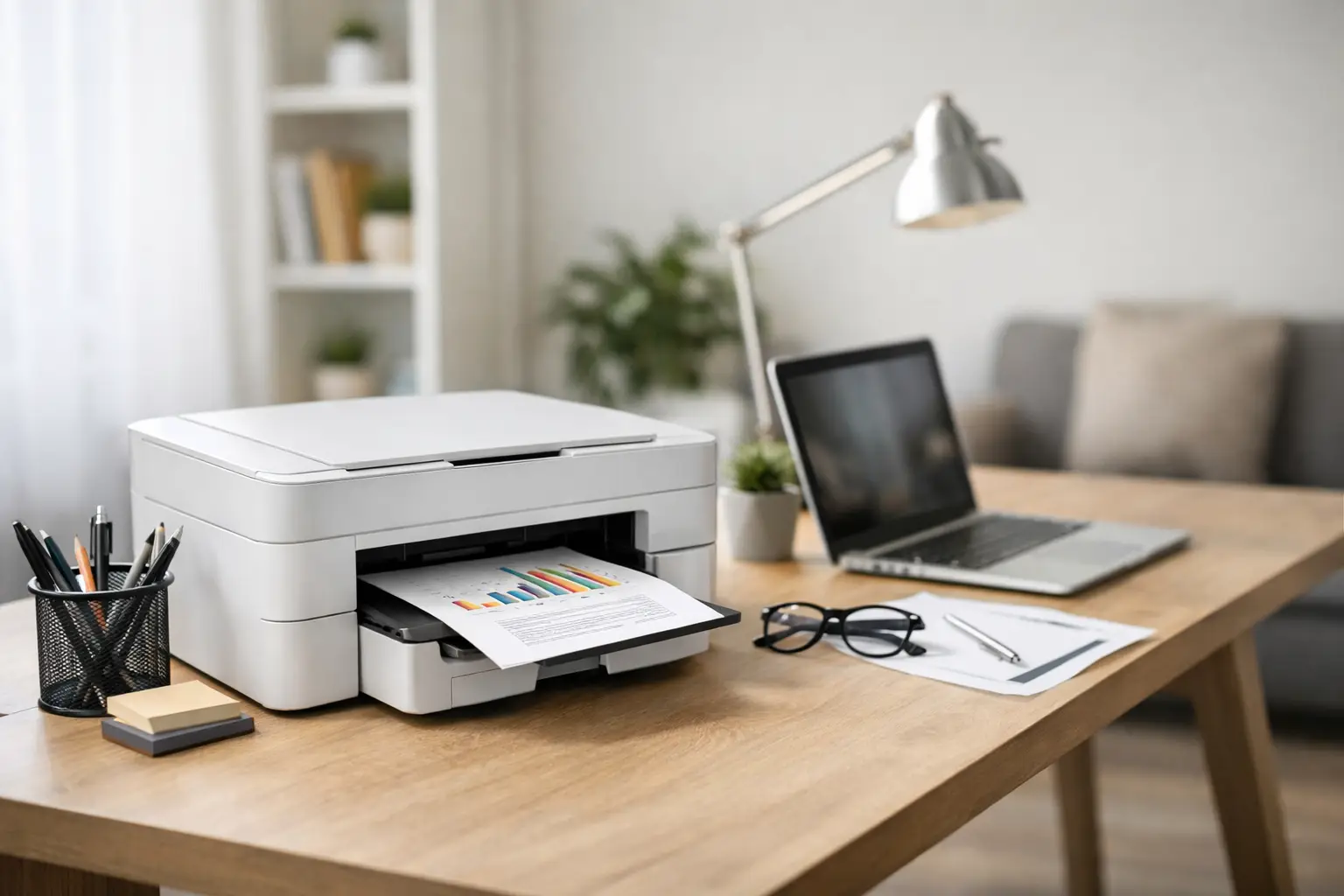
Two urgent documents, a contract that needs signing, worksheets for kids, an invoice for a client—only then do we usually discover that the old printer is slow, expensive, or simply not suitable. A Guide to Choosing a Printer for a Home Office starts not with the brand name or the promotional price, but with a simple question: what do we really print, how many times a month, and who will be using the device.
A home office printer should perform well not only after a quiet week but also during a busy day of printing documents. Making the right choice can save on ink or toner costs, reduce waiting times, and minimize unnecessary malfunctions. Choosing based solely on the price of the printer may seem cost-effective at checkout but can end up being more expensive over time.
Before Choosing a Printer for a Home Office: Define Your Work Volume
The printing volume is the metric that drives almost every other decision. A user printing 10 to 30 pages a month can suffice with a compact and relatively simple model. In contrast, a freelancer printing quotes, invoices, forms, and work materials daily needs a device with stable performance, a practical paper tray, and a low cost per page.
Also check the type of content being printed. Word documents, PDFs, invoices, and black text are not the same as colorful presentations, photos, or marketing pages. When most of the work is text, there’s no reason to pay for advanced printing capabilities that will go unused. If color is essential for client interactions, the quality of the color and the accuracy of the shades become more important.
It's wise to think a year ahead. A home office might start with a single user but evolve to accommodate collaborative work, customer service, or studying from home. A printer with wireless connectivity, a scanner, and an automatic document feeder could be a prudent investment even if not all features are needed on day one.
Laser or Inkjet Printer?
This is usually the central decision. A laser printer uses toner and typically excels in fast, sharp, and consistent text printing. It’s particularly well-suited for a home office that produces black-and-white documents at a steady pace. Another advantage is that toner does not dry out like an ink cartridge, making laser printers a good option for occasional users who want their machine ready to go when needed.
An inkjet printer has a clear advantage for color work, photos, and graphics. Many home models are sold at accessible purchase prices, but the cost of small ink cartridges can become more expensive as the printing volume increases. Here, it’s essential to differentiate between a regular inkjet printer and one with refillable ink tanks.
Ink Tanks vs. Cartridges
Printers with built-in ink tanks are suitable for users who frequently print in color. The initial purchase cost may be higher, but the cost per page is significantly lower compared to standard cartridges. For a small business printing short catalogs, instructional pages, or study materials, the difference can add up quickly.
However, those who only print a few pages a month may not always recoup the price difference. In an unused inkjet printer, the printheads may require cleaning and waste ink. If the use is sporadic and color printing is not crucial, a black-and-white laser may sometimes be the more effective choice.
When is a Color Laser Printer Justified?
A color laser printer provides high work speeds, sharp text, and professional color for business documents. However, the initial price, device size, and toner costs may be higher. It’s suitable for those who print color regularly but do not require photo-quality output. For logos, graphs, presentations, and client reports, it can be a balanced solution. For family photos or precise design prints, a high-quality inkjet printer might yield better results.
Cost Per Page is More Important Than Printer Price
The price on the shelf is just one component. You should also consider the price of toner or ink, the stated page yield, the cost of the drum if it's not included with the toner, and the power consumption. The stated yield is measured under standardized testing conditions, so in practice, it can vary based on ink coverage per page, color printing, and quality settings.
The right way to compare is to calculate the estimated cost per page: divide the cost of the consumables by the number of pages it is supposed to produce. The calculation doesn’t have to be perfect, but it reveals significant discrepancies between models. An expensive toner with high yield can be much more cost-effective than a cheap printer with small cartridges.
Also check the availability of consumables. A good printer is not a good choice if toner, ink, or replacement parts are hard to obtain. Well-known brands and common models make it easier for re-purchases, for receiving support, and for price comparison. When buying from TopMarket, it’s wise to review the printer's specifications alongside the prices of the appropriate consumables instead of focusing only on the model's price.
Office Functions Not to Miss
An all-in-one printer typically includes printing, scanning, and copying. In a home office, the scanner quickly becomes a work tool: scanning contracts, receipts, identification documents, and forms. If scanning several pages in succession, look for an automatic document feeder (ADF). This feature feeds a stack of pages for scanning without having to place each page manually on the glass.
Automatic double-sided printing is an especially useful feature. It reduces paper consumption, creates neater documents, and saves the hassle of flipping pages over. Check that this option is available for both printing and scanning, especially if there’s a regular need to scan double-sided documents. Not every all-in-one model offers both capabilities.
The paper tray is equally important. A 100-sheet tray is suitable for light use, but an office printing daily will benefit from a larger tray with less frequent paper refilling. If printing envelopes, labels, or photo paper, ensure that the printer supports the required weights and sizes. A3 support is only necessary for those producing large diagrams, wide tables, or display materials—otherwise, it enlarges the device and budget unnecessarily.
Connectivity, Security, and Desk Space
Wi-Fi is almost a must in a home office, but not every wireless connection performs the same way. Choose a printer that supports printing from a computer, phone, and tablet, as well as a stable network connection if multiple users are working at home. A USB connection is still useful when you want a direct and simple connection to one computer, especially if the Wi-Fi network is busy or unstable.
For small businesses printing sensitive documents, it’s advisable to check basic security options: protection for network settings, firmware updates, and secure printing via a code in models that offer this feature. You don’t need to pay for a complex organizational setup at home, but there’s no reason to overlook security when the printer is connected to a network.
Don’t overlook the physical dimensions. A combined laser printer can be wider and deeper than it appears in photos, and in use, it requires space to open trays and service doors. Measure your table, shelf, or cabinet, and leave room for ventilation and access to change toner. The noise of printing is also a consideration in a small workspace or bedroom.
Speed, Quality, and Warranty
Printing speed is typically measured in pages per minute (PPM). This figure is useful, but it should be read in the right context: a printer that produces 20 pages per minute is sufficient for most home offices, while 35 PPM and above are suitable for higher volumes. The time until the first page is output is often more important than maximum speed, especially when printing short documents occasionally.
Text quality should be sharp even in small fonts, and when purchasing a color printer, it’s essential to check samples of graphs and images if that is the intended use. High resolution specifications do not guarantee a good result on their own, but they can indicate a relevant level of detail for graphic needs.
Finally, check the warranty period, its conditions, and who provides the service. An office printer has moving parts and consumables, and accessible service is worth money when work is halted. Match the model to your volume of work, compare the actual maintenance costs, and choose a printer that will be a reliable and quiet work tool—not just another task waiting to be addressed.

