

How to Choose a Mobile Phone Repair Shop
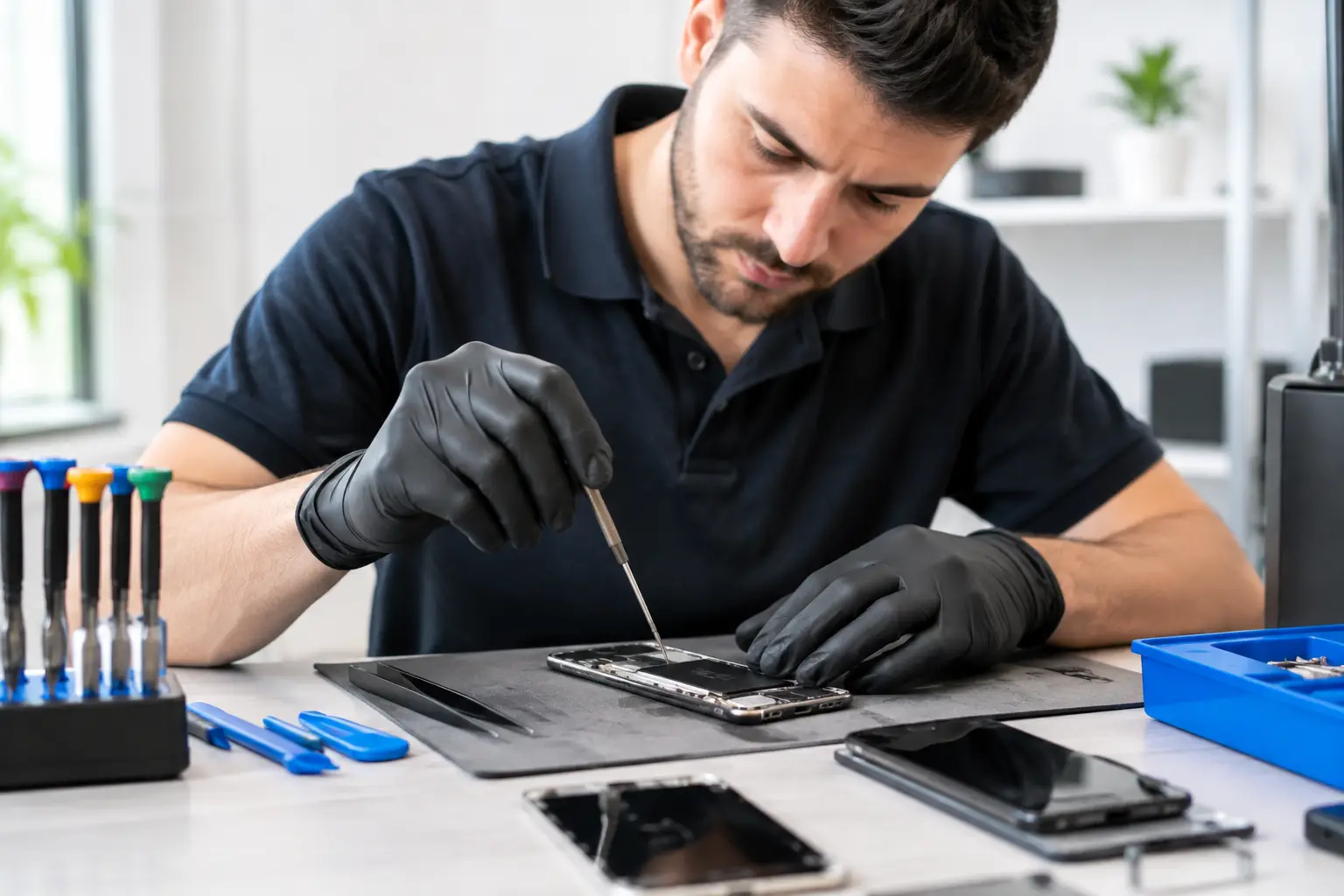
A cracked screen on the way to work, a battery that dies before noon, or a charging port that only works at a certain angle—a small phone problem can bring your whole day to a halt. Choosing the right mobile phone repair shop is about more than price. It can affect the quality of the replacement parts, the data stored on your device, how long the repair lasts, and whether a component really needed to be replaced in the first place.
A smart choice starts with a thorough diagnosis and a clear understanding of what is actually wrong. A black screen, for example, does not necessarily mean the screen is faulty. The problem could be the battery, an internal connection damaged in a fall, or an issue with the motherboard. Look for a repair shop that explains what it checked, what it found, and which repair options are available before asking you to approve the work.
What to Check Before Taking Your Phone in for Repair
A professional repair shop does not replace parts based on guesswork. It checks the device, looks for damage caused by drops or moisture, tests charging, the screen, cameras, speakers, and connectivity, then provides a clear estimate. If the repair is complex or could put your data at risk, the shop should explain this in advance.
Ask whether there is a diagnostic fee, whether it will be deducted from the repair cost, and what happens if you decide not to proceed. Clear answers help prevent surprises, especially with faults that are not immediately visible, such as motherboard issues, reception problems, or unusual overheating.
It is also important to understand exactly what the quoted price includes. A good estimate specifies the problem, the replacement part, labor costs, warranty period, and expected turnaround time. A general description such as “screen repair” is not enough when replacement screens and parts can vary significantly in quality and type.
Genuine, Compatible, or Refurbished Parts: The Difference Matters
Screens, batteries, cameras, and charging ports are available in different grades. A genuine part is generally the closest match to the manufacturer’s specifications, but it may cost more and can sometimes be difficult to source. A high-quality compatible part can be a cost-effective option, particularly for an older phone, but make sure you know who manufactured it and what warranty applies. A refurbished part may suit a tighter budget, provided the repair shop clearly identifies it as refurbished rather than new.
The right choice depends on the phone and how you use it. For a new flagship phone, where display quality, touch sensitivity, and water resistance matter, investing in a premium replacement part makes sense. For a phone that is several years old and used for basic tasks, a compatible part with a warranty may be the more economical choice. The important thing is to get the details before the repair—not after it.
When it comes to batteries, be wary of vague claims about a “more powerful battery.” A quality battery should be compatible with your exact model, include a reliable protection system, and be installed correctly. If your phone continues to overheat, shuts down while the battery still shows a high charge, or the battery swells after replacement, return to the repair shop immediately and stop using the device.
Mobile Phone Repair and Warranty Coverage
A warranty is not a minor detail. It shows that the repair shop stands behind its work and the part it installed. Be sure to distinguish between a warranty on the replacement part and a warranty on the repair itself. For example, a new screen may be covered against manufacturing defects, but not against new damage caused after you collect the phone. That is reasonable, as long as the terms are clearly explained.
Before handing over your phone, ask how long the warranty lasts, what it covers, what it excludes, and how to make a claim. Keep the receipt or repair document, including the model number and a description of the work performed. If the problem returns, this documentation can prevent misunderstandings and help the repair shop quickly identify what was done.
Also check whether the repair could affect any existing manufacturer’s warranty. For a new or expensive device, having it opened by an unauthorized repair shop may affect your eligibility for service from the manufacturer or importer. In that case, compare the cost and turnaround time of official warranty service with the potentially faster option of an independent repair.
Protect Your Personal Data Before Handing Over Your Phone
Your phone may contain photos, work documents, account access, and even payment information. Even if the problem is purely physical, treat handing over your phone much like handing over a personal computer. If the device still turns on, back up your data to the cloud or a computer, and remove the SIM card if it is not needed for testing.
If possible, disable the screen lock or use a dedicated maintenance mode on models that support it. Do not share your passcode unless there is a genuine need. Some repairs require access to test the camera, touchscreen, or charging function, but a reputable repair shop should explain why access is needed and avoid unnecessary exposure of your personal data.
If the fault prevents you from making a backup, ask whether the repair could erase your data. Replacing a screen or battery usually does not require a reset, but motherboard repairs, system updates, or device replacement may result in data loss. Do not assume your data will be safe just because the problem seems simple.
When to Repair Your Phone—and When to Replace It
A repair is often worthwhile when it costs significantly less than replacing the phone with a comparable model and the rest of the device is in good condition. Replacing a screen, battery, or charging port can extend a phone’s useful life considerably. On the other hand, a device with extensive water damage, a cracked frame, a weak battery, and recurring motherboard problems may not be a worthwhile long-term investment.
Do not look only at the cost of the repair in front of you. Consider the phone’s age, whether it still receives security updates, its remaining storage, camera quality, and whether it can keep up with your needs. If several more repairs are likely, a new or refurbished phone with a warranty may be a better option.
This is also a good opportunity to improve your phone’s protection. A quality screen protector and a case designed for your model can reduce the risk of another break, while a certified charger can help prevent charging problems and overheating. When buying accessories, check the connector type, charging output, and manufacturer requirements. At TopMarket, you can compare phones and accessories by specifications, price, and suitability for everyday use.
Warning Signs That Should Make You Pause
An unusually low price is not always a good deal, especially if the shop will not tell you which replacement part it plans to use or provide a written warranty. Be cautious of promises to fix any problem immediately, too. A straightforward screen replacement may be quick, but diagnosing corrosion or a motherboard fault takes time and careful testing.
Avoid repair shops that do not document the phone’s condition when you hand it over, fail to explain possible costs in advance, or pressure you to approve a repair before diagnosing the problem. It is also a good idea to have existing scratches and damage noted when you leave the device, helping prevent misunderstandings when you collect it.
When you get your phone back, test the touchscreen across the entire display, charging, cameras, speaker, microphone, facial or fingerprint recognition, and both cellular and wireless connectivity. If the screen was replaced, check its brightness and color accuracy as well. A few minutes of testing with a staff member can save you another trip.
Choosing a good repair shop is about more than getting your phone working again. It helps you make the right decision—whether that means repairing the device, replacing a component, or upgrading—with a clear price, suitable parts, and a warranty you can rely on. When all the details are explained upfront, you can get your phone back to full use without putting your data, time, or budget at risk.

