

How Many Inches for a Living Room Screen? Here’s How to Choose the Right Size
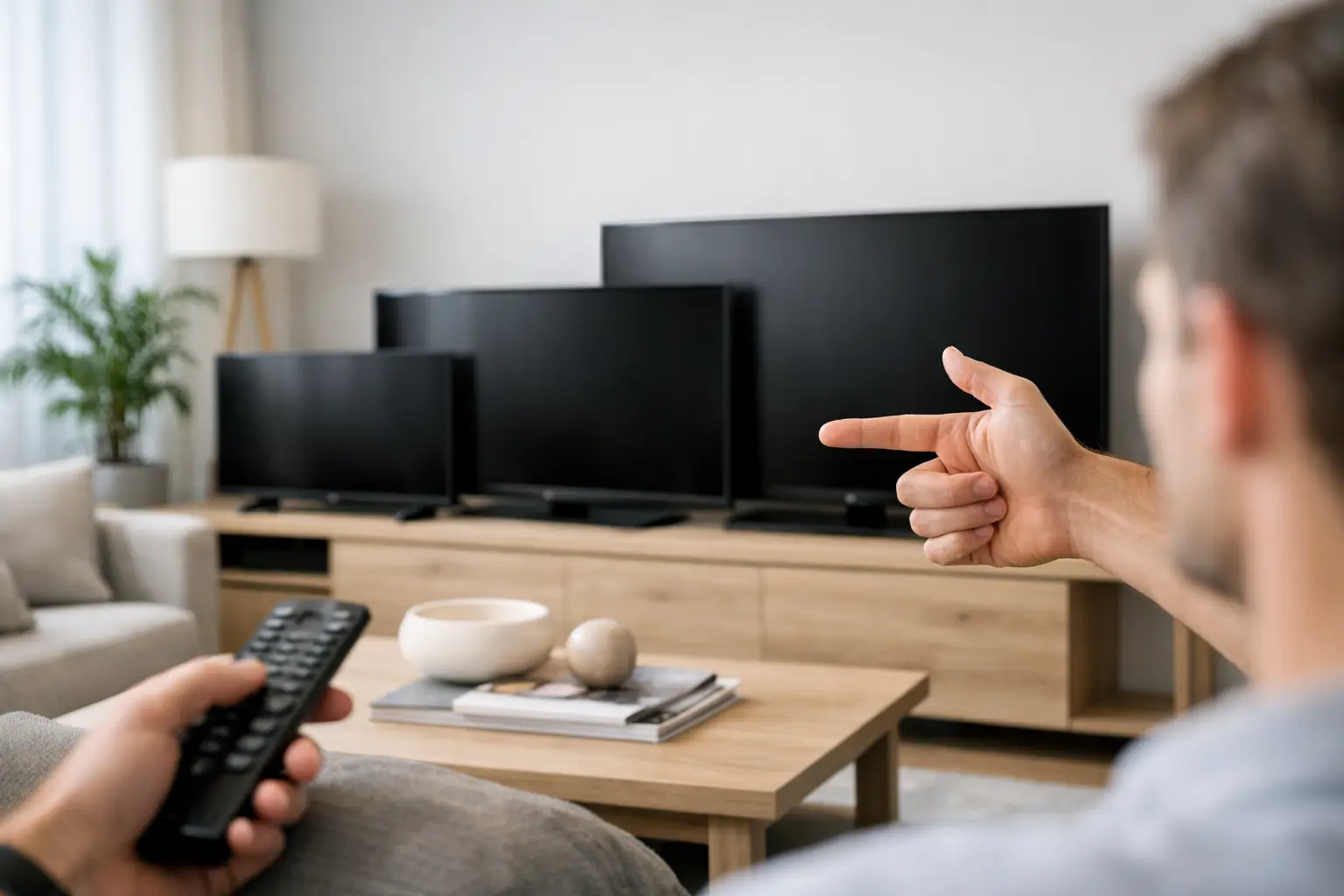
A common mistake when buying a TV is to choose a screen based on what looks large in the store, only to discover at home that it’s either too small or overwhelmingly large. The question of how many inches a screen should be in the living room doesn’t have a one-size-fits-all answer: it primarily depends on the distance from the sofa, as well as the resolution, viewing angle, wall size, and main use of the screen.
A 65-inch TV can be an excellent choice for one living room, while it may feel excessive in another, even if both rooms are similar in size. The right way to choose is to measure, define your usage needs, and compare the actual dimensions of the screen rather than just the number of inches on the packaging.
How Many Inches of Screen for the Living Room Based on Viewing Distance
The starting point is the distance between the viewer’s eyes in their fixed sitting position and the center of the screen. There’s no need to measure all the way to the wall: if the TV is mounted on an arm that pulls it away from the wall, measure to the screen’s position instead.
With a 4K screen, you can sit closer compared to a Full HD screen because the pixels are denser and less noticeable. Therefore, at a distance where a 55-inch TV was once chosen, today a 65-inch or sometimes even a 75-inch screen can provide a more natural and comfortable viewing experience.
| Estimated Viewing Distance | Recommended Size for 4K Screen | Suitable For | | --- | --- | --- | | 1.5-1.9 meters | 43-55 inches | Small living room, bedroom, or a close viewing corner | | 1.9-2.3 meters | 55-65 inches | Most small and medium-sized living rooms | | 2.3-2.8 meters | 65-75 inches | Family viewing, sports, and 4K streaming | | 2.8-3.3 meters | 75-85 inches | Spacious living room or central TV wall | | Over 3.3 meters | 85 inches and above | Large space, provided the budget and wall allow |
These are ranges for selection, not strict rules. Those who primarily watch news or packed TV channels might prefer the moderate side of the range. Conversely, gamers, those watching 4K movies, or wanting a home theater experience are generally happier with the larger options.
Don't Just Measure Inches - Check Width and Height
The inch measures the diagonal of the screen, not its width. In a standard 16:9 TV, a 65-inch screen is about 144 cm wide and 81 cm tall, before accounting for the stand. A 75-inch screen reaches about 166 cm in width, and an 85-inch screen is about 188 cm. The difference from 65 to 75 inches may seem small in numbers, but it's quite significant in a room.
Before ordering, it's wise to mark the width and height of the model on the wall with tape. This immediately reveals if the screen fits into a niche, cabinet, or space between windows. Check the dimensions of the stand as well: sometimes the width of the legs is nearly as wide as the TV itself, and not every cabinet can support it securely.
If the screen is intended for wall mounting, check the VESA standard, the weight of the TV, and the maximum weight that the arm or wall mount can support. It's important to leave space for connecting power cords, HDMI, and antenna, especially in a closed niche or drywall.
Rule of Thumb for the TV Wall
The screen doesn’t have to fill the entire wall. When there’s a wide cabinet, decorative lighting, or speakers on either side, a slightly smaller screen can look balanced and clean. However, a large wall with a TV that’s too small creates a feeling of an underused viewing area, even if the picture itself is high quality.
Consider the screen from your sitting position, not just when it’s off. A dark movie, a sporting event, or a streaming interface can feel very different on a larger screen, and size impacts the experience just as much as the type of panel.
55, 65, 75 or 85 Inches - The Difference in Everyday Use
55 Inches: An Efficient Choice for Short Distances
A 55-inch TV is generally suitable for distances of up to about 2.2 meters. This size is convenient for small apartments, family corners, or living rooms where the sofa is close to the screen. It also allows for investment in other important features, such as a high refresh rate, a user-friendly operating system, or better HDR quality.
However, if the distance is 2.5 meters or more, and you’re already comparing between 55 and 65 inches, keep in mind that 55 inches may feel conservative after a short adjustment period.
65 Inches: The Sweet Spot for Most Living Rooms
For many, 65 inches is the most cost-effective size for the living room. It fits well at a distance of about 2 to 2.7 meters, provides clear presence for movies and sports, and doesn’t require a giant wall or an unusual seating distance. The range of models at this size is generally wide, making it easier to compare resolution, panel type, refresh rate, connections, and price.
This size is also successful for households that combine regular viewing with gaming. Text in game interfaces, maps, and console interfaces appear crisper without needing to sit too close.
75 Inches: When Viewing Distance Justifies the Jump
At a distance of 2.5 to 3.2 meters, 75 inches often becomes the more natural choice. It's particularly suitable for those who want to watch sports, movies, and 4K content with a stronger sense of depth. The difference from 65 inches isn’t just an additional 10 inches diagonally— the display area grows noticeably.
The trade-offs are in price, weight, and the need for planned delivery and installation. Ensure that access to the home allows for bringing in the packaging, especially in narrow elevators, hallways, or staircases.
85 Inches and Above: Not Just for Giant Living Rooms
85-inch screens are no longer reserved for commercial spaces. In a living room with a viewing distance of about 3 meters or more, they can be a very appropriate choice. However, it's crucial to check the source quality: 4K content will look great, while low-quality broadcasts or streaming with a weak internet connection may expose noise and lack of sharpness.
Before choosing such a size, ensure that your home network is stable and that there’s a quality Wi-Fi connection or wired network next to the TV. A large screen reveals both content limitations and your home infrastructure constraints.
Resolution Matters, but Doesn’t Substitute for Measurement
Almost every new TV in medium to large sizes is now offered in 4K resolution. This is the practical choice for most buyers, especially over 55 inches. It provides detailed images and allows for closer seating without visible pixel structure.
However, high resolution alone doesn’t guarantee a good outcome. The picture processor, panel quality, brightness, anti-reflective treatment, and HDR support greatly impact viewing. A well-lit living room with a window in front of the TV may benefit more from a brighter screen with an anti-reflective coating than from just a few extra inches.
OLED screens typically excel in deep blacks and high contrast, making them particularly suited for viewing in dark rooms and movies. QLED, Mini LED, or advanced LED screens may offer a more practical choice in bright rooms, often providing higher brightness at a competitive price. The right size is part of the buying decision, but the display type must match room conditions.
Gaming, Sports, and Regular Viewing: Not All Uses Require the Same Screen
If the TV will also serve a PlayStation or Xbox console, don’t just settle for checking size. Look for HDMI 2.1 inputs, 4K support at 120Hz, game mode with low input lag, and VRR. These features are particularly relevant for fast-paced games and may be more important than moving from 65 to 75 inches.
For sports lovers, refresh rate and motion processing affect picture clarity during football, basketball, and racing events. For movie watching, support for HDR formats and contrast performance can be the central consideration. Those who use the screen as a computer monitor should check text readability, computer connections, and a closer seating distance than typical for a living room.
Mistakes to Avoid Before Ordering
Don’t choose a screen based solely on a deal, and don’t assume a larger model is always better. A screen that’s too big for a short distance can strain the eyes, especially when watching content with subtitles or in competitive gaming. On the other hand, a screen that’s too small often leads to feelings of disappointment faster than one that’s slightly larger than originally planned.
Check the number of HDMI ports and their locations, especially if connecting a set-top box, console, soundbar, and computer. If planning for a soundbar, measure its height to ensure it doesn’t block the bottom of the screen or the remote sensor. In the case of wall mounting, the center height should be as close to eye level as possible when seated, and not too high just to make room for furniture.
The right choice starts with simple measurements: viewing distance, wall width, cabinet dimensions, and lighting conditions. After that, you can compare models on TopMarket by size, specifications, warranty, and price—choosing a screen that remains comfortable and impressive even after the initial excitement of the purchase fades.

