
How Much Memory Does an Office Computer Need?
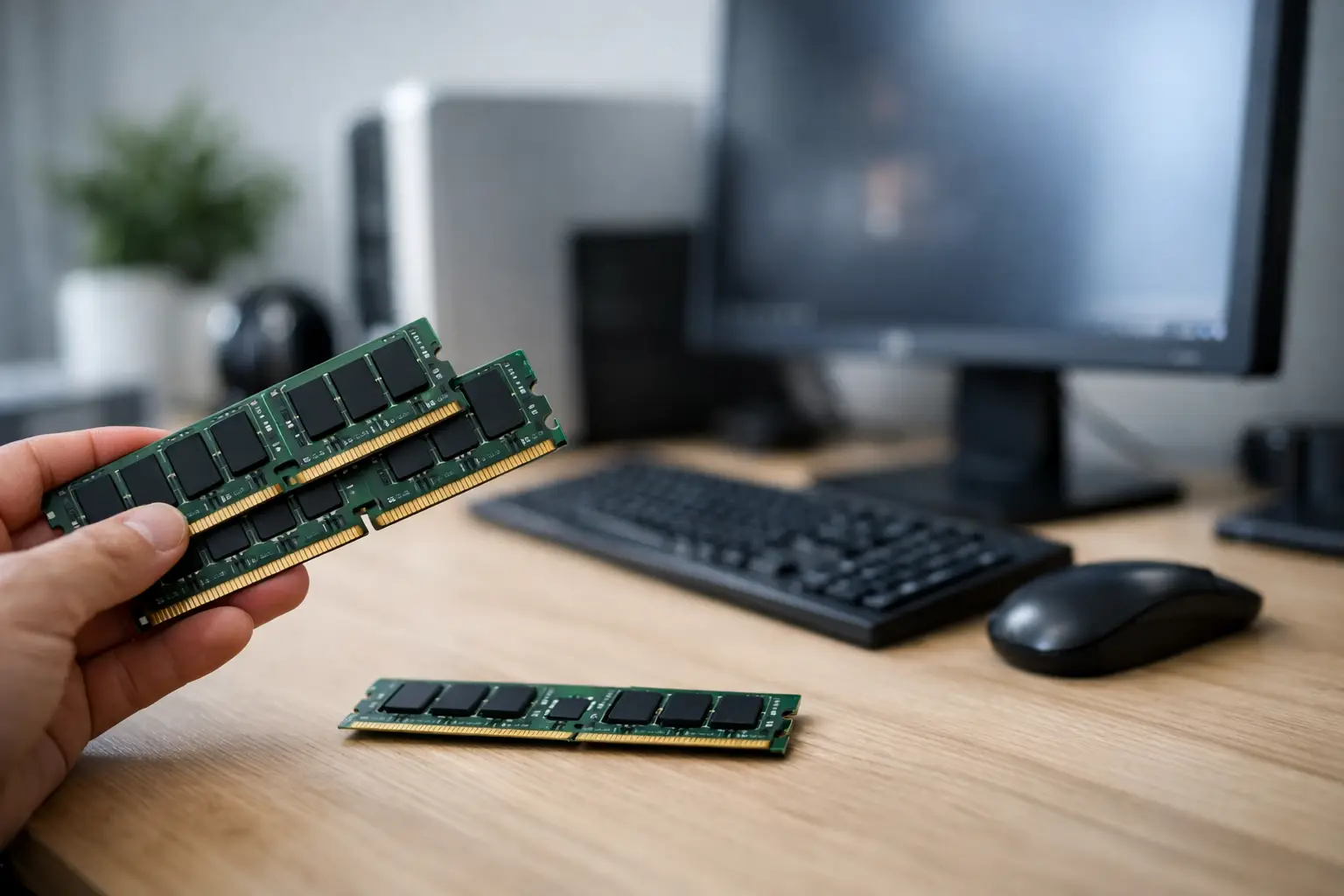
An office computer that feels slow doesn’t always need a new processor. In many cases, the real question is how much memory an office computer needs—because RAM is what determines whether everyday tasks feel smooth or frustrating, especially when multiple windows are open, a Zoom call is running in the background, and a heavy Excel file is displayed on the screen.
How Much Memory Does An Office Computer Need Based on Usage
The short answer is that in most cases, 16GB is the right amount of memory for a new office computer. It provides a good working margin for the coming years, allows for reasonable multitasking, and is suitable for most users who work with browsers, Office applications, email, cloud systems, and video calls.
However, not every office operates the same way. A user who works primarily with Word, email, and one or two websites can manage with 8GB. In contrast, someone who juggles dozens of tabs in a browser, heavy Excel files, ERP systems, accounting software, Teams, or Zoom will significantly benefit from 16GB. In some offices, even 32GB is no longer a luxury but a sensible choice.
The right way to choose is to look not just at "office computer" as a general category but at the actual workload throughout a typical day.
8GB - Suitable Only for Basic Use
8GB of memory can still suffice for a basic office computer, but today, it is a minimum, not a blanket recommendation. If usage involves light browsing, simple work in Word or Excel, email, and minimal multitasking, it can work. This is common in reception desks, service stations, secondary computers, or among users who don’t have many applications open simultaneously.
The problems arise when actual habits meet the specifications. Modern browsers use a lot of memory, especially with multiple tabs open, extensions, Google Docs, cloud-based management systems, and organizational communication tools. Therefore, 8GB is only suitable if the budget is extremely tight or if it's for very light workloads.
16GB - The Right Choice for Most Offices
If you need to choose a safe specification, 16GB is generally the right place. It balances well between price, performance, and useful lifespan. It supports working with Office, a busy browser, business systems, video calls, large PDFs, shared cloud files, and additional office software simultaneously.
In fact, buying a new office computer today with 16GB saves you from many future bottlenecks. Even if current usage seems moderate, demands almost always increase over time. Systems get updated, files become larger, and users tend to open more tools concurrently. Therefore, 16GB is not just a solution for today but also a more efficient decision for the medium term.
32GB - For Heavy Users and Offices with Professional Software
There are cases where 32GB of memory is the right choice even for a computer not defined as a classic workstation. For example, users who work with massive spreadsheets, local databases, dozens of active tabs, BI software, design programs, multiple screens, and many processes at once.
Executives, analysts, finance users, architecture firms, advertising agencies, or employees who combine light graphic tools with regular office work can see a real improvement with 32GB. Here, it’s not just about convenience but about maintaining a continuous work pace without slowdowns, waiting for reloads, or forced application closures.
How to Know Exactly How Much Memory is Needed
The simplest way is to check the daily work pattern. If the user opens a browser with 5 tabs, Outlook, and Word, the demand is relatively low. However, if it involves 25 tabs, a heavy Excel file, a CRM system, accounting software, WhatsApp Desktop, Teams, and screen sharing, the situation changes completely.
It’s also essential to pay attention to signs on the ground. A computer that responds slowly when switching between windows, a browser that reloads frequently, video calls that feel sluggish during concurrent work, or a disk that works non-stop—all of these can indicate a lack of memory rather than a weak processor.
In simple terms, RAM determines how many tasks can be kept "in the air" without the system starting to compensate through storage, which is significantly slower. Therefore, even a computer with a good SSD and a modern processor can still feel choked if the memory capacity is too low.
How Much Memory Does a Laptop Need Compared to a Desktop?
Practically speaking, the recommendation is similar—both an office laptop and a desktop computer can generally benefit from 16GB as the sweet spot for most users. However, there is an important difference: it’s usually easier to upgrade desktops later on, while it isn't always so for laptops.
Therefore, when choosing a laptop for office work, it's crucial to check whether the memory is soldered onto the motherboard or if there's an expansion option. In many laptops, a simple upgrade after purchase is not possible, so opting for 16GB upfront is much better than trying to save now and later getting stuck with 8GB.
With a desktop, you can sometimes start with a lower amount and easily upgrade later, but this also depends on the motherboard, the number of available slots, and the existing memory configuration. For those who prefer stability and less hassle, it’s better to buy the right capacity in advance.
RAM Doesn’t Work Alone
It’s important not to disconnect the issue of memory from the rest of the specifications. RAM significantly affects the overall feel, but it is part of a complete system. If the computer comes with a fast SSD, an up-to-date processor, and an appropriate amount of memory, the result will be much better compared to a computer with plenty of RAM but slow storage or an exceptionally weak processor.
On the other hand, in a typical office computer, adding memory from 8GB to 16GB often gives a more noticeable improvement than a small upgrade between processors from the same family. This is precisely why many users feel that their computer is "choking" even though they have reasonable specifications on paper.
It's also worth checking if the memory is installed in one module or two. In some cases, operating in Dual Channel mode can enhance overall performance, especially when the system is running several applications simultaneously.
When Not to Pay for More Memory
Not every office computer needs 32GB, and certainly not every user will notice a real difference between 16GB and 32GB. If the usage remains basic to medium, such an addition might be an unnecessary expense that could be directed toward other components, such as a better monitor or larger storage.
This is especially important when making bulk purchases for a business. When equipping multiple employees together, a small price difference per unit can add up quickly. Therefore, it’s not right to automatically buy the maximum; the specs should be tailored to the role. Administration, customer service, and internal sales roles usually work excellently with 16GB, while analysis-heavy roles, operations, or work with large files might justify 32GB.
The Right Choice Based on Budget
If the budget is extremely limited, you can still choose an office computer with 8GB, but only on the condition that it involves light use and that there’s a possibility for future upgrades. Otherwise, the savings from the purchase could quickly turn into indirect costs through work slowdowns, waiting times, and daily frustration.
If you want to make a sound purchase, 16GB is generally the specification you should look for first. It suits the average office user, maintains good performance under normal loads, and provides a good price-to-value ratio. For more advanced users, 32GB is a logical upgrade, not just a high number on a specification sheet.
When purchasing from a large site with a wide range like TopMarket, the advantage is that you can easily compare models, check whether the memory is fixed or expandable, and choose specifications that truly match the work style and not just the initial budget.
So, What is Recommended?
For most users, the answer to how much memory an office computer needs is quite simple. 8GB is suitable only for very basic use. 16GB is the recommended standard for most new office computers. 32GB is for heavy users who run multiple applications concurrently or rely on more demanding files and tools.
If you’re torn between saving a little now or getting a computer that will work better over time, in most cases, it’s better not to go below 16GB. It’s one of the specifications that directly affects daily workflow, and making the right choice here is felt almost immediately.
- Setting Up a Dual Workstation for Efficient and Comfortable Work
- How to Choose a Mechanical Keyboard for Work, Gaming, and Typing
- What Charger is Right for Your Phone? Here's How to Choose Wisely
- Guide to Buying a Security Camera for Home, Business, and Outdoor Use
- Tablet Repair Lab - When to Repair and When to Replace?
- 5 Akhad Ha'am St., Netanya, Israel

- Phone: +97298821001
- Sunday - Thursday: 11:00 - 24:00
Friday: 11:00 - 16:00
Saturday and holiday: 20:00 - 24:00 - Contact us form

© 2002 - 2026 TopMarket.co.il - Powered by AnyWeb.co.il
