

How to Choose a Fiber Optic Router Without Overspending
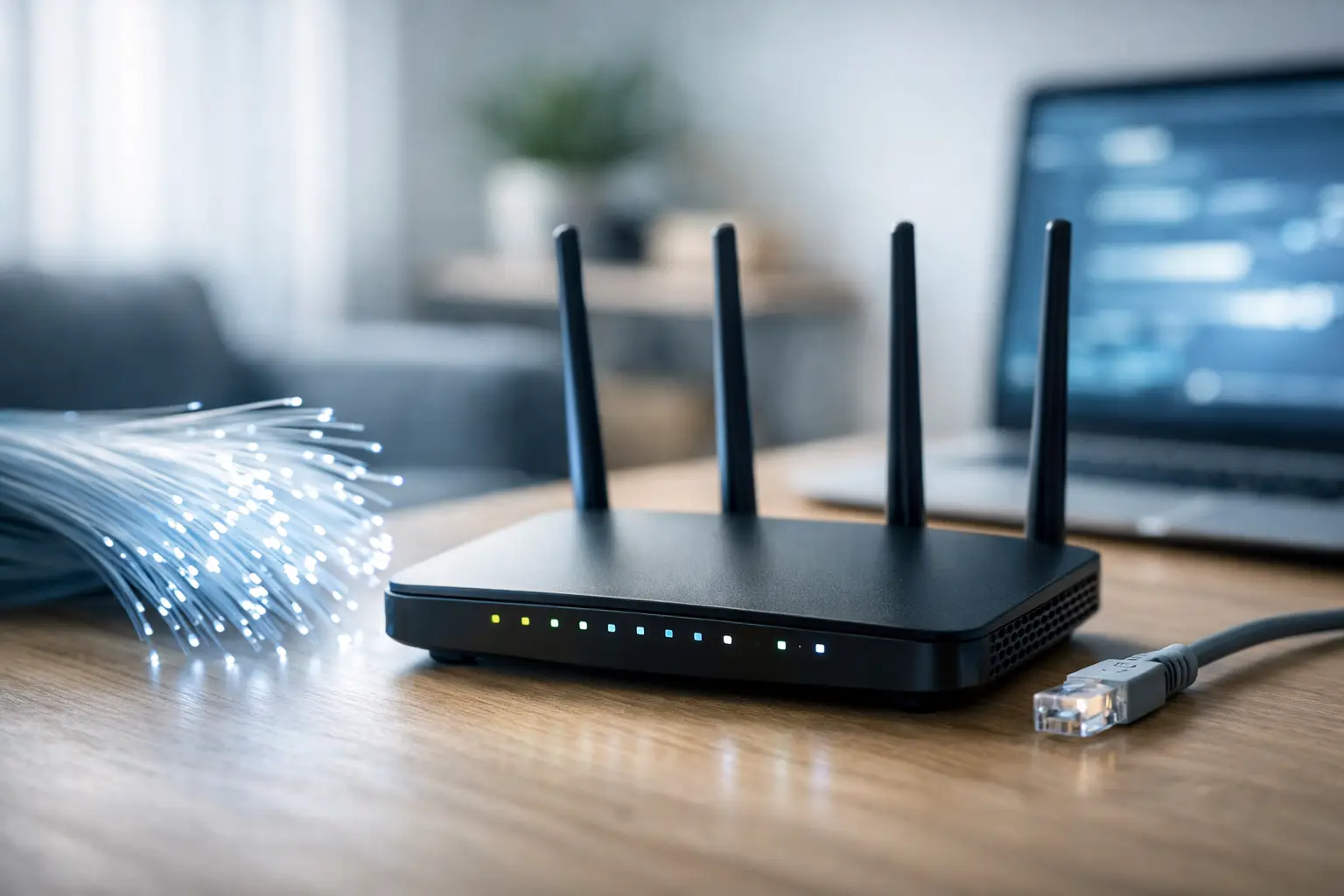
A fast fiber package alone doesn't guarantee speedy browsing. If your old router limits the connection, if the wireless coverage is weak, or if the network ports are slow, even a 1Gbps line won't deliver the performance you've paid for. Therefore, when asked how to choose a router for fiber optics, you should start not with the price or the number of antennas, but with the type of connection at home, the speed of the package, and the number of devices that are actually operating simultaneously.
A suitable router can enhance online gaming, video calls, 4K streaming, remote work, and local file transfers. On the other hand, an excessively expensive router won't always benefit a small apartment with a basic internet package. The right choice is a balance between the infrastructure, usage, and budget.
First, check what you get from the infrastructure provider
A fiber optic connection usually comprises two components: a fiber converter, sometimes referred to as ONT or ONU, and a router. The converter receives the optical fiber and outputs a standard Ethernet network connection. The router connects to it via the WAN port and distributes wired and wireless internet throughout the home or office.
Some packages include an integrated unit that combines a converter and router, while others have a separate converter. Before purchasing, check if you can connect an independent router to the existing converter, if PPPoE settings are needed, and if the provider requires a user ID or VLAN. These are small details that can determine whether the installation will be straightforward or if it will require technical support.
There are routers with direct fiber input, sometimes using an SFP module, but in most homes, this is unnecessary. A router with an Ethernet WAN port is usually the simplest, most flexible, and cost-effective choice. It also allows you to switch providers or infrastructure in the future without necessarily replacing the entire network equipment.
Match the WAN port to the package speed
The most important check is the speed of the WAN port, i.e., the port through which the internet enters from the converter. For a fiber package of up to 1Gbps, a Gigabit Ethernet port is sufficient in most cases. In practice, after network overhead, a measured speed around 900Mbps is a valid result for a wired connection.
If you have a package of 1Gbps or higher, or plan to upgrade in the future, it's wise to look for a router with a 2.5GbE port. Without such a port, a 2.5Gbps package will be limited to about 1Gbps even if the converter and line themselves support higher speeds.
Users with 5Gbps or 10Gbps packages will require more advanced equipment: a compatible WAN speed port, a powerful processor, and fast LAN ports for computers or switches. It's important to understand that a 10GbE router is not an automatic purchase for every home. If all the computers are connected with 1GbE network cards, you won't be able to take advantage of full speeds in wired transfers.
Wi-Fi 6 or Wi-Fi 7: What do you really need?
The Wi-Fi standard affects wireless speed, the ability to serve multiple devices, and stability in crowded environments. Currently, Wi-Fi 6 is a good starting point for most homes. It is compatible with new laptops, modern phones, consoles, smart TVs, and smart home devices.
A dual-band Wi-Fi 6 router, with 2.4GHz and 5GHz frequencies, will suit most apartments and a fiber package of up to 1Gbps. The 2.4GHz frequency typically has a longer range through walls, but is more congested and slower. The 5GHz frequency offers higher speed but has a shorter range. A good router knows how to automatically route devices to the appropriate frequency, but you can also separate network names if you prefer manual control.
Wi-Fi 6E adds a 6GHz frequency, and Wi-Fi 7 further improves speed, latency, and load management. These are excellent solutions for homes with many supporting devices, wireless gaming, modern workstations, or very fast internet. However, a Wi-Fi 7 device won't turn an old phone into Wi-Fi 7. If most devices in the house only support Wi-Fi 5 or Wi-Fi 6, the additional cost is not always justified.
The number of devices is more important than the number of antennas
In an average home, smartphones, computers, TVs, cameras, printers, streamers, and smart home products operate simultaneously. The issue isn't just the peak speed of a single router; it's its ability to handle dozens of connections without drops or slowdowns.
Look for support for OFDMA and MU-MIMO, features common in Wi-Fi 6 routers and above. They enable the router to communicate more efficiently with multiple devices at the same time. A powerful processor and sufficient RAM are especially important if you're using a VPN, parental controls, advanced security, USB storage, or numerous smart devices.
The number of external antennas is not a direct measure of quality. Antennas can help direct coverage, but radio design, component quality, router placement, and walls in the home also have significant impacts. A router with four antennas is not necessarily better than a quality model with internal antennas.
Coverage in an apartment, private home, or small office
A single router is typically suitable for a small to medium-sized apartment, provided it's placed in a central and open area. Don't put it inside a metal communications cabinet, behind a TV, or in a corner of the house. A relatively high, open location away from devices that may interfere with the signal can improve coverage more than a minor upgrade in specifications.
In a large house, an apartment with a security room, thick concrete walls, multiple floors, or an office with many rooms, a Mesh system is often a more effective solution than a single powerful router. Such a system includes a main unit and satellites that extend the network under one Wi-Fi name. For seamless transitions between rooms, it's important to choose a system that supports smart roaming.
The best performance is achieved when Mesh units are connected to each other with an Ethernet cable, known as wired backhaul. A wireless connection between units is easier to install but can reduce speeds, especially if there are many walls in between. If cabling infrastructure is lacking, consider a tri-band system, where a dedicated band is used for communication between the units.
Don't forgo wired connections
Even with advanced Wi-Fi, some devices significantly benefit from a wired connection: gaming computers, consoles, smart TVs for high-quality streaming, home servers, NAS devices, and workstations. An Ethernet connection offers greater stability, lower latency, and less dependence on distance or wireless interference.
For most users, four 1GbE LAN ports are sufficient. If there is a lot of wired equipment, adding a network switch can help. Those working with large files, NAS backups, or video editing on the local network should also check for 2.5GbE ports on the LAN side. Otherwise, the router may receive a fast internet connection, but file transfers between the computer and storage will remain limited.
Features to check before buying
Beyond the Wi-Fi standard and port speeds, several specifications differentiate a basic router from one suited for serious use:
- Support for WPA3 for updated Wi-Fi security, alongside compatibility with older devices.
- Regular firmware updates from the manufacturer, especially for a router that's always connected to the internet.
- QoS or traffic management, useful when prioritizing video calls, gaming, or remote work.
- A separate guest network to avoid granting access to the home network to every guest or smart product.
- Parental controls and management through an app for those who need simple configurations and basic monitoring.
Paid security services can be useful, but check whether they are subscriptions that expire after a trial period. Sometimes a feature marketed as an advantage in the specifications turns into a recurring annual cost. It's advisable to prioritize a router with solid security features and reliable software updates.
Choosing a router based on usage type
For a household with a package of up to 1Gbps, several users, and regular streaming, a dual-band Wi-Fi 6 router with 1GbE WAN and LAN will generally be an effective solution. There's no need to pay for 10GbE capabilities that won't be utilized.
For gamers and remote workers, it's important to consider stability, QoS, a wired connection to the console or computer, and a processor capable of handling the load. Impressive wireless speeds on the box are less important than stable ping and consistent performance when household members are streaming, downloading, and managing calls simultaneously.
For families with large homes or problematic coverage, it’s better to allocate a larger part of the budget to a Mesh system than to an expensive single router. For a small business, also check options like guest networks, network separation, user management, VPN, and the ability to expand to additional access points.
When selecting models in TopMarket, first compare WAN and LAN speeds, Wi-Fi standards, the number of units in the Mesh package, warranty conditions, and whether the required accessories are included. This way, you can easily avoid purchases based solely on brand names or promotional prices.
The right router is one that removes real limitations from your usage: it leverages the speed of fiber, provides coverage where you work and watch, and offers enough connections for the coming years. Before deciding, note down the speed of the package, the size of the area, the number of devices, and the required wired connections. These four pieces of information will lead you to the right model far more effectively than any general promise on the product box.

