

 Install the app
How to Choose a Recommended Laser Printer for a Small Business
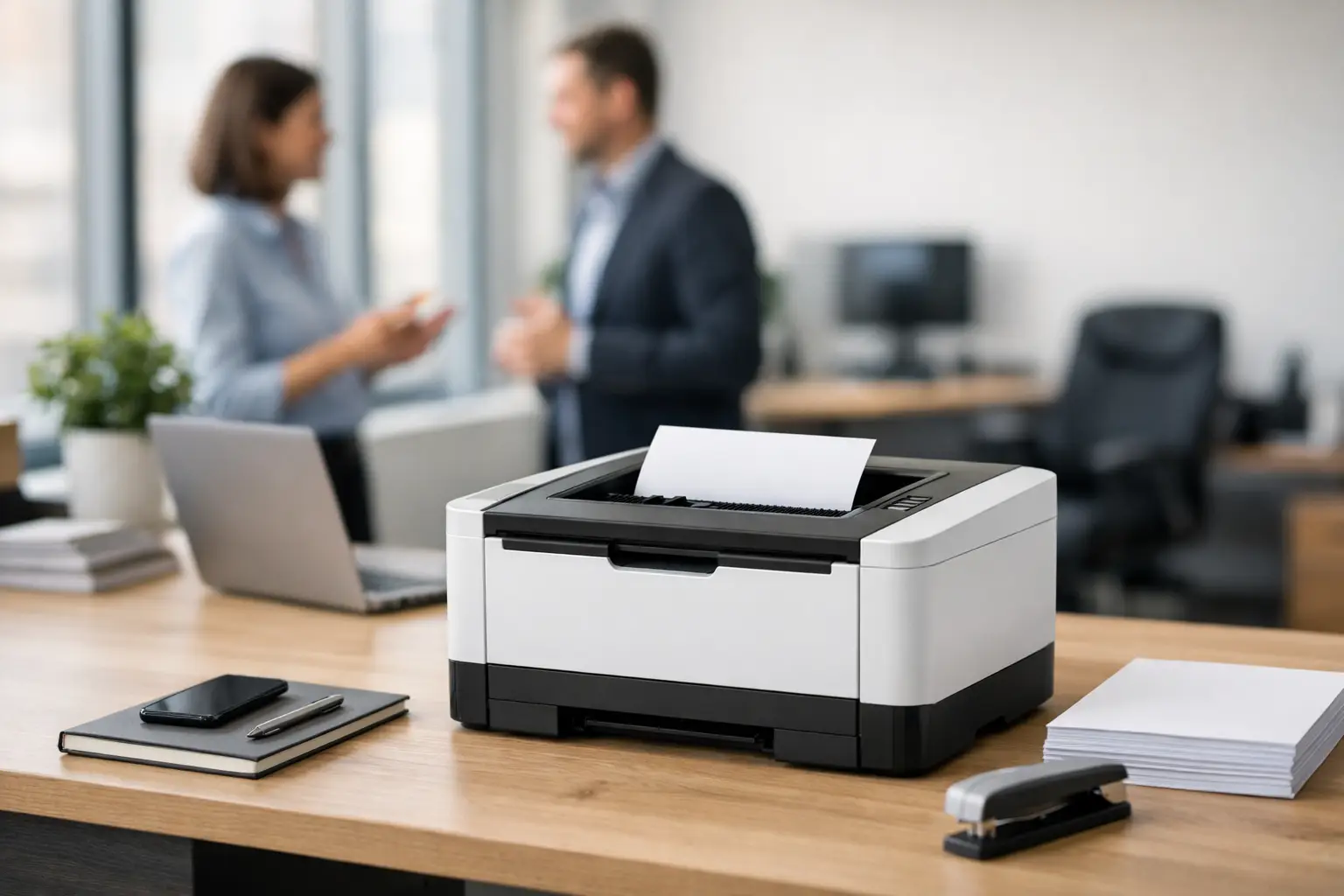
The time when a small business buys a printer based solely on price quickly comes to an end after just one cartridge, one malfunction, or a busy week of quotes, invoices, and contracts. If you are looking for a recommended laser printer for a small business, the right question is not just how much it costs upfront, but how much it will cost you over a year of actual work—in terms of time, maintenance, and cost per page.
What a Small Business Really Needs from a Laser Printer
In most small businesses, the printer doesn't need to impress; it simply needs to work. An accounting office requires sharp and clear text, an online store needs to print shipping documents without delay, a real estate office needs contracts in bulk, and a clinic requires operational silence. Therefore, the right choice begins with a simple understanding of your workflow.
If you're printing a few dozen pages a week, there's no need to rush into a heavy, expensive model. If the printer serves several employees or prints regular documents daily, it's better to choose a model with a higher duty cycle, a larger tray, and stable network connectivity. A small business doesn’t need to buy the most advanced model in the category, but it should definitely avoid a home printer masquerading as an office device.
Recommended Laser Printer for a Small Business - Based on Usage Type
For Businesses Primarily Printing Text Documents
If most of your work involves quotes, invoices, forms, contracts, and printed emails, a black-and-white laser printer will typically be the most economical and correct choice. It is faster, cheaper to maintain, and less complex over time. In these cases, it’s worth prioritizing a print speed of at least 30 pages per minute, automatic duplex printing, and a wired or wireless network connection.
The real advantage here is not just the initial price. The cost per page is lower, the toner lasts longer, and reliability is usually better than that of cheap color printers.
For Businesses That Also Need Scanning and Copying
Many small offices are looking for more than just a printer; they want an all-in-one office station. In this case, it's advisable to consider an all-in-one laser printer with a scanner and copier. If you're scanning documents daily, an automatic document feeder is not just a nice addition, it's a real time-saver.
The difference between a flatbed scanner and a model with a top feeder is noticeable from day one. When you need to scan contracts, certificates, forms, or supplier documents in bulk, the work becomes faster and more organized.
For Businesses That Need Color
Not every small business requires a color laser printer. This is a point worth making clear. If color usage is occasional, it might be better to stick with a black-and-white office printer and handle marketing prints elsewhere. On the other hand, businesses that print presentations, client proposals, informational materials, or branded documents can benefit from a high-quality color laser printer.
It's important to check not only the price of the printer, but also the costs of the four toners, their availability, and the print yield of each cartridge. Some models may seem affordable at the time of purchase but can turn out to be significantly pricier after a few months of use.
The Specifications That Truly Matter
Print Speed
For a small office, a speed of 28-40 pages per minute is generally a very efficient range. Less than that might suffice for a business with low volume, but once you have several users, the bottleneck becomes apparent quickly. If there are lines at the printer, you're already paying for unnecessary savings.
Duplex Printing
Automatic duplex printing should almost be a standard feature. It saves paper, looks more professional, and reduces manual handling. In a small business where every minute counts, this is a very useful feature, not just a marketing gimmick.
Paper Capacity
A 250-sheet tray typically suits most small businesses. If you print a lot or don’t want to refill paper every couple of days, it’s worth checking models with larger trays or expansion options. This small addition can significantly impact your workflow more than you might think.
Connectivity
USB alone is no longer sufficient for most offices. An office printer needs to work on a network. An Ethernet connection provides good stability, and Wi-Fi adds flexibility. If you're also working from laptops or phones, support for wireless printing makes the work environment more convenient.
Cost Per Page
This is one metric that many overlook, even though it's one of the most important. High-yield toner can turn a printer that seems expensive on the shelf into a more economical choice over time. When comparing models, check how many pages each cartridge offers and what its price is, not just the printer's upfront cost.
Recommended Monthly Duty Cycle
A small business doesn’t have to chase the highest number, but it's essential to choose a model that matches your actual workload. If the printer is rated for light use and you print medium to high volumes, wear and tear will appear more quickly. It's better to have a reasonable safety margin.
Common Mistakes When Buying
The first mistake is choosing based on the lowest price. This is understandable, especially for a small business, but with printers, the real gap is in ongoing consumption. A cheap printer with expensive toner is a poorer deal than a slightly pricier model with a lower cost per page.
The second mistake is buying color when it’s not genuinely needed. A color printer increases cost, complexity, and maintenance. If 95% of your work is black and white, there's no reason to pay for a capability that won’t be utilized.
The third mistake is ignoring the user experience. Speed, noise, scan quality, ease of toner replacement, management interface, and network reliability—these factors affect daily operations far more than a flashy specification on a product page.
Which Businesses Will Especially Benefit from a Laser Printer
Accounting offices, law firms, clinics, insurance agencies, real estate offices, back-office stores, businesses managing orders and deliveries, and small service centers are all prime candidates for a laser printer. The reason is simple: ongoing work volume, the need for speed, and the importance of reliability over time.
Conversely, a business focused on visual materials, catalogs, or photo prints might not always achieve the best results from an office laser printer. In such cases, it’s important to assess whether the need is for office document tools or for a different graphic necessity.
How to Compare Models Without Getting Lost
When comparing options, it’s best to follow a set order. First define if you need black-and-white or color, then whether you need a scanner, and afterward check speed, connectivity, and toner costs. Only then look at the initial price. This way, the comparison remains business-focused rather than emotional.
The brand is important too, but not on its own. A well-known brand with good availability of toners and reliable warranty certainly offers an advantage, especially for a business that doesn’t want to get stuck. Yet, even within the same brand, there are significant differences between home and office series.
On a broad retail site like TopMarket, the advantage is the ability to compare specifications, categories, and prices in one place, without having to guess if a particular model really suits office loads or is just for occasional use. With a wide selection, it’s crucial to filter based on actual needs, not just the number of features.
Is an All-in-One or Standalone Printer Better?
This greatly depends on the nature of your work. If you're scanning or photographing documents a few times a week, an all-in-one will save space, money, and time. If all you need is fast, reliable printing, a dedicated printer can sometimes be simpler, cheaper, and more durable.
There’s also the maintenance consideration. In a single all-in-one device, everything is consolidated in one place, which is convenient. However, if one component fails, the entire station is affected. In a small business, this is usually still a cost-effective solution, but it’s essential to understand the trade-off.
The Right Choice is Not the Cheapest—But the Most Suitable
A recommended laser printer for a small business is one that aligns with your workflow, your printing routine, and the ongoing costs you can realistically manage. By considering print volume, document types, scanning needs, network connections, and cost per page, you’ll make a better decision than just relying on a temporary promotion.
A small business operates on efficiency. When the right printer is in the right spot, it fades into the background and gets the job done. And that’s precisely what good office equipment is meant to do.
- How to Choose a Wireless Network for a Retail Store?
- Smart Homes That Truly Fit Your Home and Budge
- <h1>Case Study: An Office Computer Upgrade That Saved Time and Money</h1>
- Recommended Gaming Mice for Large Hands: How to Choose the Right One
- When to Repair or Replace Your Computer Monitor: A Repair Shop’s Guide

