

 Install the app
How to Choose Gaming Computers That Truly Fit Your Needs?
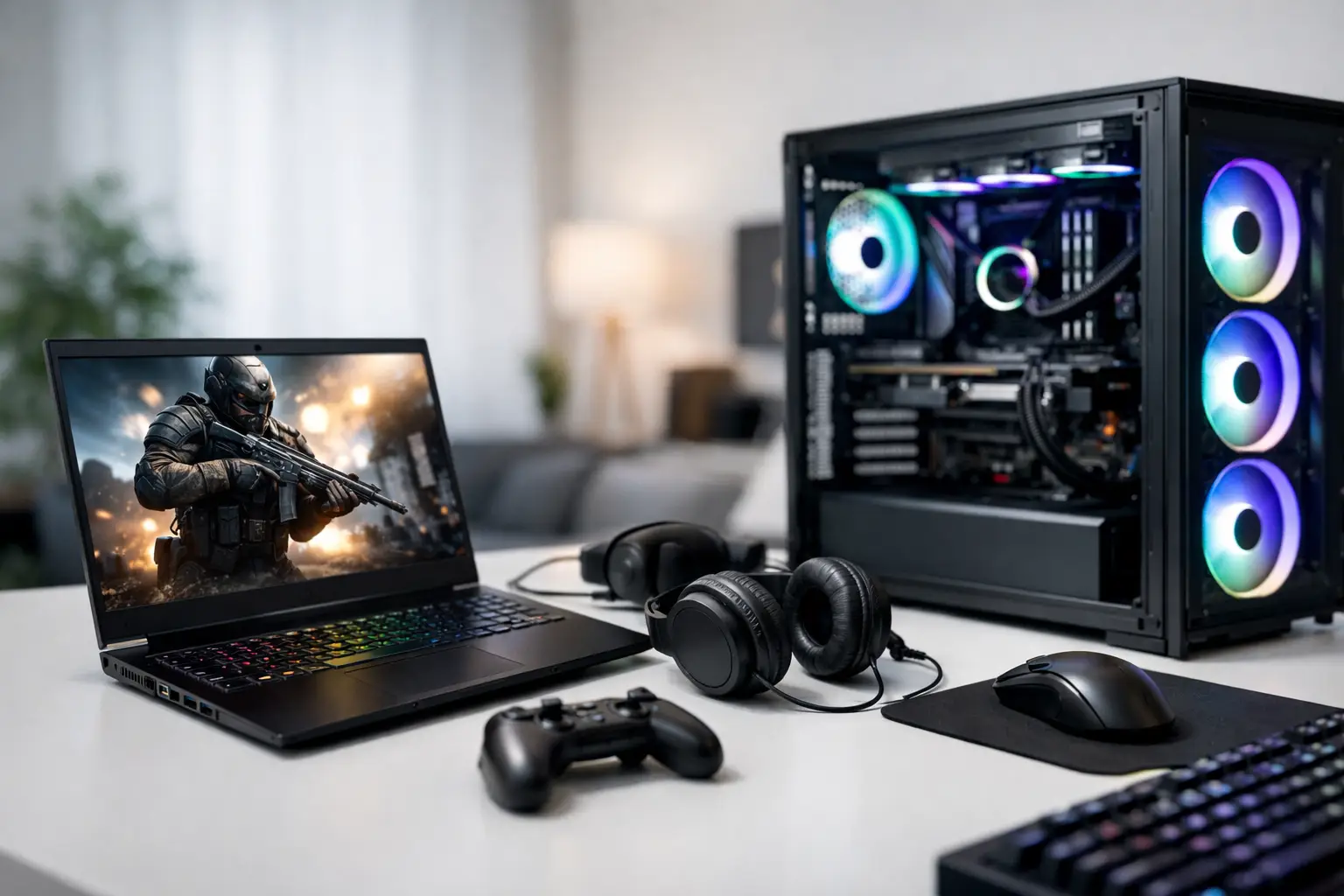
Just because a computer can run a new game doesn't mean it delivers a great gaming experience. The differences are noticeable in frame rates, resolution, loading times, fan noise, and the ability to maintain performance even after hours of gaming. Therefore, when choosing gaming computers, the starting point shouldn't be the number of cores or RGB lighting, but rather the monitor, the types of games, and the overall budget for the setup.
A balanced specification saves you from having to spend twice. An excessively powerful graphics card paired with a weak processor can limit performance, while an advanced CPU without a compatible graphics card won't significantly enhance demanding games. The right choice connects all components, including cooling systems, power supplies, and warranties, rather than just showcasing a single impressive statistic on the product page.
Gaming Computers Start with the Monitor
Before looking at cases or brands, you should know which monitor the computer is intended for. A Full HD monitor with a refresh rate of 144Hz is suitable for most competitive gamers and those who prefer high frame rates. Shooting games, sports, and racing titles particularly benefit from fast, stable visuals, so choosing a graphics card capable of delivering high FPS at desired settings is crucial.
On a QHD monitor, meaning 1440p, the demand on the graphics card significantly increases. This is an excellent balance for those seeking higher sharpness without the heavy requirements of 4K. A 4K monitor suits detailed gaming experiences but requires a high-end graphics card and often the use of upscaling technologies to maintain smooth frame rates.
There's no point paying for a 4K-ready computer if your existing monitor is a basic Full HD. Conversely, an entry-level PC may not fully utilize a fast QHD monitor in new games. If you plan to upgrade your monitor in the coming months, it’s wise to factor this into your component selection.
The Graphics Card Determines the Level of Graphics
In gaming, the graphics card usually has the most significant impact on performance. It determines the resolution you can play at, the graphical settings you can enable, and how stable the frame rate will be during intense scenes. AAA open-world games, simulators, racing titles, and content with Ray Tracing demand much more than relatively light eSports titles.
For competitive gaming in Full HD, a mid-range graphics card is sufficient, provided it's matched with the CPU and monitor. For quality QHD gaming, it's advisable to move to a higher performance category, especially if you want to maintain High or Ultra settings. For 4K, Ray Tracing, or future games, leaving headroom for performance is wise, rather than relying solely on the minimum requirements of existing titles.
It's also essential to consider the amount of video memory. While it's not the only metric, in new games and high resolutions, it affects the loading capacity of detailed textures and the stability of settings. Proper comparisons should evaluate precise models of graphics cards, not just their series names.
When You Don't Need the Most Powerful Card
If you primarily play games like Valorant, League of Legends, Fortnite, or similar titles, you may not necessarily need a flagship graphics card. In these cases, it might be better to allocate part of the budget toward a faster monitor, a larger SSD, additional RAM, or high-quality peripherals. Real-world performance should align with usage habits, not just comparison tables.
The CPU: A Partner in Performance, Not Just a Secondary Component
The CPU handles in-game calculations, background processes, communication with the graphics card, and other tasks like streaming, recording, or running applications simultaneously. In competitive games with high frame rates, especially on 240Hz monitors, the CPU becomes more critical. Strategy games, simulations, and open worlds can significantly tax it as well.
For most gamers, a modern mid-range processor with several cores will deliver excellent results. Those involved in video editing, streaming, graphic work, or development alongside gaming might benefit from a more advanced CPU. However, there's no advantage in purchasing an extremely expensive processor if the budget doesn't allow for a corresponding graphics card.
It's essential to verify that the case and motherboard allow for reasonable future upgrades. An up-to-date platform, available memory slots, and support for modern storage connections can make upgrading in two years simpler and cheaper than replacing the entire computer.
Memory, Storage, and Cooling: The Everyday Details
16GB of RAM is a solid starting point for most gaming systems, but 32GB is the better choice for those running new games, a browser with many tabs, Discord, recording software, or professional applications simultaneously. Besides capacity, ensure the RAM is installed in an appropriate configuration and at speeds supported by the motherboard and CPU.
An NVMe SSD improves boot times for both the operating system and games. A capacity of 1TB is suitable for most users as a starting point, but game libraries grow rapidly. Single games can occupy dozens or even hundreds of gigabytes, so anyone installing many titles should consider 2TB or an easy option for future SSD additions.
Good cooling is not a luxury. It maintains proper temperatures, reduces noise, and allows the computer to sustain performance over time. It's not always necessary to choose water cooling, especially in mid-range systems, but ensure there's compatibility between the CPU, cooling unit, airflow in the case, and the number of fans. A beautiful case with a closed front might look great but could underperform under load.
Ready-Made Computer or Customized Build?
A ready-made gaming computer is suitable for those seeking a quick, assembled, and pre-configured solution with clear warranty coverage. It also makes it easy to compare models based on graphics card, CPU, storage capacity, and memory. However, it's still important to read the full specifications instead of settling for just the headline: the power supply, cooling system, motherboard, and memory type all impact system quality and upgradeability.
A custom specification provides more control over budget allocation. This is a good option when specific needs arise, such as a quiet computer, large storage capacity, a compact case, or professional work alongside gaming, or matching existing monitor configurations. The downside is that there are more decisions to make, so it’s advisable to set clear priorities upfront: competitive FPS, graphical quality, capacity, noise level, or future upgrades.
When purchasing from a shop with a wide selection like TopMarket, you can compare ready-made systems, components, monitors, and peripherals all in the same buying process. This makes building a complete setup easier and prevents situations where the new computer arrives without the right cable, insufficient storage, or a monitor that doesn't capitalize on its performance.
What to Check Before Ordering
Before completing your purchase, check four things to avoid surprises after setup:
- Compatibility between the graphics card, resolution, and refresh rate of the monitor.
- SSD capacity that meets the gaming library needs, not just the operating system.
- A quality power supply with adequate wattage and headroom for upgrades.
- Clear warranty terms for the system, components, and support in case of malfunction.
Also, check the available connections. If you use USB headphones, a wireless controller, a webcam, external drives, and multiple monitors, you'll need sufficient accessible ports. A wired network connection is still preferable in many competitive scenarios, but a modern Wi-Fi can be an excellent solution in a room without a network point available.
The Right Budget Serves Your Gaming Needs
The common mistake is to buy based solely on price or a single component. A very cheap computer may require quick upgrades, while an excessively expensive one may include features that won’t be fully utilized. It's better to set a clear target level: fast Full HD, balanced QHD, or advanced 4K, and then choose a system where every component supports that goal.
If there's budget left, investing in a quality monitor, comfortable keyboard, precise mouse, and good headphones will affect daily use just as much as a slight performance upgrade in the graphics card. Choose a specification that feels right both on the day of purchase and for a few years to come—one that runs the games you love, fits your setup, and leaves room for growth when needed.
- How to Choose a Wireless Network for a Retail Store?
- Smart Homes That Truly Fit Your Home and Budge
- <h1>Case Study: An Office Computer Upgrade That Saved Time and Money</h1>
- Recommended Gaming Mice for Large Hands: How to Choose the Right One
- When to Repair or Replace Your Computer Monitor: A Repair Shop’s Guide

