

Integrated Printer for Home and Small Business - How to Choose Wisely
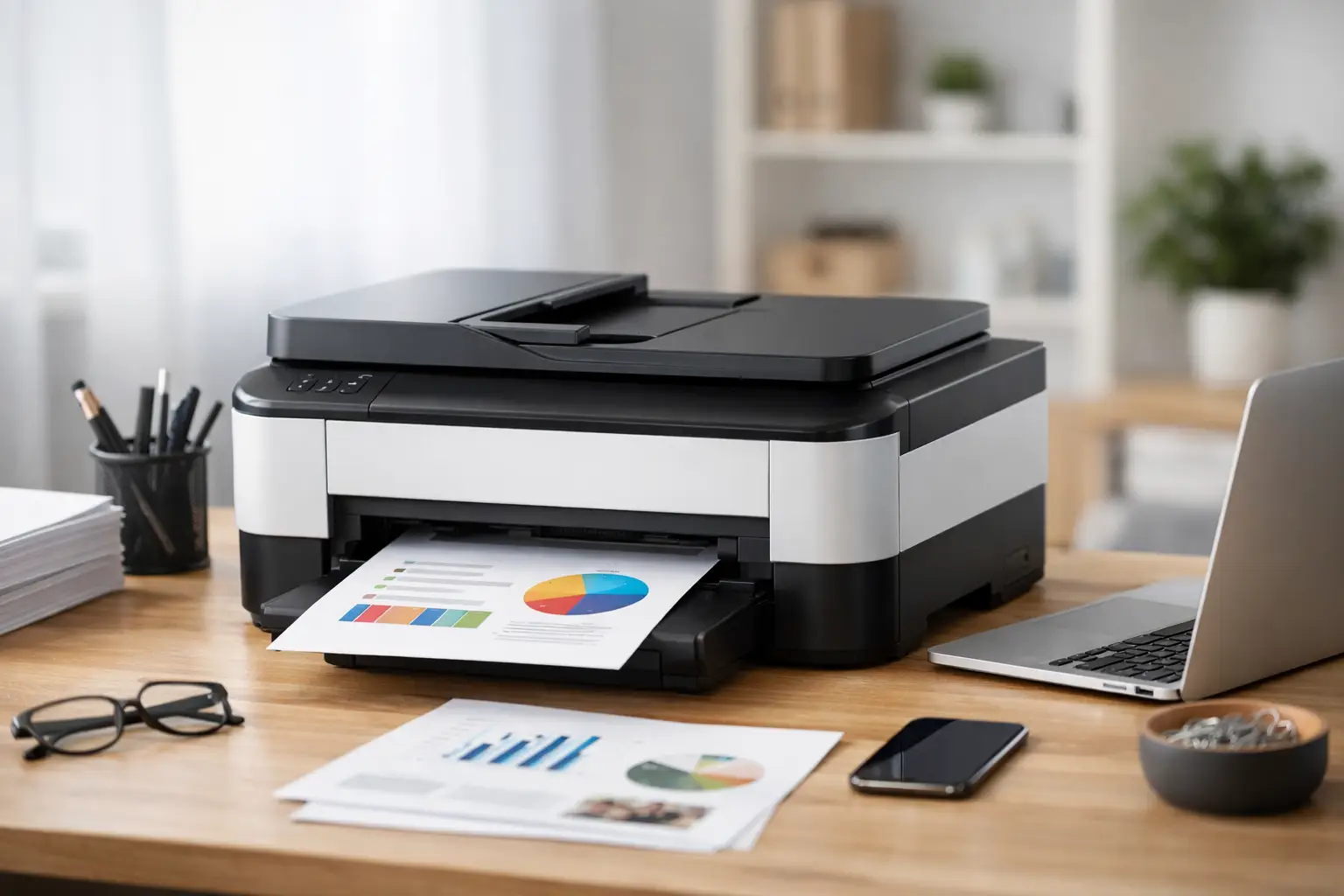
Printing a single document once a month, scanning invoices for a business, preparing school projects, or printing hundreds of pages a week—all these uses require different specifications. A good multifunction printer isn't necessarily the cheapest model at checkout; it's the model that delivers the cost of printing, speed, and features that align with your work habits over time.
Rather than choosing based solely on the printer's price, it’s wise to compare the type of printing mechanism, monthly workload, consumable costs, scanning capabilities, and network connections. This helps avoid a situation where a compact, inexpensive printer results in high ongoing costs, or a large office printer takes up unnecessary space at home.
What Does a Multifunction Printer Include and Who Is It Suitable For?
A multifunction printer typically combines printing, scanning, and copying in one unit. Some models add fax capabilities, an automatic document feeder, double-sided printing, and wireless connectivity. For a home, small office, or personal workstation, it’s a solution that reduces desk clutter and allows document handling without switching between multiple devices.
The practical advantage depends on the features that are actually used. Someone who scans single pages occasionally may manage with a flatbed scanner. A business receiving invoices, contracts, or forms daily will gain much more value from an automatic document feeder (ADF), which allows a stack of pages to be scanned or copied without manually feeding each one, saving time and reducing errors.
Before you start comparing models, define the primary task. If most of your work involves black-and-white text, the printer's requirements will be very different from someone printing photos, colorful presentations, or marketing materials. The number of users is also important: a printer serving one person doesn’t need to contend with a queue of print jobs from an entire team.
Laser or Inkjet: The Decision That Affects Cost
The central choice is between a multifunction laser printer and a multifunction inkjet printer. There is no one right answer because the difference lies not just in the purchase price but primarily in the nature of use and total cost of ownership.
A laser printer is typically suited for high volumes of text documents, particularly in black and white. It often offers high printing speeds, sharp text, and toner sufficient for a large number of pages. In an office that prints quotations, orders, reports, and internal documents, a laser printer can be an efficient and predictable operational choice. Color laser models are also suitable for presentations and colorful documents, but the printer and toner prices may be higher.
Inkjet printers are a strong option for home users or those needing quality colors, graphics, or photos. In models with refillable ink tanks, the cost per page can be very low with regular printing. On the other hand, those who print infrequently must consider maintenance for the print heads and the risk of ink drying out in certain models. Occasional short bursts of color printing could help, but it doesn't replace verifying that the model aligns with usage habits.
Don't settle for the label of "low cost per page." Check what type of consumables are required, what the declared page yield is for each cartridge or bottle, whether toner or ink comes in the box, and what the price of a full color set includes. In a color printer, replacing four consumables can be very different from replacing just one cartridge.
Specifications to Check Before Purchasing
Printing speed is usually measured in pages per minute. This figure is important, but it should be read in context: the declared speed often refers to text documents under defined conditions, not necessarily a heavy PDF file or a full-color page. For home use, a medium speed can be perfectly sufficient. For a business with several users, it is advisable to choose a speed that minimizes unnecessary waiting during peak hours.
The paper tray capacity also affects convenience. A small tray is suitable for those printing little but requires more frequent refills. If you print invoices, reports, or study materials in larger quantities, a higher capacity will save you hassle. Also, check the types of media the printer supports—A4 is standard, but envelopes, labels, photo paper, or thick paper require explicit support in the specifications.
There are four capabilities worth checking together:
- Automatic double-sided printing: Saves paper and simplifies printing long documents. Make sure it’s automatic duplexing, not a manual page flip.
- Double-sided scanning: Important especially for businesses converting contracts, certificates, and double-sided documents into digital files.
- Automatic document feeder: Check the page capacity and whether the feeder supports double-sided scanning if this is a regular requirement.
- Scanning and printing resolution: For everyday text, there's no need to chase the highest number. For graphics scanning, detailed document archiving, or photo printing, resolution and quality become more relevant.
A built-in screen can enhance operation when performing copy tasks, scanning to a USB drive, or connecting to a network without a computer. It's not necessary in every home, but in multiple-user setups, it can save time. In some models, check the interface language and the availability of a mobile app.
Connectivity, Security, and Compatibility with Workstation
A USB connection suffices for a single computer, but it limits sharing. Wi-Fi allows printing from laptops, smartphones, and tablets without a fixed cable, making it suitable for most homes and small offices. If the printer is located in an office with a stable network and several users, a wired Ethernet connection may be preferable due to its stability and simpler management.
Ensure the printer supports the operating systems you use, including Windows, macOS, and occasionally ChromeOS. Mobile printing is a real advantage, but verify if it works through a specific app, Wi-Fi Direct, or built-in printing services. Those handling sensitive business information should prefer a model with appropriate security and management features and update the printer's firmware after installation.
The printer's location is not a trivial detail. Measure the desk's depth, leave space for the scanner lid to open and for paper output, and check the operational noise if it’s located near a workstation. A printer with excellent specifications that cannot be opened or easily loaded with paper will create daily frustration.
Fit According to Use Case Scenario
For students and families printing assignments, forms, and some color, an inkjet printer with Wi-Fi and a flatbed scanner is often a good starting point. If the volume increases over the year, a model with refillable ink tanks may be more cost-effective than cartridges, even if the initial price is higher.
For freelancers and small businesses printing many documents, a multifunction laser printer with an automatic document feeder, duplex printing, and a generous paper tray will serve the work better. When color is only occasionally needed, black-and-white laser alongside occasional external color printing might be a budget-friendly solution. When presentations, business proposals, and sales materials are printed in the office, it makes sense to evaluate a color model.
For home photography or creative work, don't just rely on the number of ink tanks. Check for support for photo paper, ink type, color quality, and suitability for the desired photo sizes. An office color printer can print a picture, but it may not provide the same result as a model designed for that purpose.
Don't Overlook Warranty and Consumables
A clear warranty, availability of ink or toner, and precise specifications are part of the deal, not a minor addition. Before ordering, compare models based on the printer price, consumable prices, scanning capabilities, connectivity, workload volume, and warranty length. Promotions can make an advanced model worthwhile, but there's no reason to pay for faxing, extra trays, or organizational functions you won’t use.
At TopMarket, you can compare brands, specifications, and price levels all in one place to choose a solution that perfectly fits your workstation. The right printer is one that streamlines daily work, maintains reasonable printing costs, and remains ready when you need to produce important documents without surprises.

