

Recommended Gaming Headphones by Budget and Game Type
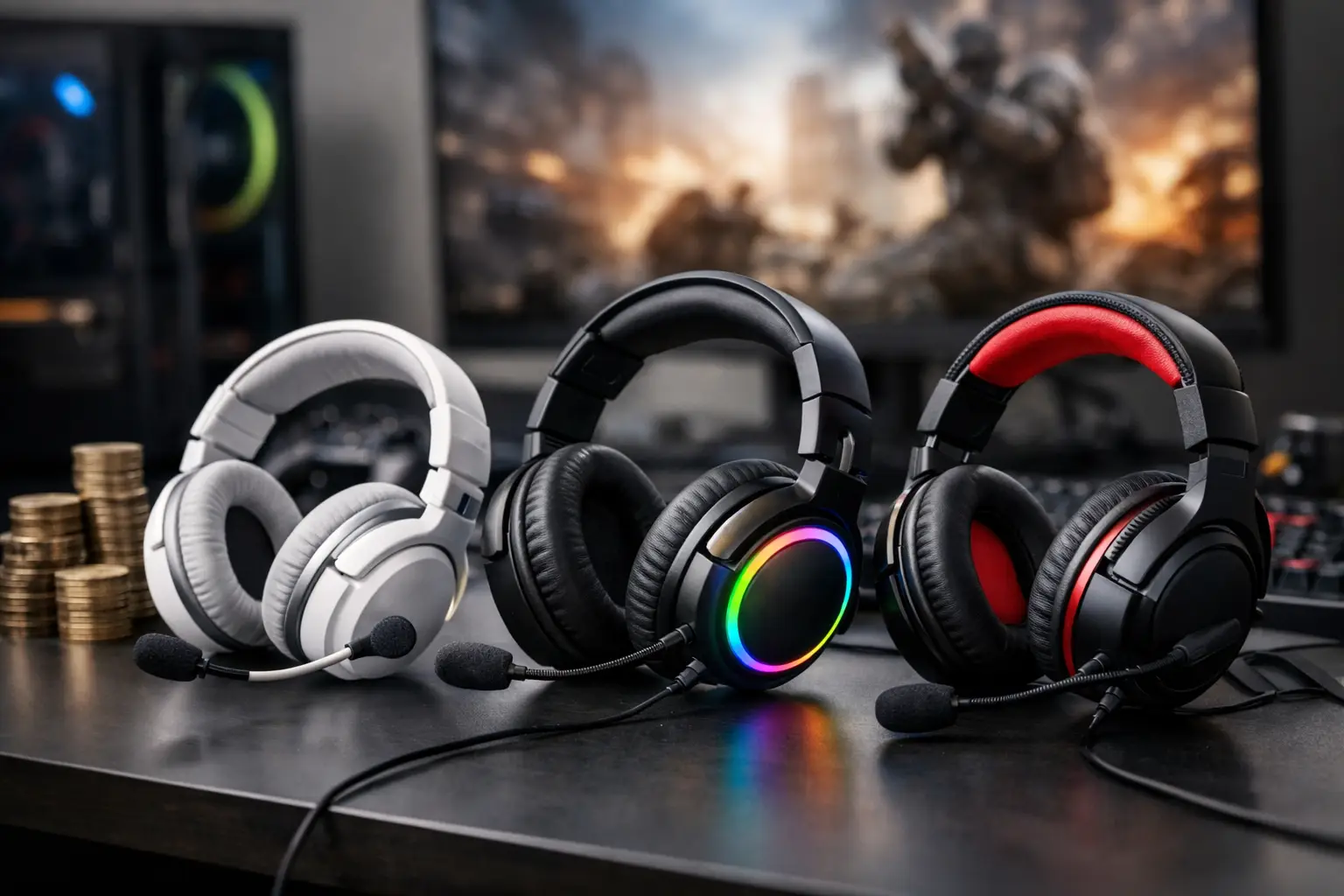
Lose a battle because you didn’t hear footsteps behind you, or group conversations where friends repeatedly ask you to repeat what you said—these issues are usually not the fault of the game. Choosing the right recommended gaming headphones directly affects communication, directional sound recognition, comfort over hours, and the overall quality of your gaming setup.
The most expensive model is not necessarily the right choice. A competitive Fortnite player, someone who enjoys cinematic single-player games, a PlayStation user, or a PC gamer who also attends work meetings may require completely different headphones. Therefore, it’s essential to decide first how you game, with which platform, and what aspects are truly important for daily use.
Recommended Gaming Headphones Start with Use Case
Before comparing brands, RGB lighting, or design, it’s crucial to define the usage scenario. In competitive shooting games like Counter-Strike 2, Valorant, or Call of Duty, precise location awareness is generally more important than deep bass. The aim is to hear footsteps, magazine changes, and gunfire direction clearly, without low frequencies masking small details.
In open-world games, racing, or RPGs, you can give more weight to sound depth, a wide soundstage, and bass that enhances the feel of scenes, music, and explosions. Here, ultra-sharp and analytical tuning of eSports headphones is not always necessary; a pleasant and immersive listening experience is paramount.
The microphone is also a central consideration. If you regularly game with friends on Discord or the console’s group chat, a detachable or foldable boom mic typically delivers clearer sound than a built-in microphone. If you’re streaming, recording, or working from home, consider headphones with advanced noise-cancellation features, but remember that even an excellent microphone is affected by fan noise, mechanical keyboards, and a home environment.
Wired or Wireless: A Decision That Affects Use
Wired headphones remain an excellent solution for those who want a simple connection, low latency, and no need for charging. Models with a 3.5 mm connection fit a wide range of computers, controllers, and consoles, while USB connections can offer built-in sound cards, digital control, and sometimes virtual surround sound.
The advantage of wired headphones is consistency. You connect, game, and there’s no worry about battery life dying in the middle of a ranked match. The downside is clear in larger setups or living rooms: the cable limits movement and can tangle with chairs, keyboards, or controllers.
Wireless headphones offer true freedom, especially for those gaming in front of a TV or occasionally getting up from their setup without interrupting a conversation. In gaming models, a dedicated wireless connection via a 2.4GHz USB dongle is generally preferred over just Bluetooth. A dedicated connection tends to provide lower latency, better stability, and efficient compatibility for in-game chat.
Bluetooth is suitable for phones, music, and everyday use but is not always the ideal solution for competitive gaming or consoles. Before purchasing, check whether the model explicitly supports your platform. Headphones that work great with a PC may not necessarily support voice chat on PlayStation or Xbox, and sometimes a dedicated connection or adapter is required.
Comfort is a Specification, Not a Bonus
Low weight looks great on paper, but it isn’t the only metric. Headphones weighing 300 grams with a balanced headband and quality padding may be more comfortable than a lighter model that puts pressure on one point of your head. Pay attention to the pressure from the headband, the depth of the ear cushions, and the materials they are made from.
Fabric ear cushions breathe better and are suitable for warm rooms and long gaming sessions, but they may isolate outside noise less effectively. Leatherette cushions block sound better and sometimes enhance the bass, but they can overheat. In some models, ear cushions can be replaced, a feature that extends the product's life and allows for personalization.
Wearing glasses has a real impact on comfort and sealing. If you wear glasses, look for soft cushions with memory foam and designs that do not exert excessive pressure on the glasses' arms. Poor sealing is not just about outside noise—it can also alter the perceived bass and sound balance.
How to Read Gaming Headphone Specs
Technical specifications help filter options, but don’t rely on them alone. A specification of 50mm drivers, for example, does not guarantee better sound quality than smaller drivers. Directional sound, build quality, sealing, and software are equally influential.
When comparing models, check the following:
- Full Compatibility: PC, Mac, PlayStation, Xbox, Nintendo Switch, or mobile—according to the equipment you use.
- Type of Connection: 3.5 mm, USB, USB-C, wireless dongle, or Bluetooth. Check what’s included in the package and what is required separately.
- Battery Life: For wireless headphones, check realistic usage time with active lighting and how long a full charge takes.
- Microphone: Look for a detachable, foldable microphone or one with quick mute, especially if voice chat is a regular part of your gaming.
- Control and Software: Volume wheel, mute button, game-chat balance, equalizer, and profiles can save hassle during gaming.
Virtual surround sound is a feature to consider carefully. In some games, it adds a sense of space, while in others, it may blur directional cues. Many competitive players prefer quality stereo sound and precise sound direction, then check separately if surround mode enhances or detracts from their performance.
Match to Budget Without Falling for Unnecessary Specs
In a basic budget, you can find good wired headphones with a useful microphone and reasonable comfort. This is a sound solution for casual gamers, children, a backup setup, or anyone who prefers to invest more in a graphics card, gaming monitor, or keyboard. Don’t expect luxury materials or exceptional isolation, but a branded model with a warranty can provide good value for daily use.
The mid-range typically represents the best balance. Here, you can obtain improved build quality, more comfortable cushions, clearer microphones, practical software, and sometimes wireless connectivity. For most gamers, this is the category to start with, especially if the headphones are also used for music, studying, or work.
Premium models are suitable for those who utilize their advantages: quality wireless connection, long battery life, advanced microphone, compatibility with multiple sources, durable materials, or more precise sound adjustment. The high price is justified only when those features meet a real need. If you play a few hours a week and mostly use speakers, a mid-range model may be a smarter purchase.
Buying Mistakes to Avoid
The first mistake is purchasing based solely on design. Lighting, colors, and branding may fit your gaming setup, but they say nothing about comfort after three hours or the quality of the microphone. The second mistake is assuming that any wireless headphone is suitable for every console. You need to check compatibility explicitly for your console model and the type of chat you use.
Another common mistake is ignoring warranty and part availability. Headphones undergo intense use: pads wear out, cables fray, and batteries age. Buying from a reputable source with clear specifications, warranty, and local support may be preferable to a slightly lower price without adequate coverage.
Finally, don’t choose based solely on an overall review score. Read what users are saying about points important to you: pressure on the head, chat quality, wireless connection stability, sound volume, and button operation. A review from a console player doesn’t necessarily reflect the needs of someone gaming on a PC with a gaming monitor.
When you choose headphones according to your platform, usage hours, and game types, it will be easier to identify a good deal and not just an appealing price tag. At TopMarket, you can compare brands, connections, and specifications to match the headphones to your existing setup and budget, thus leaving your attention focused where it belongs: on the game itself.

