

Smart Home for Beginners - Choosing Wisely Without Mistakes
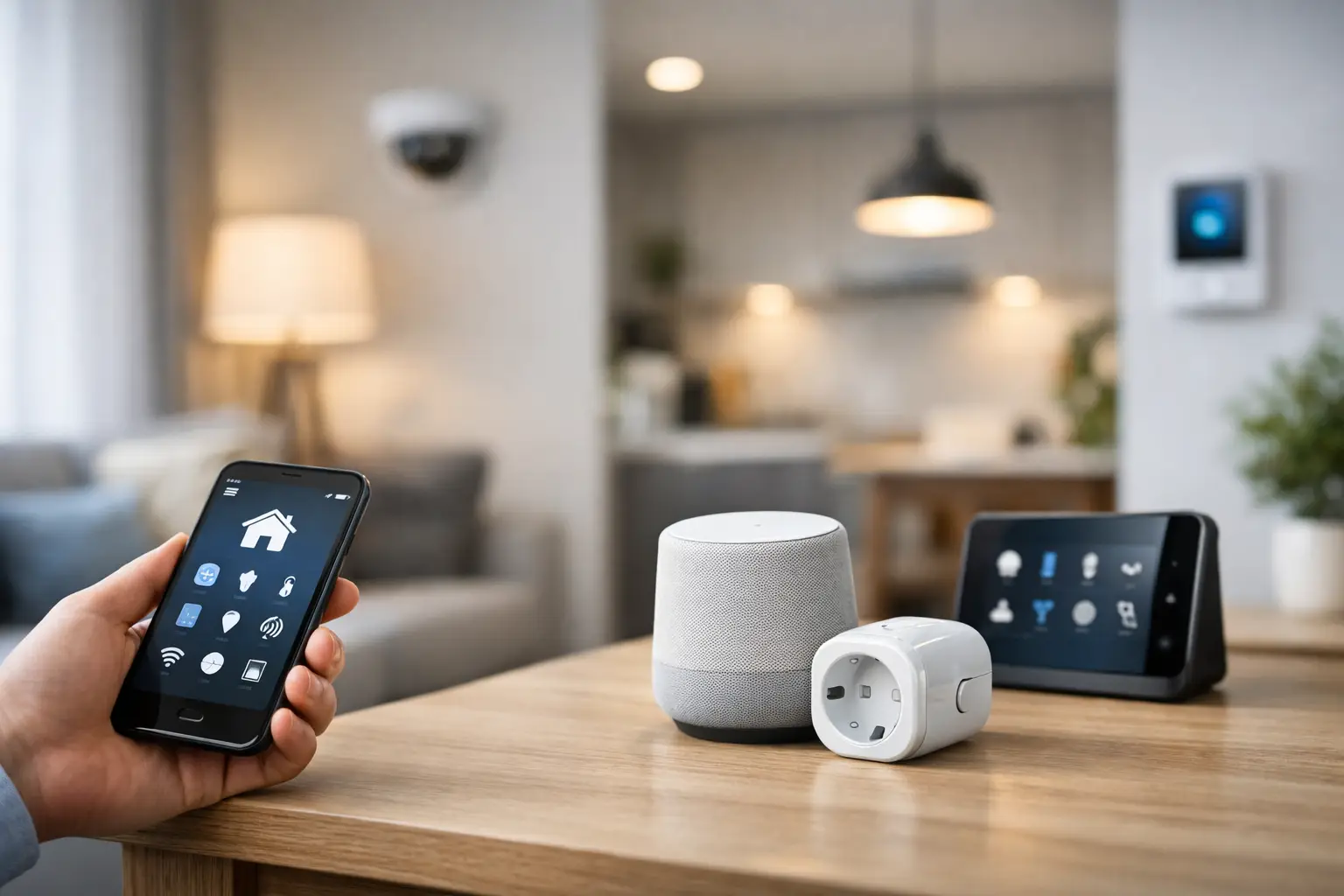
One of the most frustrating aspects of a smart home isn’t complex installation; it’s purchasing products that don’t communicate with each other. For beginners, a smart home doesn’t need to start with dozens of sensors or an expensive system. It should begin with a clear need: automatic lighting, controlling the air conditioning from your phone, an entrance camera, or a notification when the laundry is done.
When initiated correctly, you can gradually add components while keeping the system user-friendly, stable, and budget-friendly. The goal isn’t to turn every device in your home into a “smart” one but to select products that save time, enhance comfort, or provide a practical layer of security.
A Smart Home for Beginners Starts with Scenarios, Not Products
Before choosing a brand, app, or type of connection, it's wise to identify which recurring tasks at home annoy you. If you return to a dark home, smart lighting is a great place to start. If you worry while traveling, a security camera with alerts could be the right choice. If appliances are left on unnecessarily, a smart socket or switch can provide a quick solution.
Choosing based on scenarios prevents the purchase of gadgets that end up in a box. It also helps prioritize: security, convenience, energy savings, or control over electrical devices. A small rented home, for example, is often best suited for bulbs, sockets, cameras, and wireless products that can easily be taken to the next apartment. In a private home or during renovations, you may also want to consider smart switches, smart locks, and more permanent sensors.
Select an Ecosystem Before Expanding the System
Most smart products are controlled through an app, but having a separate app for each device can quickly become chaotic. Thus, it’s a good idea to choose a central control environment in advance: Google Home, Apple Home, Amazon Alexa, Samsung SmartThings, or another platform that suits the devices already in your home.
There’s no one-size-fits-all solution here. iPhone users typically prefer checking for support in Apple Home and HomeKit. Those who already use a smart speaker or Android devices may lean towards Google Home. For homes with Samsung TVs, phones, and appliances, SmartThings can be a convenient solution. The key is not the platform's name but the actual compatibility between the components you intend to purchase.
When checking specifications, look explicitly for compatibility with your desired system. Don’t assume that a product that works with Wi-Fi will necessarily appear in every smart home app. Voice control is also not a given and may only be available through specific services, or depending on region and language.
Communication Protocols: Wi-Fi, Bluetooth, Zigbee, Thread, and Matter
Wi-Fi is the most well-known solution for beginners. It's particularly suitable for cameras, sockets, bulbs, and devices that aren't abundant in the home. Installation is relatively simple as the product connects directly to the wireless network. The downside is that numerous devices on the same network can create congestion, especially on a basic router or in an apartment with uneven Wi-Fi coverage.
Bluetooth is suitable for components close to your phone, but its control range is limited. Zigbee and Thread are designed for broader systems, where many sensors and lights create a stable and energy-efficient network. Sometimes, they require a dedicated hub or controller, adding to the cost but potentially improving reliability over time.
Matter isn’t a wireless protocol on its own; it’s a compatibility standard designed to ease interactions across brands and platforms. A product with Matter support can be a smart choice for someone building a system gradually, but it’s important to check what exactly is supported: not every advanced function of the product always works across each platform.
Five Purchases That Provide Immediate Value
Usually, there's no need to buy a full kit. Start with one or two components, use them for a few weeks, and then expand. Here are categories that offer clear returns for most homes:
- Smart sockets allow you to turn lights, fans, coffee machines, and compatible devices on and off according to schedules or remotely. Some models also include energy consumption measurement.
- Smart lighting is suitable for living rooms, bedrooms, and entrances. You can set on/off times, brightness, and light color, and sometimes activate scenarios like “night” or “leave home”.
- Smart security cameras provide remote viewing and motion alerts. They are useful at the entrance, in children’s rooms, in storage areas, or near pets, depending on privacy guidelines at home.
- Opening or motion sensors can alert you when a door or window opens and trigger automatic lighting in hallways or corridors.
- Smart infrared remote controls can control air conditioners, TVs, or other devices already in the home, as long as they use standard IR remotes.
Each category has limitations. A smart socket may not be suitable for every high-power device, and it’s essential to check the maximum power rating, plug type, and compatibility with the device. A smart bulb might not always fit into a closed fixture or a wall switch that cuts off power. A low-cost camera may be less useful if its night vision quality is poor or if it requires a monthly fee for cloud storage.
Don’t Neglect Your Network Infrastructure
A smart home system relies heavily on the home network, just as much as it relies on the products themselves. If videos freeze, if your phone disconnects from Wi-Fi in certain rooms, or if the router is old, smart devices won’t solve the problem—they will simply expose it.
In a small apartment, a quality router in an open and central location is often sufficient. In a large house, one with a secure room, concrete walls, or multiple floors, a Mesh system might be a wiser investment before expanding the number of devices. Cameras, in particular, require stable connectivity and sufficient bandwidth. It’s also advisable to opt for a 2.4GHz connection for devices that only support that frequency and ensure the router is set to connect them easily.
Remember to change the default password, enable two-factor authentication on apps where available, and update the firmware on your router and devices. In a smart home, password security is not a minor technical detail: it directly relates to your cameras, locks, alerts, and access to your home.
Good Automation Feels Natural
Control from your phone is convenient, but automation is what truly makes a smart product useful. Start with simple rules that are easy to test. For instance, turn on hallway lights when motion is detected only at night. Schedule the charging socket to turn off at a specific time, or receive a notification if the main door opens while you're away.
Be careful with overly aggressive automations. A motion sensor can turn off lights when someone is quietly sitting in the living room. A socket that automatically turns off a device might interrupt an ongoing operation. Start with one rule, test it for a few days, and adjust delay times and notifications before adding additional scenarios.
The “leave home” scenario is a great example of a system built gradually. Initially, it can turn off select lights and sockets. Later, you can add camera activation, receive notifications if a window is open, or change air conditioning settings. Not every action needs to be included in the scenario from day one.
What to Check on the Product Page Before Ordering
A good technical specification saves returns and delays. Beyond the price and brand, check the type of connection, compatibility with your ecosystem, the need for a hub, the installation method, and electrical requirements. For a smart switch, it’s important to determine whether a neutral wire is needed in the electrical box. For a camera, check the resolution, night vision, viewing angle, local storage on a memory card versus cloud storage, and alerts for people versus general motion detection.
For products that connect to power, match the voltage, power rating, plug type, and local standard. For smart home products installed in walls, consider professional installation. A small saving on an unsuitable product or improper installation could cost more later.
At TopMarket, you can compare categories, brands, and specifications in one place, but it’s also wise to come with a list of requirements: which room the product is intended for, which platform is in the house, whether a wired or wireless connection is needed, and what the budget is for the initial purchase. This way, it’s easier to distinguish between a nice feature and one that will serve you daily.
A Common Mistake: Buying Only on Sale
A promotional price is a legitimate consideration, especially when building a system with several components. However, a cheap product that isn’t compatible with the existing system, requires a problematic app, or lacks update support can turn into an expensive purchase. It’s better to start with two quality products that function well than with five devices that don’t create a cohesive system.
Having just one brand for the entire home isn’t mandatory. You can mix different manufacturers, as long as there is clear compatibility with the chosen platform. On the flip side, using a smaller number of apps and management systems simplifies things for all household members, especially for those who don’t want to deal with settings each time anew.
Start with a room or need where the benefit is apparent to you this week. After you see which actions really save time and which alerts are merely disruptive, it will be much easier for you to choose the next component and build a smart home that works for you, rather than one that requires you to work for it.

