

The Best Routers for a Large Apartment: How to Choose the Right One
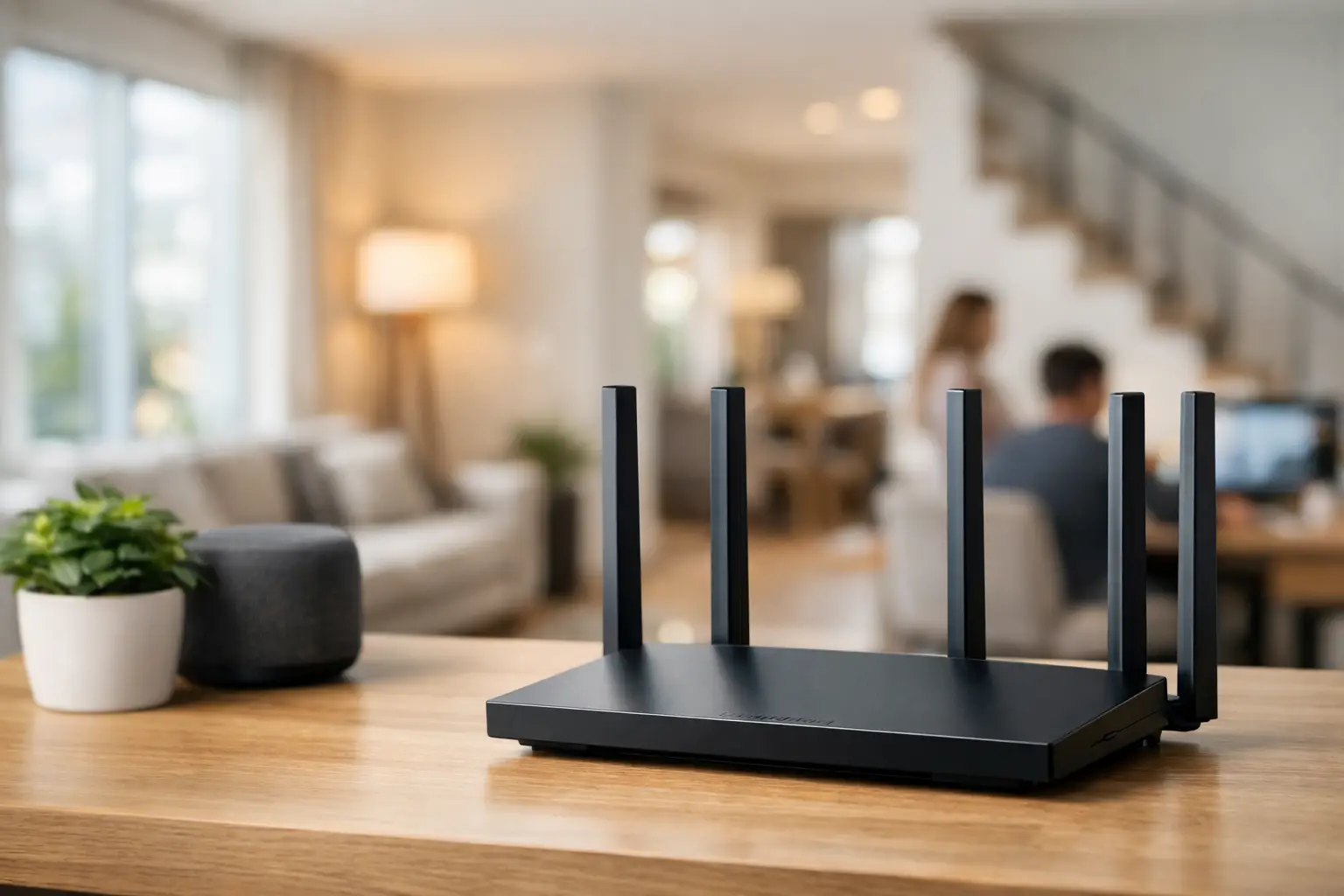
The router is installed near the fiber point, usually in the corner of the living room or inside a telecommunications cabinet, but the real usage occurs in the home office, children's rooms, on the balcony, and in the secure room. Therefore, when looking for the best routers for large apartments, it's not advisable to choose solely based on the maximum speed advertised on the box. The Wi-Fi solution should be adapted to the apartment's layout, the number of devices, and the types of simultaneous usage occurring.
In a large apartment, a cheap router with multiple antennas may provide excellent results in one area but create weak spots in distant rooms. Conversely, an overly expensive system may be unnecessary if the apartment is relatively open with good infrastructure. The right choice starts with understanding the coverage needed, not just the highest number that appears in the model name.
The Best Routers for Large Apartments Start with the Home Layout
The size of the apartment is only part of the picture. A 120 sqm open apartment with few interior walls is easier to cover than a 90 sqm divided apartment with a long hallway, concrete walls, a secure room, and a closed telecommunications cabinet. The router's placement also significantly affects performance: a router positioned low, behind a television, in a niche, or near metal and other wireless devices will lose a substantial part of its effective range.
Before purchasing, it is advisable to identify where the heavy usage areas are located. If working from home occurs in one room and the smart TV is in the living room, a strong router in a central location may suffice. If there are three floors, rooms at different ends, or consistent weak coverage in the secure room, a Mesh solution will usually be a more accurate choice.
A simple test is to walk around the apartment with your phone and check the connection quality in areas where you actually use the network. If the signal weakens only in one room, it can sometimes be resolved with a wired access point. If there are disconnections, low speeds, or unstable transitions between rooms in multiple areas, it’s better to plan comprehensive coverage rather than adding random extenders.
Single Router, Mesh System, or Wired Access Point?
A quality single router is the simplest and most economical solution when the installation point is close to the center of the home. Advanced Wi-Fi 6 models are suitable for most large apartments, especially with about 20 to 30 connected devices where activities include streaming, video calls, gaming, and office work. Look for a strong processor, support for OFDMA and MU-MIMO, and at least Gigabit network ports.
A Mesh system consists of two or three units that work as one network. Devices in the home switch between them automatically, without manually selecting a different network in each room. This is an effective solution for long apartments, two-story homes, or properties where the router must remain near the internet infrastructure at one end of the house.
However, a Mesh system also has a limitation worth knowing: if the units communicate wirelessly, part of the bandwidth is dedicated to their connection. In tri-band models, there is sometimes a dedicated band for this communication, making them more suitable for high loads. The highest-quality solution is a wired connection between Mesh units, known as Ethernet Backhaul. If there is network infrastructure in the apartment, you can achieve broad coverage and performance closer to a direct connection to the router.
A wired access point is particularly suited for an apartment that already has network cables installed in rooms. Instead of trying to transmit signal through several walls, connect an access point to an Ethernet port in a distant room to gain strong Wi-Fi exactly where it’s needed. This is an efficient solution for a home office, gaming station, or areas that frequently use large files and video calls.
Wi-Fi 6, Wi-Fi 6E, or Wi-Fi 7?
Wi-Fi 6 is still the most cost-effective choice for most households. The standard is designed to manage congested networks better, not just to display high peak speeds. When computers, smartphones, consoles, security cameras, smart TVs, and smart home devices are connected simultaneously, it offers a noticeable improvement in stability and load management compared to older generations.
Wi-Fi 6E adds the 6GHz band. This band is less congested, which can enhance performance for compatible devices located relatively close to the router. However, the range of 6GHz is shorter than that of 5GHz, and its advantage diminishes if most devices in the home still only support Wi-Fi 5 or standard Wi-Fi 6.
Wi-Fi 7 is intended for those building a network for the future, using new computers and advanced equipment, or transferring large amounts of data within the home network. It can also suit gamers, video editors, and users with fast network storage. However, it’s important to separate future capability from immediate need: an expensive Wi-Fi 7 router won’t make an old smartphone faster, nor will it fix a poor installation location.
The Specs You Really Need to Check Before Buying
Names like AX3000, AX5400, or BE9300 provide an indication of the theoretical combined wireless speed, but they do not guarantee similar speeds for every device. To compare models, check the practical specifications and not just the marketing title.
There are five details you should prioritize:
- Fast internet port: For a fiber package over 1Gbps, look for at least a 2.5GbE WAN port. Otherwise, the router may limit connection speed before Wi-Fi comes into play.
- LAN ports: It’s preferable to connect desktop computers, consoles, TVs, or a Mesh unit via cable when possible. Check how many ports are available and their speeds.
- Wireless bands: A dual-band router is sufficient for most homes. A tri-band Mesh system is preferred when units are connected wirelessly, and there’s a high load.
- Security and updates: Support for WPA3, regular firmware updates, guest networks, and parental controls are useful features, especially in homes with children or smart home devices.
- Management via app or interface: It’s important that you can set up a guest network, see connected devices, update firmware, and check the location of Mesh units without a cumbersome process.
The number of external antennas is not an independent measure of quality. Antennas can help direct coverage, but radio design, processor quality, management software, and actual placement are equally influential. A router with internal antennas can also be an excellent choice if it's designed for the right load and area.
Choosing According to Usage, Not Just Area
A home with basic browsing, a few smartphones, and a smart TV can get by with a good Wi-Fi 6 router or a dual-unit Mesh system. A home where online gaming, Zoom classes, cloud uploads, security cameras, and 4K streaming occur simultaneously should invest in a model with better load management and wired connections for critical equipment.
For gaming, low latency is more important than promises of extreme wireless speed. An Ethernet connection to a console or computer remains the preferred option. If cabling isn’t an option, it’s best to position a Mesh unit close to the gaming setup and choose a system with a dedicated band or wired Backhaul.
For working from home, priority is given to stability. A video call shouldn't drop because someone began downloading a game in another room. QoS features that allow traffic prioritization can help, but they do not replace the need for suitable internet connection and good coverage. For users managing a small office from home, considering a separate guest network and segregation between work devices and IoT devices is advisable.
Common Mistakes Leading to Weak Coverage
A common mistake is purchasing a simple range extender and placing it where signal quality is already poor. An extender must receive a quality signal to pass it along, and thus it may extend an existing problem instead of resolving it. A Mesh system or wired access point will usually provide a more stable result.
Another mistake is leaving the router in a metal telecommunications cabinet. If this is the only location where the infrastructure arrives, consider moving the router out using an Ethernet cable, or installing a primary Mesh unit as close as possible. It’s also advisable to keep it away from microwaves, cordless phone bases, and devices operating on similar frequencies.
There’s no need to pay for the highest specs if your internet package, devices at home, and area do not warrant it. On the other hand, in a large apartment, it’s better not to skimp on coverage. Choosing the right router or Mesh will save you from replacements, disconnections, and makeshift additions later. At TopMarket, you can compare standards, the number of units, ports, and specs to tailor the network to what’s actually happening in each room—not just what looks good on the shelf.

