

 Install the app
WiFi 6 vs. WiFi 7: Which One Should You Buy for Home and Business?
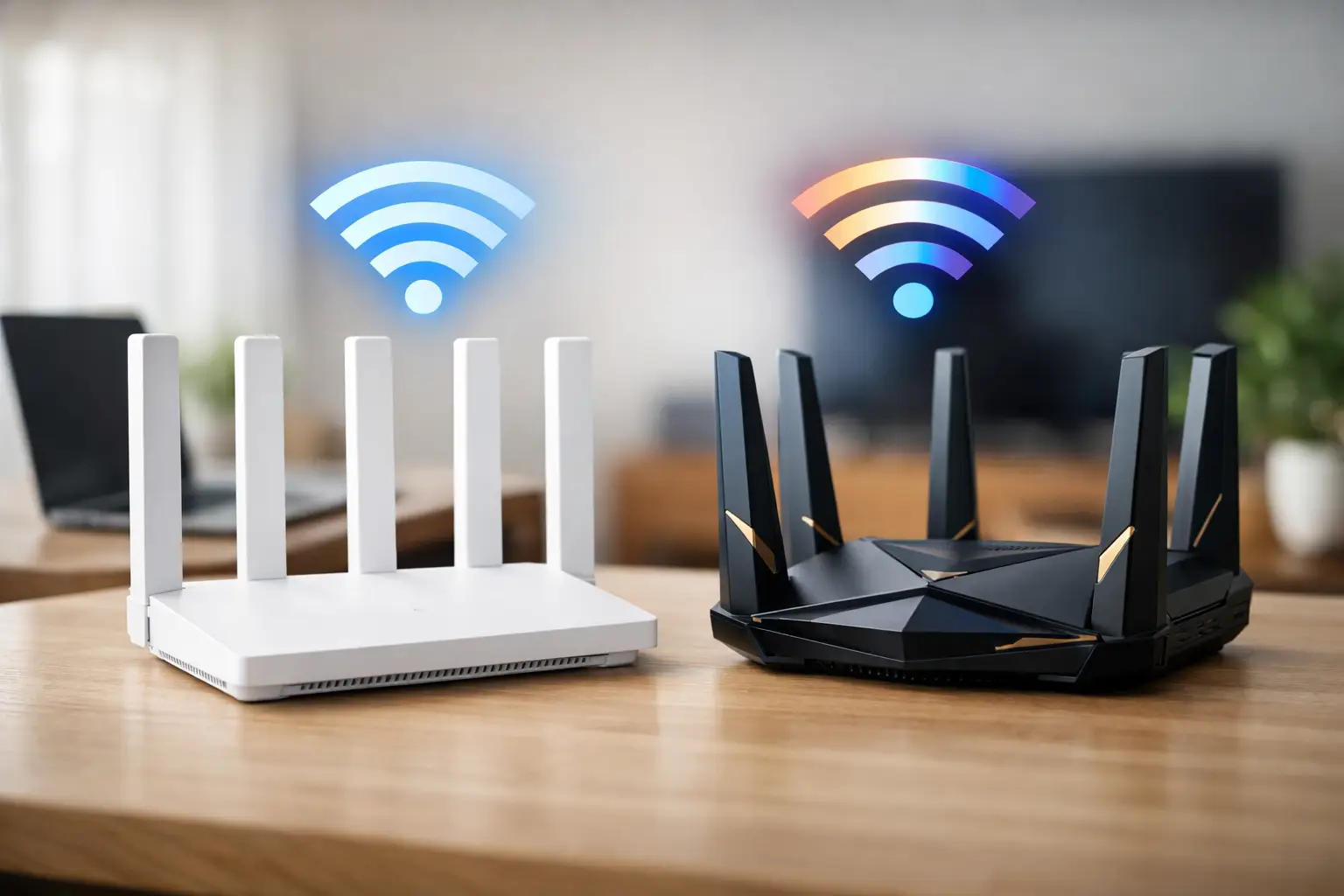
A new router can promise speeds of dozens of gigabits, but if your computer, phone, or internet connection doesn't support the appropriate standard, that promise mostly stays on the packaging. When comparing WiFi 6 to WiFi 7, the right question isn't just which standard is faster, but which equipment will provide a noticeable improvement in your home or business network—and within what budget.
WiFi 6 still delivers excellent performance for most apartments, small offices, and gaming stations. WiFi 7 is designed for those who want more capacity, lower latency, and infrastructure that will last for years, especially when connecting a large number of new and demanding devices. The choice should start with the number of devices, the type of usage, coverage area, and customer support on the network—not just the number listed in the router's name.
WiFi 6 vs. WiFi 7: The Technical Difference You Can Feel
WiFi 6, also known as 802.11ax, was designed to improve network efficiency in crowded environments. It doesn't just focus on peak speed for a single device, but on smarter resource allocation among phones, computers, smart TVs, cameras, consoles, and smart home devices. Two key technologies, OFDMA and MU-MIMO, enable the router to serve many users much more efficiently than previous generations.
WiFi 7, or 802.11be, takes this approach a significant step further. It can use wider channels, up to 320MHz in the 6GHz band on supported devices, and includes 4K-QAM modulation, which transmits more data in each broadcast. In practice, the advantage isn't just a higher theoretical speed. In a crowded network, WiFi 7 can reduce latency, improve local file transfers, and maintain a more stable gaming or video experience.
The standout innovation is MLO, short for Multi-Link Operation. Instead of a device connecting to the router over a single frequency at any one time, supported devices can take advantage of multiple links simultaneously, such as 5GHz and 6GHz. The result can be faster responsiveness and fewer disruptions when one of the frequencies is congested. This is particularly practical for homes with several active users or businesses engaging in video calls, backups, and server access at the same time.
Maximum Speed is Not Actual Speed
WiFi 7 routers sometimes show very impressive speed figures, but these are cumulative data among several frequencies and clients. A single computer doesn't necessarily receive the full number, and even a 1Gbps internet package won't become faster just by replacing the router. To enjoy a higher rate within the home, you need a supporting chain: a suitable internet connection, fast network ports in the router and computer, the right Ethernet cable, and a WiFi 7 network card or adapter on the client side.
In common usage scenarios like browsing, 4K streaming, and working from home, a quality WiFi 6 setup in the right location will suffice for most users. The upgrade to WiFi 7 becomes more logical when transferring large video files to NAS, working with a network workstation, downloading heavy games, using wireless VR, or running multiple screens and online services simultaneously.
Speed from the provider isn't the only measure. If your internet connection is 500Mbps, a WiFi 7 router can still improve local network quality, but it won't overcome the line limit when browsing externally. On the other hand, for those with fast fiber and 2.5GbE or 10GbE connections, a WiFi 7 router can prevent the wireless network from becoming a bottleneck.
2.4GHz, 5GHz, and 6GHz: Not Every Frequency is Suitable for Every Task
The 2.4GHz frequency generally covers a greater distance through walls, but it's more congested and sensitive to interference from household devices and neighboring networks. It's mainly suitable for sensors, smart bulbs, and devices that don't require high bandwidth.
The 5GHz frequency is the common balance for computers, phones, consoles, and TVs. It offers higher speeds than 2.4GHz, but its coverage is more affected by walls and distance. WiFi 6 uses it effectively, and WiFi 7 enhances it with more advanced linking options.
The 6GHz frequency, available in supporting products according to regulations and device configuration, is generally cleaner from older networks. This is an advantage for dense apartments, busy offices, or gaming stations close to the router. However, its range isn't necessarily better, and sometimes a Mesh system with additional access points will be a more worthwhile investment than a single expensive router.
Compatibility: The New Router Doesn’t Upgrade All Devices
A WiFi 7 router supports backward compatibility with WiFi 6, WiFi 5, and earlier generations. Therefore, you can replace the router without immediately swapping out all phones and computers. However, a WiFi 6 device will connect as WiFi 6 and won't access WiFi 7 features like MLO or the 320MHz channel.
Before purchasing, it's advisable to check the specifications of the laptop, motherboard, network card, and phone. Some new computers already come with a WiFi 7 module installed, while in desktop computers, upgrading might be possible through a compatible PCIe card or adapter. In competitive gaming, it's important to remember that an advanced router won't solve latency issues stemming from the game server, the provider's connection, or poor reception in a distant room.
Also, check the types of network ports. A WiFi 7 router with a 2.5GbE WAN port and fast LAN ports is better suited for fast fiber and a home server. If connecting a Mesh system, it's advisable to see if there's wired backhaul between units. A wired connection between access points provides greater stability and frees wireless bandwidth for end devices.
When WiFi 6 is the More Cost-Effective Choice
WiFi 6 is an efficient choice when replacing an old WiFi 5 or WiFi 4 router, when most devices in the home still do not support WiFi 7, or when the budget is also aimed at other upgrades such as a computer, monitor, storage, or gaming equipment. A good WiFi 6 router with up-to-date security, adequate antennas, and an easy management interface will provide a noticeable improvement over basic equipment from the ISP.
It’s particularly suitable for a 3-5 room apartment with regular to heavy use: remote work, studying, several smart TVs, a console, smartphones, and IoT devices. In these cases, investing in positioning the router centrally in the home, away from metal cabinets and closed corners, may affect performance more than moving to a new standard.
When WiFi 7 Justifies the Extra Cost
WiFi 7 is suitable for buyers setting up a new network who want to avoid upgrades soon, especially if there are already WiFi 7-supporting computers or phones at home. It's a strong choice for content creators, NAS users, designers working with large files, small businesses with many wireless clients, and gamers connecting multiple systems simultaneously.
In a large or multi-story home, consider a WiFi 7 Mesh system rather than settling for the speed promise of a single router. It's essential to check how many units are included, what ports exist on each unit, whether there's a guest network, WPA3 support, parental controls, and management options. A high specification without proper coverage won't resolve dead zones.
Pricing also requires a sober perspective. If only one device supports WiFi 7 and all the others are older, the additional cost may outweigh the immediate benefit. If you are simultaneously upgrading a computer, router, and home infrastructure, you can build a system where every component optimally utilizes the others—making the investment more justifiable.
How to Choose a Router or Mesh Without Missing Details
When comparing models, start with the size of your home and the location of your fiber connection. Then, check how many devices are connected during peak hours, whether coverage is needed for a safe room, balcony, or home office, and if there’s a need for a wired connection to a gaming computer or TV. A single router is suitable for a small to medium area with a central location. A Mesh system is preferred when dealing with thick walls, multiple floors, or distant areas.
Don’t choose merely based on the number of antennas. Check the wireless standard, support for 6GHz and MLO if required, the number of 2.5GbE ports, the ability to connect units with a wired backhaul, WPA3 security, firmware updates, and warranty. For businesses, additional weight should be given to user management, guest network separation, and stability under load.
The right choice is one that matches the devices you have and the upgrades you genuinely plan. At TopMarket, you can compare routers and Mesh systems by standard, output speed, number of units, and management features, to purchase a network that will serve you well even after the box is out of shipping.
- How to Choose a Wireless Network for a Retail Store?
- Smart Homes That Truly Fit Your Home and Budge
- <h1>Case Study: An Office Computer Upgrade That Saved Time and Money</h1>
- Recommended Gaming Mice for Large Hands: How to Choose the Right One
- When to Repair or Replace Your Computer Monitor: A Repair Shop’s Guide

