

How Much Storage Space Do You Need on Your Phone According to Usage and Budget?
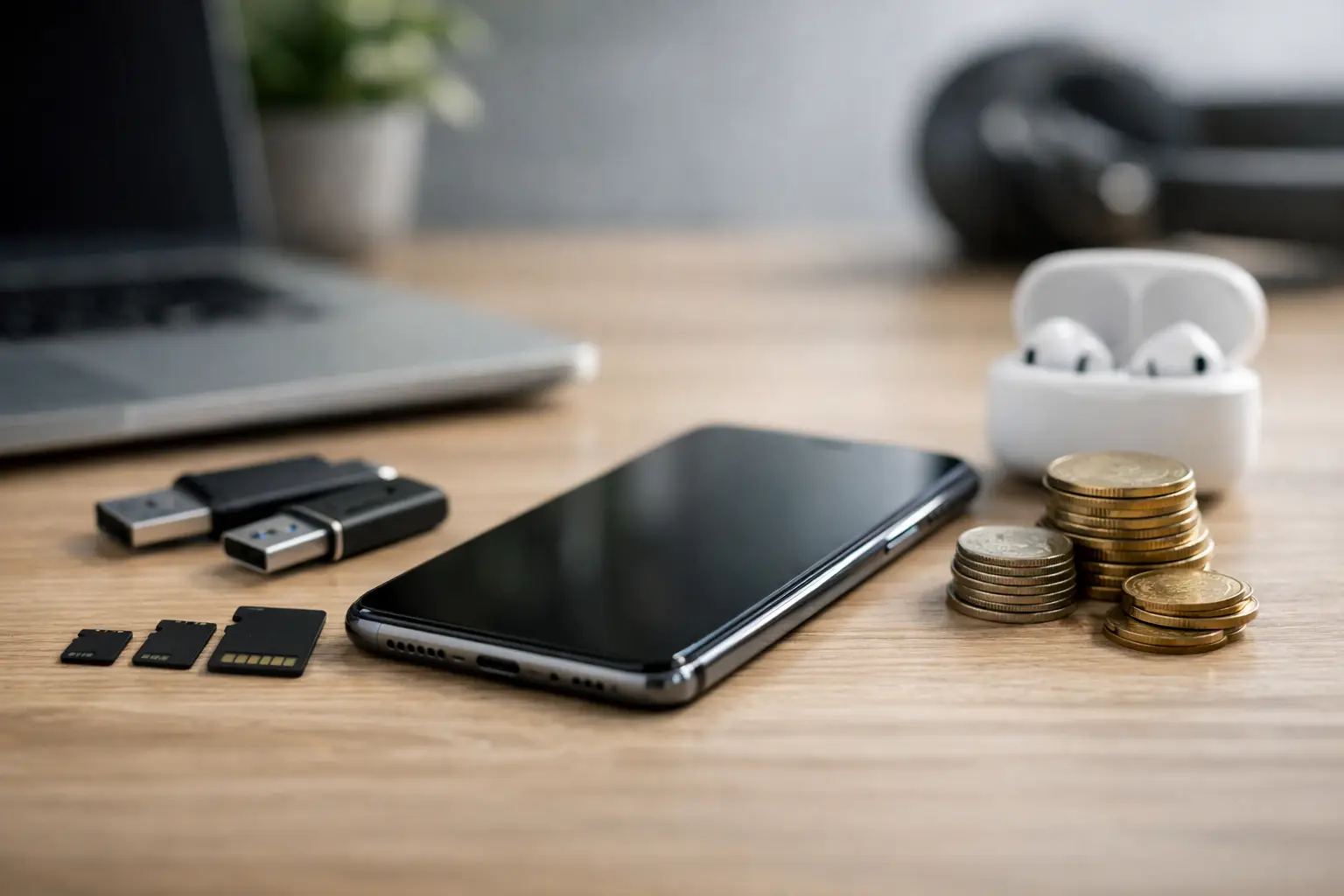
A new phone can feel fast and spacious on the day of purchase, only to show a storage full alert just before an important photo, system update, or game download. The question of how much storage a phone needs is not just a matter of a larger number on the box. The right choice depends on the amount of photos and videos you save, usage of heavy apps, backup habits, and how long you plan to keep the device.
In many devices, expanding storage with a memory card is not possible, and in certain models, there are no practical options for upgrading after purchase. Therefore, it's essential to consider storage capacity as a critical specification, just like screen quality, camera, battery, and processor.
The Declared Storage Capacity Isn't All Available
A 128GB device does not provide 128GB available for your files. The operating system, built-in apps, system files, updates, and cache occupy part of the storage from the very first boot. In practice, the available space may be lower by several gigabytes, depending on the system and manufacturer.
Even after starting to use the device, storage fills up in less noticeable ways: WhatsApp files, videos received in groups, downloads from Netflix or Spotify, duplicate photos, social media cache, and app updates. Many users only check their photo gallery, but messaging apps, games, and offline downloads can take up significant storage.
The simple rule is not to buy a device based on the storage you need today but based on the storage that will remain comfortable in two or three years. Nearly full storage can negatively impact usability, complicate downloading updates, and require frequent file cleaning.
How Much Storage Is Needed by Usage Type
There is no one size fits all. The difference between a user who takes a few pictures a week and someone documenting their children, travels, work, and online content is substantial.
64GB - Only for Basic and Limited Use
A capacity of 64GB may suit someone who primarily uses calls, navigation, email, banking, social networks, and a limited number of apps. It is especially relevant when the budget is tight, there's a regular cloud backup, and not much video or files are stored on the device.
However, this capacity can start to feel cramped quickly. Apps grow larger, photo quality improves, and media files accumulate without notice. For someone purchasing a phone intended for several years of use, 64GB is generally a compromise solution rather than the preferred choice.
128GB - A Good Starting Point for Most Users
For most users, 128GB is currently a balanced capacity. It is adequate for daily usage: photos, banking and work apps, social networks, music, occasional downloads, and light gaming. It's also a sensible capacity for students, office users, and families who regularly back up photos in an organized manner.
It is less suitable for those who shoot a lot of high-quality video, save thousands of photos over time, or install large games. If the price difference to 256GB is reasonable, it is worth considering the upgrade seriously—especially in a device without a memory expansion slot.
256GB - A Safe Choice for Active Users
256GB is suitable for someone who wants to use a phone without managing storage every few months. This capacity is recommended for amateur photographers, parents who document a lot, those who download content for viewing during flights or trips, and users holding several professional apps and games.
Even those who work from their phone will appreciate the space: PDF files, presentations, scanned documents, video files, and product images accumulate fast. In terms of value, 256GB is often the best balance for a mid-range or premium device intended for longevity.
512GB and Above - For Photography, Gaming, and Heavy Content
A capacity of 512GB is for users who know they consume a lot of local media. High-resolution video shooting, especially in 4K, can fill dozens of gigabytes quickly. Advanced games, including data files and updates, can also take up significant space per game.
This is a suitable capacity for content creators, professionals who shoot and transfer files on-site, mobile gamers, and those who prefer to keep a large media library available without relying on a Wi-Fi connection. On the other hand, for casual users, 512GB could end up being an expensive addition that won’t be fully utilized.
Photography Is the Fastest Way to Fill Your Phone
Standard photos may not always seem large, but shooting over the years changes the perspective. High-resolution images, portrait mode, night mode, and live photos can create larger files. When shooting continuously at events, on vacations, or around children, dozens and even hundreds of files can quickly accumulate.
Video consumes storage at a much higher rate. One minute of high-quality video can take hundreds of megabytes depending on the resolution, frame rate, and file compression. Shooting in 4K or 60fps delivers impressive results, but requires substantial storage space and proper backup.
If the camera is a central reason for choosing the device, don’t opt for minimal storage. A quality camera becomes less useful if you have to delete videos before every event.
Apps, Games, and Messaging Files
A navigation or banking app usually won’t tip the scales, but dozens of small apps can create cumulative overload. Social media retains cache, streaming services allow content downloads, and editing or work apps can save large local files.
In gaming, the gap is even clearer. Modern mobile games may require several gigabytes just for installation, and subsequently require downloading maps, textures, updates, and additional content. Those holding three or four heavy games simultaneously should aim for at least 256GB.
Apps like WhatsApp, Telegram, and similar ones also deserve attention. Family, work, or study groups can accumulate images, documents, videos, and voice messages over months. Periodic cleaning helps, but it is not a substitute for choosing an appropriate capacity from the start.
Cloud Helps but Doesn’t Completely Replace Local Storage
Cloud backup is an excellent tool for protecting photos, contacts, and documents. It allows for freeing up space and makes transitioning to a new device relatively easy. However, it relies on an internet connection, upload speed, and the extent of the storage plan you're paying for over time.
Not every file must or should be in the cloud. When flying, in areas with weak reception, or when immediate access to a file is required, local storage provides an advantage. Additionally, those who shoot a lot may find that automatic uploads do not keep pace with shooting.
The right approach is a combination: choose internal storage that is sufficient for regular and comfortable use, and utilize cloud backup for long-term preservation and to free up space as needed. Don’t buy 64GB just assuming that the cloud will solve every problem.
Don’t Confuse Internal Storage with RAM
When comparing specifications, it's important to distinguish between internal storage and RAM. Internal storage, such as 128GB or 256GB, is intended for photos, videos, apps, games, and files. RAM, such as 8GB or 12GB, mainly affects multitasking, switching between apps, and device performance in real time.
More RAM won’t give you more space for photos, and more storage won’t necessarily improve heavy gaming if the processor and RAM are weak. A smart purchase checks both data, along with screen quality, battery capacity, processor type, and manufacturer's update support.
Considerations Before Choosing Storage Capacity
Before ordering, check the usage data on your current device. In the storage settings, you can see which categories take up the most space: photos, video, apps, messaging files, or downloads. This is the best measure for making an informed guess rather than choosing based on a hunch.
Consider the planned usage duration as well. A device that will be replaced after a year may manage with less storage, while a device purchased for three or four years needs future room. Also, check whether the model has a microSD slot, but remember that not all apps or games can run from the card, and the card speed is not always equal to that of internal storage.
On sales sites with a wide selection, like TopMarket, it’s advisable to compare the storage versions of the same model and not just the starting price. Sometimes the price difference for 256GB is relatively small compared to the total price, and it saves limitations and frustration later on.
Practical Purchase Recommendations
If you are a light user with regular backups, 128GB is usually sufficient. If you take a lot of photos, save files, use many apps, or want peace of mind for the coming years, 256GB is the recommended choice. For advanced video shooting, content creation, heavy gaming, and a large local media library, it is advisable to choose 512GB and above.
It is better to invest in capacity that matches your habits than to rely on deletions, file transfers, and full storage alerts. The right device is not necessarily the one with the highest number but the one that leaves you room to use it as planned—even after the excitement of the new box has passed.

