
How to Choose a Document Scanner for the Office Without Making a Mistake
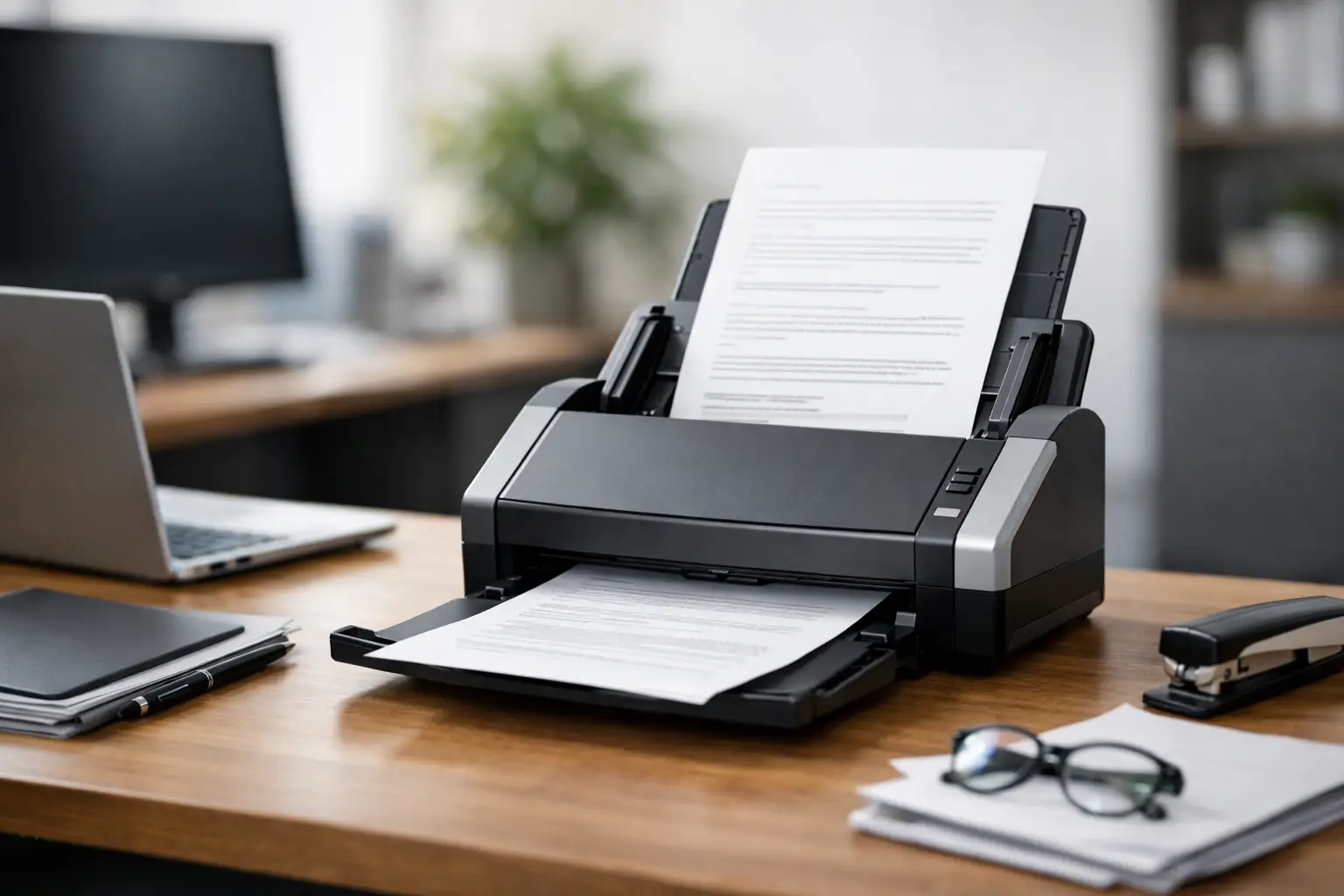
If you are looking into how to choose a document scanner for your office, you have likely realized that not all scanners are suitable for the same workload. There’s a significant difference between an office scanning a few contracts a day and an accounting department uploading hundreds of documents to a system. An inaccurate choice will quickly be felt in wait times, feeding errors, and unnecessary operational costs.
An office document scanner is not just another shelf accessory. It's a work tool that impacts workflow efficiency, digital archive organization, and the team’s ability to complete tasks without getting bogged down by paperwork. Therefore, the right question is not just which model is the cheapest or fastest, but which model actually suits your office’s needs.
How to Choose a Document Scanner Based on Workload
The first metric to check is the number of scans performed daily or weekly. Many buyers focus on resolution or brand name, but in practice, workload dictates whether the scanner will last over time or become a bottleneck.
In a small office where dozens of pages are scanned daily, a compact model with a basic automatic feeder may suffice. In contrast, an office dealing with invoices, delivery notes, signed forms, and accumulating files needs a scanner with a higher daily throughput, a stable feeding mechanism, and consistent speed.
It's essential to look at two separate metrics. The first is scanning speed, usually measured in pages per minute (PPM). The second is the recommended duty cycle, which indicates how many pages the manufacturer designates for continuous scanning without wearing the device out too quickly. High speed without matching an actual duty cycle may not always be sufficient.
Scanning Speed - More Than Just a Number on the Box
It’s easy to be impressed by figures like 30, 40, or 60 pages per minute, but it’s critical to understand under what conditions these speeds are measured. Some models display high speeds only for single-sided scanning, while others achieve truly good performance only at low resolutions.
In an active office, automatic duplex scanning is nearly mandatory. If you’re scanning contracts, client documents, ID cards, or forms printed on both sides, a duplex scanner saves real time and prevents duplicate work. This gap is felt every day, not just in specifications.
It’s also worth examining the device's overall response time. Some models are fast during the scanning itself but slow to power on, save files, or switch between tasks. In an office, workflow is just as important as theoretical peak performance.
A Quality Automatic Feeder is More Important Than You Think
If the scanner doesn’t feed pages consistently, all the other advantages lose value. An automatic document feeder (ADF) is one of the most significant components in the selection process. Here, you can quickly tell whether it’s a basic home model or a work tool suitable for an office.
Look for capacity that matches the size of the stacks you’re actually scanning. If you’re entering 30 to 50 pages per scan, there’s no point in choosing a model designed for only 10 pages. Additionally, check for support for various document sizes, receipts, cards, thin paper, or thicker documents.
Mechanisms for detecting double feeding also deserve attention. In an office where every page is crucial, skipping a page due to double feeding can create operational issues, especially with financial or legal documents. This feature is often less emphasized in marketing, but it becomes very apparent in everyday use.
Scanning Quality and OCR - When It Truly Matters
Not every office needs exceptional resolution. For scanning invoices, forms, and regular office documents, there’s often no need to prefer a model solely based on a high DPI count. In most cases, what’s more important is good sharpness, proper handling of small text, and consistent results without distortions.
If the aim is not just to keep a PDF file but also to search for text within the document, OCR becomes a central consideration. Optical Character Recognition allows scanned documents to become files where words, client names, invoice numbers, and line items can be found. In offices working with a digital archive, this feature saves time over months and years.
Here’s where there’s a difference between a scanner that comes with efficient software and a model that requires external solutions or manual processes. If the team can click less and work faster, it’s worth checking in advance what’s included in the software, how export works, and which formats are supported.
Connectivity - USB, Network, or Direct Cloud Access
A scanner connected to just one computer may suffice for a single workstation, but in an office with several employees, it’s worth considering shared use. Wired or wireless network connectivity allows you to place the scanner in a central area, letting multiple users access it without being dependent on a single computer.
There are also models that allow direct scanning to a network folder, email, server, or various cloud storage services. If your workflow is already built around file sharing or document management systems, this kind of connectivity shortens steps and reduces errors.
On the other hand, if it’s a very small office with one workstation, there’s no reason to pay more for network functions that won’t be utilized. As with many office equipment categories, it’s better to pay for what will truly serve you, not for every specification line that exists.
Physical Size, Noise, and Ease of Use
In cramped offices, the size of the scanner matters. A compact desktop model is more suitable for reception areas, law offices, agencies, or small workrooms. A larger model with higher throughput is appropriate when scanning is a central part of daily work and there’s dedicated space for it.
Noise is a factor that is often overlooked during purchase. A scanner that’s exceptionally fast can be highly efficient, but if it operates near staff all day, the noise level will affect the work environment. It’s essential to match the required operating speed with the placement location.
Ease of use is just as important. A clear display, shortcut buttons, pre-set scanning profiles, and straightforward maintenance can save time each day. A good office scanner is not just one that scans quickly, but also one that is intuitive and easy for a team that doesn’t want to deal with settings every single time.
How to Choose a Document Scanner Based on Document Type
Not every office scans the same material. An accounting department will frequently work with A4 sheets, invoices, and receipts. A real estate office or law firm will handle contracts, appendices, copies of documents, and occasionally older or more delicate papers. Clinics and service businesses scan client forms, declarations, and ongoing documentation.
If most work involves standard-sized sheets, you can focus on speed and the automatic feeder. However, if there are small, wrinkled, long, or sensitive documents, you must check that the model can handle them effectively. In some cases, it might be better to combine a fast document scanner with an additional flatbed scanning solution rather than expecting one device to perform all functions at the same high level.
This is particularly important for those contemplating a multi-function printer with a scanner versus a dedicated document scanner. For occasional tasks, a multi-function device may suffice. But when continuous, fast scanning is necessary, a dedicated scanner is generally the more efficient choice.
Reliability, Warranty, and Total Cost
The purchase price is only part of the picture. When considering a scanner for the office, you should also think about long-term reliability, availability of parts, support, and warranty. A cheaper model that requires frequent attention, jams during feeding, or wears out quickly may ultimately cost more in the long run.
It’s worthwhile to check the quality of the rollers, ease of cleaning, and whether it’s a common model with clear support. The availability of drivers and compatibility with existing operating systems in the office are also not minor details. A working environment needs a stable solution, not a trial.
On a well-organized site with clear categories, specifications, model comparisons, and visible warranties, it’s easier to filter between performance levels and budgets. This is precisely the phase where informed choices save time and not just money.
How to Align Budget with Actual Needs
The right way to buy is not to choose the cheapest model or rush straight to the most professional category. It’s better to define three things in advance: how many documents you are scanning, who will use the scanner, and where the files will be stored after scanning.
If you’re a small office with moderate usage, you can achieve excellent value even from basic to mid-range models. If several employees use the device daily and there’s a dependency on a fast scanning process, it’s advisable to upgrade and choose a model with a more stable motor, quality feeder, and appropriate connectivity.
In simple terms, the right match will save you from breakdowns, unnecessary waiting, and premature upgrades. A good scanner is one that integrates into the workflow and doesn’t require constant attention. By selecting based on volume, document types, connectivity, and reliability, it’s far easier to arrive at a model that will genuinely serve the office over time.
- Setting Up a Dual Workstation for Efficient and Comfortable Work
- How to Choose a Mechanical Keyboard for Work, Gaming, and Typing
- What Charger is Right for Your Phone? Here's How to Choose Wisely
- Guide to Buying a Security Camera for Home, Business, and Outdoor Use
- Tablet Repair Lab - When to Repair and When to Replace?
- 5 Akhad Ha'am St., Netanya, Israel

- Phone: +97298821001
- Sunday - Thursday: 11:00 - 24:00
Friday: 11:00 - 16:00
Saturday and holiday: 20:00 - 24:00 - Contact us form

© 2002 - 2026 TopMarket.co.il - Powered by AnyWeb.co.il
