
How to Choose a Mechanical Keyboard for Work, Gaming, and Typing
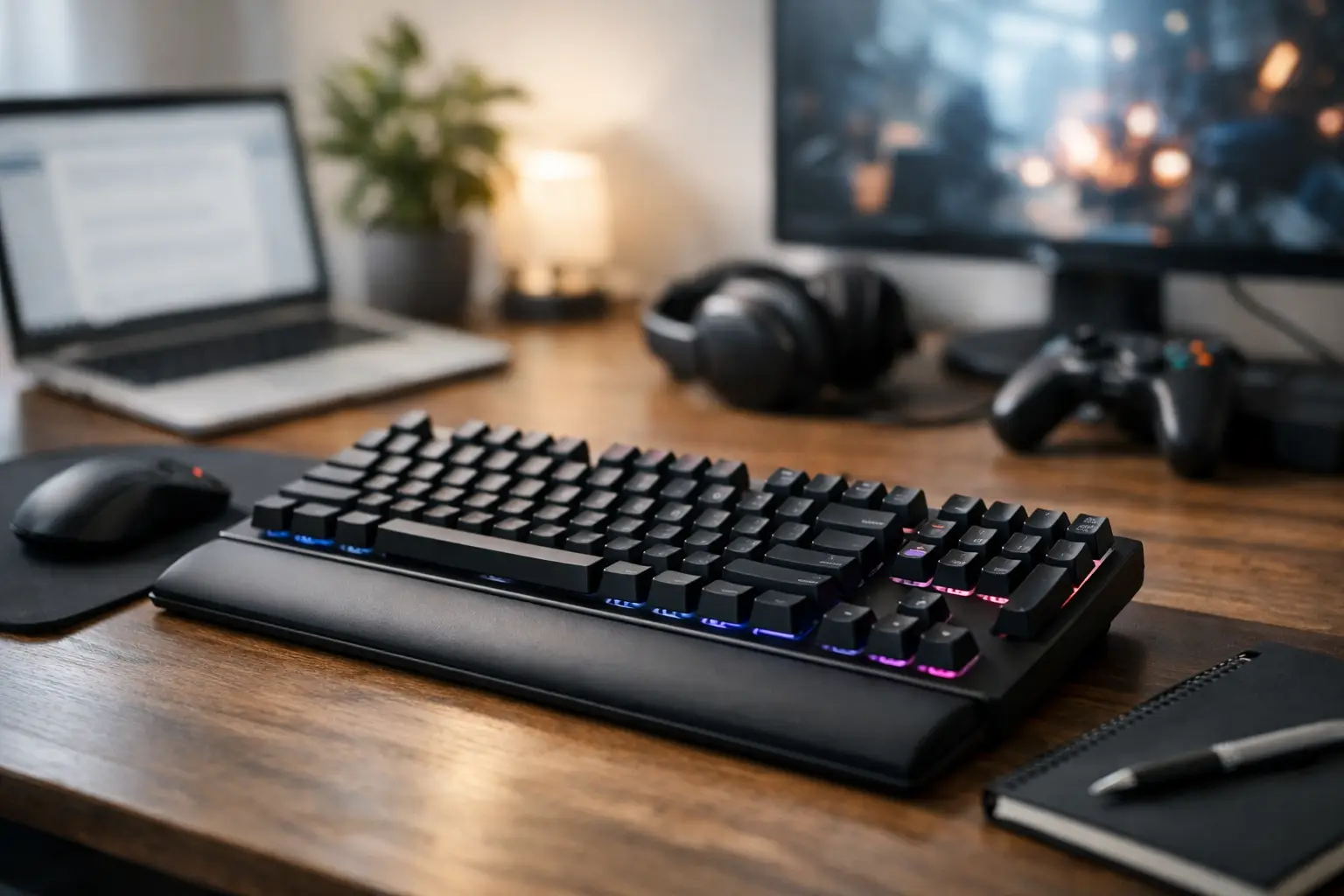
A mechanical keyboard can significantly enhance your workspace or gaming setup more than you might think: the keystrokes are more precise, the durability is higher, and sometimes the typing experience is considerably more enjoyable. However, anyone looking to understand how to choose a mechanical keyboard will quickly realize that there isn't a one-size-fits-all model. A keyboard for competitive gaming, one for programmers who type for hours, an office worker in an open space, and a user seeking a compact solution for a laptop—these are completely different needs.
The right choice starts not with the brand name or RGB lighting, but with your actual usage: how many hours a day you type, whether a numeric keypad is necessary, how much noise is an issue in your environment, and which devices will connect to the keyboard. This way, you can effectively compare specifications and invest in a model that will be suitable over time.
How to Choose a Mechanical Keyboard Based on Usage
Before checking switches, polling rates, or materials, it’s wise to clearly define your primary task. A user drafting documents, replying to emails, and entering data will usually benefit from a full-sized, comfortable keyboard with arrow keys, a numeric section, and consistent feel. Those working on laptops, traveling often, or wanting to leave space for a mouse on the desk might prefer a smaller model.
In gaming, the choice depends on the genre. In fast-paced shooters, many prefer linear switches that respond smoothly without a noticeable point of resistance. In strategy games, MMOs, or mixed usage, tactile keys can help feel every keystroke and reduce mistakes. There’s no one-size-fits-all answer here: the typing experience is a personal matter, so it’s advisable to read about the type of switch rather than settle for a general term like "gaming keyboard."
For extended typing, a stable keyboard with a comfortable key profile and switches that do not require excessive force is generally preferred. If you type for hours in Hebrew and English, also pay attention to the quality of printing on the keys and the readability of the markings in both languages.
The Switches: The Component That Determines Feel and Noise
The switch is the mechanism underneath each key, affecting the actuation force, feedback, noise, and response time. Different brands use various names for their switches, but they can generally be categorized into three main types.
Linear switches move down with no noticeable bump midway. They are popular among gamers because of their continuous and rapid keystrokes and are often relatively quiet compared to clicky switches. However, because there’s no clear feedback, some users accidentally type double presses or unwanted keystrokes until they acclimate.
Tactile switches provide a light resistance point during the press. They are particularly suited for office work, programming, and typing, as you can feel when the key is actuated without needing to press it all the way down. This is a balanced choice for those who mix work and gaming on the same board.
Clicky switches offer both physical feedback and a distinct clicking sound. They can be very satisfying for typing but are not ideal for shared spaces, open offices, or frequent video calls. Keep in mind that even a keyboard with silent switches isn’t entirely mute—the sound is also affected by the keys themselves, the case, the stabilizers, and your typing style.
Don’t choose solely based on color. "Red," "Blue," or "Brown" are common designations, but the characteristics of force, travel, and noise can vary between manufacturers and series. In specifications, it’s essential to check the exact type of switch, the actuation force if possible, and the durability rating in terms of key presses.
Hot-Swap or Fixed Switches?
A hot-swap keyboard allows for switches to be replaced without soldering. This is a useful option for those looking to change tactile feel in the future, replace a faulty switch, or try a mix between writing and gaming setups. However, such keyboards usually cost more, and not every user needs this feature.
If you want a product ready for both work and gaming, with switches you already know fit you, a keyboard with fixed switches can offer excellent value. Hot-swap is a flexible advantage, not a strict requirement.
Size and Layout: Not Just a Matter of Desk Space
The size of the keyboard affects work comfort, mouse placement, and portability. Here are the common formats to know:
- Full-size (100%) - includes a numeric section, navigation keys, and a function row. Suitable for data entry, Excel, permanent office work, and users who don’t want to miss any key.
- TKL or 80% - lacks a numeric section but with full arrow and navigation keys. This is a common choice for gaming and general work due to space-saving without sacrificing usability.
- 75% - usually keeps the function row and arrow keys in a more compact layout. It’s ideal for those wanting a tidy desk yet still making frequent use of shortcuts.
- 60% or 65% - an exceptionally compact solution. Some keys are accessed via the Fn layer, making it fitting mostly for those familiar with the layout and willing to adjust.
A smaller keyboard allows you to bring the mouse closer to the center of your body, which can be comfortable for gaming and in tighter desks. Conversely, if you work with spreadsheets or enter numbers daily, the absence of a numeric keypad could become a persistent drawback.
Also, check the layout standard. ANSI is common in international models, while ISO includes a different Enter key and sometimes an extra key next to the left Shift. Beyond personal habit, layout affects the availability of alternative key sets. For users in Israel, it’s crucial to ensure there is Hebrew engraving on the keys. You can, of course, work with a Hebrew layout in the operating system even without Hebrew printing, but for many users, physical markings save time and mistakes.
Connection, Compatibility, and Response Speed
A wired USB keyboard is the simplest and most stable choice for a fixed computer workstation. There’s no battery to charge, no need for wireless pairing, and in most models, it provides extremely quick response time. For competitive gaming or regular use in an office, this is still a safe choice.
A wireless keyboard suits those wanting a cleaner desk, working with multiple devices, or using a tablet and computer simultaneously. Bluetooth is particularly convenient for laptops and portable devices, though it can sometimes have slightly higher latency or limitations with certain BIOS and systems. A dedicated wireless connection at 2.4GHz, using a USB receiver, typically offers performance closer to a wired connection and is also suitable for gaming.
For a wireless model, check how many devices can be connected, the ease of switching between them, battery life with and without lighting, and whether you can continue working while charging. If your workstation includes a desktop, laptop, and sometimes a tablet, the ability to switch between three devices is more useful than just additional lighting effects.
Metrics like Polling Rate, Anti-Ghosting, and NKRO are particularly relevant for gaming and multiple simultaneous presses. Anti-Ghosting prevents situations where pressing several keys goes undetected, while NKRO allows for the recognition of many simultaneous presses. In most modern mechanical keyboards, these features are standard, but in budget models, it’s still worthwhile to verify them in the specifications.
Build Quality, Keys, and Lighting
A mechanical keyboard should last for years, so don’t overlook build quality. A sturdy chassis made from quality plastic can be sufficient for most users, while aluminum adds stability and weight. A heavier keyboard stays in place during rapid gaming or typing but is less convenient to carry.
The key material is also significant. ABS keys are common, smoother, and can sometimes become shiny after prolonged use. PBT keys are generally more resistant to wear and shine, and they often provide a slightly textured feel. There’s no need to pay extra just for PBT, but it can offer practical advantages for intensive use.
RGB lighting can be helpful when working in low-light conditions, marking groups of keys for gaming, or simply wanting to match the appearance of the rest of your equipment. However, don’t let it dictate your purchase. A comfortable and reliable keyboard with basic lighting is preferable to an impressive model that doesn't fit your hands. If customization is important to you, check if there is built-in memory for profiles and if you can save settings even without keeping software running in the background.
Ergonomics, Noise, and Little Details You Feel Every Day
The height of the keyboard and its angle impact wrist comfort. Adjustable feet allow you to find a better position, but too high an angle might not suit everyone. During long shifts, a wrist rest can be a beneficial addition, especially on taller keyboards. It doesn’t replace proper sitting posture or breaks but may enhance comfort.
Also, pay attention to the stabilizers for larger keys like Space, Enter, Shift, and Backspace. Quality stabilizers minimize rattle, metallic sounds, and uneven feel. This is a detail that's hard to assess from a picture alone, so rely on a detailed specification, warranty, and user reviews for that model.
If your work environment is noise-sensitive, look for quiet switches, a build with internal dampening, and PBT keys. Again, there may be trade-offs: acoustic solutions can sometimes add to the price, weight, or provide a slightly softer feel. For a single home user, this may not be critical, but in a shared office, the difference is noticeable right from the first day.
Budget, Warranty, and What’s Worth Paying For
In the lower price ranges, you can find basic mechanical keyboards with lighting and wired connection, but it’s essential to check the type of switches, the quality of Hebrew if required, and warranty conditions. In the mid-range, models from well-known brands become more common, featuring wireless connectivity, PBT keys, software for settings, and higher quality construction. Premium models typically add advanced switches, fast wireless, hot-swap capabilities, better finishing materials, and wider customization options.
Not every premium feature will provide value to every buyer. If you need a full-sized keyboard for office work, a stable model with tactile switches and USB connection may be the smarter choice over a compact, expensive keyboard with complex lighting. Conversely, someone building a gaming setup, using multiple devices, and wanting to swap switches in the future might justify a higher investment.
When comparing, check what’s included in the package, the cable length if there is one, software availability for your operating system, warranty conditions, and service policies. A wide catalog allows you to compare specifications, sizes, and price ranges rather than making a decision based on one image or a fleeting deal.
The best way to choose is to narrow down options first based on usage, size, and switch type—and only afterward compare connectivity, build quality, and price. A keyboard that fits how you truly work or game will be an investment you feel in every keystroke, long after the excitement of a new purchase fades.
- How to Choose a Mechanical Keyboard for Work, Gaming, and Typing
- What Charger is Right for Your Phone? Here's How to Choose Wisely
- Guide to Buying a Security Camera for Home, Business, and Outdoor Use
- Tablet Repair Lab - When to Repair and When to Replace?
- Guide to Choosing a Graphics Card Based on Usage and Budge
- 5 Akhad Ha'am St., Netanya, Israel

- Phone: +97298821001
- Sunday - Thursday: 11:00 - 24:00
Friday: 11:00 - 16:00
Saturday and holiday: 20:00 - 24:00 - Contact us form

© 2002 - 2026 TopMarket.co.il - Powered by AnyWeb.co.il
