

 Install the app
How to Choose Noise-Canceling Headphones Based on Usage
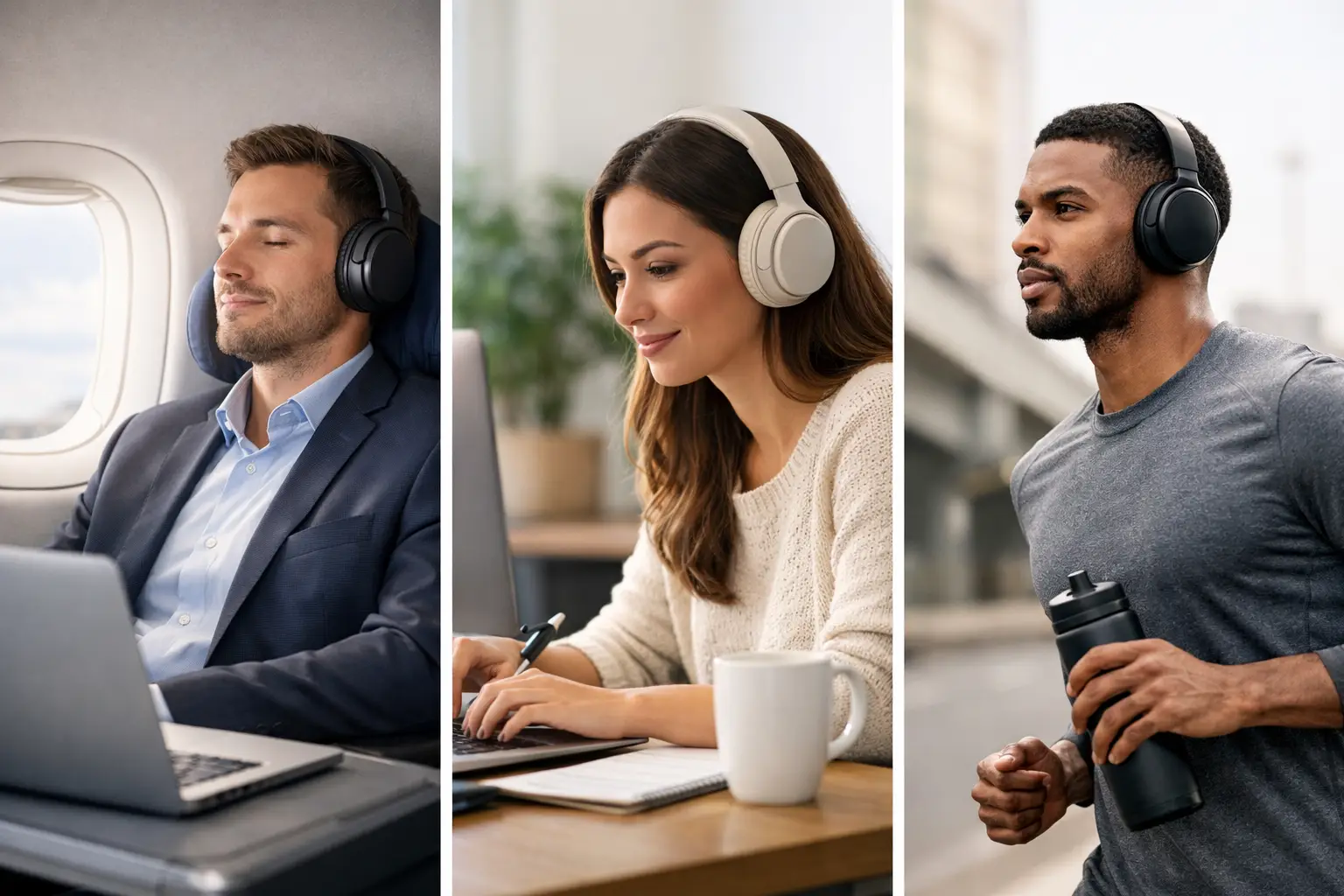
Engine noise on a bus, conversations in an open office, or a loud air conditioner at home can make even high-quality headphones less usable. The question of how to choose noise-canceling headphones isn't limited to the price or the logo on the box: it’s essential to match the level of noise cancellation, comfort, call quality, and type of connection to your actual usage. An excellent model for flying may not necessarily be the best choice for Teams calls, gaming, or workouts.
How to Choose Noise-Canceling Headphones: Start with Usage
Before comparing specifications, define where and for how long you will be using the headphones. For daily commuting, flights, and trains, prioritize strong active noise cancellation, a long battery life, and a compact charging case. For office work, high-quality microphones and comfort during a full day may be more important than just a few extra decibels of sound isolation.
Gamers should also check for low latency, compatibility with their console or computer, and microphone quality. Standard Bluetooth headphones are very comfortable, but they don’t always provide the necessary response time for competitive gaming. In such cases, a model with a dedicated USB dongle or a wired connection might be a more precise solution.
If the use is for studying, listening to music, or working from home, True Wireless headphones with balanced ANC usually offer the best value: they’re small, always available in your bag, and suitable for multiple environments. Those sitting for hours in front of a computer may prefer over-ear headphones, which distribute weight better and often provide a larger battery.
ANC vs. Passive Isolation: What Really Blocks Noise?
Active noise cancellation, or ANC, uses microphones to detect environmental noises and create an opposing signal that reduces them. It’s particularly effective against continuous and low-frequency noises, like airplane engines, air conditioning, road noise, or the hum of an office. However, it doesn’t completely eliminate nearby speech, yelling, or sudden sounds, so don’t expect total silence.
Alongside ANC, there’s passive isolation: the physical sealing created by the ear tips or ear cushions. In in-ear headphones, the correct fit of the ear tip directly influences the isolation, bass, and even the quality of the noise cancellation. If the tip is too small, you’ll hear more of your surroundings and need to increase the volume. If it’s too large, the earbud may become uncomfortable or slip during the day.
In over-ear models, thick ear cushions that fit well around the ears help with passive isolation. However, too much pressure on the head can make an effective model uncomfortable after one or two hours. Therefore, a high ANC specification is not a substitute for proper fitting.
Transparency Mode Is Just As Important
Most models with noise cancellation include a transparency mode that lets in environmental sounds through microphones. This is useful when you need to hear an announcement at a train station, talk to a colleague without removing a headphone, or stay aware of traffic on the street.
Check if you can quickly switch between ANC, transparency mode, and normal mode via a button or touch control. In good products, the transition is clear, quick, and doesn’t create annoying noise. For everyday use, this feature is one you’ll use more often than you might think at the time of purchase.
Choose the Right Structure: In-Ear or Over-Ear
Wireless in-ear headphones are suitable for those seeking portability. They fit into your pocket, are usually more sweat-resistant, and the charging case adds hours of use. The downside is a shorter battery life per charge, dependence on proper fit, and sometimes less stable microphone quality in busy environments.
Over-ear headphones wrap around the ears and are generally designed for extended listening. They often feature larger drivers, longer battery life, effective noise cancellation, and good comfort for work or flights. On the other hand, they take up more space, may get warm in hot weather, and aren’t always the most practical choice for sports.
There are also on-ear models that sit on the ear rather than around it. They are lighter and more compact, but usually provide less isolation and may put pressure on the ears. For those sensitive to pressure, it’s generally better to choose either in-ear headphones with appropriate tips or full-sized over-ear models.
Sound Quality: Don’t Choose Based on Bass Alone
Sound quality is a matter of preference, but there are some practical checks. Emphasized bass can be enjoyable for pop, hip-hop, and gaming, but if it overpowers the mids, it can weaken vocals, guitars, and podcasts. A more balanced sound will suit a wide range of content and provide long-term listening without fatigue.
If you use music apps, look for EQ or equalizer support in the manufacturer's app. The ability to adjust bass, treble, and vocals offers greater flexibility than blindly choosing a single sound profile. Support for advanced codecs can benefit some Android devices, but it won’t replace quality drivers, good isolation, and a stable connection.
iPhone users should first ensure reliable Bluetooth connectivity, quick switching between devices, and ease of operation. There’s no need to pay extra just for a long codec list that won’t be utilized on the device you’re using.
Calls, Microphones, and Computer Connection
Many headphone specifications list the number of microphones, but the count alone doesn’t guarantee good call quality. Call quality depends on the ability to filter out wind, street noise, and background sounds without turning your voice metallic or weak. Those who make a lot of work calls should give this high priority.
Check if the model supports connecting to two devices simultaneously, known as Multipoint. This feature is handy when working on a laptop and receiving calls from your phone: it allows you to switch between sources without manual disconnection. Not all implementations of this feature work the same way, so it’s essential to ensure compatibility with your operating systems.
For connecting to a computer, Bluetooth may suffice for meetings, music, and movies. For gaming, video editing, or usage where latency is a concern, check for Low Latency support, a USB dongle, or a 3.5mm connection. It’s also crucial to check whether the included cable transmits audio only or allows full microphone usage.
Battery, Charging, and Durability: The Specs That Accompany Your Day
The relevant battery spec is listening time with ANC active, not just the maximum number featured in advertisements. Noise cancellation, high volume, and long calls shorten operational time. In in-ear headphones, also check the number of charges the case provides, and in over-ear headphones, see if there’s fast charging that can offer several hours of listening after just a few minutes.
USB-C connections have become a convenient standard, especially if you already have a compatible charger for your phone or laptop. Wireless charging in the case is a useful advantage, but it’s not a reason to compromise on comfort or better microphones at a similar price.
If you plan to use them for workouts or walking, look for a water and dust resistance rating, such as IPX4 or higher. This rating usually suffices for sweat and splashes, but not for swimming or showering. Don’t assume that all wireless headphones are rain-resistant just because they’re marketed for sports.
Compare by Specs, Warranty, and Fit, Not Just Promotions
When comparing models, focus on the parameters that will affect you daily: type of headphone, ANC, battery life with noise cancellation, microphone quality, connectivity, weight, durability, and warranty. Then compare prices. A cheaper model is a good deal only if it meets your main needs, not if you save money but then find out that the headphones pinch, disconnect, or aren’t compatible with your computer.
In a broad catalog like TopMarket, you can compare brands and price ranges within the same category, but it’s wise to keep a short list of requirements. Don’t pay for professional features you won’t use, and don’t skip on proper warranty for a product that will accompany you on every trip and every work call.
The right choice is one that allows you to tune out the world around you without weighing down your day: comfortable isolation, noise cancellation that suits your environment, and a connection that works seamlessly with the devices you already have on your desk and in your bag.
- How to Calibrate Your Monitor for Professional Graphics Work with Precisio
- How to Choose a Wireless Network for a Retail Store?
- Smart Homes That Truly Fit Your Home and Budge
- <h1>Case Study: An Office Computer Upgrade That Saved Time and Money</h1>
- Recommended Gaming Mice for Large Hands: How to Choose the Right One

