

 Install the app
Recommended Wireless Keyboards for the Office for Comfortable Work
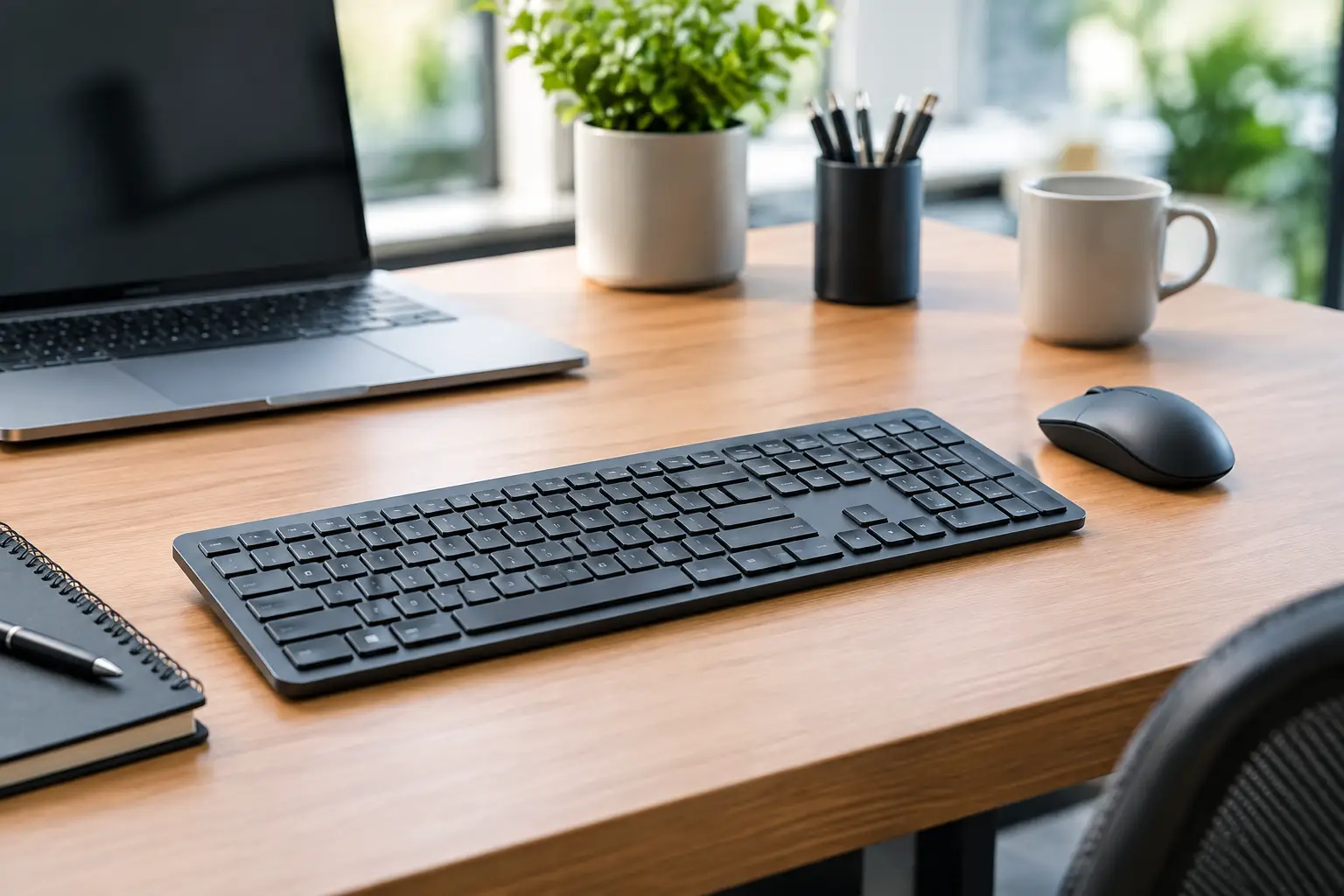
A keyboard that lags, slides across the table, or requires battery replacement in the middle of a workday can turn even a simple task into a frustrating challenge. Therefore, choosing from recommended wireless keyboards for the office goes beyond color, price, or brand name. It should align with the nature of the work, the number of computers at the desk, typing hours, and the available space on the table.
A good wireless keyboard reduces visual clutter from cables, allows flexibility in the placement of the monitor and computer, and in shared offices, helps maintain an organized workspace. However, not every wireless model is suitable for every employee. A compact keyboard might work well for someone who primarily uses a browser and emails but is less ideal for an accountant who enters data all day. The right choice starts with defining the need, and only then moving on to specifications and price.
Before Purchasing: Define the Usage Type
The first question is how much typing is actually done. An employee drafting documents, responding to clients, or programming for hours needs stable keys, appropriate spacing between keys, and a comfortable feel while typing. In contrast, at a reception desk, in a meeting room, or next to a home computer used for occasional work, one might prefer a slimmer, quieter, and more compact model.
Also, consider the type of work being done. Frequent data entry typically requires a full keyboard with a numeric keypad. Those predominantly working with shortcuts, spreadsheets, or organizational systems will benefit from clear function keys and a standard layout. Users who frequently switch between Hebrew and English should ensure that the markings on the keys are readable and that the layout aligns with their typing habits.
In a small office, the right decision is not necessarily to purchase the same model for everyone. Administration, sales, finance, and design employees can have vastly different needs. Uniformity in models simplifies procurement and support, but adapting to each role prevents frustration and replacement costs later on.
Recommended Wireless Keyboards for the Office: Connection First
There are two main types of connections: a USB wireless receiver and Bluetooth. Each has clear advantages, so it's important not to automatically choose based on what is familiar.
A dedicated USB receiver is a simple and reliable solution for a fixed workstation. You connect it to the computer, turn on the keyboard, and start working. It's particularly suitable for desktop computers, service desks, and organizations where reducing installation time is important. In some models, you can also connect a compatible mouse to the same receiver, saving an additional USB port.
Bluetooth is suitable for laptops, tablets, and desks where every available connection is crucial. It also allows some keyboards to pair with two or three devices and switch between them at the push of a button. This feature is handy for those working with a personal laptop, a work computer, and a phone simultaneously. The downside is that the initial pairing process may be a bit less straightforward, and for older computers or environments with security restrictions, compatibility should be verified in advance.
For seamless office work, a model that supports both a USB receiver and Bluetooth offers high flexibility. It's ideal for an employee moving between home and the office or a business replacing computers but wanting to keep existing accessories. Not every user needs this capability, but when it is required, it's better to choose it upfront than to replace a keyboard within a year.
Connection Stability and Security
In most offices, a quality wireless keyboard will function without disconnecting even when the computer is located under a desk. Nonetheless, it is advisable to keep the receiver away from large metal obstructions and busy cable hubs. If there’s a docking station, a monitor with a connection hub, or a remote computer case, a short extension cable for the receiver may improve reception.
In organizations handling sensitive information, it's worth checking if there’s a requirement for specific peripheral policies. In such cases, the IT team should approve the type of connection and model before bulk purchases. This small detail can save unnecessary replacements after delivery.
Layout, Size, and Keys: What Truly Affects the Workday
A full keyboard typically includes a numeric keypad, navigation keys, and function keys. It takes up more space but provides the familiar working environment for most employees. This is the safe choice for roles in finance, operations, customer service, and data entry.
A keyboard without a numeric keypad saves space on the desk and brings the mouse closer to the center of the body. For someone primarily working with text, this might enhance hand and shoulder comfort. On the downside, data entry will be slower. Particularly small models are best for those who prioritize portability over lengthy typing sessions, such as salespeople or employees using laptops outside the office.
The type of keys affects feel and sound. Keyboards with flat, thin keys are generally quieter, easy to clean, and fit well in open environments. They are suitable for offices where phone calls and meetings are held close to workstations. Keyboards with deeper key travel provide a more defined feel and may sometimes be more comfortable for extended typing, but they can be larger and noisier.
It's unwise to choose a keyboard based solely on height. A slim model can be very comfortable if the typing angle is correct and the keys are stable, whereas a tall keyboard without suitable wrist support can fatigue the hands. If the employee types for long hours, it's worth checking for adjustable feet, a stable base, and the option to place the hands at a natural angle.
Batteries or Charging: An Operational Choice, Not Just a Technical One
Keyboards with standard or rechargeable batteries usually offer very long usage lives, sometimes lasting months or more, depending on the model and usage scope. They are suitable for setups where you want to avoid an additional charging cable and for offices that keep a stockpile of batteries handy. It's important to check if the batteries are included in the package and what type they are to prepare accordingly.
Keyboards with built-in rechargeable batteries save the hassle of purchasing and replacing batteries over time. They are particularly convenient for employees who are already charging their laptop and headphones at their workstation. The downside is the need to remember to charge them. A good model should allow for work while charging and feature a clear indicator before the battery runs low.
For a business purchasing multiple keyboards, it's wise to think about maintenance a year ahead, not just on the price per unit. A built-in battery can be cost-effective and convenient, but in an office with dozens of permanent stations, keyboards with long battery life might simplify equipment management.
Features Worth Paying For and Features That Can Be Sacrificed
Backlighting is a useful addition in dark rooms or for employees working unconventional hours, but it shortens battery life and increases the keyboard's cost. In a well-lit office, it’s not always necessary. Dedicated media keys, a volume wheel, and shortcuts can streamline daily use, but their value depends on the employee's habits.
Switching between several devices is a feature worth prioritizing for managers, support staff, designers, and hybrid workers. In a setup with only one computer, it can sometimes be better to invest budget in quality keys and a solid build instead of in functions that won’t be used.
When comparing models, check the following four details:
- The type of connection and whether it’s compatible with the existing computer.
- The key layout, including the numeric keypad and Hebrew markings.
- The input type, battery life, and charging options.
- The keyboard's dimensions, weight, and warranty conditions.
How to Match the Keyboard to Your Budget
In a basic budget, you can find reliable wireless keyboards for everyday use, with USB or Bluetooth connectivity and a simple design. They are suitable for casual workstations, for employees with moderate typing needs, or for bulk purchasing where price is a significant consideration.
In the mid-range category, you generally get better build quality, quieter keys, longer battery life, and sometimes connectivity to multiple devices. This is often the sweet spot for most office workers, especially when the keyboard is used daily.
Advanced models are suitable for those spending long hours at the computer, needing greater comfort, or working across multiple systems. Here, it’s important not to rely solely on price: an expensive model that doesn’t fit the preferred layout or lacks a numeric keypad when needed won't be a successful purchase.
Before ordering, it’s advisable to check the full specifications, OS compatibility, printed key language, warranty conditions, and stock availability. At TopMarket, you can compare brands, specifications, and price levels to select a keyboard that fits the workstation itself, not just the image on the website.
The right keyboard is the one that seamlessly integrates into the workday: the connection is stable, the keys feel natural, and the employee can focus on tasks instead of equipment. By defining the type of work and station requirements in advance, the choice transforms from a random model to a solution that serves the office over time.
- Recommended Compact Printers for Home and Small Office
- How to Calibrate Your Monitor for Professional Graphics Work with Precisio
- How to Choose a Wireless Network for a Retail Store?
- Smart Homes That Truly Fit Your Home and Budge
- <h1>Case Study: An Office Computer Upgrade That Saved Time and Money</h1>

