

Guide to Buying Your First Gaming PC Without Mistakes
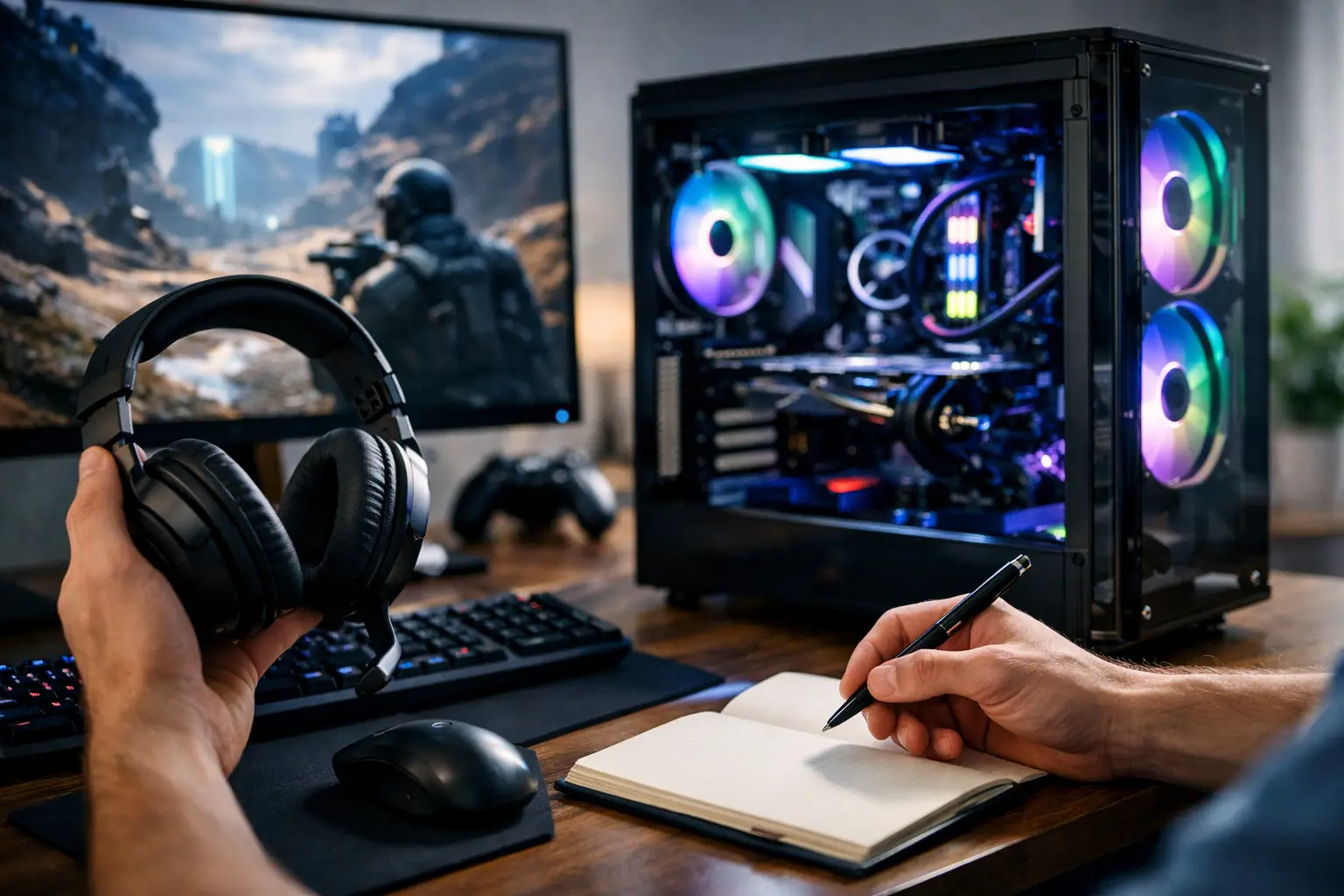
The most costly mistake when buying your first gaming PC is not choosing a model that's too weak—it's paying for a specification that looks impressive on paper but isn't truly suited for the games you play, the monitor you own, or your actual budget. A guide for buying your first gaming PC should start precisely there: not with flashy names, but with an understanding of what you're buying, why it matters, and where not to waste money.
Guide to Buying Your First Gaming PC - Start with Use, Not Specification
Before checking the processor, graphics card, or how much RGB is in the case, you need to define your purpose. There’s a significant difference between a PC designed for Fortnite, Valorant, and CS2 at 1080p resolution and one meant for Cyberpunk 2077, Warzone, or new AAA games with high settings. There’s also a difference between those playing on a 60Hz screen and those planning for a 144Hz or 240Hz display.
If you're buying your first PC, it's best to think in terms of user experience. Is it essential for you to achieve high frame rates in competitive games, or to deliver beautiful graphics in single-player games? Are you only gaming, or also planning to stream, edit videos, or do schoolwork on the same PC? The answers to these questions will dictate which component should get a larger share of the budget.
In most first gaming PCs, the graphics card is the most significant component affecting gaming performance. This doesn’t mean the CPU isn’t important, but if your budget is limited, it’s usually better to lean toward a stronger GPU and avoid overspending on a CPU that doesn’t substantially contribute to your use case.
The Components That Really Determine Performance
Graphics Card - The Heart of a Gaming PC
If there’s one component you shouldn’t skimp on, it’s the graphics card. It directly affects the number of frames, the quality of graphics settings, and the ability to play smoothly over time, even in newer games. For a first gaming computer aimed at 1080p, it’s crucial to choose a card that offers room to breathe, not just one that barely "runs" games.
Beware of specifications that sound good because they include a lot of RAM or a large SSD but combine them with a relatively basic graphics card. This spec looks strong in theory but results in a poorer gaming experience. If you're torn between more storage and a better graphics card, the card is usually the right choice.
Processor - Important, but Not at Any Cost
The processor significantly impacts performance, especially in competitive games, CPU-dependent games, and systems that combine gaming and multitasking. Yet, not every novice gamer needs to jump straight to high-end models. Many balanced PCs perform excellently with mid-range modern processors from Intel or AMD.
The key point is compatibility. If you choose a mid-range graphics card, there's no logic in spending too much of your budget on a particularly expensive CPU. This creates an imbalance. Conversely, a too-weak CPU could limit a good graphics card. The goal is a specification where components work at roughly the same level, without a noticeable bottleneck.
RAM - How Much Do You Really Need?
The market still sees specs with 8GB, but for a first gaming computer in 2026, that’s no longer a recommended choice for most users. The right starting point is typically 16GB of RAM. This is sufficient for most modern games, everyday use, a browser open in the background, and a more stable experience.
32GB may suit those who know they’ll combine content creation, streaming, working with heavy software, or want headroom for the coming years. However, if the choice is between 32GB of RAM and a better graphics card, it’s usually better to stick with 16GB and invest in graphics.
Storage - SSD Is Not an Add-On, It's a Foundation
An SSD is no longer considered a bonus. It affects loading times, system responsiveness, game installations, and updates. A first gaming PC should come with a fast SSD, preferably large enough to accommodate several major games simultaneously. Today, modern games take up significant space, and sometimes 500GB runs out very quickly.
For those installing several heavy games, 1TB is typically a more comfortable starting point. If the budget is tight, it’s possible to start with a smaller capacity, but it’s essential to check for future expansion options.
What’s Important Beyond the Numbers
Power Supply and Cooling - The Invisible Essentials
Many buyers focus only on the processor and graphics card, but a quality power supply and proper cooling significantly impact PC reliability. A generic or unbalanced power supply can lead to stability issues, unnecessary noise, and shorter component life. A case with poor airflow can also hinder performance under load.
When reviewing a pre-built PC, pay attention to whether the model of the power supply, its wattage, cooling solution, and case type are specified. If there’s no detail at all, it might not be as good a deal as it appears. A good spec should be clear even in the small details.
Motherboard and Future Upgrades
Not everyone buys their first PC with upgrade plans in mind, but that's a mistake worth avoiding. A too-basic motherboard can limit memory expansion, storage addition, or CPU upgrades in the future. If you're already investing, it’s wise to choose a platform that allows for at least reasonable flexibility for the next two to three years.
This doesn’t mean you need an expensive motherboard. It does mean you should understand if the PC is built just to "work now" or also to allow for improvements later without replacing half the system.
Guide to Buying Your First Gaming PC by Budget
When purchasing your first gaming PC, the budget is not just a number—it forces you to decide where it’s important to invest and where you can be smarter. With a basic budget, the goal is to get a solid and stable 1080p experience, without chasing Ultra settings in every game. With a medium budget, you can aim for a more balanced combination with a strong graphics card, a convenient SSD, and 16GB of RAM without excessive compromises. With a higher budget, the question shifts: not whether the game will work, but at which resolution, refresh rate, and how relevant the PC will be in a few years.
A common mistake is trying to “jump a tier” in every component at once. It’s better to have a balanced PC with components of similar levels than a system with a very powerful graphics card alongside a weak power supply, limited storage, or a CPU that can’t keep up.
Pre-Built or Custom-Built PC
This is one of the first questions new buyers ask, and there’s no single right answer. A pre-built PC is suitable for those who want a quick process, clear specifications, organized warranty, and easy purchasing. For many buyers, especially for the first purchase, this is the simpler and more efficient solution.
A custom-built PC may suit those who know exactly what they want, want complete control over every component, or are looking for very precise optimization for their budget. On the flip side, this requires more understanding, more compatibility checks, and sometimes more patience.
If you’re still unsure how to balance components, a ready-made gaming PC from a reliable seller with a full and transparent specification might be the safer choice. On a site like TopMarket, where you can compare models, specifications, and price levels in an organized manner, it’s easier to see what you’re really getting in every budget range.
Don’t Forget the Monitor and Surrounding Equipment
A good gaming PC doesn’t work alone. If you’ve bought a powerful system but stuck with an old 60Hz monitor, you won’t feel the full advantage of performance. On the other hand, there’s no point in buying a 240Hz monitor if your specs aren’t designed to achieve such high frame rates in most games.
The right combination is between the PC and the monitor. For competitive 1080p, sometimes a fast monitor is more important than high resolution. For single-player games and graphics, picture quality and panel may be more crucial. Keyboard, mouse, headphones, and a stable internet connection also impact the experience, but they shouldn’t come at the expense of the central specs if the budget is limited.
Signs of Specifications Worth Stopping and Rechecking
If you see a price that seems unusually low, it’s worth checking what’s hiding behind it. Sometimes, it may be a weak graphics card, only 8GB of RAM, a too-small SSD, an unidentified power supply, or a basic case with limited cooling. Sometimes, the spec might show a new generation CPU but connect it to lower-tier components to keep a competitive price.
It’s also advisable to pay attention to the warranty, availability of parts, and whether the specification is presented fully. When a seller lays out a PC specification transparently, it's easier to understand if it’s a good deal or a pretty package of compromises.
How to Make the Right Decision Without Overcomplicating
If this is your first time buying a gaming PC, don’t try to buy the “most powerful computer possible.” Instead, aim for the computer that is right for you. Start with the games you genuinely play, the monitor you have or plan to buy, and the budget you can stick to without regretting it a week later.
A good specification is not the one with the most technical jargon, but the one where every component contributes to the final result. Once you view the PC as a complete system—not just a list of parts—it becomes much easier to make the right purchase and enjoy your first game instead of starting with unnecessary upgrades.

