

Backup Solutions for the Cloud - How to Make the Right Choice
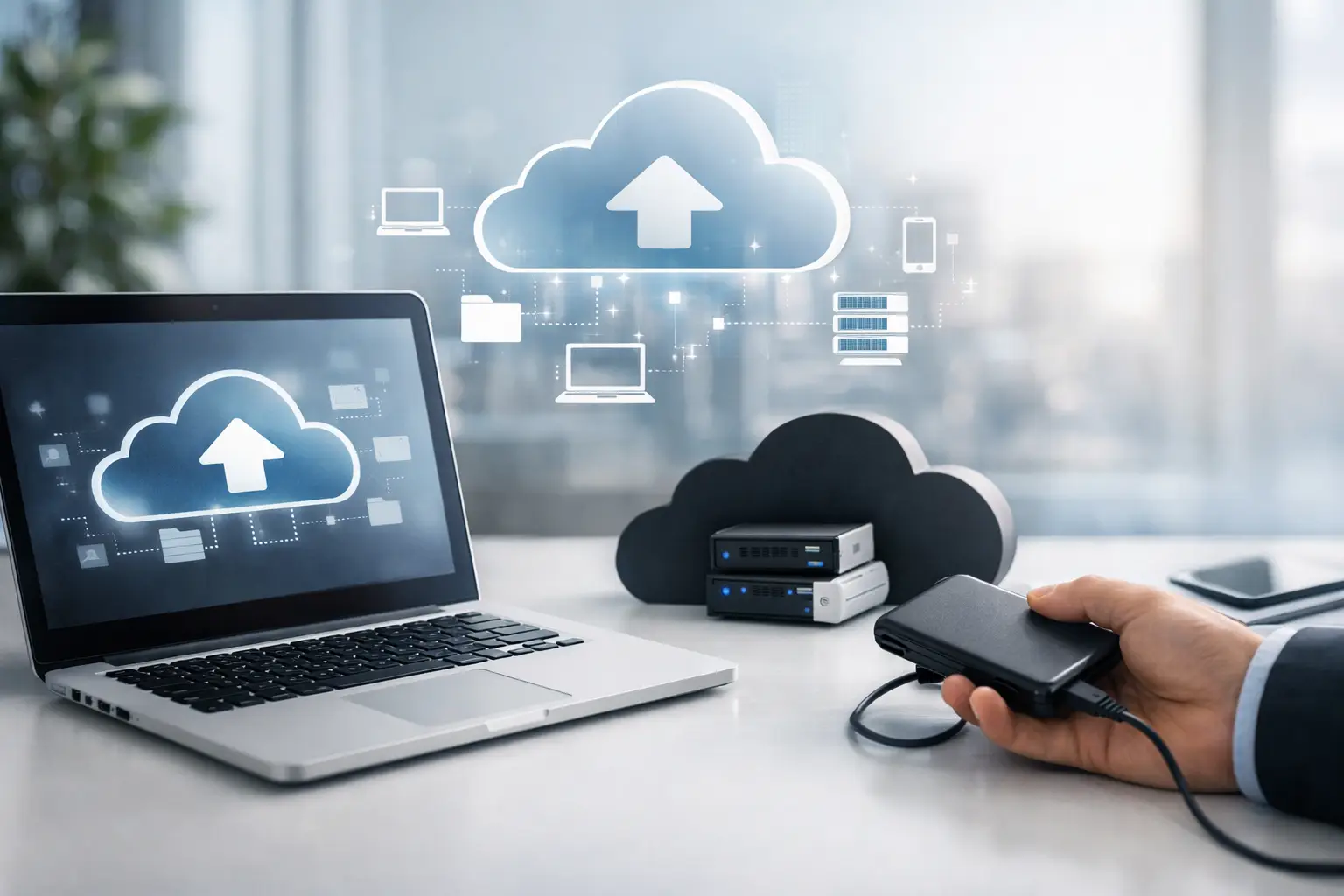
The file that won't open, the laptop that won't boot, or the work folder that was accidentally deleted - these are not uncommon scenarios but rather issues that arise at the most inconvenient times. Therefore, cloud backup solutions are no longer a nice addition but a fundamental part of any computing environment, whether at home or in business. If you store documents, photos, projects, databases, or media files, the question is not whether you need a backup, but what type of backup truly fits your needs.
What are Cloud Backup Solutions and Who are They Suitable For?
Cloud backup solutions are services or systems that transfer a copy of your information to remote servers, rather than relying solely on an external disk, local computer, or internal server. The goal is simple – even if your computer is stolen, the disk malfunctions, the operating system crashes, or a file is deleted, there is a copy available for recovery.
For a private user, this might involve backing up photos from a phone, study documents, work files from home, or a video library. For a small business, this typically includes workstations, accounting files, customer documents, shared folders, and office positions. For professionals like graphic designers, video editors, architects, or CAD users, backup becomes especially critical due to the large volume of files and the potential loss of valuable data, which can amount to significant time and money.
Why Local Backup Alone is No Longer Enough
An external disk is still very useful, but it doesn't solve everything. If there is a physical malfunction, theft, fire, power surge, or simply a lack of care in connecting the disk on time, local backup can also be lost along with the computer. Here, cloud storage has a clear advantage – the information is stored offsite.
On the other hand, cloud backup alone is not always a complete solution. If you have particularly large files, limited internet connectivity, or an immediate need to restore terabytes of data, the upload and download process can be time-consuming. Thus, in many cases, the right solution is a combination – quick local backup for daily recovery, and cloud backup as an additional layer of protection.
How to Choose Cloud Backup Solutions Without Paying for What You Don’t Need
The most common mistake is choosing based solely on monthly price. A low price looks enticing until you discover that the volume is too limited, the recovery speed is slow, or there is no support for automatic backup on multiple devices. The right choice begins with understanding the nature of your information.
If you’re primarily backing up documents, spreadsheets, presentations, and photos, the required storage space will be relatively moderate. If you’re working with video files, graphic projects, virtual machines, or large game libraries, you need to check in advance how much space is truly needed, not just look at the entry-level package.
No less important is to review how the backup is performed. Some services back up only selected folders, while others offer a complete system backup, including full workspace recovery. For a home user, backing up files and photos might be sufficient. For a business, a full recovery of a workstation or server represents a significant gap between short downtime and an entire lost workday.
Criteria That Truly Affect Your Choice
Storage Capacity and Future Expansion
Don’t choose a solution that only fits today. Files accumulate quickly, especially when working with multiple computers, smartphones, and tablets. It’s worth checking if volume expansion is easy, and whether the price remains reasonable when upgrading.
Backup and Recovery Speed
There is a significant difference between backup that takes place in the background without being noticed and a service that burdens the line and slows down ongoing work. Recovery speed is also important—not just how fast a file uploads to the cloud, but how quickly it can be restored when needed. If you’re working under a deadline, recovery time is an operational metric, not just a technical one.
Security and Encryption
When information goes to the cloud, it must be encrypted during transfer and storage. For businesses, it’s also advisable to check for support regarding user permissions, two-factor authentication, version management, and activity alerts. Those working with sensitive information cannot settle for vague assurances of “high security” without understanding what lies behind it.
Version Management and Restoration of Deleted Files
This is one of the most useful details in daily use. Not every time do you need to restore a whole system - sometimes it’s just about returning a file from yesterday’s version or a folder that was accidentally deleted. A good service will allow reverting to previous versions simply, without a cumbersome process.
Device and System Compatibility
If you’re working on Windows, using Mac, saving files from your phone, and managing NAS or small servers at the office, ensure that the solution truly supports your entire environment. A seemingly cheap solution but requiring several separate services might end up being costlier and more complicated in the long run.
Cloud Backup Solutions for Home vs. Business
For home users, the emphasis is often on simplicity. They want quick installation, automatic backups, easy synchronization, and access from any device. In most cases, it’s also important that management is straightforward, without delving into complex settings every week.
In a business, the picture is different. Here, one needs to think about work continuity, multiple users, permission policies, several computers, and the possibility of quick recovery in case of a malfunction or ransomware attack. Additionally, businesses need to understand who is responsible for monitoring – whether there is oversight on backup failures, whether alerts are received, and whether there is a way to ensure that the data is indeed recoverable.
In other words, a solution suitable for a student with one laptop might not be right for an office with ten positions, network printers, file servers, and multiple remote users.
Cloud, NAS, or External Drive – You Don’t Always Have to Choose Just One
Many buyers look for a definitive answer, but in reality, the choice depends on budget, data volume, and the required recovery speed. An external drive is a cheap and quick solution for local backup. NAS is suitable for those who want broader control, centralized backup over a network, and more advanced access at home or in the office. Cloud storage adds a critical external layer of protection.
Therefore, for many users, the most efficient model is hybrid backup. Files are stored both locally for quick recovery and in the cloud for protection in case of a broader malfunction. This isn't always the cheapest solution, but in many cases, it is the most worthwhile when considering the cost of data loss.
Common Mistakes to Avoid
One common mistake is thinking that synchronization is backup. If a file is deleted or corrupted, a synchronization service may update the deletion in the cloud as well. True backup should retain version history and allow backward recovery.
Another mistake is ignoring upload limits. Those working with particularly large files should check whether their internet speed allows realistic backups, especially on the first run. Also, lack of periodic testing is a problem – a backup that has not been tested for recovery is merely an assumption, not insurance.
Some also buy large volumes but forget to ensure that the service supports their configuration – single computer, multiple users, servers, mobile devices, or a network storage system. Before purchase, one should look at the service specifications almost as carefully as they would a computer, SSD, or router.
When to Upgrade Your Backup System
If you're storing more data than before, working from multiple devices, running a home business, or relying on files for income, it is usually a sign that it’s time to upgrade. Transitioning to new computers, expanding teams, using heavier software, or hybrid work creates new pressure on the backup system.
In practice, good backup should grow along with your equipment. Those already investing in a work computer, gaming station, small server, fast SSDs, or quality network equipment should not neglect the protection layer for their data. At TopMarket, the correct purchase usually begins with understanding the whole system – not just the computer itself but also the storage, network, and backup supporting it.
How to Think about Cost Properly
A low monthly cost can be misleading, and a high cost is not always excessive. One must consider the return on investment: how many devices are backed up, what storage capacity is provided, what level of security exists, whether version recovery is available, and how long it will take to get back to work after a malfunction.
If data loss will cost you a day of work, a project, educational materials, or client files, backup no longer seems like a marginal expense. It’s part of the infrastructure. Just as you wouldn’t choose an uninterruptible power supply, a router, or a hard drive based solely on price, you should also assess reliability, fit, and long-term operation in this context.
The right choice for a cloud backup solution doesn’t start with the question of what is most popular, but rather what truly protects the files you can’t afford to lose.

