

Tablet Repair Lab - When to Repair and When to Replace?
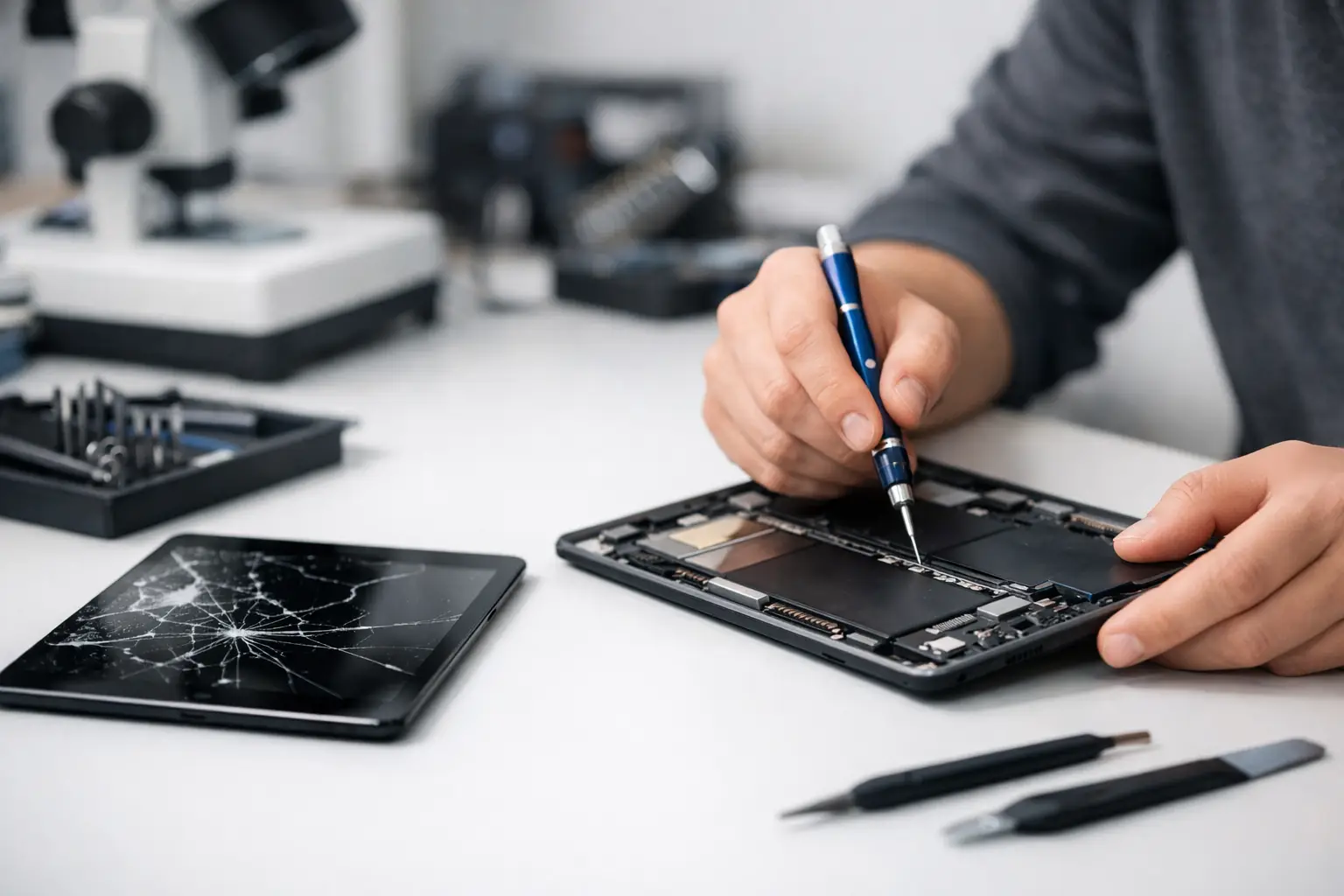
A tablet with a broken screen, unstable charging, or a battery that drains before the end of the day isn't always a product that needs immediate replacement. A tablet repair service can restore it to full functionality at a significantly lower cost than buying a new tablet, but not every repair is necessarily a wise investment. The decision should be based on the type of malfunction, the age of the device, the cost of parts, warranty status, and the performance you actually need.
When is Tablet Repair Worthwhile?
The simple rule is to compare the cost of repair with the remaining value of the device. In a relatively new tablet, equipped with a modern processor, sufficient storage, and support for system updates, fixing a screen or replacing a battery can be an excellent economic choice. This is especially true for devices used for studies, fieldwork, presenting content to clients, or as a family tablet.
On the other hand, if the device is several years old, already slow, full of storage, not receiving security updates, or struggling to run basic applications, an expensive repair might merely delay a necessary purchase. In such cases, it’s better to allocate that budget toward a new device with a higher quality screen, a new battery, updated connectivity options, and full warranty coverage.
A proper comparison does not only consider the tablet’s shelf price. It should also take into account protective covers, a digital pen if needed, a keyboard, storage size, cellular or Wi-Fi connectivity, and downtime. For a small business or an employee relying on the tablet daily, one day without the device can be just as important a consideration as the cost of the part.
Common Malfunctions and What Can Be Repaired
A cracked screen is the most commonly identified issue with tablets, but there is a significant difference between damaged outer glass and a damaged display panel or touch layer. If the image is intact, and the touch is responsive across all areas, the damage may be limited to the glass. However, when stripes, dark spots, flickering, or areas with no touch response appear, a screen assembly replacement is usually necessary. Costs can vary considerably depending on model, size, refresh rate, and panel type.
A weak battery is another issue that can typically be resolved. Common signs include rapid battery percentage loss, sudden shutdowns, excessive heating, or the need to stay plugged in most of the time. However, before ordering a replacement, it is wise to check if a weak charger, faulty cable, or heavy app usage is the source of the problem. Accurate diagnosis can prevent unnecessary part replacements.
Charging issues can stem from a worn USB-C or Lightning port, dirt build-up in the connector, cable damage, or motherboard failure. Professional cleaning or port replacement may solve the issue, but repairs at the motherboard level require more thorough examination. In older or cheaper devices, such repairs may not always be worthwhile.
Issues with the camera, speakers, microphone, power buttons, and sensors can often be fixed as well. Meanwhile, software issues—like freezes, slowness, crashing apps, or lack of storage—are not always hardware malfunctions. Resetting, updating systems, freeing up storage, or checking user accounts may resolve these without needing to swap components.
Water Damage Requires Quick Action
A wet tablet is not a device you should turn on again to check if it works. Powering on or charging after liquid intrusion can cause short-circuits and exacerbate damage. If possible, turn off the device, unplug it from the power source, remove the case, and take it in for inspection as soon as possible.
Do not rely on rice or external drying methods. Even if the tablet powers up afterward, internal corrosion can continue to develop and damage components over time. A professional lab will check the state of the connectors, battery, motherboard, and display components. There are no absolute guarantees for repair, so it's crucial to request a condition assessment and cost estimate before approving any complicated work.
What to Check Before Submitting a Tablet for Repair
Before handing it over, backing up your data is the first step. Photos, documents, study files, contacts, and app backups may be more valuable than the device itself. If the tablet still works, it is advisable to back it up to the cloud or a computer and ensure the backup is completed. For a device that won’t turn on, ask if the repair process may affect the data and what options exist for recovery.
It’s also wise to note the exact model number and not just the series name. Different versions may have varying screens, connectors, or internal components. The model number is usually found in the device settings, on the back of the tablet, or on its original packaging. This information helps ensure that the proposed part is an exact match.
Before approving the repair, ask whether it involves original parts, high-quality alternatives, or components salvaged from another device. Each option has its pros and cons. Original parts might maintain the best possible display quality, brightness, and touch responsiveness, but they can be more expensive. Quality aftermarket parts may provide a cost-effective solution, provided that the lab offers clear guarantees and explains what will change, if at all.
It’s important to receive a price quote that includes labor, parts, and VAT, as well as a detailed description of the warranty period for the repair. Inquire about what happens if an additional issue is discovered during disassembly. A reliable lab will not carry out additional paid work without your approval.
Repair Under Warranty or in a Private Lab
If the tablet is still under warranty, first check the terms. A manufacturing defect may be covered, while breaks, liquid intrusion, or physical damage are generally not covered under basic warranty. Repairing at an unauthorized service center can affect the remaining warranty, especially for new, expensive devices.
On the other hand, once the warranty has expired or if faced with uncovered damage, a private lab may offer shorter turnaround times and competitive pricing. There is no one-size-fits-all answer for every brand and model. For a new premium device, it's worth first examining the official service route. In the case of an older tablet or a model that the manufacturer no longer supports, a lab experienced with that specific model might be a more efficient solution.
When is it Better to Replace the Tablet?
Replacement is sensible when there’s a combination of issues rather than a single problem. For example, a broken screen, worn battery, loose charging port, and storage of only 32GB that is no longer sufficient. Even if each repair is possible on its own, the cumulative cost can approach that of a new tablet with a more appropriate specification.
Evaluate anticipated use for the next two to three years. A student needing to read PDF files and watch instructional videos doesn’t necessarily need a flagship model, but would benefit from a reliable battery, a comfortable screen, and sufficient storage. A business user working with drawings, presentations, sales apps, or frequent video calls may find value in a stronger processor, higher memory, and advanced connectivity. For gaming, photo editing, or using a stylus, screen quality and system speed weigh more heavily.
When purchasing a replacement device, don’t only focus on the promotional price. Compare screen size, resolution, storage capacity, expandability options, RAM, stylus support, camera quality, weight, type of charging connection, and availability of accessories. A wide catalog allows comparisons of models based on use and budget, rather than settling for a temporary fix.
Making a Decision Without Paying Twice
The right step is not to automatically choose between repair or replacement but to request an assessment and written cost, then compare it to a new device with a similar or better specification. If the repair returns an updated tablet to reliable use at a reasonable price, it saves money and prevents unnecessary replacement. If it leaves you with a slow device, devoid of updates, or with more worn components, a new purchase will be a more stable decision.
Keep the receipt, warranty details, and documentation of the device’s condition at the time of submission. After the repair, test the touch on all areas of the screen, charging, cameras, speakers, microphone, and network connection. A few minutes of thorough testing will ensure that the tablet resumes its role without becoming an unexpected expense again.

