

 Install the app
High-Quality Computer Monitors for Graphic Design - What to Check
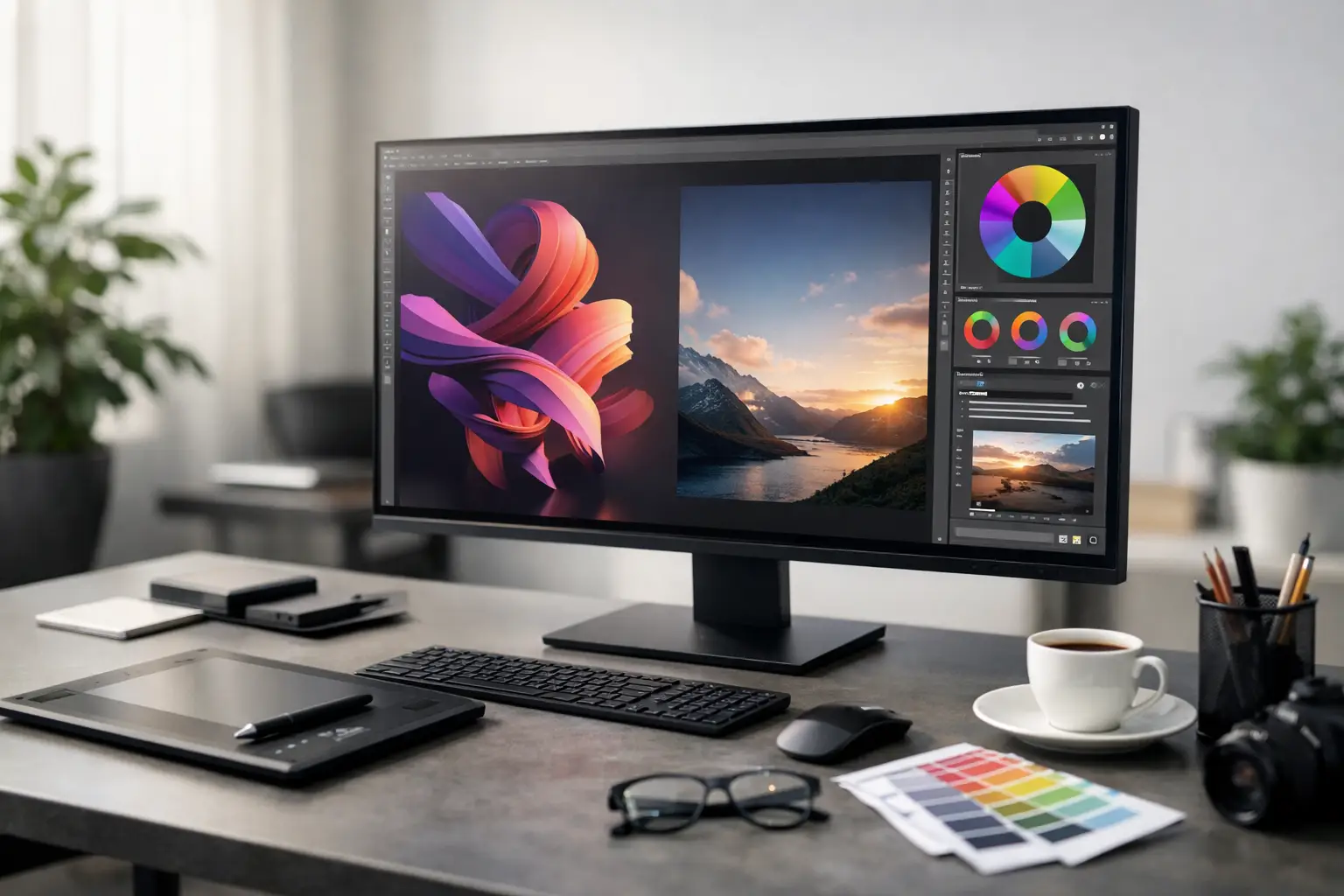
Anyone working in branding, photo editing, UI design, or print preparation knows that the gap between an average monitor and an accurate one costs time, money, and corrections. Therefore, choosing quality computer monitors for graphic design isn't just a cosmetic upgrade; it's a vital tool that directly impacts color, sharpness, comfort, and productivity.
A common mistake is focusing solely on size or price. In reality, a designer's monitor should be evaluated like any other professional component — based on panel type, color coverage, resolution, uniformity of lighting, calibration options, connectivity, and warranty. Not every impressive specification on paper is suitable for design work, and understanding what affects the final outcome and what is less critical is essential.
Quality Monitors for Graphic Design - What Truly Matters
The foundation begins with panel type. In most cases, an IPS panel is the ideal starting point for graphic design due to better viewing angles and superior color stability compared to cheaper alternatives. If you're spending hours in Photoshop, Illustrator, InDesign, or UI software, this difference becomes immediately apparent—especially when moving windows, comparing versions, or working with multiple color layers simultaneously.
Color coverage is equally important. Those primarily working for digital should look for high sRGB coverage. Anyone involved in print, photography, or projects requiring a broader color gamut should check models with Adobe RGB or DCI-P3 coverage, depending on their specific work. There's no one-size-fits-all answer here; a social media designer, a consumer catalog editor, and a commercial photographer will not be looking for the same monitor.
Accuracy is also measured beyond coverage percentages. Metrics like Delta E indicate better color accuracy, especially on monitors that come factory-calibrated. While this doesn't eliminate the need for periodic calibration, it certainly provides a better starting point for those wanting consistent results right from the first setup.
Resolution, Size, and Pixel Density
Many buyers are automatically drawn to 27-inch or 32-inch monitors, but size alone isn't the determining factor. The combination of size and resolution is what truly matters. A 27-inch monitor with QHD resolution can be an excellent choice for designers seeking a comfortable workspace, sharp text, and reasonable pricing. Conversely, those frequently working with high-resolution images, complex layouts, or busy editing interfaces might find more value in a 4K monitor.
On the other hand, 4K isn't always necessary. On some computers, it requires more scaling, may burden older hardware, and often increases the price significantly without genuinely benefiting those primarily working on digital content. Therefore, it's wise to ask not only what looks sharper but what will genuinely enhance daily work.
A size of 24 inches is still relevant for lower budgets or cramped workstations, but for continuous graphic work, most users will feel more comfortable with a 27-inch model. A 32-inch monitor offers a vast workspace, but proper desk depth and seating position are also crucial to avoid excessive head movement between the screen's edges.
When a Wide Monitor is More Suitable
An ultra-wide monitor can be an efficient solution for designers who prefer a broad timeline, comfortable multitasking between several windows, or a substitute for dual monitors. However, not all design software fully utilizes this format, and in some cases, a quality 27-inch monitor with a 16:9 ratio may be more practical, accurate, and cost-effective.
Color Accuracy, Calibration, and Uniformity
In the category of quality monitors for graphic design, color accuracy is a non-negotiable aspect. A specification boasting 99% sRGB sounds appealing, but it's essential to check if the monitor also provides good uniformity, adequate color depth, and calibration support. Professional design isn't merely measured by a deeper red but by the ability to trust what you see across the entire display area.
Uniformity often receives less attention than it deserves. If one side of the monitor is slightly warmer than the other, or if the corners exhibit noticeable brightness drop, working on images, gradients, or products for catalogs becomes less reliable. For those working commercially, with clients or print files, this should be taken seriously.
Hardware calibration is beneficial for more professional users, but monitors with good software calibration can often suffice. If your work is primarily digital—websites, banners, posts, and app interfaces—you may not need to jump straight to the most expensive models. However, if you're working on photography, precise brand colors, or print preparation, investing in a monitor designed for that purpose from the start is advisable.
Refresh Rate, Response Time, and HDR - What's Important and What's Secondary
Many monitors try to do it all—gaming, office work, and creative tasks. Sometimes this works out, but not always. For graphic design, a refresh rate of 60Hz to 75Hz is sufficient in the vast majority of scenarios. A 144Hz monitor may feel smoother when scrolling or in motion, but it doesn't necessarily improve color accuracy or uniformity; generally, it's better to allocate the budget to a higher-quality panel.
HDR is another feature that needs careful consideration. Many monitors advertise HDR support at a marketing level, but not at a display level suitable for serious HDR content work. Unless the monitor offers high brightness, quality local dimming, and adequate color range, it's best not to rely on HDR as a primary reason for purchase.
Connectivity and Comfortable Workstation
A good design monitor should also fit well within the workspace, not just the file. Connections like HDMI, DisplayPort, and USB-C can greatly impact comfort, especially for those working with a laptop. USB-C with charging and image transfer can significantly simplify your desk setup and make connecting and disconnecting a laptop a quick task.
An adjustable stand is more important than it may seem. Options for height adjustment, tilt, rotation, and sometimes Pivot improve ergonomics and enable comfortable prolonged use. Those spending hours in front of a monitor, switching between lengthy documents, mobile designs, and precise edits will feel the difference every workday.
If you’re working with dual monitors, check for size, height, and color profile compatibility. Often, it's better to choose two identical or at least very similar monitors rather than mix a professional model with a basic one that displays entirely different colors.
How to Choose Based on Budget
In the entry-level budget, the goal is to find an IPS monitor with good resolution, high sRGB coverage, and a decent stand. Advanced features aren't necessary if the use is for digital design, student work, early freelancing, or occasional office work that requires some graphics.
In the mid-range, look for 27 inches, QHD or 4K resolution, better calibration, convenient connectivity, and improved uniformity. This is typically the most cost-effective point for most designers, providing visible improvement without jumping to the prices of monitors aimed at pre-press or advanced photography.
At the premium level, the focus shifts to color depth, Adobe RGB or DCI-P3 coverage, high uniformity, advanced calibration, and more professional features. This purchase is suitable for studios, internal marketing departments, photographers, and those engaged in commercial production where every small deviation counts.
Questions to Ask Before Purchasing
Before selecting a monitor, it's essential to understand the primary use. Is most of the work for websites and social media, or also for print? Are you working on a desktop or a laptop? Is there a need for one large monitor or dual monitors? And should the budget include a mount, compatible cables, or a calibration device later on?
These questions help avoid classic mistakes, such as buying a too-small 4K monitor, a large screen without proper desk space, or an impressive gaming model that doesn't actually provide sufficient color accuracy for professional work.
Common Mistakes When Buying a Monitor for Designers
The first mistake is chasing a deal without checking actual compatibility with your needs. A monitor may look very appealing on paper, but if it has a less suitable panel, insufficient color coverage, or lacks height adjustment, the initial savings can turn into a daily compromise.
The second mistake is relying solely on brand names. Even within the same manufacturer, there are office series, gaming series, and professional series, with significant gaps between them. It’s not enough to know who made the monitor; you need to verify which usage category it was designed for.
The third mistake is thinking every designer needs the most expensive model. Sometimes, a quality mid-range monitor provides better value than a premium one with features that won't be genuinely used. On a broad retail site like TopMarket, the advantage is that you can compare across price levels, brands, and specifications instead of deciding based on a single marketing title.
A good design monitor doesn’t need to be the flashiest in its category. It should be accurate, comfortable, reliable, and suitable for your type of work. If you choose based on actual use rather than marketing noise, you'll end up with a workstation that feels right from the very first moment—and you'll also save yourself unnecessary upgrades a few months down the line.
- Smart Homes That Truly Fit Your Home and Budge
- <h1>Case Study: An Office Computer Upgrade That Saved Time and Money</h1>
- Recommended Gaming Mice for Large Hands: How to Choose the Right One
- When to Repair or Replace Your Computer Monitor: A Repair Shop’s Guide
- Video Editing Computer Buying Guide by Budge

