

 Install the app
How to Choose the Right Monitor for Competitive Gaming
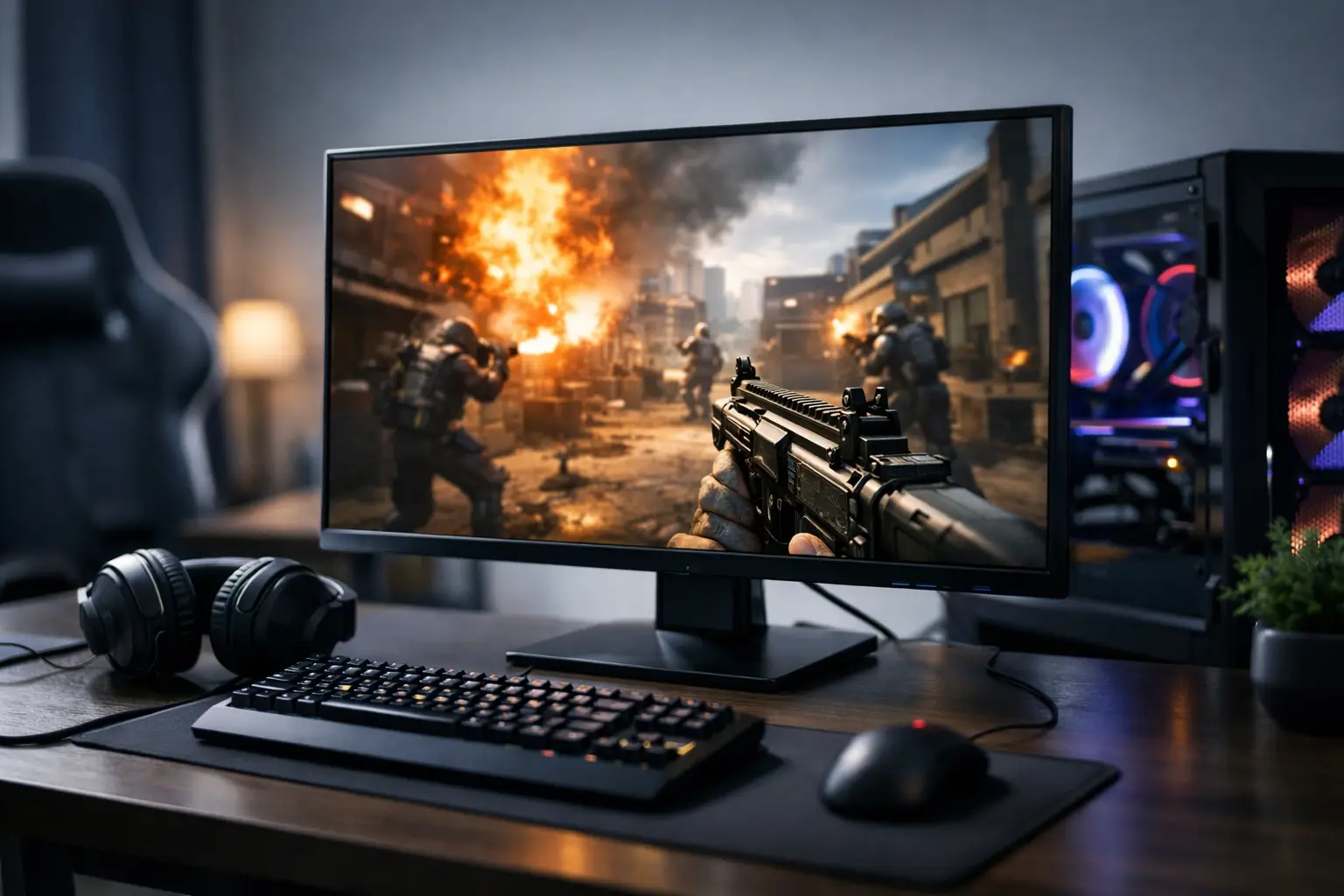
If you play to win rather than just to enjoy the graphics, the question of how to choose a monitor for competitive gaming directly affects your performance. The wrong monitor can feel slow, blurry, or simply inaccurate at moments when every millisecond counts. On the other hand, not every expensive monitor is necessarily the right choice for a competitive player.
In gaming monitors, it's easy to get caught up in standout specifications like 240Hz or 1ms, but in reality, the right choice is based on a combination of several parameters. Refresh rate, response time, panel type, resolution, screen size, synchronization support, and even connection types—all need to fit both your gaming style and the computer you're using.
How to Choose a Monitor for Competitive Gaming Without Paying for Unnecessary Specs
The most common mistake is purchasing based on maximum specifications instead of real usage. A player of Counter-Strike, Valorant, or Fortnite has different priorities than someone who mainly engages in cinematic AAA games. In competitive gaming, performance takes precedence over visual impressions. This often means that a 1080p monitor with 240Hz is preferable to a 4K monitor with 144Hz, especially if the goal is a high frame rate and quick response.
Your budget should also remain grounded in reality. If your graphics card can’t consistently maintain a high frame rate, there’s little sense in paying for a 360Hz monitor. A good monitor isn’t the one with the highest number on the box; it’s the one that fits your system's capabilities and your long-term usage needs.
Refresh Rate - The Most Important Parameter for Most Gamers
In competitive gaming, the refresh rate is usually the starting point. A 144Hz monitor is now regarded as an excellent baseline, but those who frequently play fast-paced shooters will notice an improvement even when moving to 165Hz, 240Hz, or even 280Hz. The higher the refresh rate, the smoother the movement on the screen appears, making target tracking easier and cleaner.
However, there’s a clear condition here—the computer must deliver the frames. If you’re only achieving 120FPS in practice, a 240Hz monitor won’t yield its full advantage. Therefore, you should check your system's actual performance in the games you play, rather than relying solely on future upgrade aspirations.
Response Time - Important, But Not Alone
Many monitors are marketed with a 1ms spec, but it’s essential to understand what really stands behind that figure. Sometimes it’s a theoretical number under very specific test conditions rather than consistent performance in regular use. What really matters is how sharp the image remains during fast motion, and how much blurring or ghosting occurs.
Thus, response time is a figure that should be examined alongside the quality of the monitor’s overdrive application. An overly aggressive setting can cause overshoot, resulting in halos or reverse trails around moving objects. In a good competitive monitor, you’re looking for a balance—quick response without excessive artifacts.
The Right Resolution for Competitive Gaming Monitors
For those asking how to choose a monitor for competitive gaming, resolution is one area where a practical approach is needed. 1080p is still considered the classic and most efficient choice for most competitive players. It allows for higher frame rates, offers a wide variety of models, and generally comes at a more accessible price.
1440p is also a strong option for those seeking a good balance between sharpness and performance, especially with modern graphics cards. It suits players who want both competitive gameplay and a sharper image for general use. In contrast, 4K is less suitable for purely competitive gaming as it places a greater load on hardware and reduces the chances of maintaining high and stable FPS.
Screen Size - Bigger Isn’t Always Better
A 24-inch screen at 1080p remains one of the most effective formats for competitive gaming. It maintains good pixel density, doesn’t force the eyes to wander too far sideways, and is very suitable for sitting close to a desk. This is one reason many players still prefer this size even when larger and more impressive models are available.
27 inches works well for those opting for 1440p, and it can perform adequately in competitive settings if seated at the right distance. However, very wide or particularly large monitors are not always ideal for fast-paced games, especially when quick information is needed from both the center and edges of the screen simultaneously.
Panel Type - TN, IPS, or VA
In the past, the automatic competitive choice was TN panels due to their speed. Today, the picture is more nuanced. Modern IPS panels offer very good response times, more accurate colors, and better viewing angles, making them the most worthwhile choice for a majority of players.
TN can still be relevant for those seeking maximum speed at a competitive price, but it comes with clear compromises on image quality. VA usually offers better contrast but can suffer from dark smearing in some models, a phenomenon less desirable in fast-paced shooters. If the primary focus is on eSports, a fast IPS or quality TN will generally be the safer choices.
Additional Features to Consider Before Buying
Support for Adaptive Sync, such as FreeSync or G-SYNC compatibility, can enhance the experience when frame rates aren’t consistent. In a competitive monitor, this isn't always the top feature but certainly adds stability and reduces tearing. If you play a variety of games and not just stringent competitive scenarios, this feature is worth considering.
Connection types matter too. To achieve 240Hz or more at the appropriate resolution, it's essential to ensure that both the monitor and graphics card have suitable connections, typically DisplayPort, and sometimes HDMI in an updated version. Many buyers discover too late that the monitor supports a high refresh rate, but the cable or actual connection limits them.
An ergonomic stand is another detail that can be easily overlooked but greatly affects long-term use. Height adjustment, tilt, and swivel help position the monitor at eye level and maintain comfort over hours of gameplay. Anyone building a structured gaming setup should consider this—not just performance specs.
HDR, Colors, and Design - What’s Less Critical in Competitive Gaming
HDR sounds good on paper, but in many monitors at an accessible price point, its application is only partial. For competitive gaming, it’s generally not a central consideration, especially if it comes at the expense of refresh rate or response time. Additionally, wide color coverage and flashy monitor design matter less if the goal is responsiveness and control.
This doesn’t mean compromising on poor image quality. It simply means prioritizing correctly. First, smooth and fast motion; next, sharpness and comfort; and only then marketing extras that may not genuinely alter your gaming experience.
Matching the Monitor with the Rest of Your System
A competitive gaming monitor isn’t bought in a vacuum. It needs to fit with the graphics card, processor, desk, seating distance, and even the types of games you play most often. A player with a mid-range computer can achieve excellent results with a 24-inch 1080p monitor with 165Hz or 240Hz without overspending on high resolutions that won’t be utilized.
Conversely, if you have a more powerful system and want a monitor that also serves for work, watching, and general content, a 27-inch 1440p monitor with 165Hz or 240Hz might be a more balanced solution. This is where the large selection comes into play—comparing series, brands, and specs rather than just choosing based on price or brand recognition.
So What Should You Choose in Practice
For most competitive players, the best balance will be a 24 or 25-inch monitor, 1080p resolution, refresh rates from 144Hz to 240Hz, and a fast IPS or quality TN panel. For those looking for more sharpness and mixed-use, a 27-inch 1440p monitor with 165Hz or higher is a logical upgrade, provided the hardware supports it.
When comparing several models, don’t just look at the top line of the specs. Seek the right combination of true refresh rate, motion quality, user comfort, connections, and value for money. On a site like TopMarket, where you can see a wide range of monitors, it’s easier to compare several performance levels simultaneously and choose a monitor that fits your games—not just the manufacturer's advertising.
The right monitor won’t replace practice, but it can indeed eliminate unnecessary barriers and provide you with a faster, cleaner, and more accurate image just when it matters most.
- How to Choose a Wireless Network for a Retail Store?
- Smart Homes That Truly Fit Your Home and Budge
- <h1>Case Study: An Office Computer Upgrade That Saved Time and Money</h1>
- Recommended Gaming Mice for Large Hands: How to Choose the Right One
- When to Repair or Replace Your Computer Monitor: A Repair Shop’s Guide

