

 Install the app
How to Choose a Desktop Computer for Graphics Without Paying More
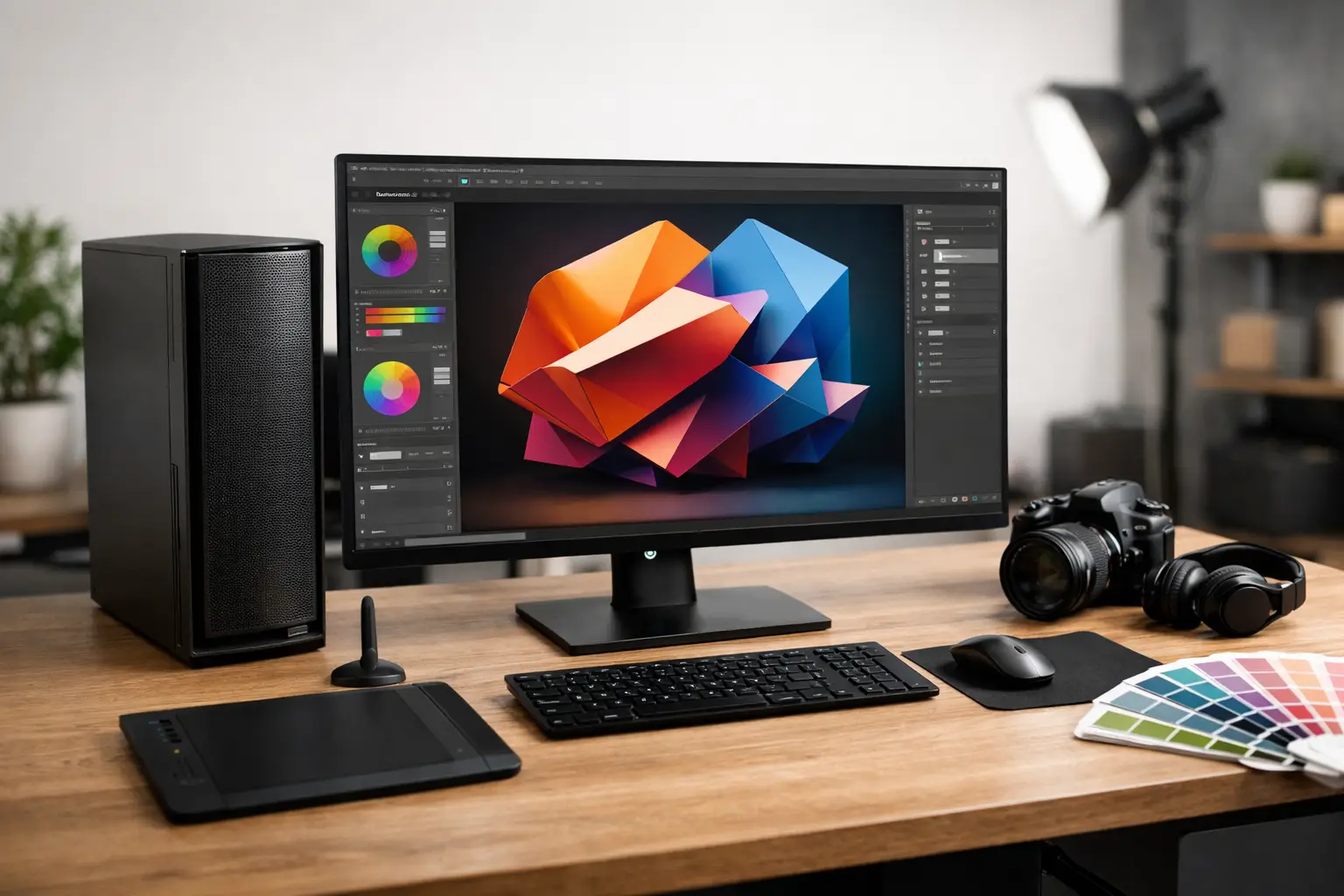
If you're looking to choose a desktop computer for graphic work, you've probably realized that a “powerful” specification on paper doesn’t always translate to good performance in practice. When working with Photoshop, Illustrator, InDesign, Premiere Pro, or 3D software, the question isn't just how fast the computer is – but where its power lies and how it's allocated between the processor, GPU, RAM, and storage.
Some people buy a computer with an overly expensive processor and a weak graphics card, while others invest in an impressive GPU but end up with insufficient RAM and a slow drive. In both cases, you get a computer that costs a lot but isn’t truly tailored for graphic work. The right choice begins with understanding the type of work you do, and only then comparing specifications and prices.
How to Choose a Desktop Computer for Graphic Work Based on Your Needs
Not every graphic user needs the same machine. A designer focused on branding files, banners, catalogs, and photo editing doesn't necessarily require the same specs as a video editor, animator, or someone working in 3D and CAD.
For classic 2D work, such as Photoshop, Illustrator, and InDesign, the emphasis is usually on having a good processor, sufficient RAM, and a fast SSD. The graphics card is important, but in most cases, it isn't the first component to maximize. On the other hand, if you frequently work with Premiere Pro, After Effects, Blender, or rendering software, the graphics card carries more weight, and it might define your working experience more than any other component.
The scope of your projects also matters. Heavy PSD files with dozens of layers, high-resolution RAW files, 4K video, or complex models require more resources. Therefore, before filtering products by price, it's wise to define your use case: creative office graphics, professional photo editing, video work, or 3D projects.
The Processor - Where Speed is Truly Felt
The processor is the heart of the workstation. In many graphic applications, especially in photo editing, print design, and advanced office tasks, it directly impacts response speed, file opening times, exporting, and multitasking across several software programs.
In most cases, it’s preferable to choose a processor from a current series with good single-core performance and a balanced number of cores, rather than chasing only high numbers. For general graphic work, strong mid-range processors deliver excellent results. If you edit video regularly, render, or run several heavy applications simultaneously, it makes sense to upgrade to a higher performance level.
A common mistake is buying the strongest processor within your budget and then compromising on other components. In practice, a balanced computer with a very good processor, 32GB of RAM, and a fast NVMe drive will be more efficient than a computer with a top-end processor but only 16GB of RAM.
RAM - The Component You Shouldn’t Skimp On
If there's one component that quickly impacts the feeling of sluggishness in a graphic computer, it's RAM. When there's little RAM, switching between programs becomes slow, heavy files load more slowly, and the system begins to rely on storage instead of fast memory.
For more basic graphic users, 16GB might be sufficient, but that’s already a baseline rather than a target. For those who work seriously, 32GB is typically the right starting point. If you’re dealing with video editing, After Effects, 3D work, or particularly large projects, 64GB is also a sensible upgrade.
It's worth checking not just how much memory is available, but also whether there’s an easy upgrade path. A good desktop for graphic work should allow for future upgrades without having to replace the entire system. This is particularly important for those who are currently buying within a budget but want room for growth in the next year or two.
Graphics Card - Important, But Not Always the Most Critical
One of the most confusing subjects when choosing a desktop for graphic work is the graphics card. There’s a tendency to think that every graphic designer's computer must have an expensive GPU, but this heavily depends on the software and the type of work being done.
In 2D graphic design, photo editing, and visual office work, a good quality graphics card is often sufficient. In software that aggressively utilizes GPU acceleration, like Premiere Pro, After Effects, DaVinci Resolve, Blender, or rendering engines, it’s worth investing more.
It's also important to consider the memory capacity of the graphics card, not just the model name. In complex projects, low VRAM can create a bottleneck. On the flip side, if all your work is in Photoshop, Illustrator, and a bit of Lightroom, you might not notice a significant difference between a good mid-range card and a much more expensive model.
In simple terms, if you’re not working in 3D, heavy video, or effects, it might be better to allocate some of that budget towards RAM, storage, and a quality monitor.
Storage - Daily Work Speed Starts Here
An SSD is no longer an add-on; it’s essential. In a graphic computer, it’s best to choose a fast NVMe drive for the operating system, programs, and active work files. The difference is felt in boot times, project opening, font loading, cache files, and exporting.
For most users, 1TB is a more appropriate starting capacity than 512GB. Graphic files, raw materials, temporary backups, and various versions of projects accumulate quickly. If you’re editing video or storing local media libraries, you might need a combination of a fast SSD for ongoing work and an additional drive for storage.
Consider file management as well. An efficient graphic workstation is not just a powerful computer, but also one that doesn’t force you to delete materials every week due to lack of space.
Motherboard, Power Supply, and Cooling - Less Glamorous, But Critical
These are components that are easy to overlook on a product page, but they affect stability, noise levels, and upgrade potential. A too-basic motherboard can limit future expansions. A poor-quality power supply could compromise reliability. Weak cooling can lead to high temperatures, noise, and performance drops under load.
If the computer is intended for extended daily use, it’s worth checking that there’s adequate airflow in the casing, a reasonable cooling solution for the processor, and a reliable branded power supply. These may not be the details that shine in headlines, but they determine whether the computer remains stable even after hours of continuous work.
Don't Forget the Monitor
You can purchase a fantastic graphic computer but ruin the entire experience with an unsuitable monitor. If your work involves color, retouching, digital design, or print preparation, the monitor carries real weight. Color accuracy, resolution, physical size, and comfort are almost as important as the computer itself.
In practice, many users benefit more from a quality IPS monitor with a comfortable resolution than from a significant processor upgrade. Those who spend hours working with interfaces, layers, and panels will feel the advantage of a larger workspace and more accurate display.
If you're setting up a full workstation, it's wise to view the entire system as a single unit – computer, monitor, keyboard, mouse, backup, and even an uninterruptible power supply if necessary. This is precisely why many prefer to buy from a single source that allows for organized comparison of specifications, inventory, and price levels.
How to Align Your Budget Without Paying for Unnecessary Specs
The right approach to purchasing is not to ask “What’s the strongest?” but rather “What’s the best fit for my budget?” For a graphic designer primarily working in 2D Adobe applications, sometimes a quality mid-range specification will be the smartest purchase. Conversely, a freelancer providing video, animation, and rendering may justify a higher investment.
You can think about the budget in three tiers. At the entry level, the goal is to obtain a reliable foundation with a fast SSD, an up-to-date processor, and 16GB to 32GB of RAM. At the mid-level, you’re looking for a better balance between processor, GPU, and memory, which is usually the most cost-effective area for most users. At the higher level, you’re building a workstation meant for heavy loads, rendering, intensive multitasking, and future upgrades.
The key point is not to buy based on trends. RGB lighting, aggressive gaming cases, or models that look impressive in advertisements are not necessarily relevant for graphic work. What’s important is the right ratio of performance, reliability, warranty, and upgrade convenience.
Questions to Ask Before Purchasing
Before adding something to your cart, it’s wise to pause over a few simple points. What software do you run every day? Are you working on heavy files or relatively small ones? Do you need support for multiple monitors? Is built-in Wi-Fi, multiple USB ports, a card reader, or large storage capacity needed right from the start?
Also, check what’s actually included: the operating system, warranty period, upgrade options, stock availability, and delivery time. On a site like TopMarket, where you can compare models, specification levels, and prices, it’s easier to see when you’re paying for real value and when you're just paying for branding.
A good graphic computer isn’t necessarily the most expensive one on the screen. It’s the one that fits your files, your software, and your workflow – leaving you with enough power for the next project.
- Smart Homes That Truly Fit Your Home and Budge
- <h1>Case Study: An Office Computer Upgrade That Saved Time and Money</h1>
- Recommended Gaming Mice for Large Hands: How to Choose the Right One
- When to Repair or Replace Your Computer Monitor: A Repair Shop’s Guide
- Video Editing Computer Buying Guide by Budge

