

 Install the app
Laptop vs. Tablet - What Should You Really Buy?
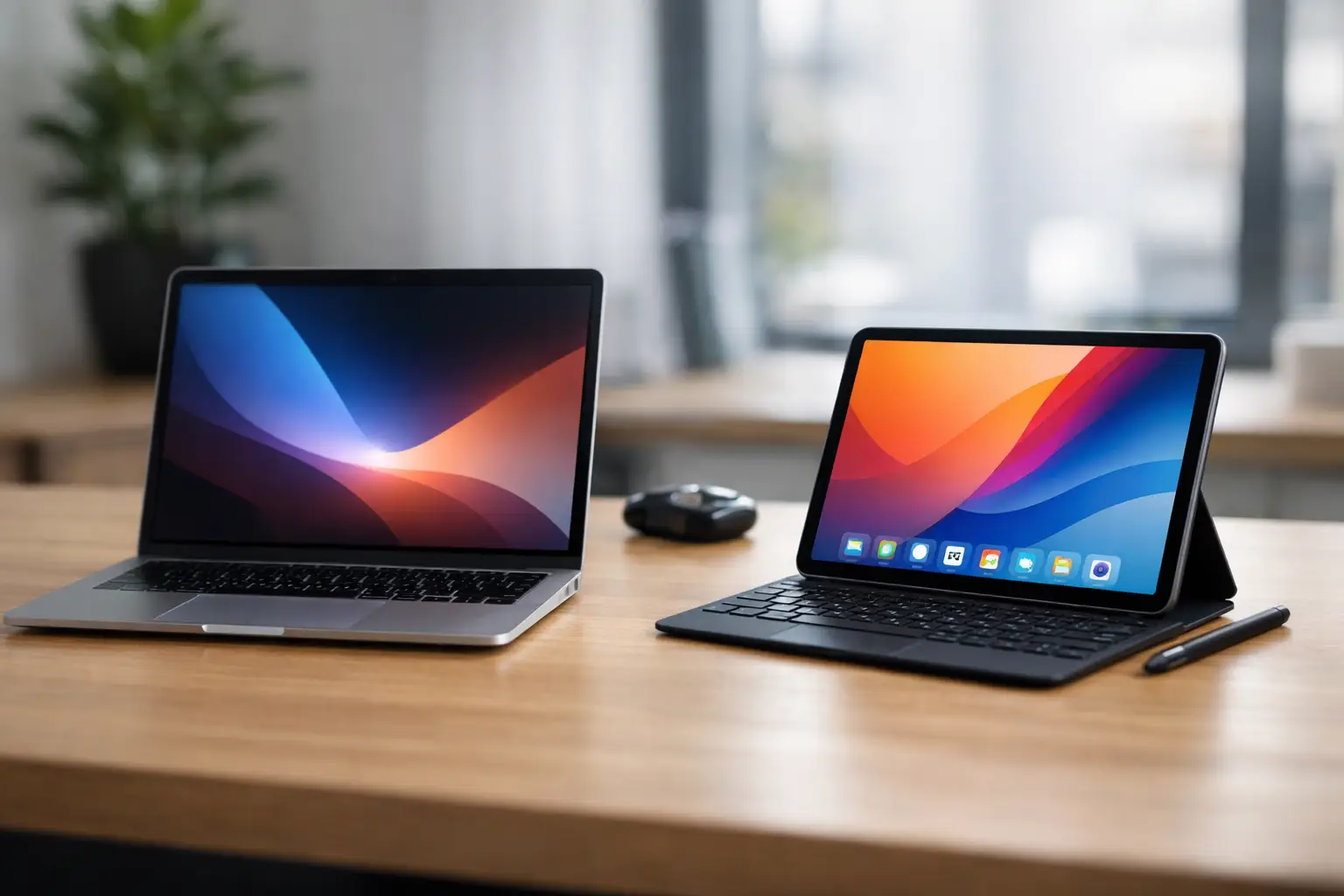
You’re not just buying a screen and a processor. When faced with the choice of a laptop versus a tablet, the real question is how you work, where you use the device, and how many compromises you’re willing to make. Those who need to write, manage files, work with multiple windows, and run full software will come to one conclusion. Meanwhile, those seeking a lightweight, quick-starting device for browsing, watching, and everyday use might arrive at an entirely different conclusion.
Laptop vs. Tablet - The Difference Starts with Usage
On paper, both products appear closer than ever. There are tablets with keyboards, styluses, and support for advanced applications, while there are slim laptops with touchscreen displays, lightweight designs, and excellent battery life. However, in practice, they are still aimed at different needs.
A laptop is primarily built for comprehensive work. Its operating system is suited for multitasking, organized file management, working with office software, connecting peripheral devices, using browsers with many tabs, and sometimes even heavier software like photo editing, development, accounting, or enterprise systems.
A tablet, on the other hand, focuses on portability, simplicity, and quick access. It powers up fast, is very comfortable to hold, and is great for content consumption, reading, video calls, browsing, specialized applications, and light family or educational use. Even when a keyboard is added, the experience is often still different from that of a full laptop.
When a Laptop is the Right Choice
If your usage involves documents, Excel, organizational work systems, Zoom calls, emails, file storage, and plenty of task-switching, a laptop is usually the safer choice. A full keyboard, a precise trackpad, a larger screen, and physical connections make it a more efficient work tool over time.
Many students also prefer laptops, especially if they type a lot, work with university systems, store study materials, and run dedicated software. A tablet can definitely handle summarizing lessons and reading PDFs, but when writing a long paper or performing tasks across multiple systems simultaneously, the advantage goes to the laptop.
For business users, the advantages are even clearer. VPNs, accounting software, organized backups, working with local files, and broad accessory support are all more common in the world of laptops. Those purchasing for office use, a small business, or a hybrid workstation will generally find more stability and fewer limitations with a laptop.
Price Doesn't Always Favor the Tablet
Many buyers assume that a tablet is always cheaper, but this isn't accurate. A basic tablet can indeed be a cost-effective solution, mainly for browsing, viewing, and light use. However, as soon as you look for a model with a quality screen, good storage capacity, stylus support, an original keyboard, and high performance, the price can quickly approach that of a good laptop - and sometimes even exceed it.
Therefore, it’s essential to compare not just the entry price but also to check what you’re actually getting: storage, memory, keyboard, connections, warranty, battery life, and genuine suitability for your needs.
When a Tablet is Better than a Laptop
A tablet wins when comfort and portability are paramount. If you’re looking for a device that’s easy to take to meetings, classes, flights, the living room, or for kids at home, it’s usually more convenient. It’s smaller, entirely quiet in most models, and easy to use while sitting on the couch, in the kitchen, or on the go.
For those who mainly consume content - movies, YouTube, reading, news, applications, social networks, and light gaming - a tablet is a more natural fit. Its direct touchscreen, simple, immediate interface, and decent cameras for video calls make it a very useful everyday device.
In the field of education, tablets have an additional advantage: writing with a digital pen. Students, educators, and lecturers who enjoy annotating, sketching, jotting notes on documents, or working on presentations can find it incredibly convenient. However, it’s important to understand that this doesn’t always replace full office work.
A Tablet is Particularly Suitable for Secondary Use
For many customers, a tablet is not the primary device but rather a supplementary one. There’s a main computer at home or in the office, and the tablet is used for meetings, reading, light mobility, or family use. This can sometimes be the smartest purchase since it avoids the attempt to force a tablet to become a computer.
If you already own a good desktop or laptop, you might benefit more from a quality tablet than from purchasing another computer. However, if this is meant to be the only device at home, it’s essential to carefully assess whether it will truly meet all the requirements.
Laptop vs. Tablet: Performance, Software, and Connections
Here, the gap remains significant. Laptops generally offer more powerful processors, more RAM, larger storage capacities, and broader support for full software applications. Even if there are very powerful tablets, their work environment usually relies more on applications rather than full desktop software versions.
If you need to work with multiple files at once, connect an external display, mouse, external hard drive, printer, or additional office equipment, laptops provide more flexibility. Tablets can do some of this, but sometimes through adapters, system limitations, or a less convenient user experience.
File management is also different. On a laptop, it’s easier to create folders, transfer documents, download files, back up, and work in a familiar environment. On a tablet, especially for those accustomed to classic Windows or macOS work, the experience might feel more constrained.
What About Battery Life, Weight, and Portability?
In most cases, tablets hold a clear advantage here. They’re lighter, more compact, and easier to use outside of the home or office. Users who spend a lot of time on the go, in meetings, in classes, or on short trips will feel this difference immediately.
Laptops can still be quite portable, especially in the 13 to 14-inch categories, but as soon as you add a charger, mouse, and accessories, the overall weight increases. Tablets are simply easier to carry, to open quickly, and for casual use.
On the other hand, it’s essential to remember that portability isn’t just measured in kilograms. If every basic action requires an extra accessory, stand, separate keyboard, or adapter connection, the advantage starts to diminish.
So What’s Better for Study, Work, and Home?
For studying, the choice depends on the nature of the program. A student in law, business administration, or social sciences who writes many papers, submits documents, and uses various learning platforms will usually fare better with a laptop. An arts or design student, or someone who prefers handwritten notes and reading digital materials, can benefit a lot from a tablet - especially if they also have an accessible computer at home.
For work, a laptop is the broader and safer solution. It’s better suited for office routines, remote work, organizational systems, and extended use. A tablet is more appropriate for light tasks, material presentation, meetings, field sales, or quick mobility.
At home, the answer depends on the family. If you’re looking for a device for browsing, viewing, kids, recipes, video calls, and comfortable use on the couch - a tablet is an excellent candidate. If it’s a family computer for document management, studying, shopping, printing, and broader general use, a laptop will be more versatile.
How to Choose Wisely Without Getting Confused by Specs
The right approach to choosing is not to start with the category but with the scenario. Ask yourself what the main use is, not what sounds more advanced. If 70% of your use is writing, office work, files, and software - start with laptops. If 70% of your use is browsing, watching, reading, apps, and mobility - check out tablets.
After that, go over four simple points: screen size, storage capacity, type of keyboard, and connections. These are not trivial details. These aspects impact daily use more than any advertisement or promotion.
It’s also wise to think a year ahead. Many buyers opt for a cheap and quick solution, only to find out months later it no longer meets their needs. If there’s a chance your needs will grow - studying may turn into work, home use may evolve into remote work, or a device for a child may become a permanent learning tool - it’s better to choose a product with a bit more wiggle room.
In broad categories like those at TopMarket, the advantage is that you can compare models by brand, specs, screen size, memory, operating system, and price range without guessing. This is exactly what you should do before purchasing - compare real usage, not just design.
If you’re still torn between the two, think less about what looks innovative and more about what will save you time, frustration, and extra costs. The right device isn’t necessarily the one that looks good in the picture, but the one that fits your workday, studies, and home from the very first moment.
- How to Choose a Wireless Network for a Retail Store?
- Smart Homes That Truly Fit Your Home and Budge
- <h1>Case Study: An Office Computer Upgrade That Saved Time and Money</h1>
- Recommended Gaming Mice for Large Hands: How to Choose the Right One
- When to Repair or Replace Your Computer Monitor: A Repair Shop’s Guide

