

 Install the app
Recommended Router for Large Homes - How to Choose the Right One
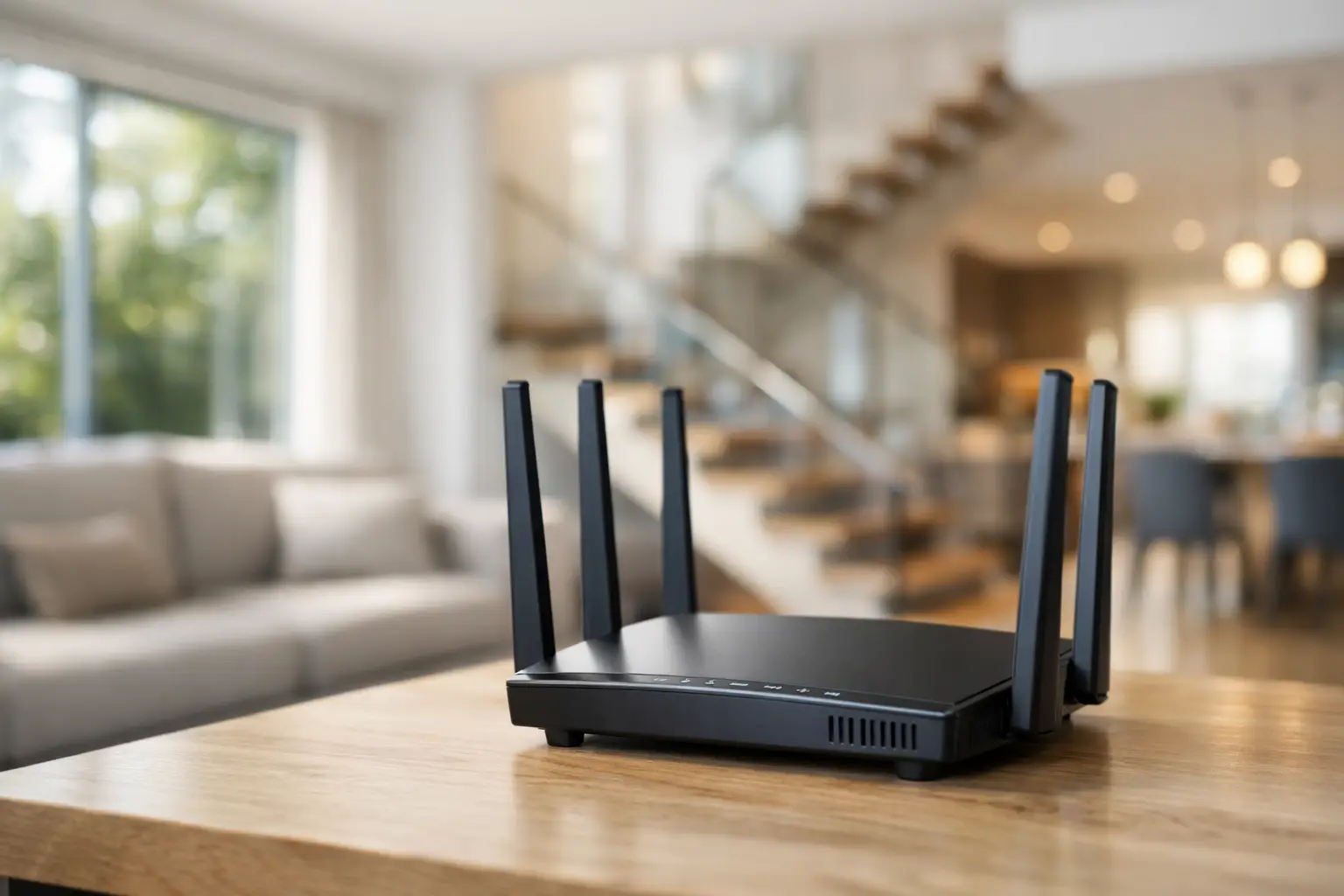
When the internet drops in your home office, in the upstairs TV room, or next to the safe room, it quickly becomes clear that not just any off-the-shelf router will suffice. Those looking for a recommended router for a large house need to consider coverage area, the number of users, wall types, internet plan speeds, and whether a Mesh system is a better option than a single router.
In a small home, many standard routers provide reasonable results. In a large home, however, the picture changes. The distance from the router, separate floors, concrete walls, safe room doors, and a high number of connected devices all place significant strain on the network. Therefore, the right choice doesn’t start with the question of "which is the strongest," but rather "what suits the home structure and actual usage."
How to Choose a Recommended Router for a Large House
The first parameter is coverage. Manufacturers like to boast impressive coverage statistics, but in reality, every home behaves differently. A single-story house with drywall will require a different solution than a duplex with an additional floor and concrete walls. If the router is hidden in a closed communication cabinet, even the most advanced model may deliver disappointing results.
The second parameter is the number of devices. An average family no longer connects only phones and a single computer. Today, there are smart TVs, consoles, cameras, tablets, laptops, smart home devices, and sometimes even a fixed work station. The more simultaneous connections, the more critical it becomes to choose a router that can manage the load without a sharp drop in performance.
The third parameter is the Wi-Fi standard. In most cases, Wi-Fi 6 strikes the right balance between price, performance, and future support. It handles busy environments better, offers higher efficiency in managing multiple devices simultaneously, and generally provides a noticeable improvement over older models. Wi-Fi 5 can still suffice at a lower budget, but in a large house with many users, it's best not to compromise if the goal is long-term stability.
Connection speed of the WAN and wired connections also matter. If you have a fast fiber connection, it’s essential to ensure that the router won’t become a bottleneck. Gigabit ports are nearly mandatory, and for higher ranges, there are already models with faster ports or advanced traffic management options.
Single Router or Mesh System
This is usually the most critical decision. Many customers looking for a recommended router for a large home assume that one strong model will solve everything. Sometimes that’s true, but not always. If it’s a relatively large apartment with a single floor and the router is centrally located, a high-quality single router might be sufficient. However, if the house is built on two floors or includes remote areas, a safe room, or a yard where stable reception is desired, a Mesh system is typically the better choice.
A Mesh system consists of a main unit and one or more additional units that intelligently expand coverage under the same network. This is preferable to a simple range extender, which often impacts performance or creates an inconsistent user experience. In a large house, the biggest advantage of Mesh is not just range, but stability when moving between rooms and the ability to serve more areas without reception "dead spots."
On the flip side, Mesh systems are more expensive. If the budget is limited and the house isn’t particularly complex, a high-level single router could be a better deal. Therefore, the decision should be based on the home’s architecture, not just the price tag.
The Specifications That Really Affect Performance
Not every high number on the packaging translates to better performance in a real home. First and foremost, check for support for Dual Band or Tri-Band. In most homes, quality Dual Band is sufficient. If there are many devices, heavy multi-user activity, or an advanced Mesh system, Tri-Band may help reduce load and improve performance.
A powerful processor and adequate memory are more important than most people think. A cheap router with basic specifications may handle regular browsing but could falter with simultaneous video calls, 4K streaming, gaming, and downloads. In a large home with heavy usage, choosing a mid-range model or higher is advisable, based not just on brand name but on the actual specifications.
The number of antennas doesn't tell the whole story either. Four antennas aren’t always better than two; internal design, hardware quality, and software significantly impact performance. It’s best to choose a model from a well-known series by a reliable manufacturer with clear specifications, proper warranty, and user-friendly management interface.
Those who work from home or game online should also pay attention to QoS, or Quality of Service, which manages traffic prioritization. This feature isn’t necessary in every home, but when there’s load, it can prioritize a work call, console, or specific computer.
When a Cheap Router Doesn't Really Save Money
It’s easy to be tempted by a basic model at a low price, especially if it promises attractive speeds on paper. In practice, in a large house, a weak router can cause ongoing problems—weak reception at the house's edges, disconnections, speed drops during peak hours, and daily frustration. In such cases, the upfront savings quickly become a double expense when an upgrade is needed again.
For this reason, it's better to match your purchase to your usage level. If there are several users in the house, smart TVs, constant streaming, gaming, or remote work, it’s advisable to steer clear of the lowest price category. You don’t have to buy the most expensive model, but you should choose a router or Mesh system from a well-known brand, with an updated standard and good load support.
Where to Place the Router in a Large Home
Even an excellent router will deliver mediocre results if it’s installed in the wrong location. The ideal position is relatively central, open, at a reasonable height, and as far from closed cabinets, thick concrete walls, microwaves, or electronic devices that create interference as possible. In a multi-story home, it's better to plan coverage strategically, not just think about a convenient connection point to the provider.
If you have a communication point only at one end of the house, the right solution might not be to switch to a "stronger" router, but to add a Mesh unit or use a wired connection between access points. This is particularly important in new homes, where sometimes preparation for multiple network points exists.
Who Should Consider Wi-Fi 6 and When to Consider Wi-Fi 7
For most buyers, Wi-Fi 6 is the practical choice. It offers significant improvements in efficiency, is compatible with a wide range of smartphones, computers, and smart home products, and is available today at a broader price range. If you’re looking for a reliable solution for the coming years, this is generally where to start.
Wi-Fi 7 is already appearing in more advanced models, but it’s not always necessary. It’s more suitable for those purchasing for the long haul, owning new supporting equipment, or wanting the absolute peak of performance. For a regular large house, you may not feel a difference that justifies the price gap. Sometimes it’s wiser to opt for a quality Mesh system with Wi-Fi 6 rather than a single router with Wi-Fi 7 that won’t adequately cover the entire home.
What to Check Before Buying
Before deciding on a model, take a moment to assess the lay of the land. The size of the house alone isn’t enough. It’s essential to understand if there’s one story or two, how many active users there are during peak hours, if there are problem rooms, and what type of dominant use exists in the home—regular browsing, working from home, gaming, streaming, or a combination of all.
It's also worth checking compatibility with the internet service provider and the existing infrastructure, especially if there’s a separate modem, fiber, or provider equipment that needs to be replaced or bypassed. Those who prefer better control over their home network will want a user-friendly management interface, a clear app, available firmware updates, and basic security options like guest networks and parental controls.
On a site like TopMarket, where you can compare specifications across categories, it’s easier to see whether you’re choosing a standalone router, a dual-unit Mesh system, or a more advanced solution for particularly loaded homes. This is the right way to shop—not based on a general promise of "maximum coverage" but based on real suitability to the area, speed package, and usage habits.
So What Truly Constitutes a Recommended Router for a Large House?
The short answer is that there isn't one model that fits all. A recommended router for a large house is one that provides stable coverage for your structure, supports the actual number of devices, complies with the latest standards, and does not falter under daily load. In some homes, this may be a strong Wi-Fi 6 router with good hardware. In others, particularly those with two stories or remote areas, the right option may be a Mesh system, even if the entry cost is higher.
If you make the right purchase the first time, you can save on many issues, disconnections, and unnecessary upgrades. It’s better to choose a solution that fits today's home and tomorrow's load so your network is not the weak link in your connected household.
- Smart Homes That Truly Fit Your Home and Budge
- <h1>Case Study: An Office Computer Upgrade That Saved Time and Money</h1>
- Recommended Gaming Mice for Large Hands: How to Choose the Right One
- When to Repair or Replace Your Computer Monitor: A Repair Shop’s Guide
- Video Editing Computer Buying Guide by Budge

