

 Install the app
Recommended Tablet for Students - How to Choose the Right One
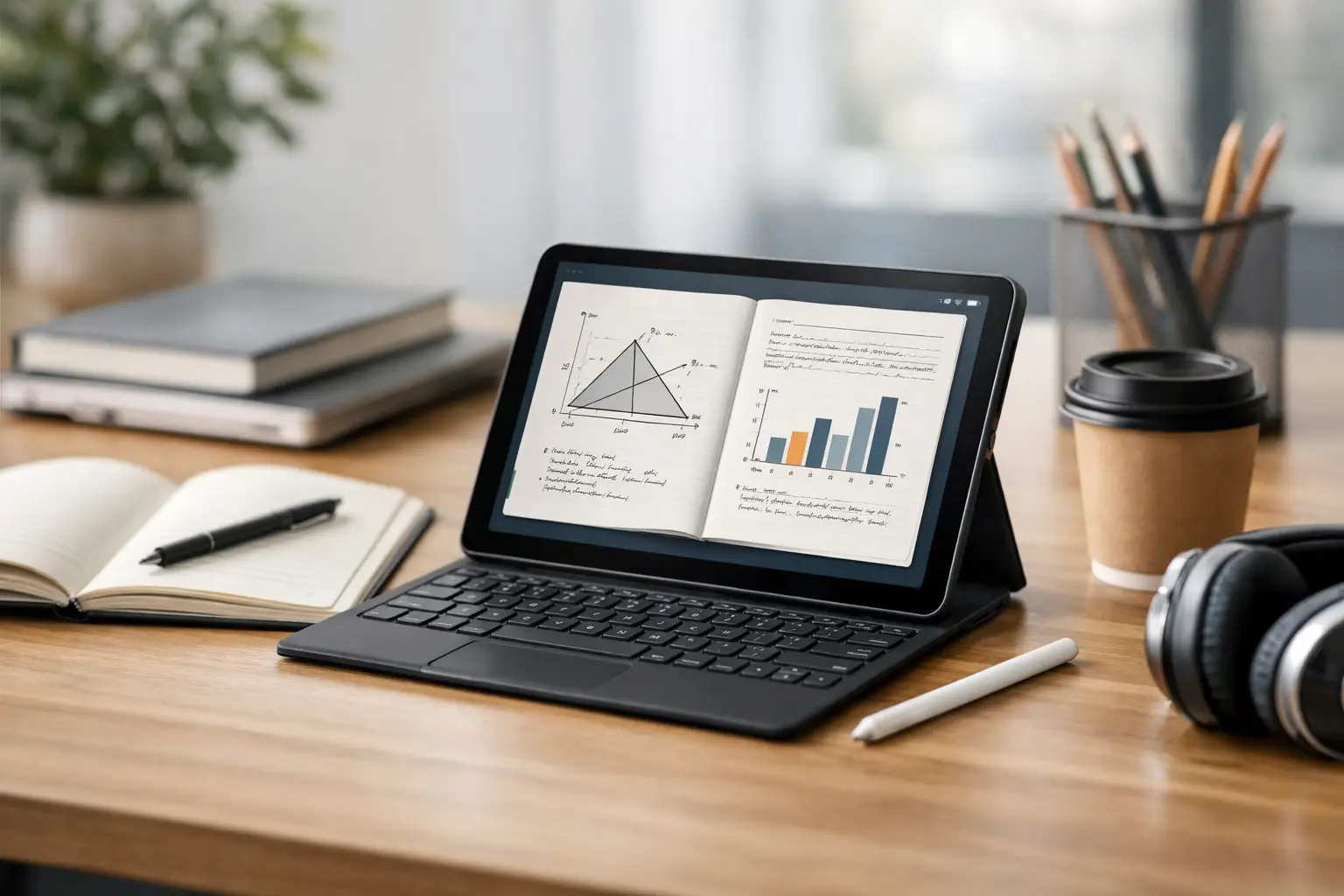
The lesson starts in five minutes, the lecturer's file is already open, and you need to quickly switch between handwritten notes, a PDF presentation, and Zoom. At this point, it becomes clear why the search for a recommended tablet for studies is not just a gimmick, but a purchasing decision that can influence your daily work comfort throughout the semester.
Today's students are not just looking for a small, portable screen. They need a device that can clearly display study materials, allow for comfortable writing, operate for hours without needing to charge, and integrate with applications, cloud storage, and accessories like a stylus or keyboard. Therefore, the right choice depends less on the category name and more on the actual way they learn.
How to Choose a Recommended Tablet for Studies
A common mistake is to start with the brand. A more effective approach is to begin with usage. A medical student reading articles and taking notes needs something different than a high school student primarily using Google Classroom, while a design student requires a completely different level of precision and performance.
Screen size is an important starting point. A 10 to 11-inch screen generally provides the best balance between portability and workspace. It easily fits in a bag, is comfortable for extended reading, and doesn't feel heavy after a full day of classes. A 12-inch screen or larger is more suitable for those who sometimes switch to a laptop, work with a keyboard, or split the screen among several applications.
Weight also matters. On paper, a difference of 100 to 150 grams doesn't seem dramatic. In practice, carrying the device daily along with a charger, books, and accessories makes the difference noticeable. Those who are often on the move will benefit from a light and slim tablet, even if it means slightly compromising on screen size.
Specifications That Truly Matter in Education
Not every technical specification equally affects the learning experience. Some components are indeed worth paying attention to, as they directly influence work speed and the device’s longevity.
Memory and Storage
For basic usage like browsing, documents, video, and PDFs, 4GB of RAM can suffice, but in the long run, it's better to aim for 6GB or 8GB if the budget allows. This is especially important if you work with several applications open simultaneously. For storage, 64GB is the minimum reasonable amount, while 128GB is often the most balanced choice. If there’s support for a memory card, that’s an advantage for those who store a lot of files locally.
Battery Life
In a tablet for studying, good battery life is not a bonus but a basic requirement. The goal is to get through a full school day without searching for a plug in the middle of campus. Ideally, look for a model that claims 9 to 12 hours of actual usage in typical work scenarios. If you spend a lot of time on Zoom or use high brightness, keep in mind that the result will be lower.
Screen Quality
Reading text for hours requires a sharp and bright screen. Good resolution, balanced colors, and sufficient brightness affect eye comfort more than any marketing claiming to offer an "optical experience." Anyone who reads many PDFs or articles will quickly realize if the screen is mediocre. If you have the option to choose between a basic panel and a higher-quality panel, that’s generally a place worth investing in.
Connectivity
USB-C is almost a must-have. It facilitates charging, connecting accessories, and sometimes connecting to an external display. Support for fast Wi-Fi and stable Bluetooth will make working with headphones, keyboard, and mouse much easier. A model with built-in cellular service may be suitable for students who are often outside their homes, but usually involves an additional cost that not everyone needs.
Stylus, Keyboard, and Operating System
When asking which tablet is recommended for studies, in most cases the real question is not just about the tablet itself but about the entire work environment.
A digital stylus changes the game for those who take many notes, solve exercises, highlight material, or draw diagrams. However, not all styli provide the same experience. There’s a difference between a stylus with low latency and good accuracy and a basic stylus that feels less natural. If writing by hand is a central part of your studies, don't consider the stylus as just an accessory.
A suitable keyboard is essential for those who type summaries, submit assignments, or regularly respond to emails. You can manage without a keyboard on a tablet, but if you end up writing a lot, a good keyboard can save frustration and turn the device into a more serious work tool. On the other hand, it also drives up the cost and adds weight.
The operating system determines which applications you'll get, how file management will work, and how comfortable multitasking will be. If you're already in a certain ecosystem - for example, a smartphone, storage, headphones, and a computer from the same environment - you might benefit from better connectivity between devices. But this doesn't always justify a higher price. If your use is simple, even a more balanced model can provide excellent value.
Choosing Based on Usage Type
A student who mainly needs to read materials, watch lectures, and occasionally write does not need a premium device. An intermediate tablet with a good screen, sufficient battery life, and stable performance will do the job well. Here, value for money is more important than top specifications.
Conversely, someone who works daily with handwriting, opens several files simultaneously, and uses an external keyboard needs a more powerful and precise model. In such cases, the difference between a smooth experience and a lagging device will be felt in almost every class.
Studying design, architecture, or content editing is a different story. A tablet can greatly assist in sketches, viewing, notes, and presentations, but it doesn't always replace a full computer. If heavy software or professional work is involved, it's important to understand whether the tablet is a primary device or a supplement. This distinction affects both budget and expectations.
Recommended Tablets for Studies Based on Budget
With a low budget, the goal is to achieve stability. Not peak performance, not a top-tier screen, but a device that performs daily tasks without significant delays. Here, it’s particularly important to check storage capacity, battery quality, and update support. Sometimes, an attractive sale price hides an older model or one that lacks stylus and keyboard support, making the savings less worthwhile.
With a medium budget, you start to see the best balance for most students. Here you can find tablets with higher quality screens, good performance for multitasking, and sometimes better accessory support. This is often the category where you get the best value for your money.
With a high budget, the advantages are mainly an improved long-term user experience - a better screen, a more accurate stylus, stronger performance, a thinner and higher quality body, and sometimes even advanced accessories. This is suitable for those who use the tablet as a central work tool, not just as a screen for viewing content.
What Not to Miss Before Buying
It's wise to check what’s included in the box. Many models are sold without a stylus, keyboard, or even a fast charger. The initial price might seem appealing, but when you add in everything you actually need for studying, the total amount changes.
Check the warranty, availability of accessories, and delivery time as well. When purchasing electronics for studies, especially before the start of a semester, these details are not trivial. A good shopping experience involves not just price, but also availability, service, and support when needed. That’s why many prefer to buy from a large retailer like TopMarket, where you can compare models, specifications, and price levels in one place.
Another important point is not to confuse a good tablet with one that suits you. A certain model may look excellent on paper, but if it’s too heavy, too expensive, or doesn’t comfortably support your working style, it simply isn’t the right choice.
When to Prefer a Laptop Over a Tablet
There are cases where a tablet is not the recommended solution. If your primary use involves extensive typing, working with heavy office software, advanced file management, or using professional software, a laptop will still be a more convenient choice. A strong tablet with a keyboard can come close, but it doesn’t always offer the same cost-effectiveness.
On the other hand, if you're looking for a quick open device, comfortable for reading, excellent for writing with a stylus, and truly portable for an entire day, a tablet is an excellent fit for student life. Not because it replaces every computer, but because it effectively meets the actual needs in classes, libraries, and on the go.
The right choice starts with the simplest question - how do you really learn, not how you would like to learn. When answered honestly, it's much easier to find a tablet that delivers real value from day one.
- How to Choose a Wireless Network for a Retail Store?
- Smart Homes That Truly Fit Your Home and Budge
- <h1>Case Study: An Office Computer Upgrade That Saved Time and Money</h1>
- Recommended Gaming Mice for Large Hands: How to Choose the Right One
- When to Repair or Replace Your Computer Monitor: A Repair Shop’s Guide

