
How to Choose a Laptop Repair Service
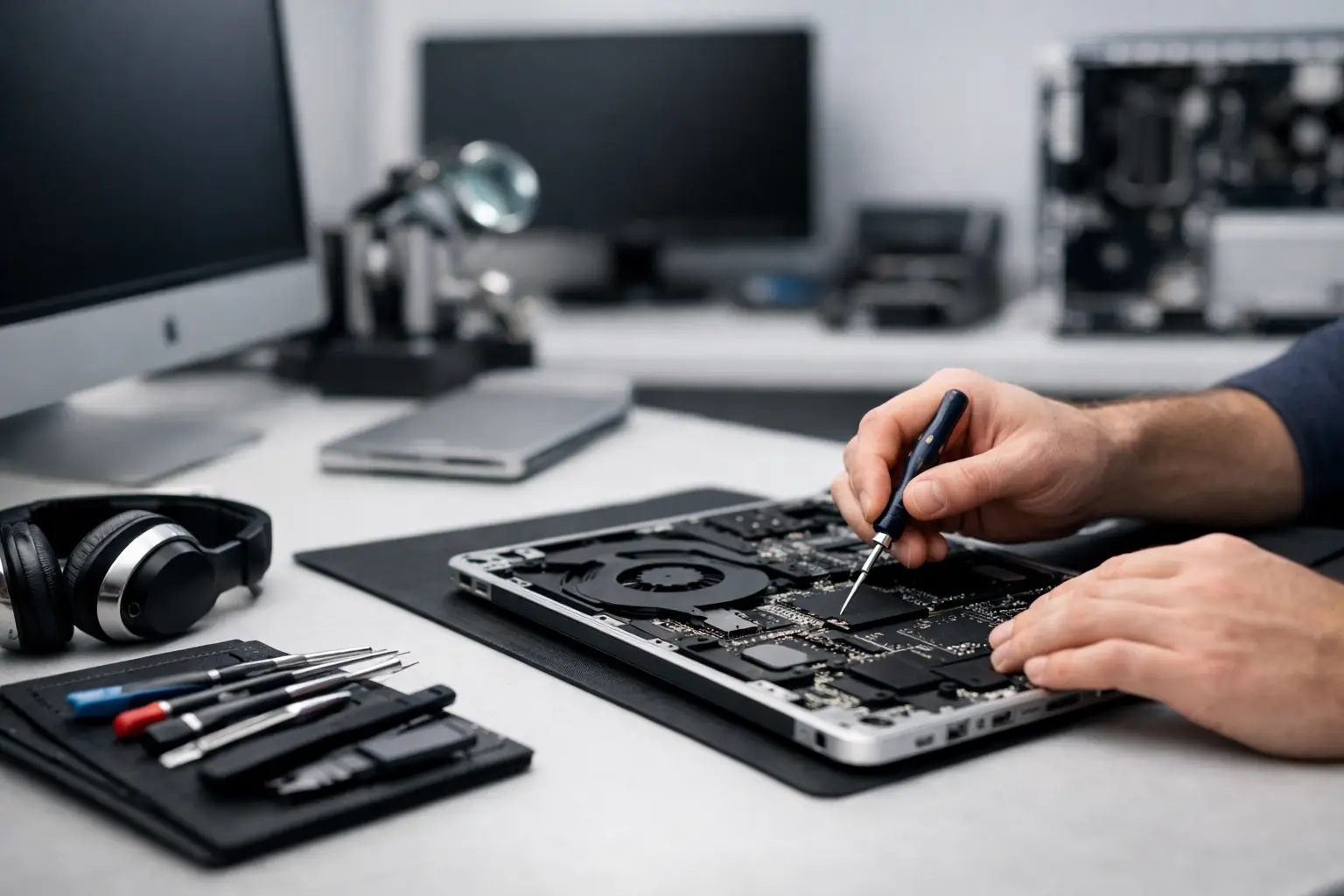
A laptop that starts to act up doesn’t always need a complete replacement. Sometimes, it’s just a tired battery, a loose charging port, a blocked fan, or a drive nearing its end of life. In these cases, choosing the right laptop repair shop can save you considerable money, time, and data loss—but a hasty choice can be costly.
When Do You Actually Need a Laptop Repair Shop?
Not every malfunction justifies an immediate trip to the repair shop, but there are signs that warrant prompt action. If your laptop shuts down unexpectedly, won’t charge, overheats excessively, displays a black screen, makes strange noises from the drive, or simply runs very slowly despite basic maintenance, it generally requires professional diagnosis.
There are also less dramatic yet still significant cases. A non-responsive keyboard, a loose screen hinge, a cracked panel, an unrecognized camera, or Wi-Fi that keeps disconnecting—these issues can hinder daily use, especially if the laptop is for work, study, or gaming. When there’s a real dependency on the laptop, the turnaround time from the repair shop is almost as important as the price.
What to Check Before Submitting a Laptop for Repair
The most common mistake is to focus only on price. A low quote sounds appealing, but without understanding what it includes, which parts will be installed, and what happens if the issue recurs, it’s hard to know if it’s truly a worthwhile deal.
First and foremost, check if the shop performs a proper diagnosis. A good diagnosis isn’t limited to “it’s probably the battery.” It should differentiate between a specific issue and a broader problem with the motherboard, power system, or storage. In laptops, similar symptoms can stem from entirely different reasons. For instance, a laptop that won’t power on could have a faulty charger, a damaged charging port, a short battery, or motherboard damage.
An essential second point is transparency. A professional repair shop should clearly explain what the issue is, the labor costs, the price of parts, the estimated repair time, and if there’s a warranty. If the answers are too vague or if they try to push for a repair before a clear diagnosis, it’s a sign to pause.
Original, Compatible, and Alternative Parts
This is one of the issues that most significantly affects price, but also the outcome. For some repairs, you can choose between original parts, high-quality compatible parts, or a cheaper alternative. The difference isn’t always just in the brand name. It can impact battery life, display quality, charging stability, and even the laptop’s temperatures.
With batteries, screens, and chargers, quality disparities are quickly noticeable. If it’s an expensive business laptop, workstation, or gaming laptop, it’s generally not advisable to compromise on an unknown component. On the other hand, for an older laptop intended to last another year or two for basic use, sometimes a good-quality compatible part is a sensible cost-benefit decision.
Therefore, it’s crucial to explicitly ask which part is being installed. Don’t just ask if it’s “new,” but whether it’s original, compatible, refurbished, or salvaged. This straightforward question clarifies everything before making a decision.
Repair Time is Not a Trivial Matter
For someone who works with a computer every day, a day without it is a loss. A student in mid-semester, a small business owner, a graphic designer, or an IT professional isn’t just looking for a repair—they’re seeking a swift return to routine. Therefore, repair times should be part of the consideration from the very first conversation.
Certain repairs can be done fairly quickly, such as replacing an SSD, upgrading memory, cleaning the cooling system, or replacing a battery in common models. On the other hand, motherboard repairs, screen replacements in less common models, or damage from liquid spills might take longer, especially if parts need to be ordered.
A reputable shop won’t promise unrealistic timelines just to close a deal. It’s better to provide an accurate and conservative response than to make a “tomorrow” promise that turns into a week.
Repair or Upgrade - Not Always the Same Decision
Sometimes a client comes in due to an issue, but the truly cost-effective solution is an upgrade. A laptop that feels very slow doesn’t always need a motherboard or complete system replacement. If the problem is an old mechanical drive, low memory, or a cluttered operating system, upgrading the SSD and adding RAM could significantly boost performance at a reasonable cost.
Conversely, there comes a point when repair isn’t economical. If it’s an old laptop with a weak battery, a damaged screen, a broken hinge, and limited performance, ongoing investments in repairs might not be as worthwhile as purchasing a new laptop. Here, it’s important to get an objective recommendation, not one aimed at making a sale at all costs. A genuinely professional approach knows when it’s best not to repair.
Backing Up Data Before Repair
This is one of the most sensitive points. Any repair related to storage, the motherboard, or the operating system carries a certain risk to data. Sometimes the risk is low, but it exists. Photos, work documents, study files, projects, saved passwords—all are more valuable than any screw in the laptop.
If the laptop is still accessible, it’s wise to back up before handing it over. If not, it’s essential to ask if the shop provides data preservation, basic data recovery, or drive replacement without deleting existing data. Not every shop specializes in this to the same degree. In the case of a failing drive, any extra operation could worsen the problem.
Those who handle business files or sensitive material should also seek clarity regarding privacy. Who accesses the computer, is there a structured work procedure, and what happens if a system check requires access to the user account? This is not an exaggerated question but a natural part of professional service.
Warranty is a Serious Test of Reliability
A laptop repair shop that doesn’t provide a clear warranty leaves the customer without a basic layer of protection. The warranty should specify what exactly is covered—the labor, the parts, or both—and for how long. It’s also crucial to understand what is not covered, such as new physical damage, further liquid ingress, or issues unrelated to the original repair.
A warranty doesn’t mean that every future issue is the repair shop’s fault, but it does convey confidence in the work. If the replaced screen starts flickering a week after installation, or if a new charging port fails shortly after repair, there’s no need to start an argument from scratch.
How to Identify a Shop Suitable for Both Private Clients and Businesses
There’s a difference between casual home computer repairs and handling work equipment. A business client or small office usually requires higher availability, handling of multiple models, organized documentation, and sometimes an option for recommendations on whether to repair, upgrade, or replace. If several computers are in an organization, the cost of downtime is nearly as important as the cost of repair.
Private clients also benefit from this approach. A shop that operates systematically, with clear diagnostics, defined parts, and a consistent service process, generally provides a more reliable experience. This is especially true for common brands, premium thin laptops, gaming laptops with complex cooling systems, or mobile workstations with expensive hardware.
When to Consider Alternatives to Purchasing a New Laptop
If the cost of repair approaches the price of a comparable or better alternate laptop, it’s wise to pause and reassess. The question isn’t just how much it will cost to repair today, but how long the laptop will last after the repair, whether it will continue to meet your needs, and if there are limitations that won’t go away even after the issue is addressed.
For example, if you need to replace the screen, battery, and keyboard on an old basic laptop, investing in a new laptop might yield better returns. On the other hand, with a high-quality laptop featuring a powerful processor, good screen, and sturdy build, targeted repairs can still be a very sensible step. Anyone who purchases computing equipment wisely knows that the right question isn’t just “how much does it cost,” but “what do I get after that?”
Questions to Ask Before Approving the Repair
Before approving any work, it’s wise to clarify several details: what the diagnosed issue is, the estimated final cost, which specific part will be installed, how long it’s expected to take, whether data is preserved, and what the warranty conditions are. If there are multiple options—such as basic repair versus a broader upgrade—ask to understand the benefits of each option.
This isn’t an interrogation, but rather smart consumer practice. Just as one examines specifications before buying a laptop, the repair proposal should also be scrutinized before approval.
In a market with plenty of options, choosing the right shop depends on a combination of professionalism, availability, transparency, and fair pricing. Those who approach the process systematically will reduce the odds of surprises and improve the chances that the laptop will function properly—without paying for what isn’t actually necessary.
- Setting Up a Dual Workstation for Efficient and Comfortable Work
- How to Choose a Mechanical Keyboard for Work, Gaming, and Typing
- What Charger is Right for Your Phone? Here's How to Choose Wisely
- Guide to Buying a Security Camera for Home, Business, and Outdoor Use
- Tablet Repair Lab - When to Repair and When to Replace?
- 5 Akhad Ha'am St., Netanya, Israel

- Phone: +97298821001
- Sunday - Thursday: 11:00 - 24:00
Friday: 11:00 - 16:00
Saturday and holiday: 20:00 - 24:00 - Contact us form

© 2002 - 2026 TopMarket.co.il - Powered by AnyWeb.co.il
