

 Install the app
Powerful Laptops for Video Editing - What to Choose
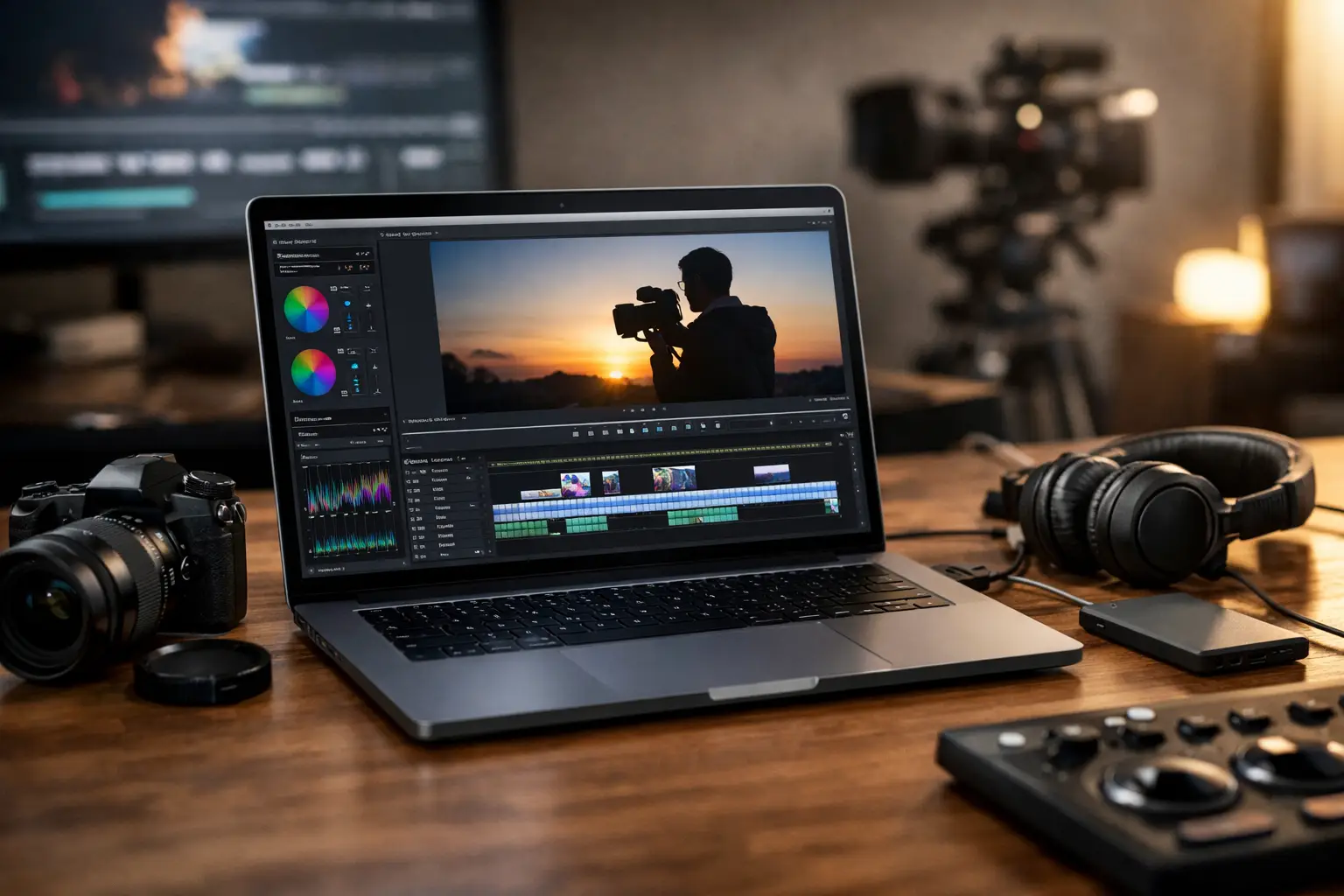
If your 4K timeline freezes just as you're finalizing a version for a client, you don't need "just another decent laptop" – you need powerful laptops for video editing that can handle real workloads. The difference between a computer that looks impressive on paper and one that truly fits editing needs is especially notable during rendering, previewing, working with effects, and maintaining heavy projects without overheating or throttling.
What Really Matters When Choosing Powerful Laptops for Video Editing
In video editing, no single component reigns supreme. The CPU, GPU, memory, storage, and display work together; if one is too weak, the entire system feels sluggish. Thus, it's unwise to decide solely based on a single spec like "i7" or "RTX" without considering the rest of the specifications.
The CPU influences overall workflow, encoding, handling large source files, and stability under prolonged loads. Generally, those working in Premiere Pro, DaVinci Resolve, or After Effects benefit from the latest Intel Core i7, Core i9, AMD Ryzen 7, or Ryzen 9 processors. If your work involves compositing, color correction, or multi-layer projects, aim higher and don’t settle for entry-level models.
The GPU is no longer exclusively for gaming. In many editing software, it enhances effects acceleration, color processing, smoother playback, and export times. For serious users, it's advisable to seek at least a dedicated GPU from the NVIDIA GeForce RTX series or other robust professional alternatives, rather than relying on integrated graphics for regular work instead of occasional edits.
Memory is more crucial than many think. While 16GB RAM might suffice for basic to medium projects, anyone working with 4K, multitasking with Photoshop open, or using After Effects will quickly appreciate the advantages of 32GB. In some systems, memory is soldered to the motherboard, so it's essential to check in advance if upgrades are possible or to purchase wisely from the start.
Recommended Specs Based on Type of Work
Not every video editor needs an expensive mobile workstation. If you're editing short videos for social media, recorded lessons, interviews, or basic marketing content, a solid mid-range laptop can do the job. In such cases, aim for a Core i7 or Ryzen 7 processor, at least 16GB of memory, a fast 1TB SSD, and a decent dedicated GPU.
Conversely, if you are working on weddings, commercial projects, 4K video, log files, effects, color corrections, or multi-camera editing, consider stepping up to a higher category. Here, it’s better to seek 32GB of RAM, a more powerful GPU, a good cooling system, and a more accurate display. Those trying to cut too many corners in this specification usually pay in terms of time, delays, and frustration.
Working in 6K or 8K, consistently using RAW, or combining editing with animation and VFX demands a computer with very high performance. Not every slim and elegant model is built for this. Sometimes, a slightly thicker computer with better cooling and higher power consumption can provide far better results than a lightweight and thin machine that looks great in a bag but loses power under load.
The CPU - Not Just the Model Name
Two computers with the same series name won’t necessarily yield the same results. There is a difference between processors from the new generation and older ones, and there's also a distinction between versions designed for energy savings and those aimed at performance. Therefore, it's wise to check not just if it says i7, but which generation, how many cores it has, and what the performance level is under prolonged loads.
For those working long hours, maintaining performance over time is also vital. A computer that accelerates well for a minute and then quickly throttles due to heat will feel slower than a balanced machine with good cooling.
GPU - When It’s Critical
If most of your work consists of basic cuts and exports to light files, there’s no need to chase after the most expensive GPU in the catalog. However, once you start dealing with color grading, complex video transitions, masks, effects, digital noise, AI features, and high-resolution displays, the GPU clearly makes a difference.
Video memory size is also important. Heavier projects work better with a GPU that has sufficient VRAM, especially in Resolve. This doesn’t mean everyone needs a top-end model, but it’s worth being cautious of specifications that look good on paper but come with a too-basic GPU for professional work.
Display, Color, and Work Comfort
A laptop for video editing is not just measured by what happens inside the casing. The display is your workspace, so attention should be paid to size, resolution, brightness, and color accuracy. A 15.6-inch display is a good midpoint for most users, while a 16-inch offers a more comfortable workspace for timelines and panels. A 14-inch may suit those who greatly value portability, but it's less comfortable for long editing sessions.
QHD resolution or higher can enhance sharpness and comfort, but even quality Full HD with good brightness and acceptable color coverage can still serve well, especially if you sometimes work with an external monitor. Those involved in color correction or production for clients should favor a panel with excellent color coverage rather than choosing solely based on refresh rate or aesthetics.
The keyboard, touchpad, port placement, and build quality also impact usability. Those working on location, moving between studios, offices, and shoots, need a computer that feels reliable, not just powerful.
Storage and Connectivity - A Section That’s Easy to Overlook
Video editing quickly consumes storage space. A 512GB SSD can fill up quickly after a few projects, cache files, proxies, and exports. In most cases, 1TB is a more comfortable baseline, and regular users will prefer even more or combine it with fast external storage.
The speed of the drive also affects actual work performance. A fast NVMe SSD is significantly better than slower solutions, especially when opening large projects or working with heavy source files. If there’s an option for two drives or future upgrades, that’s a real advantage rather than a marginal bonus.
In terms of connectivity, check for sufficient fast USB ports, an HDMI output if you need immediate connection to a display, and sometimes a card reader will be very useful for photographers and content creators. Adapters solve part of the issue, but it’s easier to work with connections that match your equipment from the start.
Gaming Laptop, Workstation, or Content Creator Laptop
This is a recurring question, and rightly so. Strong gaming computers can be an excellent choice for video editing because they offer a powerful GPU, good processors, and relatively competitive pricing. The downside is that sometimes they are heavier, noisier, and less accurate in the display from the box.
Laptops aimed at content creators strive to provide a better balance between power, display quality, portability, and aesthetics. They suit those who work with clients, travel often, and desire a more professional feel. Mobile workstations are suitable for users who require stability, specific hardware certifications, and performance for extended loads, but the price is usually higher.
Thus, the right choice depends less on the category name and more on your specific use case. On a site with a wide selection like TopMarket, comparing series and models is more important than the marketing label on the product.
Common Buying Mistakes
The first mistake is to buy based solely on the CPU. The second is to choose 16GB RAM in a computer that cannot be upgraded, despite actual use increasing within a few months. Another common mistake is getting lured by an ultra-thin model with strong specs on paper without checking how it handles heat and noise.
Another frequent error is to invest heavily in the CPU and GPU, only to end up with a weak display or too small a drive. In a video editing computer, proper balance is worth more than one flashy component.
How to Choose Correctly According to Budget
If the budget is limited, it’s better to focus on performance and forgo design luxury. A computer with good cooling, 16GB or 32GB of RAM, a 1TB SSD, and an appropriately tiered dedicated GPU will serve you better than a sleek premium laptop with compromises in hardware. If the budget is more flexible, it’s worthwhile to invest in a quality display, generous storage, and build quality that will last for years of work.
It's also wise to think a year ahead, not just about the next project. If you are working on 1080p today but plan to move to 4K, buying at the minimum threshold isn't always a saving. Sometimes, a little extra budget now prevents early replacements later.
Ultimately, a good video editing computer isn’t the one with the longest spec list, but the one that truly fits your files, software, and workflow. If you choose based on real usage rather than buzz, you’ll find a system that works faster, remains relevant longer, and gives you fewer reasons to wait on progress bars.
- How to Choose a Wireless Network for a Retail Store?
- Smart Homes That Truly Fit Your Home and Budge
- <h1>Case Study: An Office Computer Upgrade That Saved Time and Money</h1>
- Recommended Gaming Mice for Large Hands: How to Choose the Right One
- When to Repair or Replace Your Computer Monitor: A Repair Shop’s Guide

