
What Charger is Right for Your Phone? Here's How to Choose Wisely
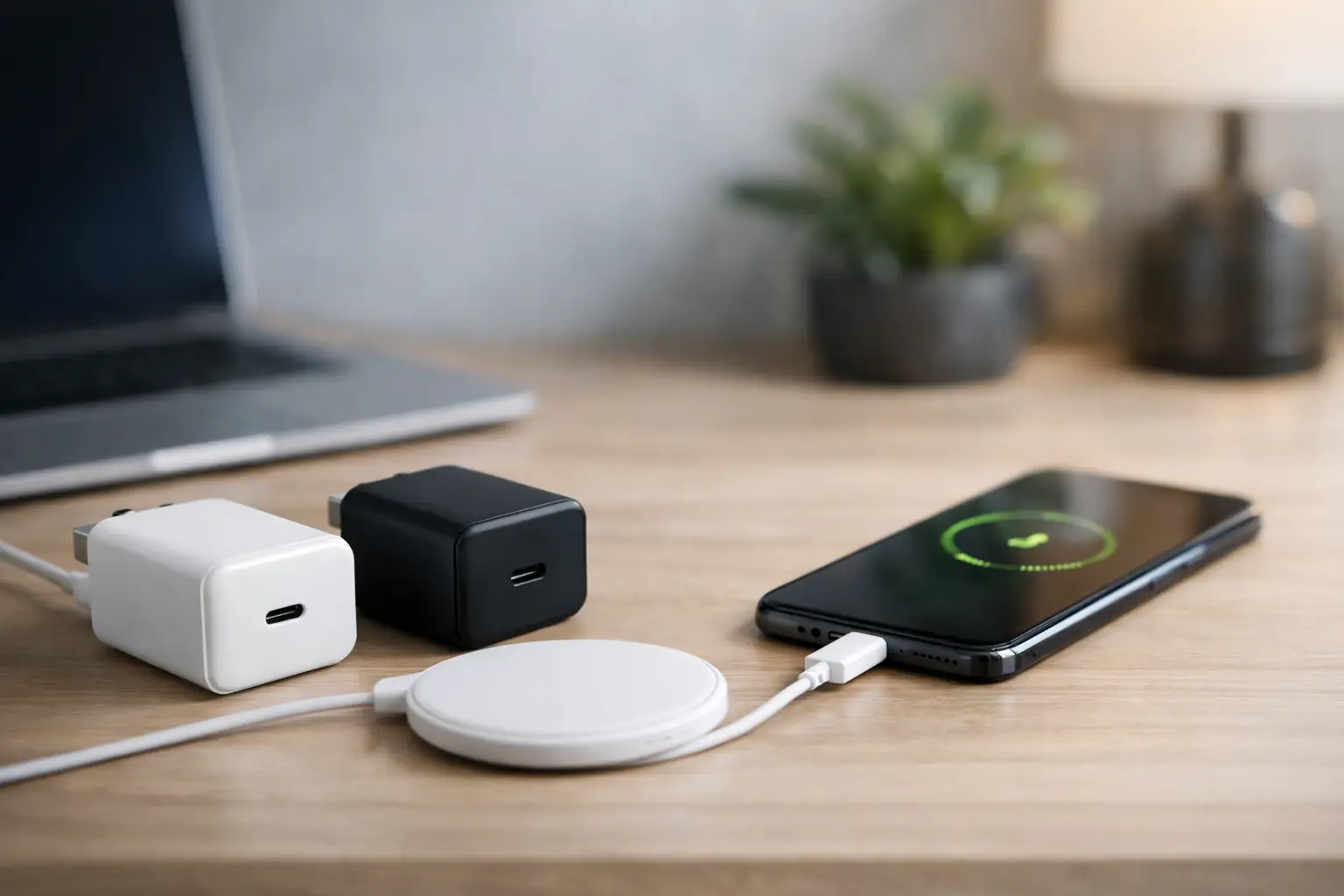
The phone is charging slowly, the old charger overheated, or the charger that came with a previous device has simply disappeared. This raises the question: What charger is suitable for the phone? The answer is not simply "any charger with USB." An unsuitable charger may not necessarily damage the device, thanks to the protective mechanisms present in most new phones, but it can definitely charge slowly, not allow for fast charging, limit usage while charging, or cause unnecessary heating.
The right choice starts with understanding three key data points: the type of connection the phone uses, the power that the phone can accept, and the fast charging standard it supports. After that, it's essential to check the cable, the number of outputs, and the quality of the charger. This way, you purchase a product that fits your existing equipment and remains useful for future upgrades.
What charger is suitable for the phone based on the connection
Most phones sold today utilize USB-C. This is the small, reversible connector that can be plugged in from either side, and it's found in new Android devices and newer iPhone models. Older iPhone models use the Lightning connector, while older phones may utilize Micro-USB. Before purchasing, check the connection on the phone itself and do not rely solely on a previous charger or a cable found in a drawer.
It is important to distinguish between the charger's output and the end of the cable that connects to the phone. A modern wall charger may include a USB-C output, a rectangular USB-A output, or both. If the phone uses USB-C, the preferred choice is generally a USB-C charger with a USB-C to USB-C cable. For use with an iPhone that has a Lightning connector, a USB-C to Lightning cable is required if you want to take advantage of fast charging from a USB-C charger.
A USB-A to USB-C cable is still suitable for many situations, but sometimes it limits the power and compatibility with advanced charging standards. Therefore, when purchasing new chargers and cables, it’s wise to consider them as a system rather than two random products.
Power: How many watts does the phone really need?
Power is measured in watts, or W. Generally, a higher-watt charger does not "push" more power to the phone. The phone and charger communicate with each other to determine the appropriate power level. A device that supports up to 25W can connect to a high-quality 45W or 65W charger but will typically receive only up to 25W or the limit allowed by the device, cable, and standard.
Thus, it’s not always advisable to pay more for the highest power. If it's a basic phone or an older device, a charger of 10W to 18W may suffice for regular use. For most new phones, a charger of 20W to 30W provides a good balance of speed, price, and future usability. Certain models of Samsung, Xiaomi, OnePlus, and other manufacturers support 45W, 67W, 80W, or more, but sometimes charging at the maximum rate depends on brand-specific chargers and cables.
A 65W charger is a practical choice for those who want a single product for a phone, tablet, and sometimes a supporting USB-C laptop. For the phone alone, it may not necessarily charge faster than a 25W charger if the device doesn't support that. Its value lies in flexibility, especially in a household with various types of devices or at a workstation.
A simple example of verifying power
If the phone indicates support for fast charging of 25W, a USB-C PD charger of 25W to 30W along with a quality cable will usually be suitable. If the device supports 45W, it’s necessary to ensure not only that the charger offers 45W, but that it delivers the required voltage and current profile. In some cases, a general 45W charger may charge but not activate the manufacturer’s fastest charging mode.
The specifications on the manufacturer's website or in the device manual is the precise checkpoint. Look for terms like "Maximum charging power," "Fast charging," "USB Power Delivery," or power in watts. The information on the old charger's packaging can help, but it doesn’t always present the maximum charging capability of the phone.
Fast charging standards: PD, PPS, and Quick Charge
Power alone doesn’t tell the whole story. The charging standard determines how the charger and phone manage power delivery. The most common and flexible standard today is USB Power Delivery, or USB PD. It suits a variety of devices, including phones, tablets, headphones, portable consoles, and laptops.
PPS is an extension of USB PD that allows for finer adjustment of voltage and current. It’s particularly relevant in some Samsung devices and other phones, and is sometimes essential for achieving particularly fast charging. If your phone supports Super Fast Charging, it’s advisable to search the specifications for a charger with both PD and PPS, rather than settle for a general "Fast Charge" label.
Quick Charge is an older and widely used standard by Qualcomm, found in some Android devices and many chargers. A charger that supports both PD and Quick Charge offers a broader compatibility range, especially in households with devices from different generations. However, there’s no need to chase after every possible standard: choose first based on the requirements of the primary phone, and then for any additional devices you wish to charge.
The cable can be the bottleneck
A quality charger won’t rectify an old, cheap, or unsuitable cable for power. A faulty cable can cause disconnections, slow charging, overheating around the connector, or warnings about unsupported charging. With two-sided USB-C cables, there are significant differences in capability: a basic cable may suffice for regular charging, while a cable intended for 60W, 100W, or more is necessary for high-power chargers, laptops, and specific charging scenarios.
For a phone that receives up to 25W or 30W, a costly 240W cable is usually unnecessary. On the other hand, a cable with a clear specification, appropriate length, and reinforced connectors is a sensible investment. A length of one to 1.5 meters is comfortable for a desk or bedside, while a 2-meter cable is ideal when the outlet is far away—but it’s wise to choose a quality product to prevent performance and reliability issues.
If fast charging isn't working despite the charger appearing to be compatible, first swap the cable and check that the connections are clean. Compressed dust in the phone's port can prevent full contact. Do not use a metallic object to clean the port; it's better to seek professional cleaning or use a gentle, dedicated tool while the device is off.
One charger or a multi-port charger?
A single-output charger is a straightforward solution for a personal device, and often allows the maximum power to be available at all times. A charger with two or more outputs is suitable for a family charging station, an office, or while traveling when you want to charge a phone and headphones, or a phone and tablet from the same outlet.
Here, it’s crucial to check the total power output and the distribution of power between the ports. A charger marked as 65W does not necessarily provide 65W to each output simultaneously. It may be that when two devices are connected, the first output gets 45W and the second 20W, or there may be another distribution. The specifications should specify this explicitly. For a single phone, the important data is the power output of a single USB-C port. For multiple devices, check the scenario of simultaneous use.
GaN chargers are a good option for those seeking high power in a compact body. Gallium Nitride technology allows certain chargers to be smaller and more efficient, but this is not a necessity. A regular charger from a reputable brand, with clear standards and specifications, can also be an excellent choice.
Safety, quality, and warranty before price
A cheap, unbranded charger without a proper power rating or importer details is a saving that doesn't always pay off. A quality charger includes safety mechanisms against overheating, overcurrent, voltage spikes, and short circuits. It also maintains better stability during prolonged charging, especially when using the phone for navigation, video calls, or gaming while it's connected to power.
There's no requirement to purchase the original charger from the phone manufacturer. Chargers from reputable brands can be completely compatible and sometimes offer more outputs or more useful power. The condition is true compatibility with the specifications: USB PD or PPS as needed, appropriate power, compatible cable, and clear warranty.
Also, pay attention to heat. Mild warmth during fast charging is normal, especially when the battery is low or when the device is under load. Excessive heat, odor, repeated disconnections, or a loose plug are signs to stop using the charger or cable and check the equipment. Charging on a bed, sofa, or under a pillow is not recommended, as it prevents proper heat dissipation.
Before adding a charger to your cart
Check the phone model and its maximum power, identify the type of connection, and see if PD, PPS, or another standard is required. Then choose a cable that matches the power and connector. If you plan to charge a computer, tablet, or more than one device, check the actual power distribution and not just the large number that appears in the product title.
At TopMarket, you can compare wall chargers, cables, car chargers, and multi-port solutions by connection, power, and brand. The best choice is not necessarily the strongest charger, but one that provides your phone with the speed it knows how to utilize, with a proper cable and quality you can trust over time.
- What Charger is Right for Your Phone? Here's How to Choose Wisely
- Guide to Buying a Security Camera for Home, Business, and Outdoor Use
- Tablet Repair Lab - When to Repair and When to Replace?
- Guide to Choosing a Graphics Card Based on Usage and Budge
- Integrated Printer for Home and Small Business - How to Choose Wisely
- 5 Akhad Ha'am St., Netanya, Israel

- Phone: +97298821001
- Sunday - Thursday: 11:00 - 24:00
Friday: 11:00 - 16:00
Saturday and holiday: 20:00 - 24:00 - Contact us form

© 2002 - 2026 TopMarket.co.il - Powered by AnyWeb.co.il
