

Which Computer is Suitable for Programming Based on Development Type?
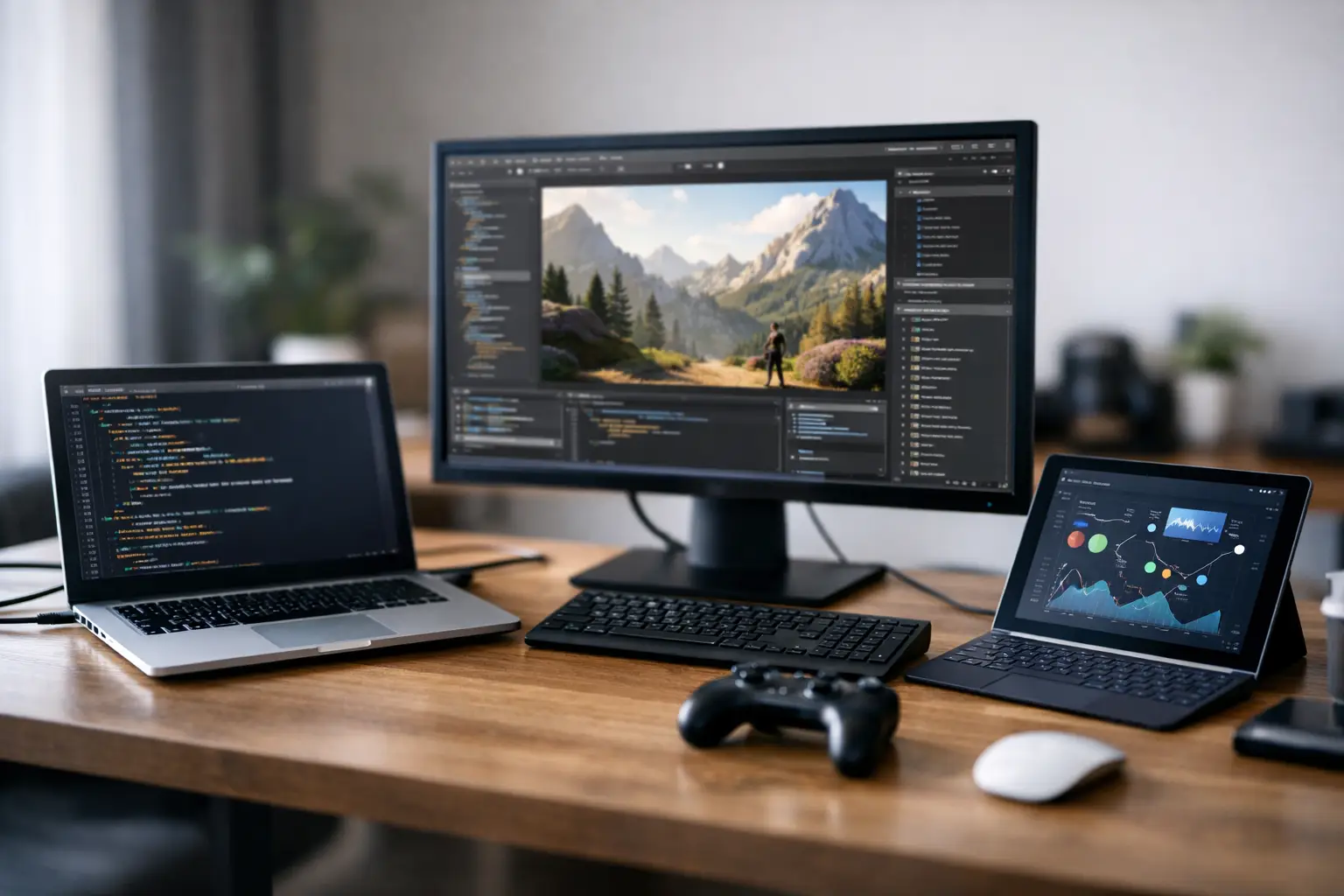
A small Python project can run well on a basic computer, but when you have dozens of tabs open in your browser, a development environment, Docker, a local database, and an emulator, the situation changes dramatically. The question of what computer is suitable for programming is not just about the brand; it’s also about the workloads you plan to handle. A well-chosen computer will save you waiting time, allow for continuous work, and remain relevant as your projects grow.
What computer is suitable for programming? Starting with development type
Not every programmer needs the same specifications. Basic web development, script writing, studying, and working with VS Code can be accomplished well on an entry-level modern laptop. In contrast, mobile development, working with virtual machines, compiling large projects, or running local models require a stronger CPU, more RAM, and sometimes a dedicated graphics card.
For beginners, students, and Front-End developers mainly working with JavaScript, HTML, CSS, Python, or PHP, aim for an Intel Core i5 or AMD Ryzen 5 from recent generations, 16GB of RAM, and a 512GB SSD. This is a balanced configuration that allows you to open a development environment, a browser, communication tools, and documentation without feeling that every action is slowing down your work.
Back-End developers working with Docker, local Kubernetes, development servers, databases, and multiple services simultaneously will benefit from a Core i7 or Ryzen 7 or higher, along with 32GB of RAM. Here, memory is as significant as the CPU: containers, virtual machines, and testing tools quickly consume memory, especially in enterprise projects.
The CPU: Cores, Performance, and Work Scenario
The CPU is the starting point, but there’s no need to chase after the most expensive model. A higher number of cores helps with running parallel tasks, compiling, and virtualization, but single-core performance is important for daily work in a development environment. Therefore, it’s usually better to go for a current-generation CPU or one from the latest releases rather than an older model with specifications that look impressive only on paper.
For general programming needs, a CPU with 6 to 8 modern cores provides a good work experience over time. For Android development, large C++ projects, Unreal Engine, game development, or running multiple virtual machines, it’s advisable to choose 8 cores or more. A laptop with an H or HS series processor will generally offer better performance than a particularly thin laptop but will be heavier, generate more heat, and may provide shorter battery life.
When selecting laptops, it’s also crucial to check the power envelope and cooling solutions. Two computers with the same CPU name can demonstrate vastly different performance if one is power-limited or includes a simple cooling system. For those working long hours under load, an enclosure with efficient ventilation is a practical advantage, not a trivial specification.
Apple Silicon or Windows?
Mac computers with Apple Silicon chips are especially suitable for iOS and macOS developers, as well as for those who prioritize portability, quality screens, and long battery life. They work well with common development tools, but before purchasing, ensure compatibility with specific tools, plugins, organizational environments, and software that runs only on Windows.
A Windows computer offers a wider range of manufacturers, configurations, and prices. It’s a natural choice for .NET development, working with enterprise software, CAD, gaming, and development that requires an NVIDIA graphics card. A Linux computer is an excellent option for server developers, DevOps, and cybersecurity professionals, but it’s best to check in advance for support with Wi-Fi, docking stations, and the desired peripherals.
How much RAM do you really need?
An 8GB RAM recommendation still appears on some budget computers, but for modern programming, it is only suitable for very light use. The operating system, browser, development environment, and communication tools can consume most of the memory before you even start running your project.
16GB is the right starting point for most users. It is a suitable volume for studies, web development, basic Python, Java, and office work simultaneously. 32GB is recommended for professional developers working with Docker, Android Studio, local databases, multiple projects, or virtual machines. 64GB is intended for heavier scenarios: game development, data, video, extensive virtualization, or local AI loads.
Before buying a laptop, check if the RAM is soldered to the motherboard or if there are expansion slots. A computer with 16GB that cannot be upgraded might be an excellent choice now, but less flexible two years down the line. In a desktop computer, it's usually easier to upgrade RAM, so starting with a balanced configuration and expanding as needed is often feasible.
Storage: Fast SSD is part of the performance
Differences in storage drive speed are felt every workday: booting up the operating system, loading a project, indexing files, installing libraries, and running development tools. Therefore, NVMe SSDs are the preferred choice in almost any programming computer.
512GB is a reasonable minimum. The operating system, development environment, project files, Docker images, SDKs, and backups accumulate faster than expected. A capacity of 1TB is recommended for those working on several projects, running virtual machines, or storing media files alongside development tools. In a desktop computer, combining a fast SSD for the system and projects with an additional drive for archiving can be a cost-effective solution.
Don’t choose a small drive under the assumption that “you can always delete.” Full storage impacts comfort and may also slow down certain operations. If the budget is limited, it may sometimes be better to compromise slightly on the graphics card or screen size rather than settle for an SSD that’s too small.
Do you need a dedicated graphics card for programming?
Most development work does not require a separate graphics card. The integrated graphics in modern CPUs are sufficient for web development, applications, database work, scripting, and server management. Choosing a computer without a dedicated GPU can lower the price, reduce weight, and improve battery life.
A dedicated NVIDIA card becomes relevant in game development, working with Unreal or Unity, 3D modeling, video editing, CUDA, machine learning, and running local AI models. In such cases, it’s important to evaluate not only the card’s name but mainly the amount of VRAM. A card with 8GB VRAM can suffice for many tasks, but more serious work with AI or complex scenes will benefit from 12GB and above.
It’s crucial to distinguish between professional needs and a general desire for a “powerful computer.” A graphics card raises the cost, power consumption, and heat. If it doesn't serve your type of development, it's better to allocate the budget to RAM, SSD, or a better screen.
Portable or Desktop: the choice impacts the entire specification
A laptop is suitable for students, hybrid work, meetings, and those needing to move between home, office, and studies. Look for a 14- to 16-inch screen, a comfortable keyboard, a decent camera, USB-C ports, and convenient charging capability. A 16-inch screen offers a more pleasant workspace for coding, but a 14-inch laptop will be lighter to carry.
A desktop computer provides more performance for each dollar, better cooling, and significant upgrade potential. It is particularly worthwhile for developers working from a stationary position, running long processes, or needing ample memory and graphics power. You can upgrade the drive, memory, or graphics card later instead of replacing the entire computer.
Even if you choose a portable computer, don’t neglect your workspace. An external screen with QHD or 4K resolution, a full-size keyboard, and a quality mouse can enhance productivity more than a small upgrade in the processor. Those who spend hours coding will immediately feel the difference in text size, workspace, and typing comfort.
Recommended specifications by usage level
For basic use and studies, look for Core i5 or Ryzen 5, 16GB memory, and a 512GB SSD. This is an efficient specification for general programming and daily use, provided it’s a modern CPU.
For professional multitasking development, opt for Core i7 or Ryzen 7, 32GB memory, and a 1TB SSD. This configuration is suitable for working with containers, databases, compilation, and heavy development tools without compromising workflow.
For game development, 3D modeling, and AI, choose an advanced CPU, at least 32GB RAM, a 1TB drive, and an NVIDIA graphics card with sufficient VRAM for the tools you’re using. There’s no single correct configuration here - requirements for Unity differ from those for local language models or large Unreal projects.
Before adding to cart
Check the operating system, exact CPU type, RAM volume and whether it's expandable, drive size, screen type, connections, and warranty conditions. For laptops, also consider weight, battery life, and port placement, especially if you’re using an external monitor or docking station. A promotional price is an advantage, but a specification that doesn’t fit your work routine will end up being more expensive in the long run.
At TopMarket, you can compare between laptops, desktops, workstations, monitors, and peripherals according to specifications and budget, making it easier to build a complete development setup rather than purchasing components that do not match each other. The right choice enables you to open your workspace, run your project, and focus on code - not on loading indicators, waiting for compilation, or running out of space on your drive.

