

High Refresh Rate Gaming Monitor Review
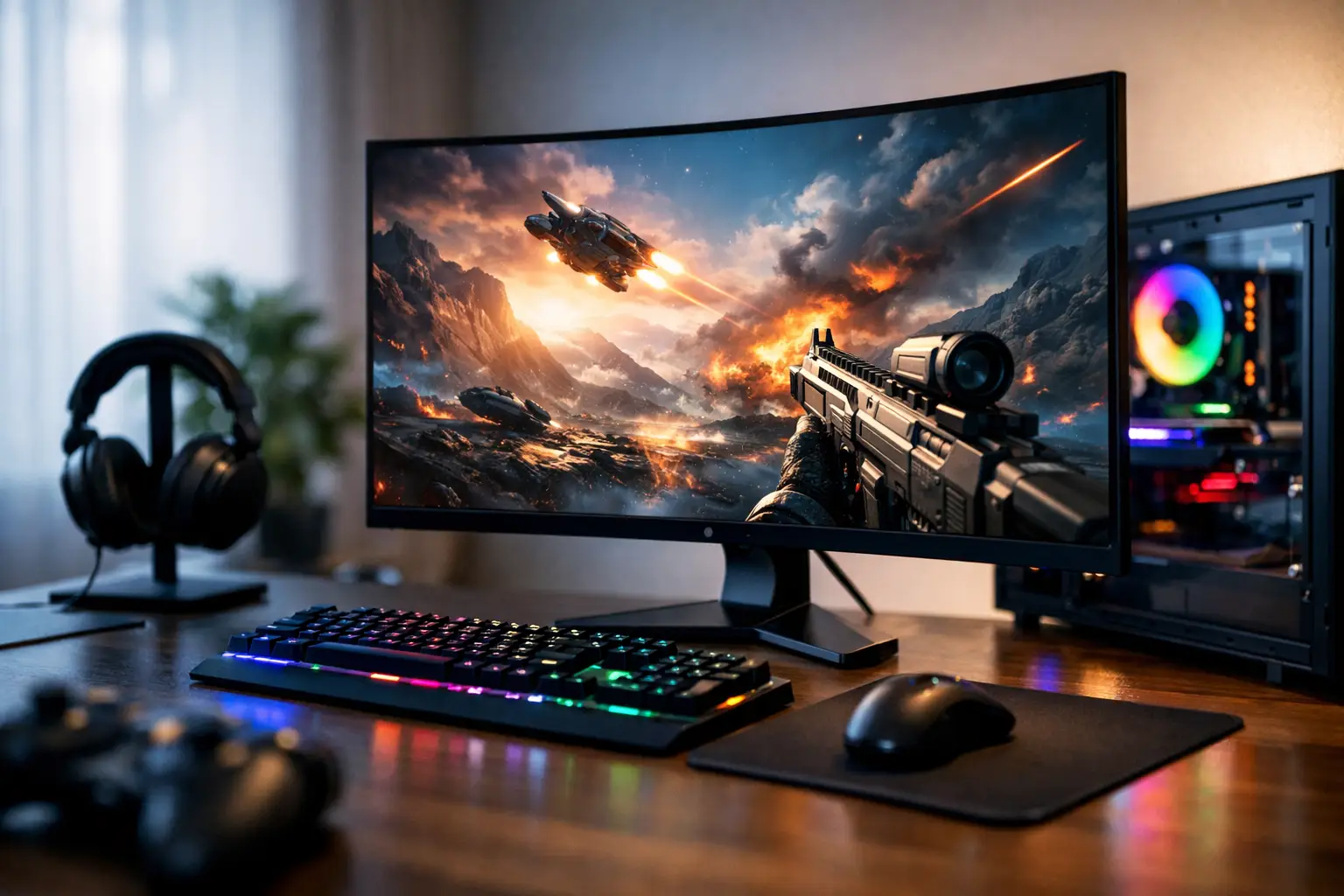
When upgrading from a 60Hz monitor to a faster one, the difference doesn't feel like a minor enhancement; it feels like a real transformation in gaming experience. The review of high refresh rate gaming monitors starts here—not just with the numbers on the box but with what you actually get for your money and which monitor truly suits your gaming style, graphics card, and budget.
Reviewing High Refresh Rate Gaming Monitors - What to Check First
The most common mistake is choosing solely based on the refresh rate. 144Hz, 165Hz, 240Hz, and even 360Hz sound impressive, but they don’t tell the whole story. A good gaming monitor needs to combine smooth motion, consistent response times, image quality, variable refresh rate support, and suitable connections.
For a competitive player, every millisecond matters more than black depth or color accuracy. On the other hand, those who also play single-player games, watch content, and work on their computers will notice if the picture is flat, if the viewing angles are poor, or if the brightness is insufficient. Therefore, it’s essential to choose a fast gaming monitor with everyday usage in mind.
144Hz vs. 240Hz vs. 360Hz
144Hz is still an excellent starting point for most gamers. It provides a significant improvement over 60Hz and typically comes at a more accessible price. The hardware requirements are also more reasonable—achieving 144 frames per second is easier than reaching 240 or 360.
240Hz is better suited for competitive FPS players, especially in games like CS2, Valorant, or Fortnite. When paired with a powerful computer capable of delivering high and stable frame rates, the transition from 144Hz to 240Hz is noticeable, particularly in terms of tracking targets and general responsiveness. However, the difference is smaller than that between 60Hz and 144Hz and may not always justify the price increase for every user.
360Hz targets a very specific audience. It’s particularly relevant for those playing competitively at a high level, with extremely powerful hardware and a high sensitivity to minute details in motion. For most buyers, it’s better to invest in a quality 240Hz monitor with a better panel, improved colors, and more extensive support rather than chase an extreme number.
The Panel Type Matters Just as Much as the Refresh Rate
In reviewing high refresh rate gaming monitors, the panel type is one of the most crucial differences between models.
IPS panels are the most balanced choice for most users. They offer good colors, decent viewing angles, and have seen significant improvements in response times in recent years. If you want a monitor for both gaming and general work, this is generally the safe direction.
VA panels typically excel in contrast and deeper blacks. This can look better in darker games or while watching content. On the flip side, some models may have more noticeable motion blur, especially in dark scenes. Therefore, VA can be very rewarding, but it’s important to check actual performance rather than just specifications.
TN panels are less common in newer categories but still exist in some competitive models. Their advantage lies in speed, while the downside is modest image quality. If the sole purpose is fast competitive gaming, this remains relevant. If you want a monitor for broader use, IPS is generally preferred.
True Response Time vs. Just a Marketing Figure
Many monitors advertise a 1ms response time, but it’s crucial to understand how that number is measured. Sometimes it involves aggressive testing conditions that lead to overshoot— a state where trails or halos appear around moving objects. This means that on paper, the monitor is fast, but in actual experience, it may appear less clean.
Therefore, looking for a balance is advisable. A monitor with slightly less aggressive response time but clean and consistent motion may be preferable to a model striving for an extreme figure at the expense of motion quality.
Resolution and Size - Finding the Right Balance
This is where budget and hardware considerations come into play. A 24-inch 1080p monitor with 240Hz is a classic choice for competitive gaming. It’s sharp enough at a normal viewing distance, relatively affordable, and eases the burden on the graphics card to maintain high frame rates.
In contrast, a 27-inch 1440p monitor has become an excellent balance for many buyers. The image is sharper, the screen real estate is more comfortable for work, and the experience in single-player games looks better. Choosing 165Hz or 180Hz at 1440p offers a very balanced package for general use.
4K at high refresh rates belongs to a more expensive category. It looks stunning but requires particularly strong hardware. For those without a high-end graphics card, it might be wiser to invest in a quality 1440p monitor than to choose 4K and compromise on gaming performance.
Adaptive Sync, G-Sync, and FreeSync
High refresh rate alone doesn’t solve everything. If the frame rate in a game fluctuates, screen tearing or stuttering can occur. This is where variable refresh rate support, such as FreeSync or G-Sync compatibility, comes into play.
In practice, it’s more important for most buyers that the monitor offers good support for a wide range of variable refresh rates rather than focusing on the exact name of the standard. A monitor with good Adaptive Sync implementation will provide a smoother experience even when not consistently hitting maximum frame rates.
This is particularly crucial for those buying a 165Hz or 240Hz monitor but also playing more demanding titles where the system doesn’t always maintain a steady number. In such cases, good synchronization makes a real difference day-to-day.
Image Quality - Not Just for Story-driven Gamers
There’s a tendency to think that color quality, brightness, and HDR are important only for movie watchers. In reality, even in competitive gaming, a monitor with good brightness, decent color coverage, and reasonable uniformity just looks better over time. Menus are clearer, the gaming environment is more pleasant, and general computer use improves.
With HDR, one should be cautious of grand claims. Not every monitor that proclaims HDR genuinely delivers a meaningful HDR experience. If there isn’t sufficient brightness or good control over lighting, it might merely be a specification checkbox. It’s better to treat HDR as a bonus unless it’s genuinely an advanced model.
Connections, Stand, and Ergonomics
These details are easy to overlook until you begin using the monitor in practice. If you’re aiming for high refresh rates at high resolutions, it’s crucial to ensure there are suitable DisplayPort or HDMI connections and that there’s no limitation on the full rate in the connection you’re using.
The stand is also essential. Height adjustment, tilt, and rotation are not luxuries, especially if you’ll be sitting in front of the monitor for hours. An excellent monitor with a basic stand may be less comfortable than a slightly less impressive monitor with better ergonomics. For those planning a VESA mount, it’s worthwhile to check compatibility in advance.
Which Range is Right for You
If you want a clear upgrade at a reasonable price, 144Hz or 165Hz at 1080p or 1440p will be the logical choice. If you regularly engage in competitive gaming with a powerful system, 240Hz starts to become truly relevant. If you know exactly why you need 360Hz, you probably already know what you’re doing.
The size of use matters too. For a small desk or close competitive gaming, 24 inches is still a great option. For mixed-use, 27 inches is often the most efficient solution. Ultra-wide monitors with high refresh rates can be very impressive, but not every competitive game utilizes them effectively, and they take up more space and cost more.
How to Compare Models Without Getting Lost
First, evaluate the combination of resolution, size, and refresh rate. Next, examine the panel, Adaptive Sync support, connections, and physical structure. Only at the last stage should you look at extras like RGB lighting, aiming modes, or built-in speakers, which usually have less impact on the actual choice.
Anyone purchasing a gaming monitor should also consider the system behind it. There’s not much logic in buying a 240Hz monitor if your graphics card struggles to reach 120FPS in the games you actually play. On the other hand, if an upgrade to the computer is planned anyway, it sometimes makes sense to invest in a monitor with future-proofing rather than just one based on current conditions.
On a site with a wide selection like TopMarket, the real advantage is the ability to compare brands, specifications, and price ranges without locking onto one model too early. When filtering correctly by use, resolution, refresh rate, and panel type, it’s much easier to see where the real value lies.
Reviewing High Refresh Rate Gaming Monitors - What’s Worth It Today
In most cases, the strongest value is found today in 27-inch monitors with a 1440p resolution and 165Hz to 180Hz with good IPS panels. This category delivers sharpness, speed, and overall usability. For more competitive gamers, 24 or 25 inches at 1080p with 240Hz remains a focused and smart choice.
If the budget is limited, it’s better to buy a quality 144Hz monitor with consistent performance than a cheap 240Hz monitor with a mediocre panel, weak stand, and less clean motion. If the budget is more flexible, it’s worth checking where the extra money truly makes a difference—not just in numbers, but in everyday usage, comfort, and image quality.
In the end, the right monitor isn’t the one with the most aggressive specifications but the one that best fits what you play, what your computer can deliver, and how many years into the future you want to be covered.

