

 Install the app
Home Photo Printer - How to Choose the Right One
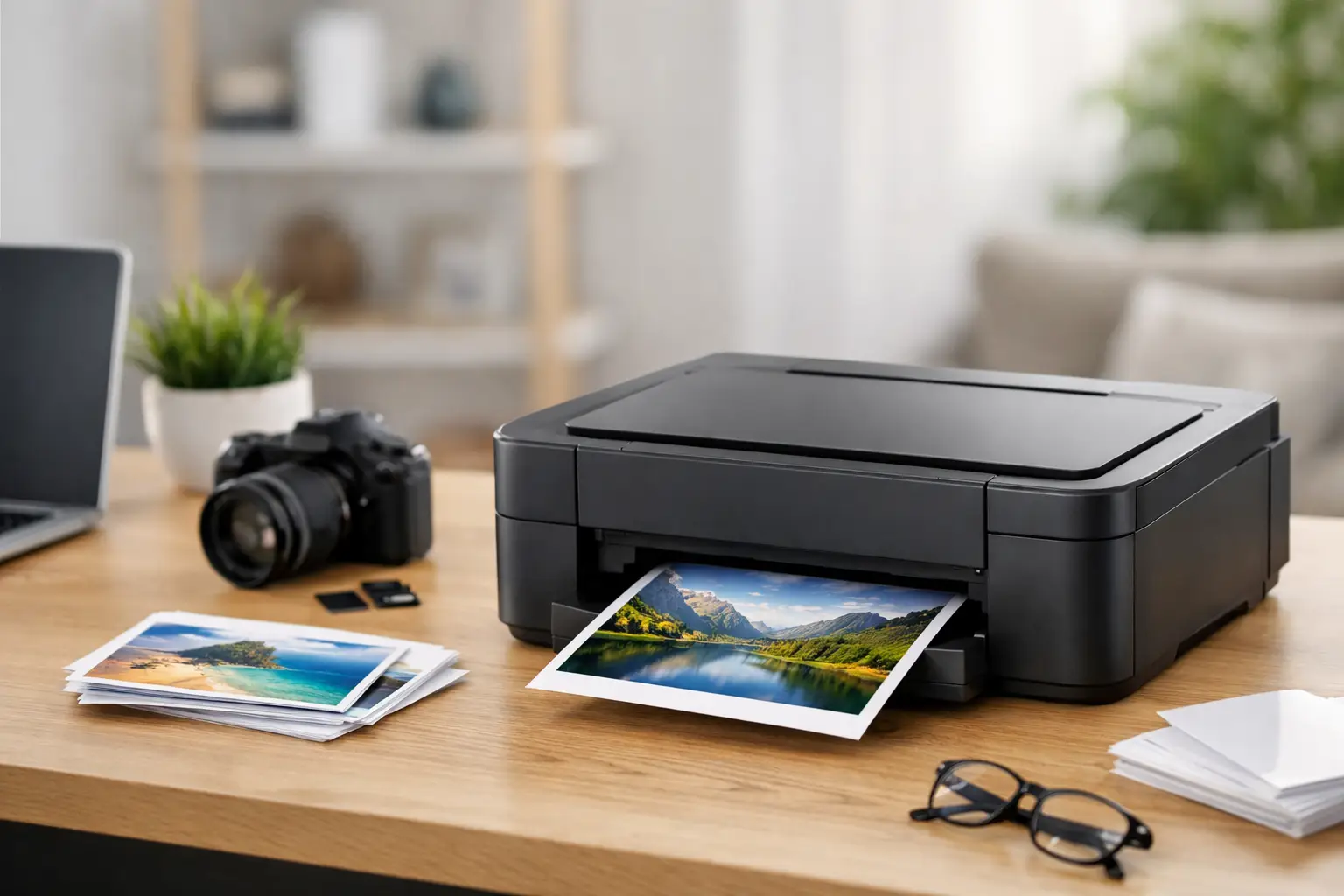
If your phone is overflowing with pictures of your children, trips, or family events, but nothing seems to leave the screen, a home photo printer could be a much more useful purchase than you might think. Not every printer that promises "color printing" is actually able to produce sharp images with accurate colors and lasting durability. Therefore, before choosing a model based solely on price, it’s essential to understand what truly affects the result and the ongoing costs.
Who Should Consider a Home Photo Printer
There’s a clear distinction between a user who prints a few photos for an album once a month and a household that regularly prints photos for birthdays, school projects, wall frames, and gifts for family members. A home photo printer is especially suited for those who desire immediate availability, control over the final result, and time savings compared to external printing orders.
On the other hand, it might not always be the right choice. If you're printing only ten photos a year, an external printing service could still be more economical. If you enjoy selecting, editing, and printing on-site to receive immediate results, there’s a clear advantage to a dedicated printer or a quality inkjet printer that supports photo paper.
Regular Printer vs. Dedicated Photo Printer
This is one of the first questions to resolve. An all-in-one home printer can handle documents, assignments, cards, and sometimes even photos at a reasonable quality. It’s suitable for those looking for a multifunctional solution without needing to have an additional device.
In contrast, a dedicated photo printer is almost exclusively for photos. In most cases, it will offer superior image quality in smaller formats, simpler operation from the phone, and sometimes even a compact design suitable for casual use in the living room or study. The downside is lower flexibility—it doesn’t necessarily replace a regular office printer.
If your usage is mixed, it’s better to check for a quality inkjet printer with an emphasis on photography. If the primary goal is to print photos regularly, especially in the 10x15 format, a dedicated model could be the more precise solution.
What Really Affects Print Quality
Resolution is just part of the story. Many buyers focus on DPI numbers and believe that this is the primary metric, but in reality, image quality also depends on the ink system, color accuracy, paper type, and the printer's processing algorithm.
Printers with more than one color cartridge, such as those adding dedicated photo shades, tend to produce smoother transitions, more natural skin tones, and skies that are less "pixelated." In a basic printer with a simple color array, images can still look decent, but you might see less depth and more color deviation.
Paper quality is also crucial. Even a good printer will yield mediocre results on plain paper. Glossy photo paper generally provides more vibrant colors, while matte paper suits those who prefer a calmer look with less glare. Those printing for frames or albums should check compatibility between the printer and various paper types, not just one basic product.
Cost Per Page - A Metric Many Buyers Overlook
The shelf price isn’t the true cost of the product. In a home photo printer, ongoing costs can completely change the feasibility of the purchase. A relatively inexpensive printer with expensive cartridges might end up costing more over time than a pricier model with lower printing costs.
It’s a good idea to check the prices of original cartridges, whether there are high-capacity ink tanks, and what the estimated output is. In certain printers, the initial investment is higher, yet those who print frequently will benefit from lower costs per photo. For those who print infrequently, it may sometimes not be worth paying for a low-cost system if the printer is hardly used most of the time.
Maintenance is also a consideration. Inkjet printers that are not used for prolonged periods may suffer from dried ink or clogged print heads, adding to costs and waste. Therefore, if you print very infrequently, it’s worth considering a model suitable for occasional use rather than focusing solely on maximum quality.
What Print Size Do You Really Need?
Most home users primarily print in 10x15, which is the classic size for albums, small frames, and gifts. In this case, a compact model designed for that specific format will suffice.
However, if you also want A4 prints, collages, creative pages for children, or wall-hanging photos, it’s important to choose a printer that supports a wider range of sizes. Here, a multifunction printer with good photo capabilities may be preferable to a small photo printer.
Those interested in more creative printing—like greeting cards, photo stickers, or scrapbook pages—should also look into supported media types, the maximum paper weight, and whether there’s convenience in feeding thicker photo paper.
Connectivity and Ease of Use
Today, in most homes, photos are stored on phones rather than computers. Therefore, wireless connectivity isn’t just a bonus—it’s almost a basic requirement. Wi-Fi support, a user-friendly app, and direct printing from smartphones make the entire experience quicker.
If the entire printing process requires manual file transfers, cumbersome installations, or cable connections each time, the printer is likely to see less use. In contrast, a model that allows you to select a photo from the gallery, make quick edits, and print within minutes offers significantly higher everyday value.
Some models even feature a built-in screen, a memory card slot, or support for direct printing from a camera. This is particularly relevant for those who use a dedicated camera and want a streamlined process without a computer in the middle.
When Is It Worth Investing More?
Not every home needs the most expensive model, but there are cases where an upgrade is indeed worthwhile. If accurate colors matter to you, if you print regularly, or if the photos are meant for framing rather than just momentary use—the quality of the mechanism and ink becomes noticeable.
Reliability is also a consideration. Purchasing a very cheap printer might seem economical at first, but if performance is inconsistent, cartridges run out quickly, or print quality is unsatisfactory, you'll soon find yourself searching for another solution. Making a smart purchase matters in the long run, especially for electronic devices meant for regular use.
How to Choose a Home Photo Printer Based on User Type
If you’re a family printing photos from events, holidays, and school projects, it’s probably best to choose a multifunction printer with good photography capabilities, A4 support, and wireless connectivity. This way, you’ll have both document solutions and convenient photo printing.
If you’re looking for a small, simple, and fast device to print photos directly from your phone, a dedicated model for standard photo formats will be easier to use and occupy less space. For photography enthusiasts wanting greater control over color tones, it’s better to prefer a more advanced model with an extensive color system and broad photo paper support.
For those working within a budget, the most important recommendation is not to focus solely on the purchase price. It's essential to look at the bigger picture—quality, consumable costs, size support, ease of operation, and brand reliability. Retail sites like TopMarket offer the advantage of comparing specifications, brands, and price levels all in one place, allowing you to choose based on actual needs rather than marketing headlines.
Common Mistakes to Avoid
The first mistake is buying a printer "because it's on sale" without checking the costs of ink. The second mistake is assuming that every color printer is suitable for quality photo printing. The third mistake is ignoring actual usage habits—the frequency of printing, image sizes, and whether most files come from the phone.
Another common mistake is forgoing proper paper. People invest in a good printer and then print on regular paper, getting disappointing results and blaming the device. In reality, the connection between printer, ink, and paper determines the final quality.
Before buying, it’s wise to ask three simple questions: How much do I print? Where do I print from? What results do I expect? The answers will guide you much better than any lengthy specification.
A home photo printer is not a luxury item for those who love photos—it’s a practical tool for anyone wanting to turn digital files into tangible memories without waiting and not compromising too much on quality. If you choose a model that fits your actual usage habits, you'll quickly discover that good home printing is not only more convenient but also more economical over time.
- How to Choose a Wireless Network for a Retail Store?
- Smart Homes That Truly Fit Your Home and Budge
- <h1>Case Study: An Office Computer Upgrade That Saved Time and Money</h1>
- Recommended Gaming Mice for Large Hands: How to Choose the Right One
- When to Repair or Replace Your Computer Monitor: A Repair Shop’s Guide

