

How Much RAM Does a Gaming PC Need?
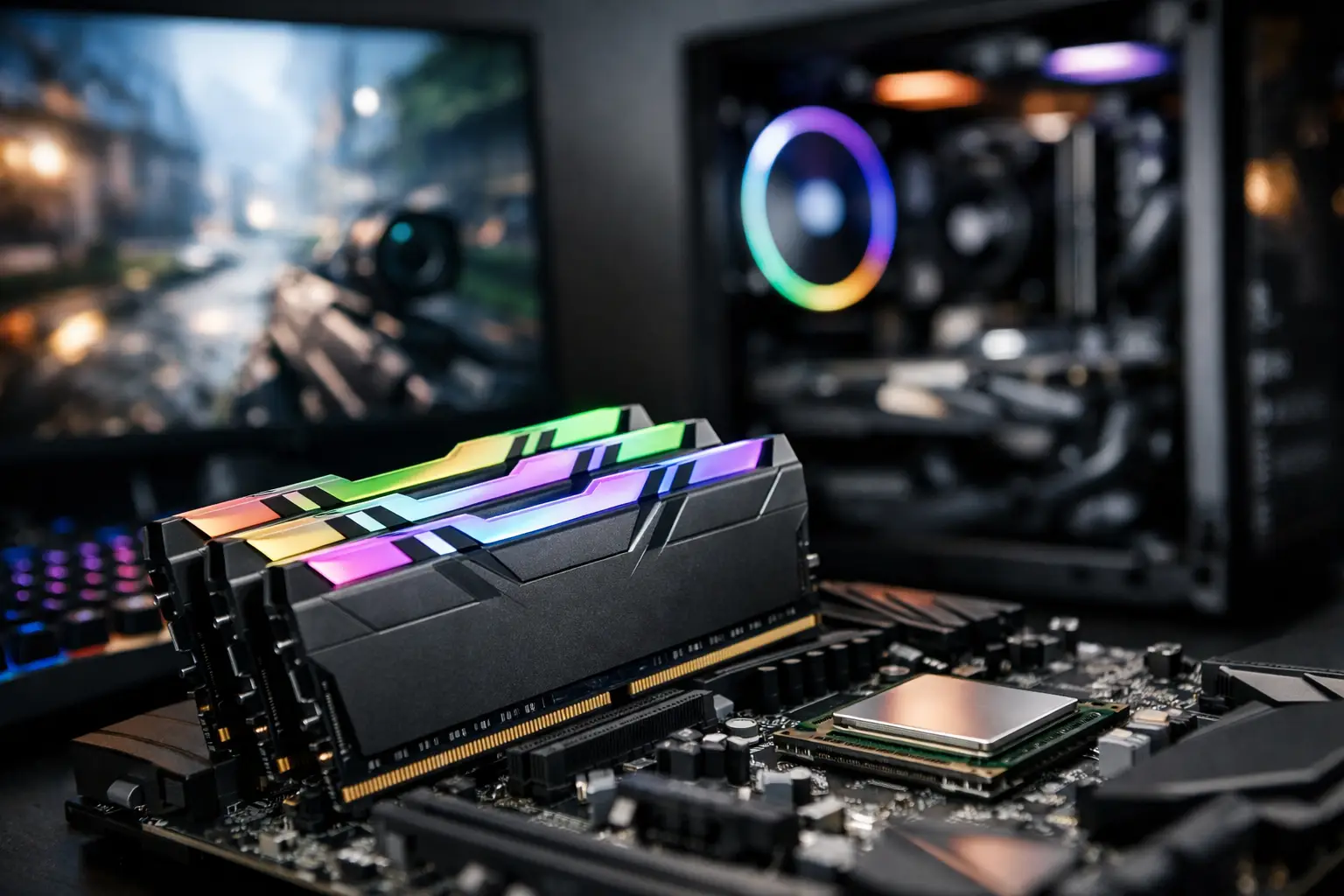
If you're building a new specification or upgrading an existing computer, the question of how much memory you need for a gaming PC directly impacts performance, price, and system longevity. It's not just a matter of "how much is better," but rather about ensuring compatibility with resolution, game types, processor, graphics card, and additional uses like Discord, browsers, streaming, or recording.
How Much Memory is Needed for a Gaming PC in 2025
In most cases, 16GB of RAM remains the standard starting point for a modern gaming PC. This amount is suitable for most gamers playing at 1080p or 1440p while running the operating system in the background and keeping a few basic applications open. If your goal is to game smoothly without overspending, this is generally the best balance.
32GB of RAM is ideal for those who want a more comfortable workspace. This is especially relevant if you're running heavy games, using mods, opening many tabs in your browser, streaming, recording, or gaming while other programs are active in the background. It also offers more peace of mind for the long term, particularly in a gaming PC designed for several years ahead.
64GB and above is no longer aimed at most gamers. This capacity is more suitable for creators, video editors, 3D users, developers, or those who combine gaming with professional workloads. In terms of gaming, you typically won’t see a real return on investment for this capacity.
When is 16GB Enough and When is it Limiting?
If you're playing eSports games like Valorant, Counter-Strike 2, League of Legends, Fortnite, or Rocket League, 16GB is usually sufficient. This also applies to most new AAA games as long as you're not running too many background applications; this amount will provide a very good gaming experience.
The problem arises when usage patterns are broader. For instance, if you're playing Call of Duty, Cyberpunk 2077, Starfield, or Hogwarts Legacy while also running Discord, Chrome, game launchers, recording software, and maybe even streaming in the background, then 16GB can start to feel tight. You may not always experience a sharp drop in FPS, but you might encounter less stable load times, minor stutters during scene transitions, or an overall feeling of system strain.
This means that while 16GB is not "too little," it is also no longer the automatic choice for every user. If someone is buying a new computer and wants peace of mind for the coming years, seriously considering upgrading to 32GB is advisable if the budget allows.
Why 32GB is Becoming the Most Recommended Choice
In terms of cost versus benefits, 32GB has become one of the most sensible upgrades for a mid-range or advanced gaming PC in the current market. Not because every game requires it now, but because it provides actual room for operation. Instead of operating close to the limit, the computer runs more calmly under load.
This is especially evident in multitasking scenarios. Many gamers don’t just run a game. They're connected to Discord, opening guides or maps in the browser, running Spotify, using OBS, and sometimes having a second screen with more applications open. In such a scenario, 32GB no longer feels like a luxury, but rather a wise choice.
There’s also a future upgrade aspect. If you’re already investing in a strong CPU, a current graphics card, and a fast SSD storage, it makes sense not to create a bottleneck specifically with memory. For many buyers, 32GB represents the most balanced specification—it's not too expensive, not excessive, and less likely that you'll need to revisit it again anytime soon.
How Much Memory is Needed for Gaming with Streaming or Content Creation
Here, the answer clearly leans towards 32GB. If you're both gaming and streaming, recording video, editing clips, or working with tools like Photoshop and Premiere between sessions, memory is a resource that gets consumed quickly. A system intended solely for gaming can manage with less, but a system designed for content needs flexibility.
Streaming, in particular, adds indirect load. Even if encoding is handled by the graphics card, there are other applications, layers, alerts, a chat browser, and background services running concurrently. Therefore, anyone wanting a computer that performs well for both gaming and advanced daily use will benefit more from 32GB than from excessive investment elsewhere.
Not Just Quantity—Speed and Memory Configuration Matter Too
Many buyers focus solely on gigabyte numbers, but memory has other parameters that affect the end result. The first is to work in a Dual Channel configuration. Ideally, it's generally better to choose two matching modules, such as 2x8GB or 2x16GB, instead of a single module. This improves memory bandwidth and can boost gaming performance.
The speed of the memory is also important, especially depending on the platform. In DDR4 systems, specifications like 3200MHz or 3600MHz are common, while in DDR5 you’ll see higher ranges. There’s no point in paying a premium for extreme numbers, but it’s advisable to choose a kit that matches your motherboard and CPU and not to settle for especially slow memory if you’re building a new computer.
Additionally, it’s vital to check compatibility. Not every motherboard supports every speed in the same way, and not every system will efficiently utilize mixed kits. For stability, it’s better to purchase a complete, uniform kit of the correct capacity rather than combining modules with different specifications.
How to Match Memory to Your Budget
In a gaming PC, memory is just part of the equation. If the budget is limited, it’s generally better to balance RAM, graphics card, and CPU effectively. A gamer who needs to choose between 32GB RAM with a weaker graphics card or 16GB RAM with a significantly better graphics card will typically get better gaming performance from the second option.
Therefore, in entry-level and mid-range specifications, 16GB is still a smart solution. It leaves more budget for components that usually have a greater impact on FPS. In contrast, in a mid-to-high specification, especially if there’s not a significant price gap, 32GB generally feels like a very justified upgrade.
This is precisely the decision point that should be made based on actual usage rather than slogans. Not every buyer needs "maximum." A wise buyer needs a balanced specification.
Common Mistakes When Choosing RAM for a Gaming PC
The first mistake is buying too little with the thought that it can always be upgraded later. Technically, that's true, but in practice, memory prices fluctuate, stocks change, and sometimes it can be difficult to find exactly the same kit later. If you already know that the computer will also serve for streaming, mods, or heavy usage, it's better to choose wisely from the start.
The second mistake is paying too much for capacity that's unnecessary. 64GB sounds impressive on paper, but for pure gaming, it's usually not an efficient choice. That money could go toward a better monitor, a larger SSD, or higher quality cooling.
The third mistake is ignoring overall balance. Fast and large memory won't compensate for a weak CPU or an unsuitable graphics card. A good gaming PC is built as a whole.
So, What Should You Actually Buy?
If you’re building a basic to mid-range gaming PC for popular games, 16GB in a 2x8GB configuration remains the correct and cost-effective standard. If you’re aiming for a new computer meant to last several years, play new games at high graphical settings, and perform well under multitasking, 32GB in a 2x16GB configuration is usually the most recommended choice.
If your use combines gaming with video editing, professional work, virtual machines, or heavy content creation, only then should you consider 64GB. Otherwise, it typically exceeds what is truly necessary.
On a site like TopMarket, where you can easily compare kits, speeds, memory generations, and configurations, the difference between making the right choice and overspending starts with accurately reading the specifications. Don’t just look for the highest number—seek real compatibility with your CPU, motherboard, budget, and the types of games you’re actually running.
If you’re torn between 16GB and 32GB, a simple rule of thumb works excellently: for gaming only, go with 16GB; for a gaming PC you want to enjoy without worrying about the next upgrade every month, 32GB is usually the right place to stop.

