

 Install the app
Network Storage for Small Businesses - How to Choose Wisely
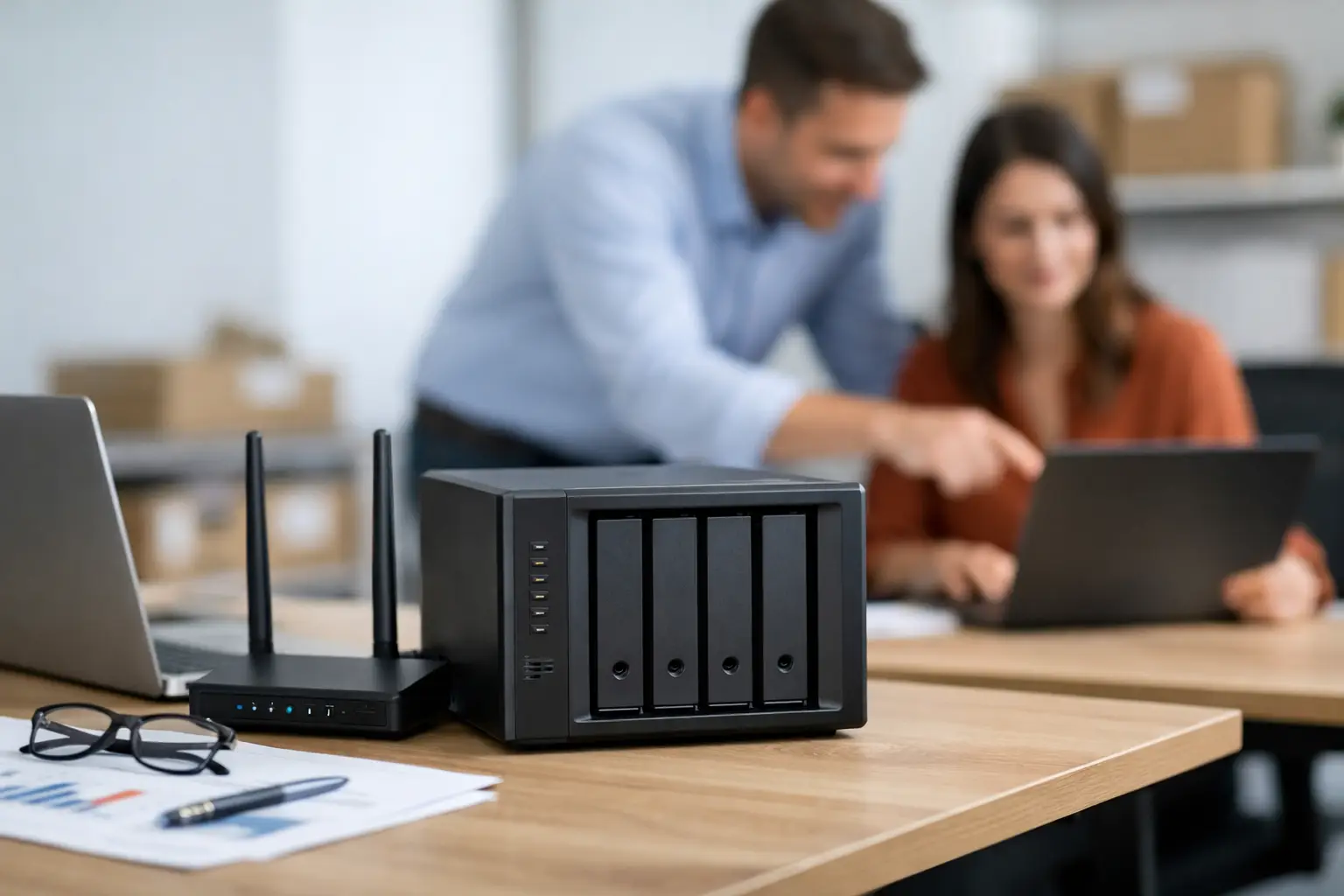
When a single computer in the office holds all the files, the problem doesn't start on a regular day – it begins when an employee can't find the correct version, when a disk fails, or when someone needs access to documents from home without a way to do so. Network storage for small businesses is designed to address this very issue: a central, accessible, and organized space for files, backups, and collaboration among multiple users without relying on a single computer.
Typically, a small business doesn't have an internal IT team, so the choice must be practical. You don't need an overly expensive enterprise system, but it's also not right to buy a weak home solution just because it's cheaper. The goal is to find a balance between capacity, reliability, speed, security, and overall cost over time.
What is Network Storage for Small Businesses and Who Is It For?
Network-attached storage (NAS) is a device that connects to the local network and allows multiple users to access the same files from different computers. Instead of storing documents, images, accounting files, or projects on separate computers, everything is centralized in one place with access permissions, backups, and better management.
This solution is suitable for small offices, shops, studios, clinics, service offices, businesses with hybrid work environments, and also for businesses that handle large files like graphics, videos, or blueprints. If you have several employees accessing the same files or if you already feel that your material is scattered among computers, external disks, and employees’ private clouds – it’s time to transition to a more organized structure.
How to Determine the Right Capacity Needed
One common mistake is to purchase based solely on today’s needs. A small business usually keeps Office documents, PDF files, invoices, product images, backups of computers, and sometimes even videos. Right now it might be 1TB or 2TB, but within a year or two, that number can increase significantly.
Therefore, it’s wise to calculate not just the current file volume, but also the growth rate. If you currently have 2TB of data and you’re adding hundreds of gigabytes every quarter, a system that is too small will hit its limit quickly. On the other hand, there's no need to inflate your budget unjustifiably. In most small businesses, a good starting point is a solution with room for expansion – for example, multiple drive bays that allow for the addition of drives in the future, rather than replacing the entire system.
It’s important to remember that gross capacity isn't the same as usable capacity. Once you define redundancy for data protection, part of the volume goes towards securing the data. This is a price worth paying, as storage without redundancy is a savings that can turn costly.
2-Bay or 4-Bay?
This is where practical considerations come into play. A device with 2 bays is suitable for very small businesses that want basic file sharing and backup at a lower budget. It is simpler, takes up less space, and often suffices for a small team.
However, if the business is growing, or if you are dealing with large files, 4 bays are usually the more flexible choice. You get more capacity options, easier future upgrades, and sometimes even better performance in managing loads. The initial price difference exists, but over time, it can save you from having to replace the entire system early.
If you’re undecided, ask a simple question: does the solution need to serve the business for just the next year, or for three to five years? For a forward-thinking business, 4 bays generally provide a healthier operational margin.
What Matters More – the Drives or the Enclosure?
Both are important, but for different reasons. The enclosure determines the system's capabilities: the number of bays, the processor, memory, network connection speeds, backup options, management interface, and additional applications. The drives determine the volume, reliability, and a large part of the actual performance.
Not all hard drives are suitable for continuous operation in a NAS environment. A small business should choose drives designed for 24/7 operation and multi-user systems. A cheap drive meant for home use might work, but the risk of wear, vibrations, performance degradation, or early failure is higher. In simple terms – if the NAS stores business data, don’t skimp on the component that holds the actual information.
SSDs are also considered today, but not always as the primary drive. In some cases, it makes sense to use mechanical drives for central storage and SSDs for caching or volumes that require high access speeds. It depends on the load, budget, and file types.
Network Performance – Where Does the Bottleneck Occur?
Many businesses assume that purchasing a NAS means everything will work quickly. In reality, speed also depends on the network itself. If the switch, cables, or network cards are only operating at basic speeds, you may not feel a significant improvement when working with large files.
For regular office use, a gigabit connection will often suffice. But if several employees access large files simultaneously, or if you're dealing with video, graphics, and heavy projects, it's worth considering hardware with faster network connections or at least options for future upgrades. It's also important to remember that the NAS is not isolated from its environment – if the computers are outdated and the network is basic, even a good storage system will be limited.
Security and Permissions – More Than Just a Password
Network storage for small businesses needs to be user-friendly, but also controlled. Not every employee should see every folder, not every user should have deletion permissions, and not every remote access should be open without an additional layer of protection. A good system will allow you to define users, groups, and permissions based on roles.
Additionally, look for support for two-factor authentication, alerts for unusual events, encryption where necessary, and regular software updates. These aren’t just unnecessary extras. In a small business, especially because there's often no internal security officer, it's crucial to choose a straightforward management system with basic protection mechanisms that work well.
Backup – NAS is Not a Backup by Itself
This is one of the most common misconceptions. The fact that files are sitting on network storage does not mean they are backed up. If there's deletion, ransomware, widespread hardware failure, physical damage, or user error – data can still be lost.
That’s why it’s essential to build a separate backup layer. You can back up to another device, an external drive, a remote destination, or a combination of several methods. For a small business, automatic backup is more crucial than a planned manual backup. If the process requires manual intervention, it tends to be forgotten until the moment you need it.
File versions are also an important factor. The ability to revert to a previous version of a document or restore a deleted folder is worth a lot in real time. This is especially relevant when multiple people are working on the same files.
Remote Work and Synchronization
Small businesses no longer operate from just one office. There are employees working from home, on-site, with clients, or across branches. Therefore, modern NAS solutions need to provide secure remote access, and not just be a box sitting next to the router.
Here, it’s essential to check how user-friendly the management system is, whether there are applications for computers and mobile devices, how folder synchronization works, and if external access can be set up without a complex technical project. On the other hand, if the business doesn’t actually work remotely, there’s no reason to pay extra for features that won’t be utilized.
How to Tailor the System to the Type of Business
Not all small businesses need the same solution. A law or accounting firm would focus on organization, permissions, and reliable backups. A design studio would seek more capacity and performance for large files. An online store would need space for images, supplier documents, export reports, and backup of work computers. A clinic would give high importance to privacy and organized access management.
Therefore, the right choice starts with understanding the usage patterns, not just the brand name. How many users are working simultaneously, what types of files are stored, how critical is the information, and is there an expectation for growth? Only after understanding this, does the technical specification become a real decision-making tool rather than just a list of terms.
When Not to Choose the Cheapest Solution
Price gaps in this category can be significant, and it's tempting. However, in business, a low entry price doesn't always mean a good deal. An overly weak system can lead to limited performance, fewer backup options, early expansion limits, or less convenient management. The initial savings could quickly turn into operational costs.
At the same time, there’s no need to jump straight to an expensive specification if it’s a small team with basic needs. The smart choice is neither the cheapest nor the most robust option - but the most suitable one. This is typically the choice that combines reliability, warranty, up-to-date hardware, and the capacity to grow without replacing everything quickly.
What to Check Before Purchase
Before deciding, make sure you know exactly what you’re getting: does the system come without disks or with disks, what is the warranty period, what expansion options are available, is there backup support for Windows and Mac computers, what are the speeds of the network connections, how much memory is installed, and is the management interface suitable for daily operation?
It’s also wise to look at the total cost, not just the price of the enclosure. Drives, additional backups, a suitable network switch, and even a UPS can all be part of the picture. Anyone who calculates the full package upfront makes a better business decision with fewer surprises after the purchase.
If you’re considering network storage for a small business, look for a solution that provides control, stability, and a logical growth path – not just capacity on paper. A good system should support the work, not create additional maintenance. Once the files are organized, backed up, and accessible to those who need them, the business operates faster and with much less reliance on improvisation.
- How to Choose a Wireless Network for a Retail Store?
- Smart Homes That Truly Fit Your Home and Budge
- <h1>Case Study: An Office Computer Upgrade That Saved Time and Money</h1>
- Recommended Gaming Mice for Large Hands: How to Choose the Right One
- When to Repair or Replace Your Computer Monitor: A Repair Shop’s Guide

