

 Install the app
Recommended Gaming Computer for Home - How to Choose Wisely
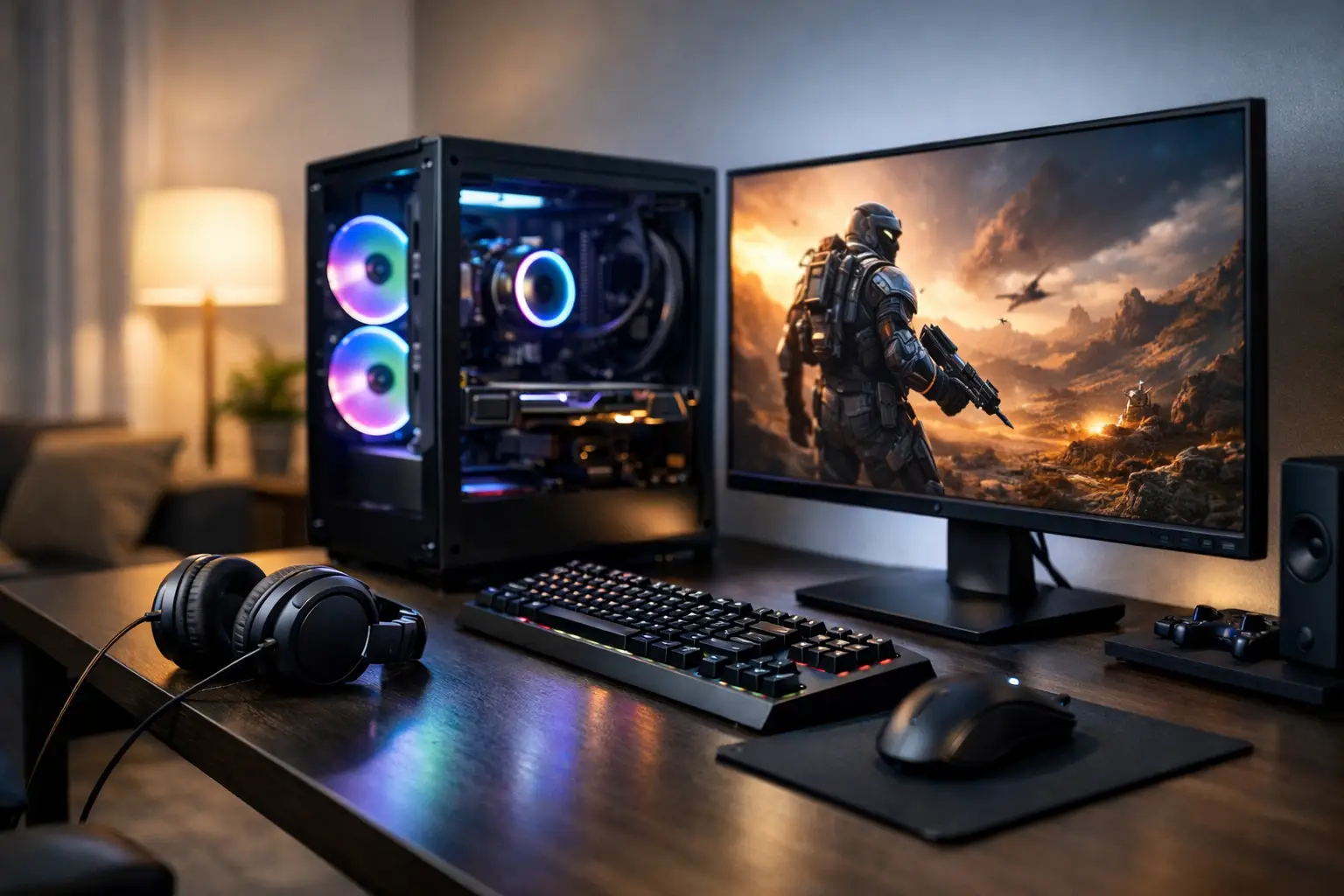
When searching for a recommended gaming computer for home use, a common mistake is to focus solely on the graphics card. In reality, a home gaming PC needs to be suitable not only for the games you’re currently playing but also for the monitor in the room, the noise the computer generates, the space available on your desk, and whether you plan to upgrade it in the next year or two. The right choice begins with a simple understanding: not every powerful computer is necessarily the right one for home use.
What You Really Need from a Gaming Computer for Home
A gaming computer for the living room, home office, or kids' room isn't measured solely by FPS (frames per second). There are additional considerations at home: power consumption, airflow in the case, noise level, connections for monitors and peripherals, and also long-term reliability. Someone who plays Fortnite, EA Sports FC, or Call of Duty a few times a week doesn't necessarily need the same specs as someone wanting to run new AAA titles at 1440p with high settings.
This is where the importance of precise matching comes in. Overly expensive specs are a waste, but specs that are too weak will lead to compromises from the very first moment. A smart purchase checks the combination of the CPU, GPU, RAM, storage, and power supply—not choosing a particularly strong component at the expense of the others.
Recommended Gaming Computers for Home Based on Usage Level
For Basic and Competitive Gaming
If the primary use is for eSports and relatively light games, you can get by with a balanced setup featuring a modern mid-range CPU, 16GB RAM, and an entry to mid-level graphics card. This is a good solution for someone playing at Full HD resolution who wants solid performance without exceeding their budget. In such cases, it's also wise to invest in a suitable monitor with a high refresh rate, as it will impact the gaming experience just as much as the difference between two close cards in the catalog.
For Advanced Gaming at 1440p Resolution
This is the area where most private buyers are currently looking for the best value. A computer like this needs a strong enough CPU to avoid bottlenecking the GPU, at least 16GB RAM—ideally 32GB for those who keep many applications open or want room for the years ahead—and a graphics card truly meant for 1440p. At this level, it's also crucial to check for quality cooling and a reliable power supply, as the workloads are higher and the computer should run stably over time.
For Heavy Gaming, Streaming, and Mixed Use
For those looking for a home computer that runs heavy games, streams, records, and works with editing software, it’s time to step up a notch. In this case, looking only at gaming performance is not enough. The number of cores in the CPU, the amount of RAM, the speed of storage, and the system's ability to handle dual loads all matter. This is also where it's worth checking if the case provides good airflow and if the cooling is suited for a truly strong system.
The Components That Make a Difference
Graphics Card
In most gaming systems, this is the component that most influences game performance. However, its value depends on the monitor. If you’re playing on a basic Full HD 60Hz, paying for a highly advanced graphics card that won’t be fully utilized may not be worth it. Conversely, on a 144Hz or 165Hz monitor at 1440p resolution, there is justification for a stronger card.
The important point is compatibility, not maximums. A card that is too powerful paired with a weak CPU or a low-quality power supply will create a less balanced and less worthwhile system.
CPU
Some people underestimate its importance when buying a gaming computer, but it’s a critical component. In competitive games, streaming, and multitasking, the CPU can make the difference between a smooth system and one that feels bogged down. In most cases, a new generation mid-range to high-end processor will perform better than an older high-end CPU or a budget one with a strong graphics card.
RAM
Today, 16GB is considered a reasonable base for a home gaming computer. Those who want a system that will serve them well over time or run a browser, Discord, background applications, and recording tools simultaneously will benefit from 32GB. It may not always dramatically increase FPS, but it improves stability and day-to-day workflow comfort.
Storage
A fast SSD is no longer an option—it’s a necessity. Load times, game installations, updates, and system responsiveness are all affected by it. For a home computer, it's recommended to start with at least a capacity that allows for both the operating system and a few large games without immediately running out of space. If you have a large game library, you’ll likely want a larger drive from the start rather than adding one shortly thereafter.
Power Supply and Cooling
These are two components that can easily be overlooked when comparing prices, but they directly impact the reliability of the computer. A quality power supply provides stability and peace of mind, while proper cooling helps maintain performance over time. At home, especially if the computer is in a bedroom or a small workspace, noise level matters too. A powerful and overly noisy computer is not necessarily a good purchase.
How to Match the Computer to Your Monitor and Existing Equipment
One of the important checks before purchasing is what you already have at home. If you have a basic Full HD monitor, the right upgrade might be a balanced computer paired with a new monitor, rather than just a more powerful tower. If you already have a quality gaming monitor, make sure the specs can actually take advantage of it.
It's also worth checking connections—number of display outputs, USB ports for peripherals, wireless communication if needed, and a stable network connection for online gaming—these details affect daily use. A computer that looks strong on paper but lacks the necessary connections will create a less comfortable user experience.
Ready-Made Computer or Custom Build
For most home customers, a ready-made gaming computer with a clear specification, organized warranty, and quick availability is a very efficient solution. It saves time, reduces the risk of component incompatibility, and simplifies performance and budget comparisons. This is especially suitable for those who want to buy and start gaming without entering the world of motherboard compatibility, memory types, and cooling versions.
On the other hand, those who know exactly what they need, or prefer a specific component, may benefit from a custom build. In this case, it’s important not only to check the final price but also the warranty period, quality of assembly, and balance of the system. A specification that appears aggressive in the graphics card line might actually cut corners in the power supply, motherboard, or cooling.
Common Mistakes When Buying a Recommended Gaming Computer for Home
The first mistake is purchasing based solely on the model name. Two computers with the same graphics card can vary greatly in cooling quality, memory, storage, and upgrade potential.
The second mistake is exceeding the budget based on a general promise of "more powerful." If your use is Full HD and competitive gaming, the financial gap may hardly reflect in the user experience.
The third mistake is ignoring the near future. You don't need to build an excessive computer for ten years, but you should consider whether you want to add memory, expand storage, or upgrade to a more advanced monitor. A system with a solid foundation will allow for these changes without having to replace everything.
What to Check on the Product Page Before Deciding
On the product page itself, don’t stop at just the case image and promotional line. It's crucial to check the CPU model, graphics card model, RAM capacity and speed, type and size of storage, wattage, cooling system, operating system if included, and warranty conditions. These details reveal whether it’s a good deal or just a spec that looks impressive on the surface.
It’s also worth comparing between several adjacent price levels. Sometimes a small addition provides a significant performance boost, while a large price difference may offer only a minor improvement. A smart purchase isn’t necessarily the cheapest; it’s the one that offers a good ratio of price, performance, and reliability.
In a broad category like TopMarket, the advantage is the ability to compare specifications, brands, and performance levels all in one place, allowing you to choose a system that fits your home rather than just a data table.
So, What is a Recommended Gaming Computer for Home?
The exact answer depends on your budget, monitor, and types of games you play, but almost always the right choice will be a balanced system. Not the flashiest specification, but one that offers a suitable graphics card, updated CPU, fast SSD, sufficient RAM, proper cooling, and future upgrade options. When all the components work well together, you get a computer that provides real value rather than just good numbers in an ad.
If you’re about to make a purchase, it’s best to choose a computer that suits your actual routine at home—how much you play, on what monitor, and at what performance level you’ll truly feel the difference.
- Smart Homes That Truly Fit Your Home and Budge
- <h1>Case Study: An Office Computer Upgrade That Saved Time and Money</h1>
- Recommended Gaming Mice for Large Hands: How to Choose the Right One
- When to Repair or Replace Your Computer Monitor: A Repair Shop’s Guide
- Video Editing Computer Buying Guide by Budge

